Simple watermark indicator – need help Nic

Viewing 3 posts - 1 through 3 (of 3 total)
  • Author
    Posts
  • #44659 quote
    Dimi.A
    Participant
    Average

    Dear Nic,

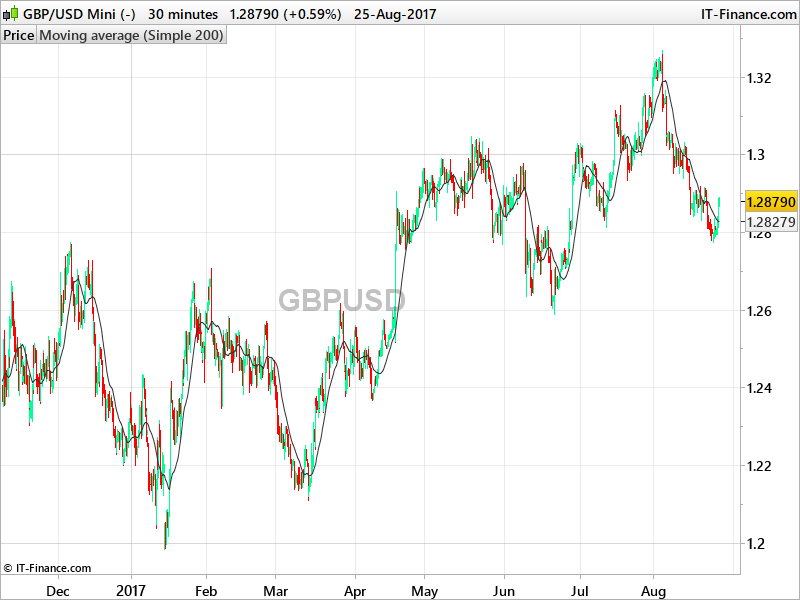
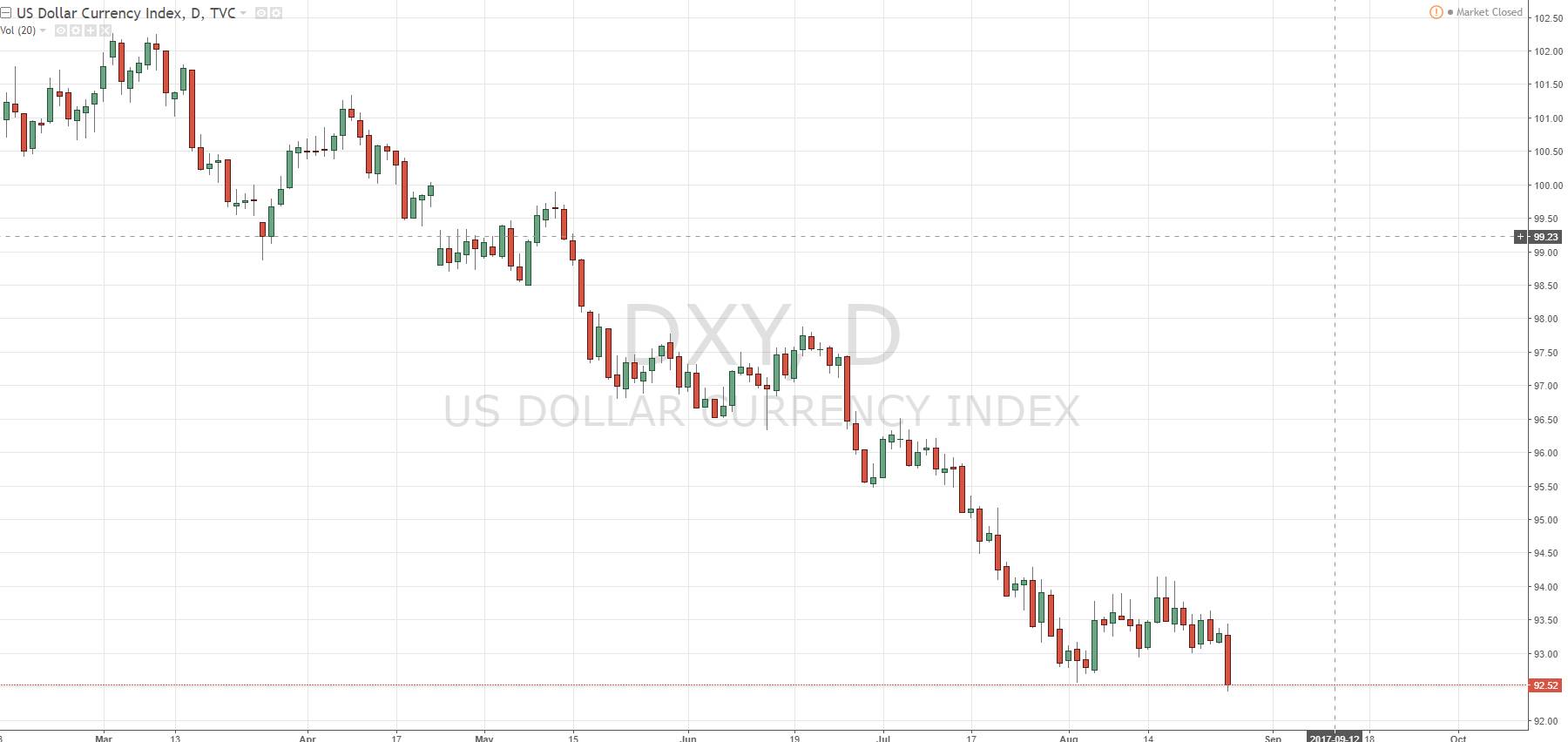
    I’m asking if you could please help create a simple watermark indicator that displays the name/pair being traded just like on Tradingview.
    It would really help with multiple charts from a glance.
    I tried to just use “Anchored Text” but I can’t chose a large enough size with the font.

    I have an MQL4 code which creates the watermark in MT4 but I’m unsure on where to start with Prorealcode.

    #44704 quote
    Nicolas
    Keymaster
    Master

    This is a rough idea, but it will not work as expect:

    defparam drawonlastbaronly=true
    
    middle = (highest[barindex](high)+lowest[barindex](low))/2
    
    drawtext("GBPUSD",round(barindex/2),middle,Dialog,Bold,30) coloured(100,100,100,100)
    
    return

    Vertical and horizontal axis are not in pixels, but in barindex/price and while we know how much bars are loaded, we can’t know how much of them are actually displayed on the screen. In this example, I’m displaying the instrument name (which cannot be retrieved automatically, so you’ll have to write it in the code) at the middle of loaded history (X coordinate) and at the average price detected for that price history (Y coordinate).

    The biggest font height is 30, so It could be narrowed on a wide area of price like in my test.

    Dimi.A thanked this post
    #44740 quote
    Dimi.A
    Participant
    Average

    Thanks Nic, really appreciate the help 🙂

Viewing 3 posts - 1 through 3 (of 3 total)

  • You must be logged in to reply to this topic.

Simple watermark indicator – need help Nic


ProBuilder: Indicators & Custom Tools

New Reply
Author
author-avatar
Dimi.A @dimi-a Participant
Summary

This topic contains 2 replies,
has 2 voices, and was last updated by Dimi.A

8 years, 5 months ago.

Topic Details
Forum: ProBuilder: Indicators & Custom Tools
Language: English
Started: 08/26/2017
Status: Active
Attachments: 3 files
Logo Logo
Loading...