Thanks Nicolas.
What you posted is exactly what I was after. Bravo!
Nicolas,
One question please on what you provided –
Is it possible to amend the code to have a line along the highest and lowest point of the session rather than the increments?
I like the idea of having both these modes with the indicator if possible – your mode and then just a level across the highest point of session and a level marking the lowest point of the session.
Thanks in advance for any info on this.
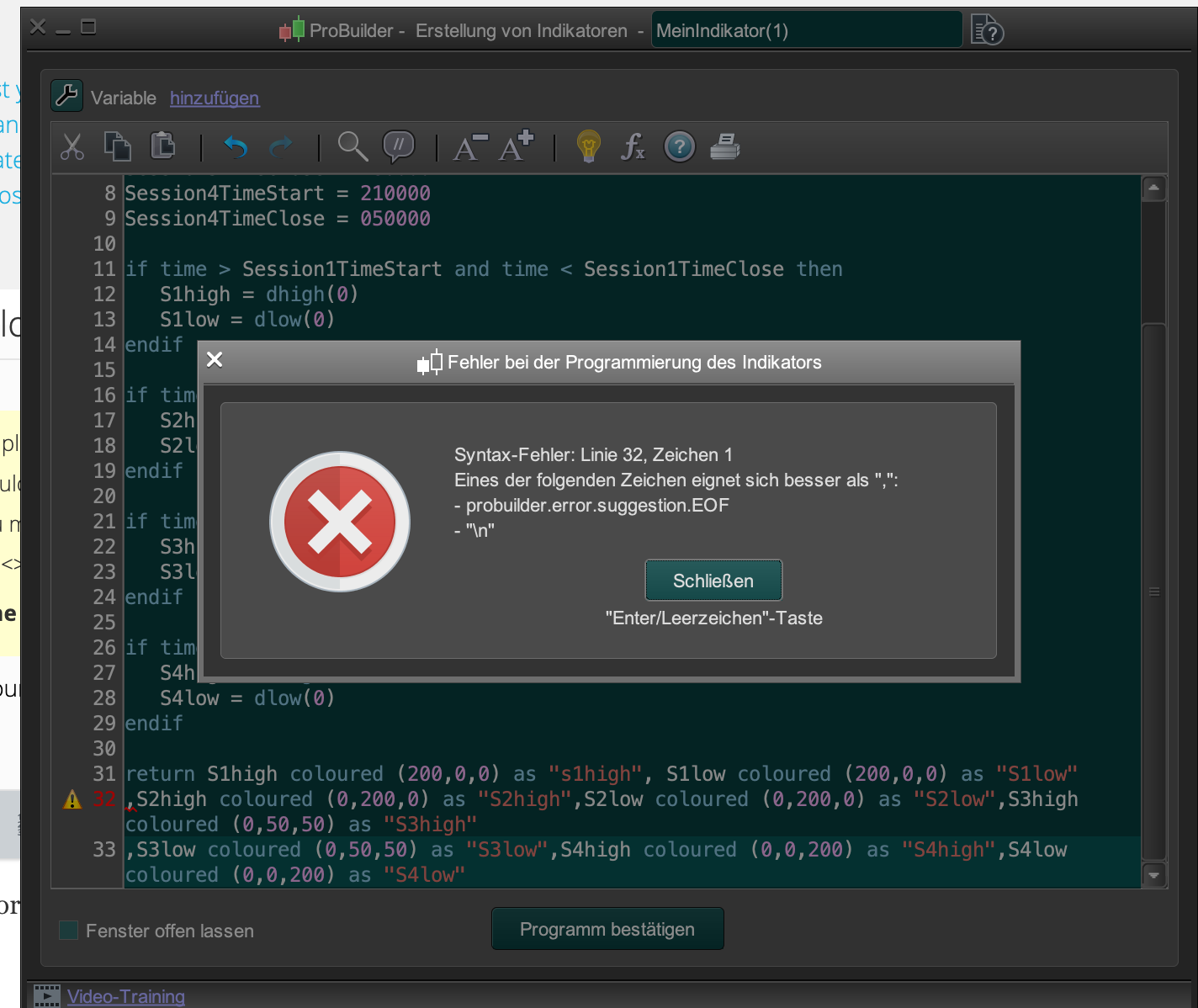
i´d loved to have this indikator, but it´s not working. error in row 32
is there any help available pls
Yes, lines 32 and 32 must NOT be there. They shall be a continuation of line 31.
´ve put line 32 and 33 in a following 31 and still doesn´t work.
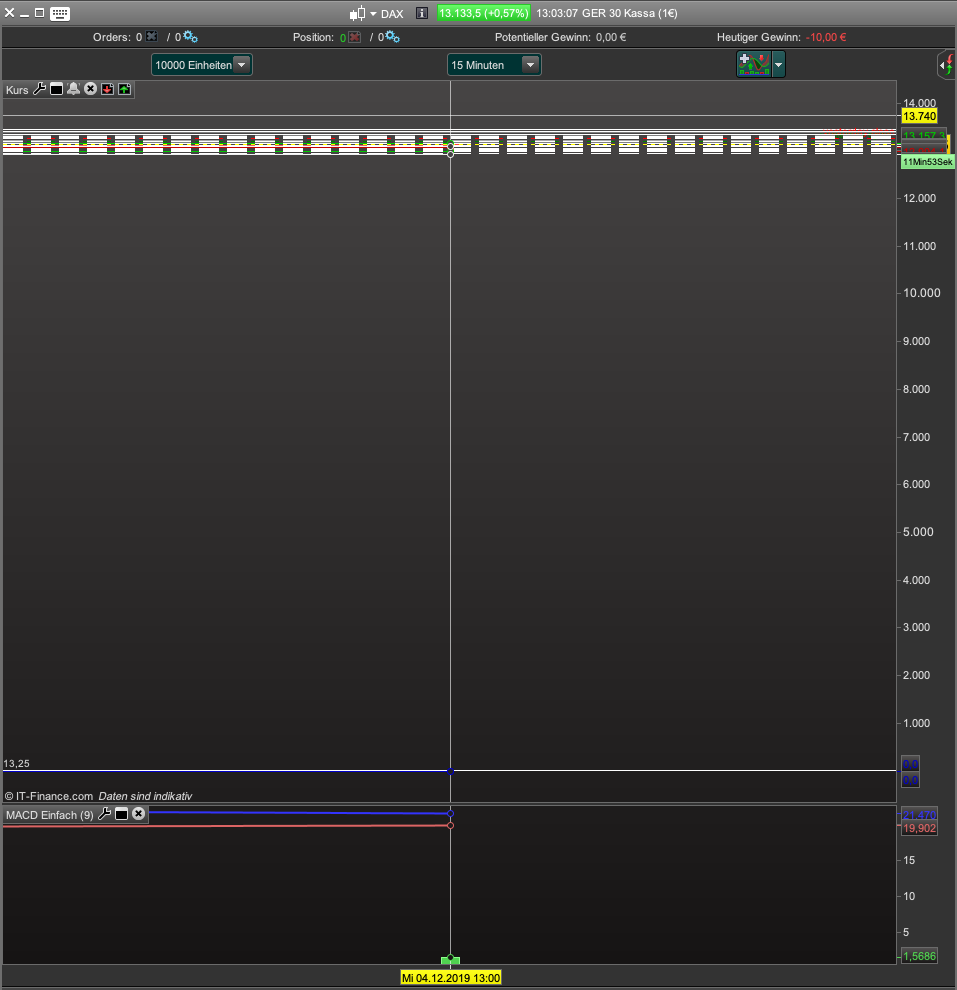
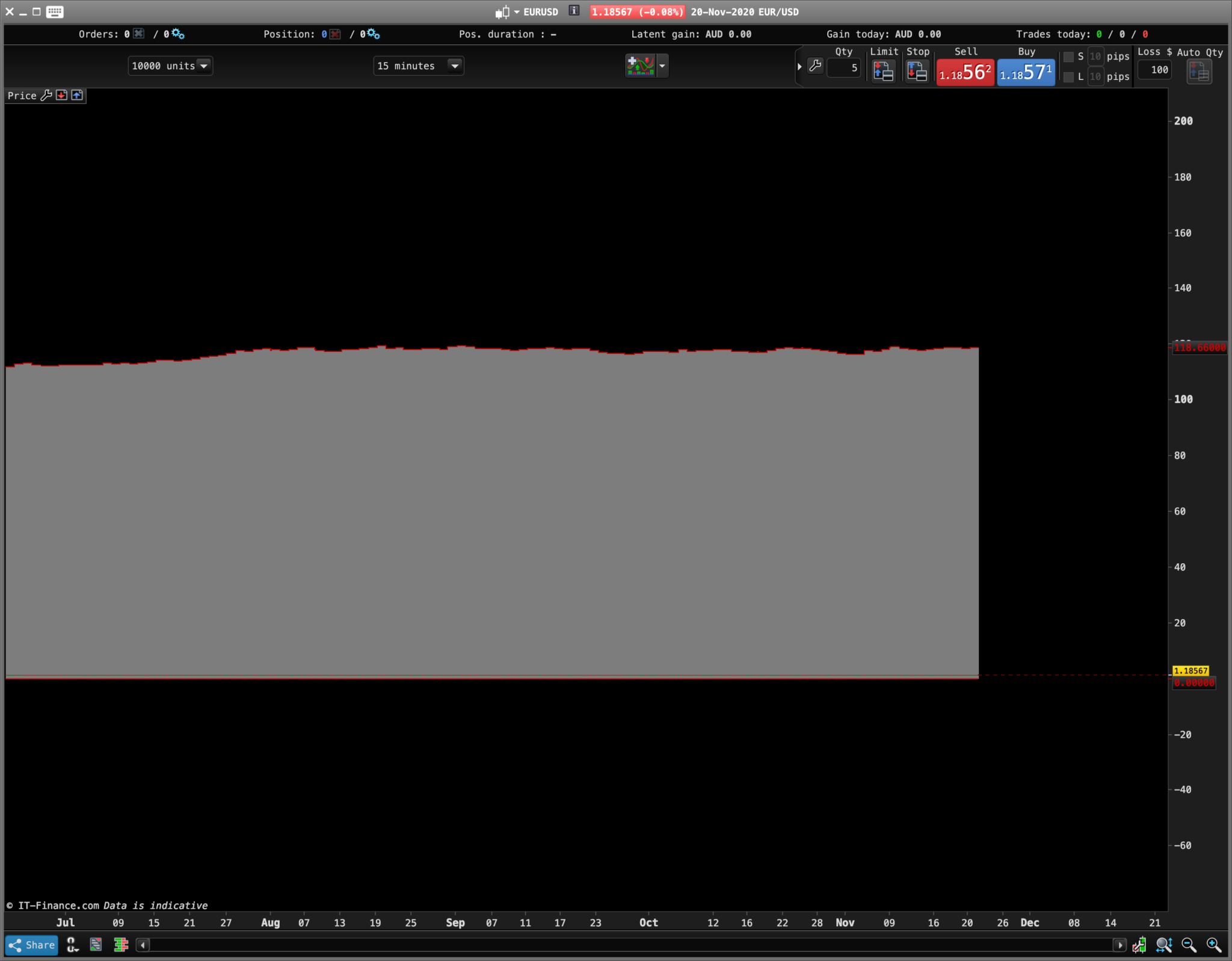
looks like in the attachment
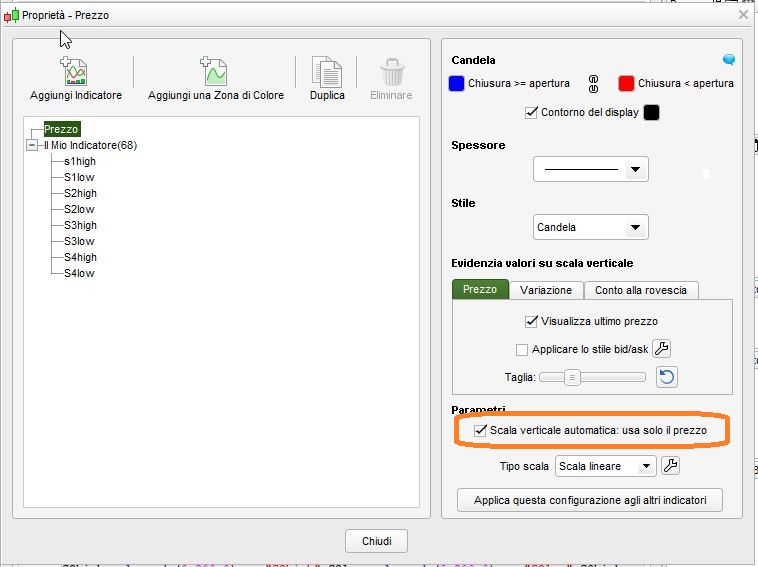
On the price chart options tick the scaling box.
@
holger weigt
>> Please update your country flag in your profile. Thank you 🙂 << 🙂
thank you. i see it now 😀😀
Hi Nicolas,
I’ve pasted this code in as a new indicator, however it pops up as a new pane, how do I get the Colorband like your attachment shows?
Session1TimeStart = 060000
Session1TimeClose = 100000
if intradaybarindex=0 then
S1low=Dopen(0)
S1high=Dopen(0)
endif
if time > Session1TimeStart and time < Session1TimeClose then
S1high= MAX(S1high,high)
S1low= MIN(S1low,low)
else
S1high= 0
S1low= Dopen(0)*100
endif
RETURN S1high coloured (200,0,0) as "s1high", S1low coloured (200,0,0) as "S1low"
Kind regards
Horizon_Edge – Add the new indicator via the wrench/spanner in the corner of the price chart.
Please follow forum rules and use the ‘Insert PRT Code’ button when posting code in the forums. Do not cut and paste it directly into your post. We like to keep a tidy forum so I will tidy up your post for you.
Thanks I did know that rule.
Code won’t work for me, ill start a new post