Long-shot, but when you import … are you clicking on ‘replace’ (as I did) on the Indicator ss that I show above?
Yes clicked replace and also tried the other way.
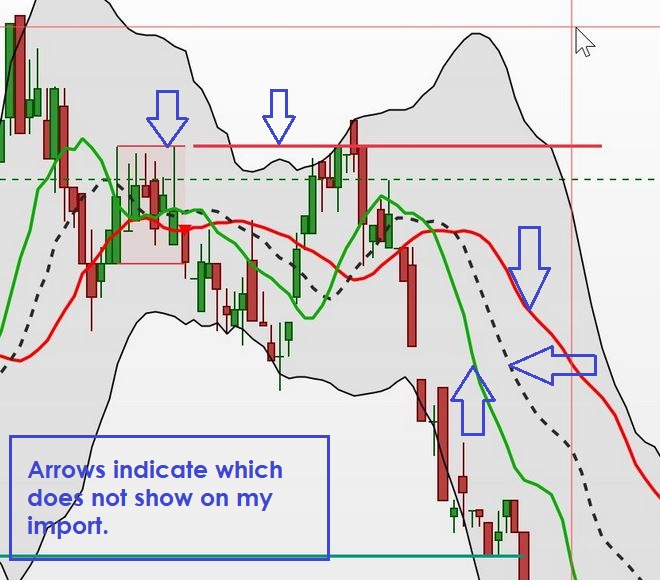
it does not show all the detail.
Can you expand / elaborate on what does not show … it might spark an idea in someone’s mind reading this?
See att image.
Can you export the workspace I sent you that you made screenshots from.
Save under different name so can see what comes up on my screen.
The image shows a few things I’m missing (which I can recognise)
I can’t remember all the detail/layout exactly what it looked like before.
With some patience and fine tuning I got the layout needed.
Just strange the restore did not include the original layout.
Thank you for you help
Save under different name
It’s attached if you should need it.
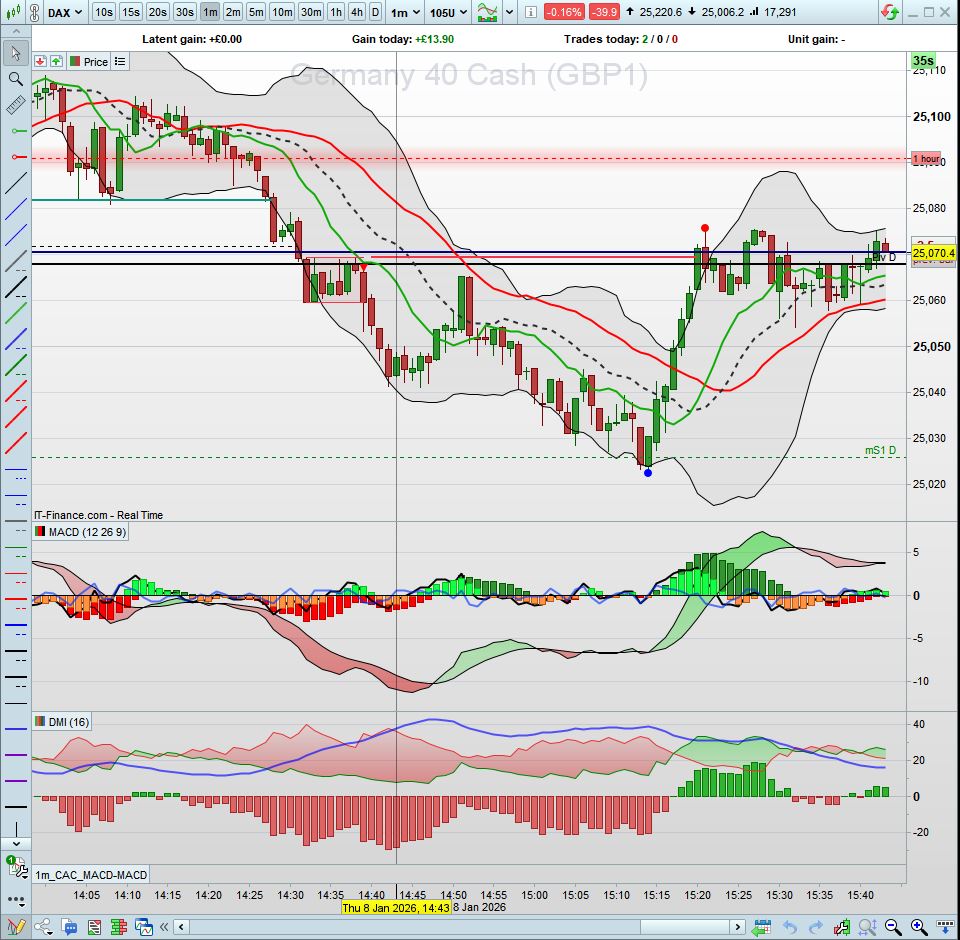
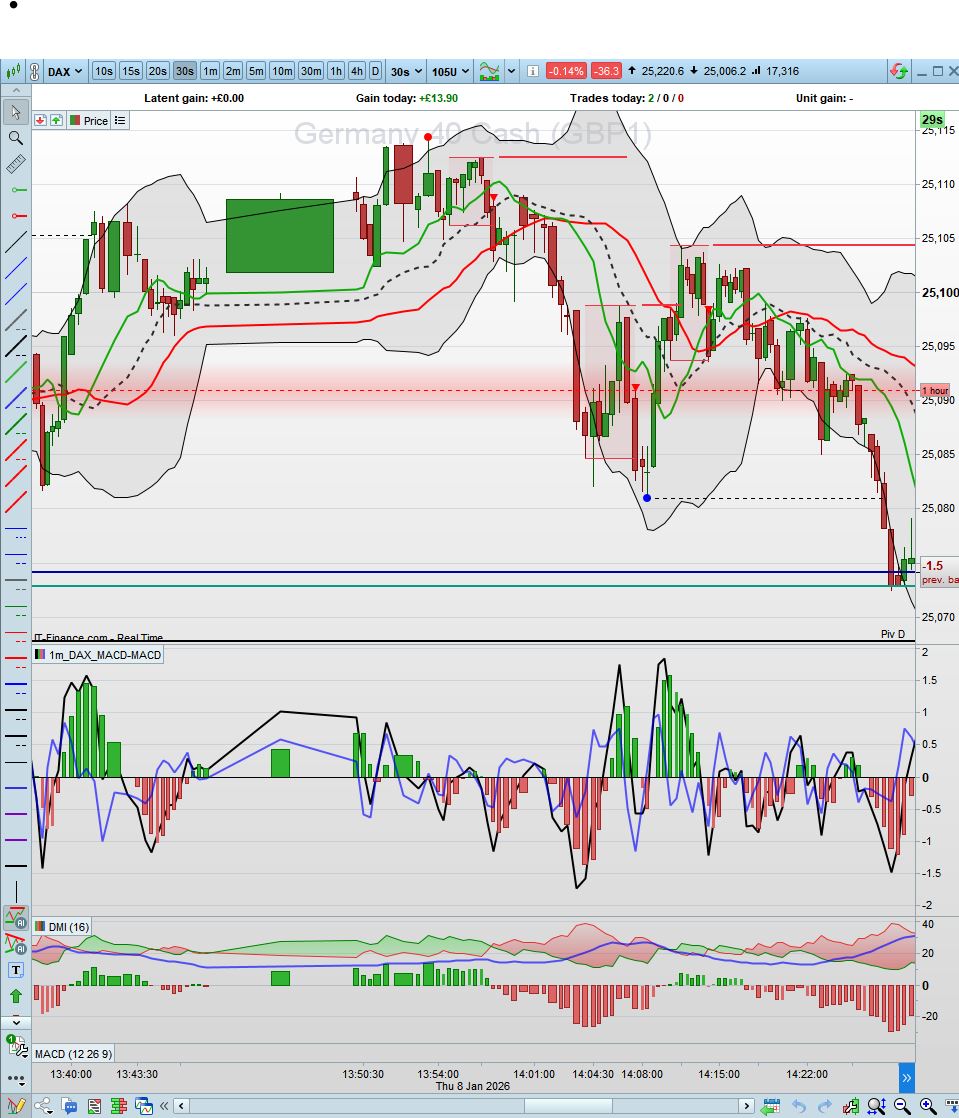
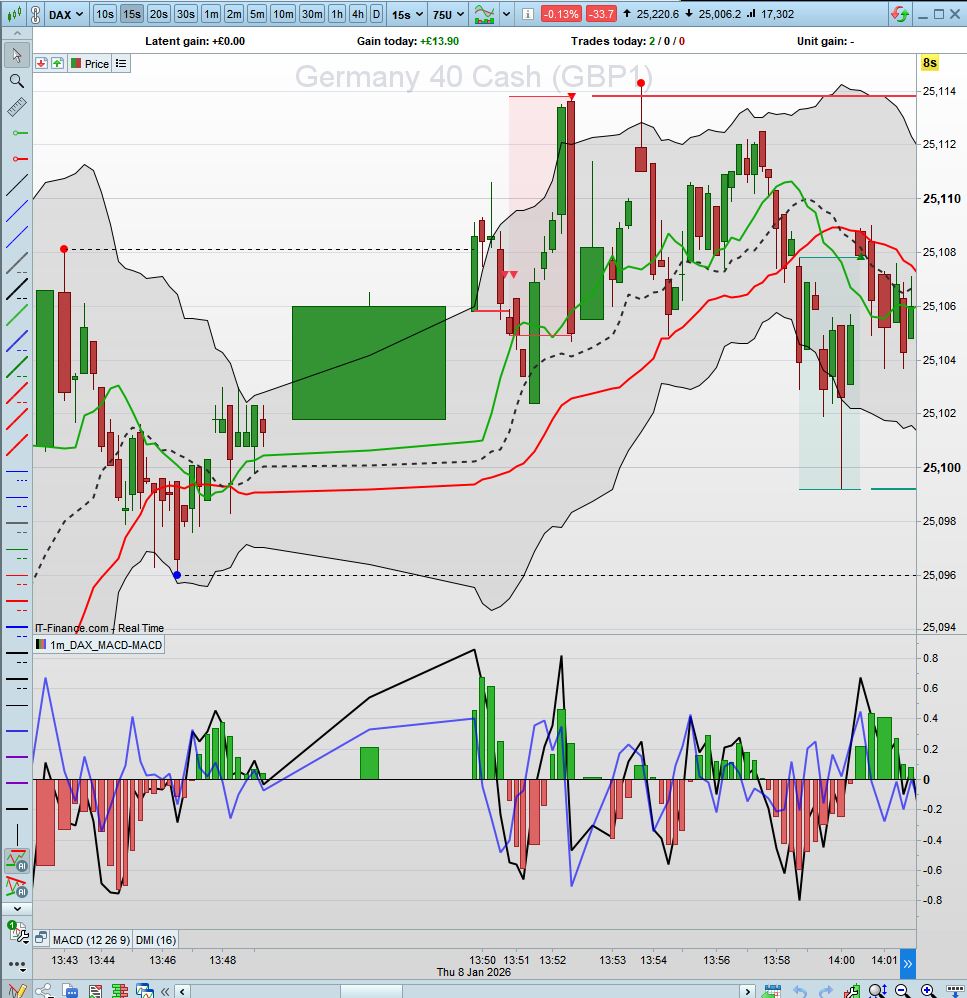
Eventually got back to my default preferred layout.
1min – 30Sec – 15sec layouts.
I use 3 screens. 2 large ones for 1min+30sec timeframes and small screen for 15sec timeframe. Obviously change the timeframes to longer times to have better idea of the general market trend etc.
But, when I save the layout and then import the same saved layout it resets to layout that does not include all the settings of the saved layout. Grrr.!!!!
does not include all the settings
Name 1 or 2 Settings that do not export then import correctly … maybe there is a good reason somebody knows of??
Also if I know what I am looking for, I can try on my Platform.