Restore corrupted PRT
Forums › ProRealTime English forum › ProRealTime platform support › Restore corrupted PRT

- This topic has 17 replies, 3 voices, and was last updated 4 minutes ago by
GraHal.
-
-
01/06/2026 at 12:32 PM #255001
For some unknown reason my PRT charts does not show the layout it was set to. The layout now changed and not showing all the layout that was there.
Running Windows 10I tried the following: (but no luck)
I deleted all Temp files.
Uninstalled PRT – deleted the folder – Reinstalled PRT
Cleared the Registry of any links.Importing any of my exported workspace does not restore the workspace as what was exported.
Deleted the current PRT folder and replaced it with a backup that was working. Even this does not restore the layout and detail I had.
Rebooted so many times etc. No luck.
Now I sit with an almost default PRT layoutDoes anybody here have any suggestions how to fix this PLEASE.
I don’t want to through the setup of setting up every chart etc again.Thank you.
01/06/2026 at 12:37 PM #255004For the next time : Regularly save your Workspace to another name. Use such a “backup” in case of emergency like this.
For now : Call PRT and ask them for a restore. This is such a hassle for them that they will advise not to do it. This in itself may help you – hence be prepared.
But better be prepared to set all again. I know, you will never want to do that but …1 user thanked author for this post.
01/06/2026 at 12:39 PM #25500501/06/2026 at 1:24 PM #255007Thanks you.
I have various workspaces saved. Each with it’s own file.
None of them wants to restore. Previously restoring a workspace worked but not today.01/06/2026 at 2:58 PM #25501101/06/2026 at 8:46 PM #25502601/07/2026 at 2:12 PM #255057No. Ver 12 running.
01/08/2026 at 9:40 AM #25509401/08/2026 at 10:15 AM #255095Will be interesting to see if you get the same results.
Will appreciate it if you can send screenshots of what you get.Attached 2 workspaces.
CAC + DAX
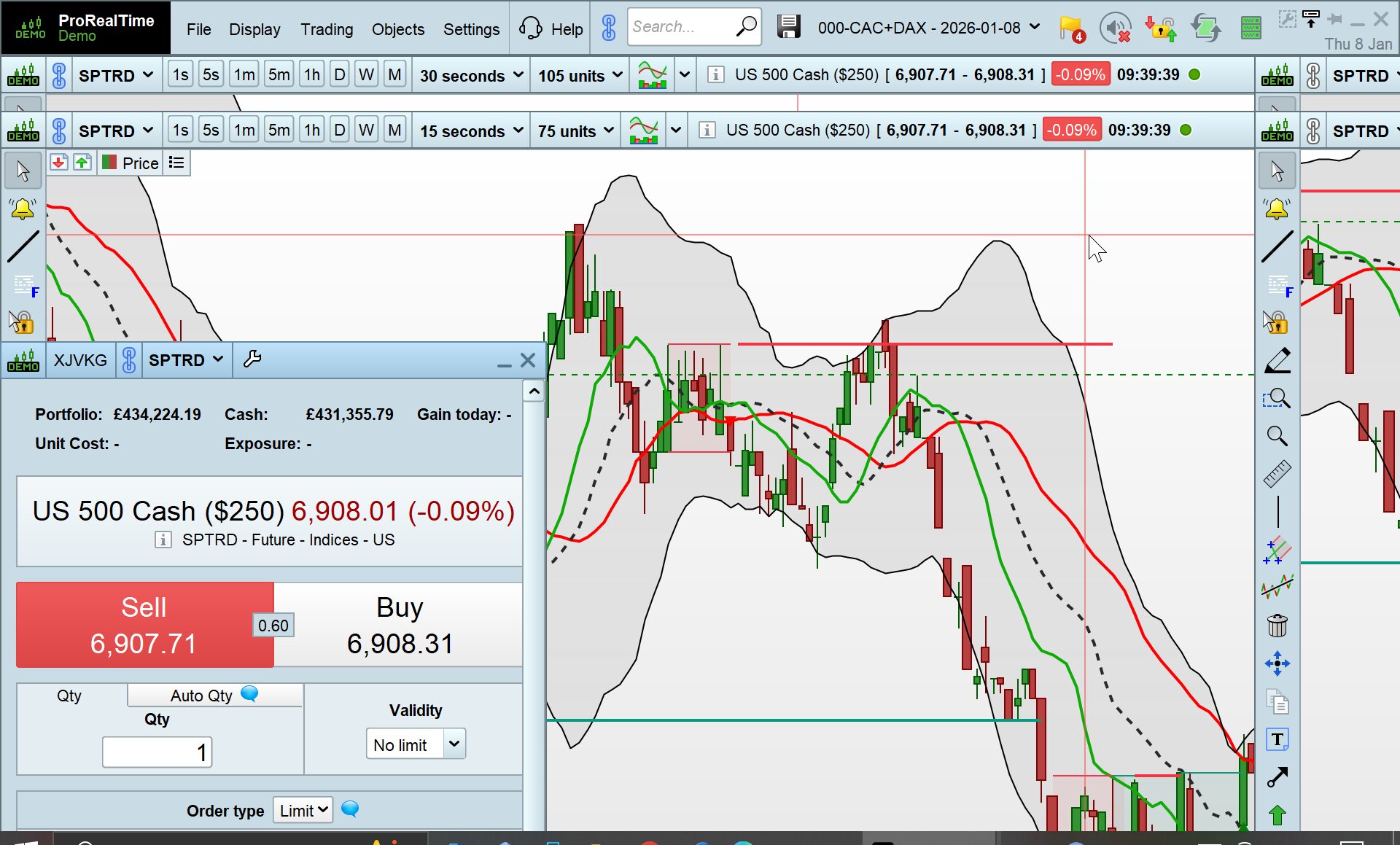
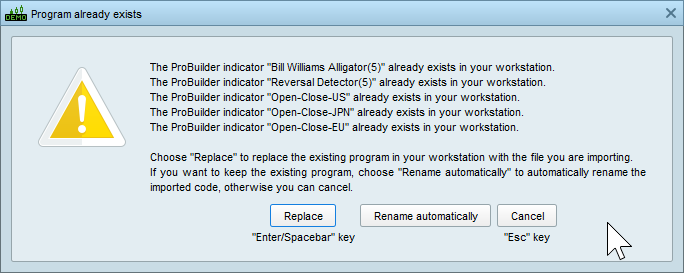
DJI + NASDAQPreviously saved workspace imports worked 100% but not now. The file gets imported without error but not all the detail/indicators/etc are there.
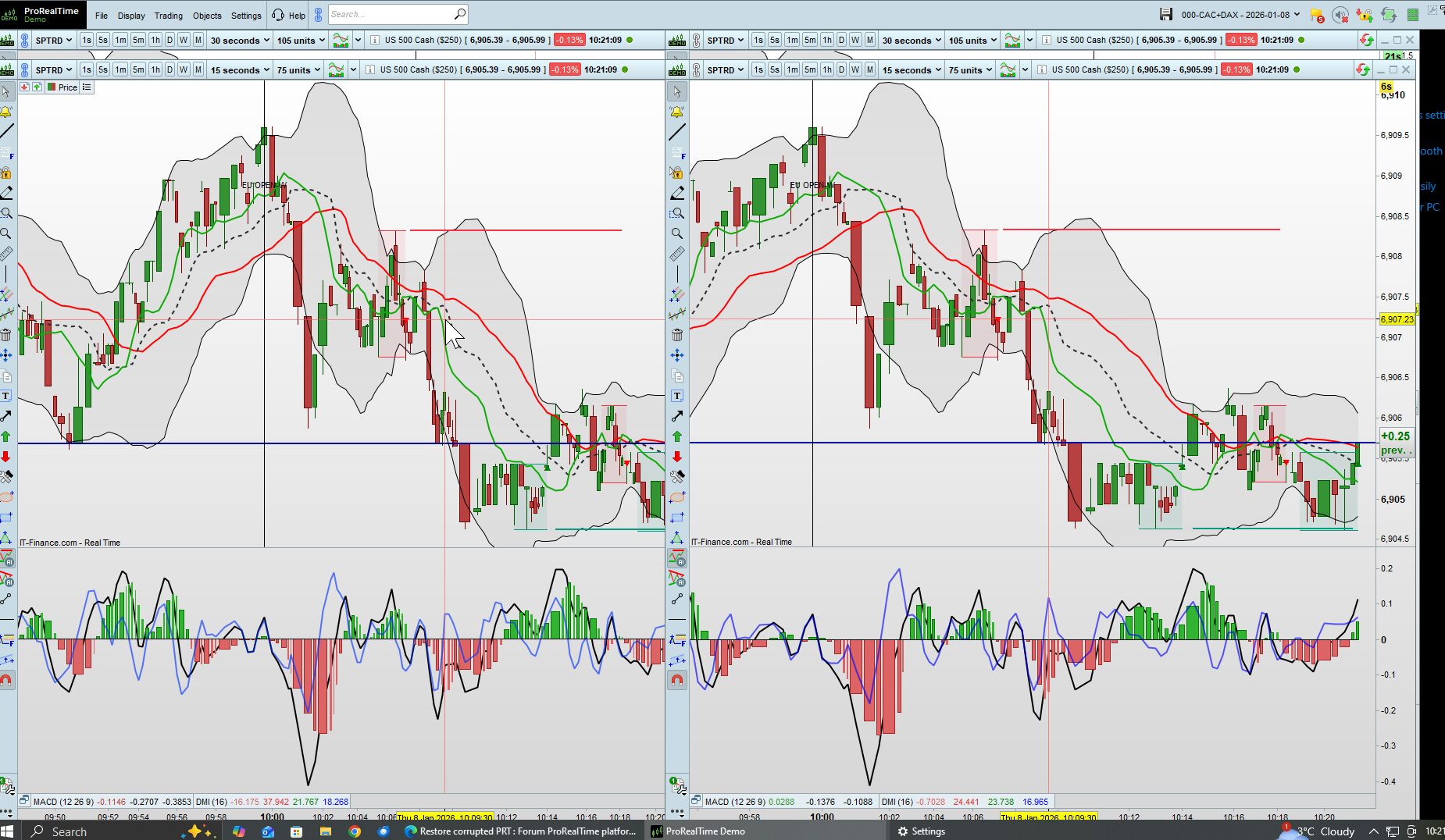
Still waiting on reply from PRT support.01/08/2026 at 10:44 AM #255099Attached is the screenshot of Workspace 000-CACDAX-000.itf above as it shows on my Platform.
Do you need me to reset my screen resolution or can you see enough from attached to know / confirm that your Workspace 000-CACDAX-000.itf imports and works just fine / as normal?
01/08/2026 at 11:13 AM #255105Yes change the screen resolution. I can’t see the whole image. I only see the top half.
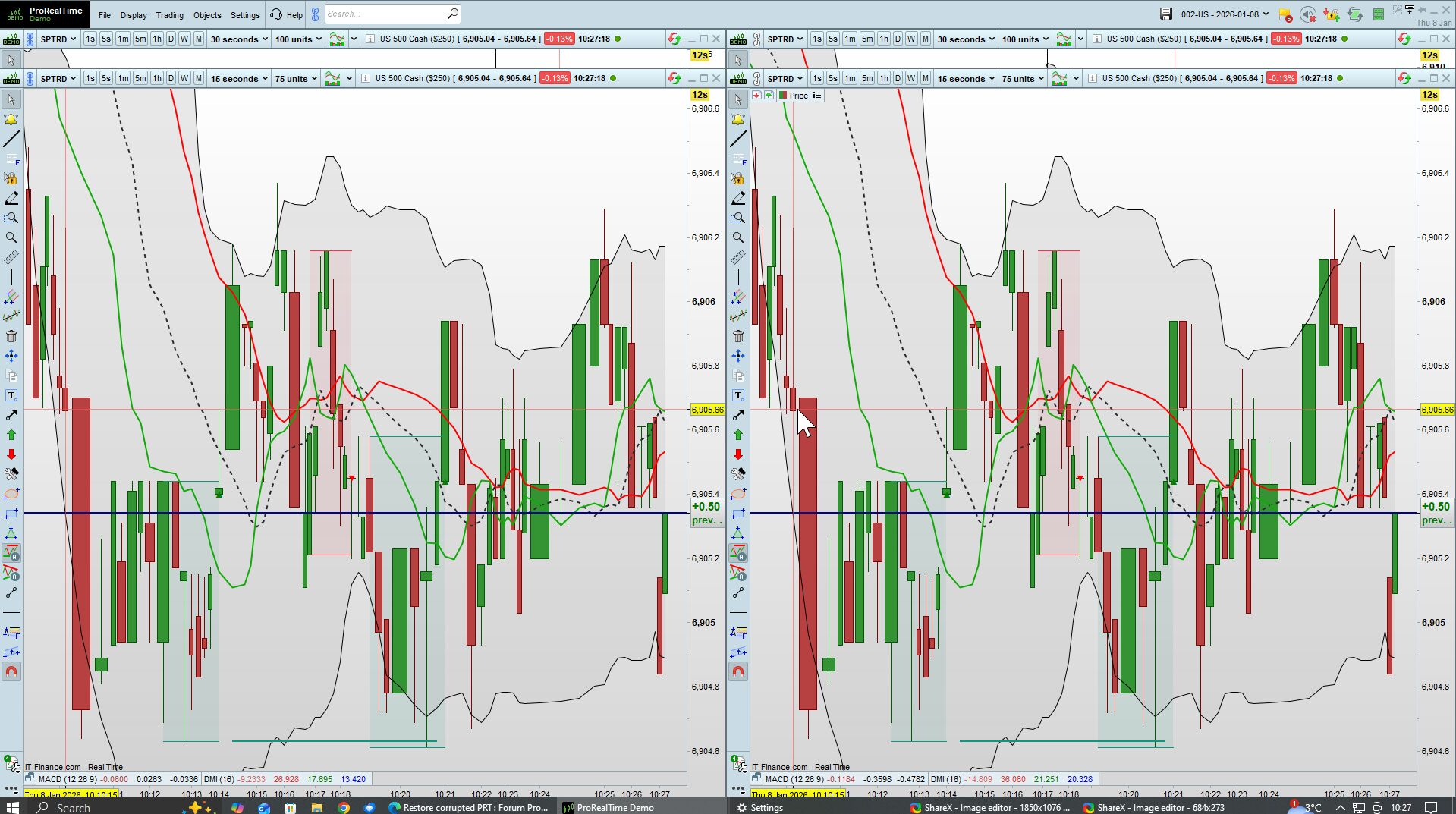
Yes the same file imports without errors etc but the imported file is not the same as the saved file. Some indicators etc not there.
01/08/2026 at 11:23 AM #25510601/08/2026 at 11:29 AM #25510801/08/2026 at 11:35 AM #25511201/08/2026 at 11:37 AM #255114Your screen shows the same as the exported file. Same as my original layout.
I import the same file I sent you it does not show all the detail. -
AuthorPosts
Find exclusive trading pro-tools on