Range Filter by Donovan Wall

Viewing 3 posts - 1 through 3 (of 3 total)

  • Author
    Posts
  • #142797 quote
    BobFlynn
    Participant
    Senior

    Hello community,

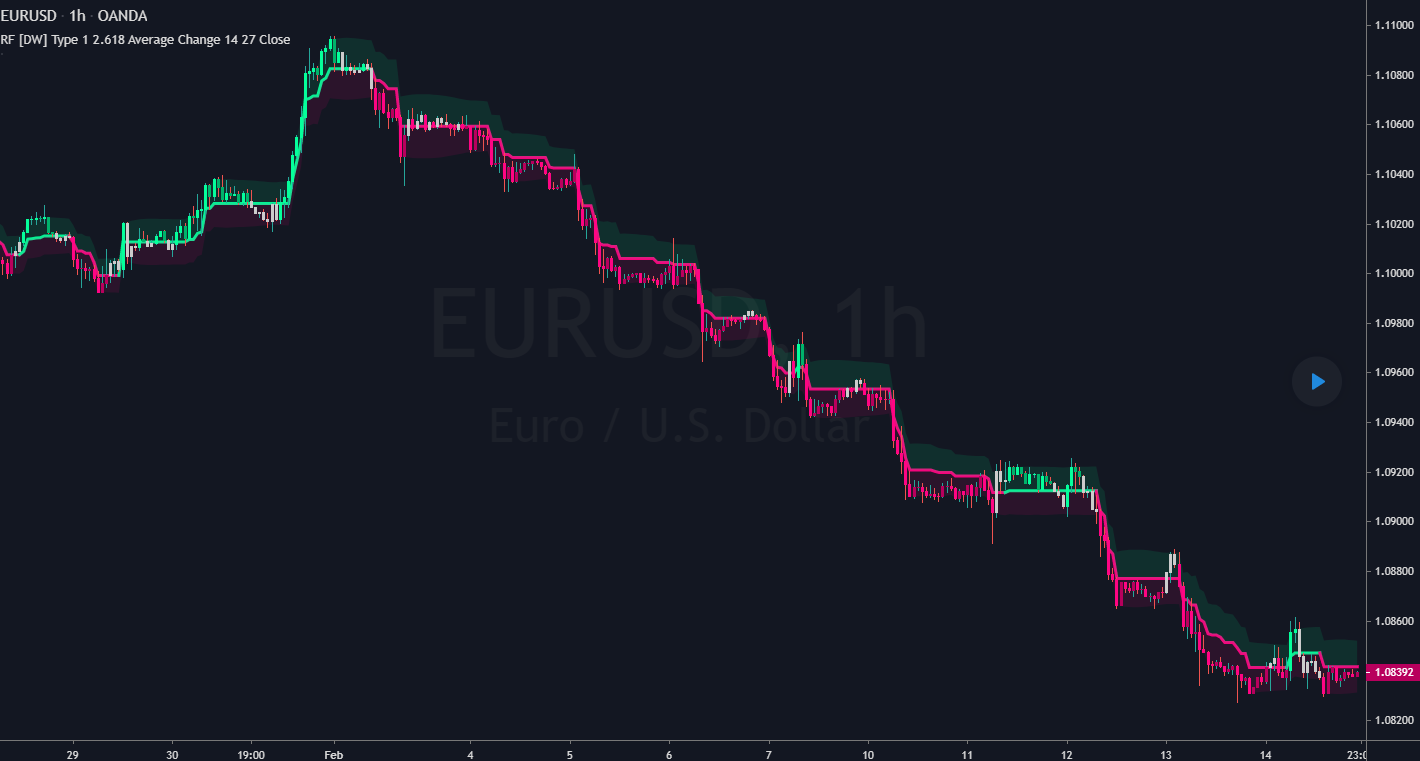
    I tried to translate this trading view code into PRT language, but I’m struggling a little and don’t have much time available lately. So I’m sharing it here :https://www.tradingview.com/script/lut7sBgG-Range-Filter-DW/

    A quick description :

    //..designed to filter out minor price action for a clearer view of trends.

    //Inspired by the QQE’s volatility filter, this filter applies the process directly to price rather than to a smoothed RSI.

    //First, a smooth average price range is calculated for the basis of the filter and multiplied by a specified amount.
    //Next, the filter is calculated by gating price movements that do not exceed the specified range.
    //Lastly the target ranges are plotted to display the prices that will trigger filter movement.

    //Custom bar colors are included. The color scheme is based on the filtered price trend.”

    I think it would benefit everyone to have it on PRT.

    Cheers,

    Bob

    range-filter.png range-filter.png
    #145203 quote
    Nicolas
    Keymaster
    Master

    I added this code into my conversion list, will do it asap.

    #146557 quote
    Nicolas
    Keymaster
    Master

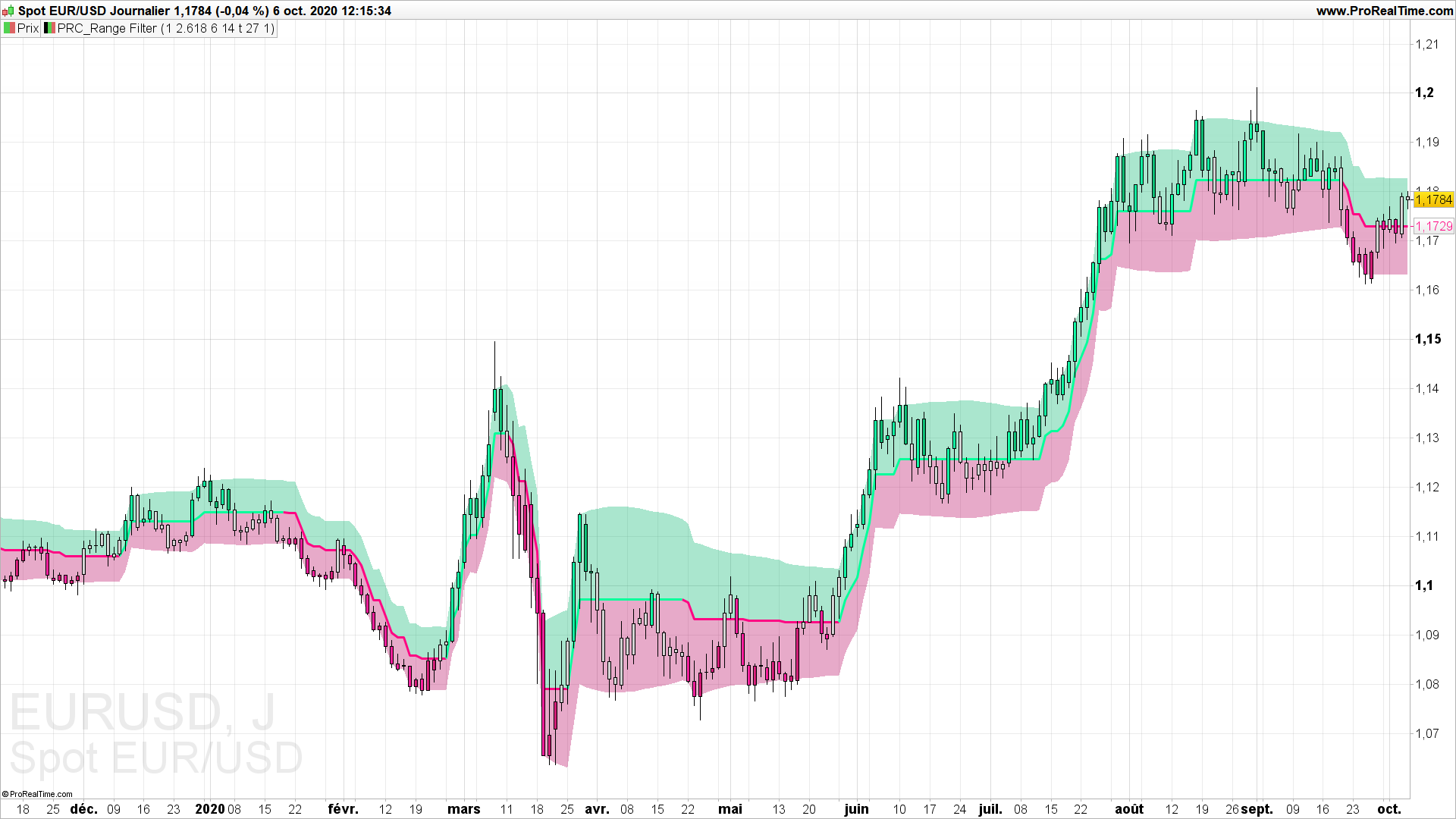
    This indicator is now available to download from our ProRealTime codes library: Range filter

    (compatible only for PRT v11).

    Monochrome thanked this post
    range-filter-indicator-prorealtime.png range-filter-indicator-prorealtime.png
Viewing 3 posts - 1 through 3 (of 3 total)
  • You must be logged in to reply to this topic.

Range Filter by Donovan Wall


ProBuilder: Indicators & Custom Tools

New Reply
Author
author-avatar
BobFlynn @bobflynn Participant
Summary

This topic contains 2 replies,
has 2 voices, and was last updated by Nicolas

5 years, 4 months ago.

Topic Details
Forum: ProBuilder: Indicators & Custom Tools
Language: English
Started: 08/28/2020
Status: Active
Attachments: 2 files
Logo Logo
Loading...