PRT v11.1 custom indicator to new window

Viewing 7 posts - 1 through 7 (of 7 total)

  • Author
    Posts
  • #155131 quote
    juanj
    Participant
    Master

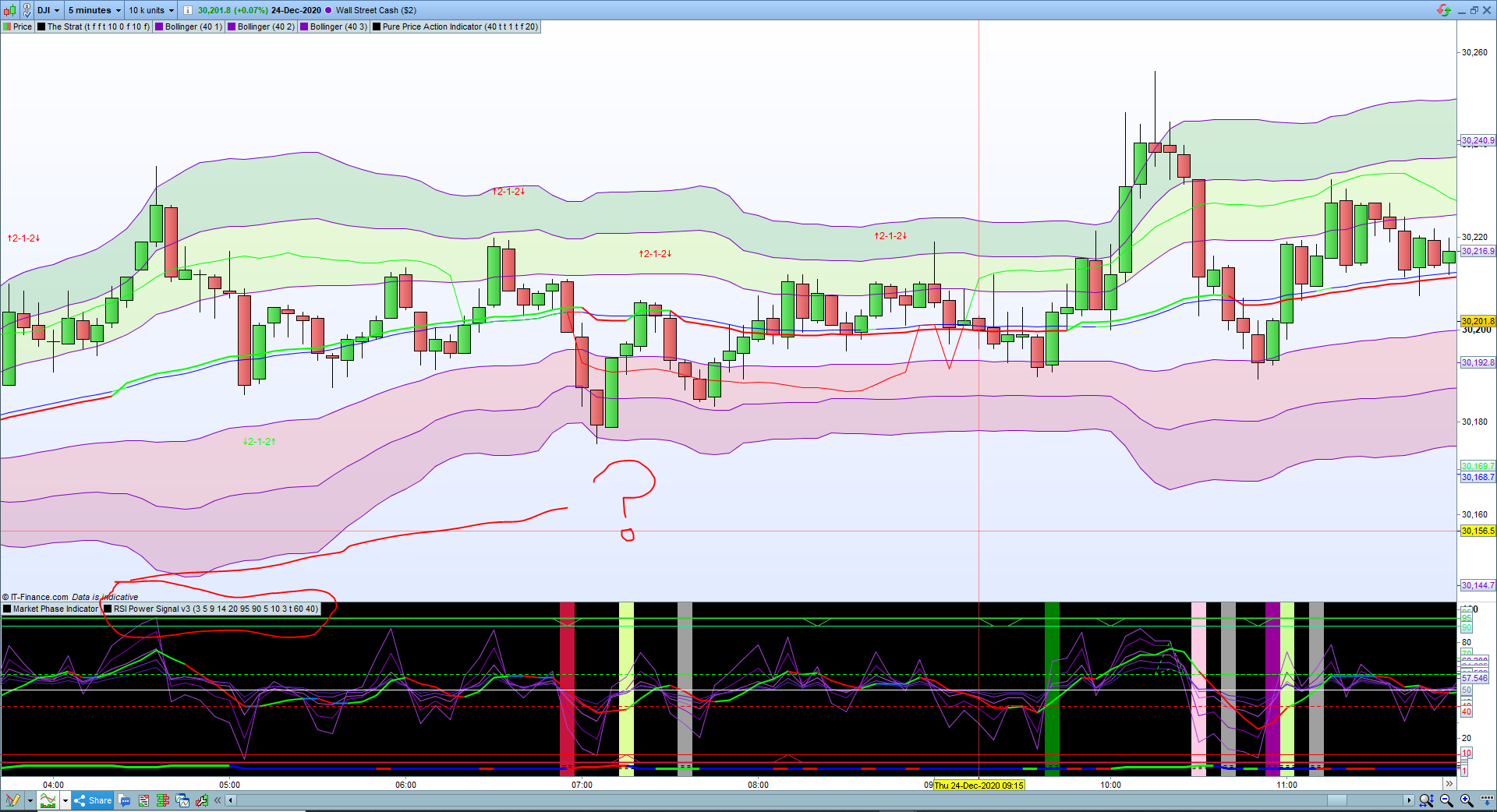
    How on earth do I get a custom indicator in v11.1 to open in a separate window at the bottom and not automatically fix itself as a subset of price or any other indicator already in a new window?

    In the previous version you had the option to select add to a new chart. This is driving me up the wall

    #155135 quote
    GraHal
    Participant
    Master

    I’ve got PRT open on my other PC else I would send a screen shot, but I just did what you are asking in 2 seconds … 3 times / with 3 Indicators under each other.

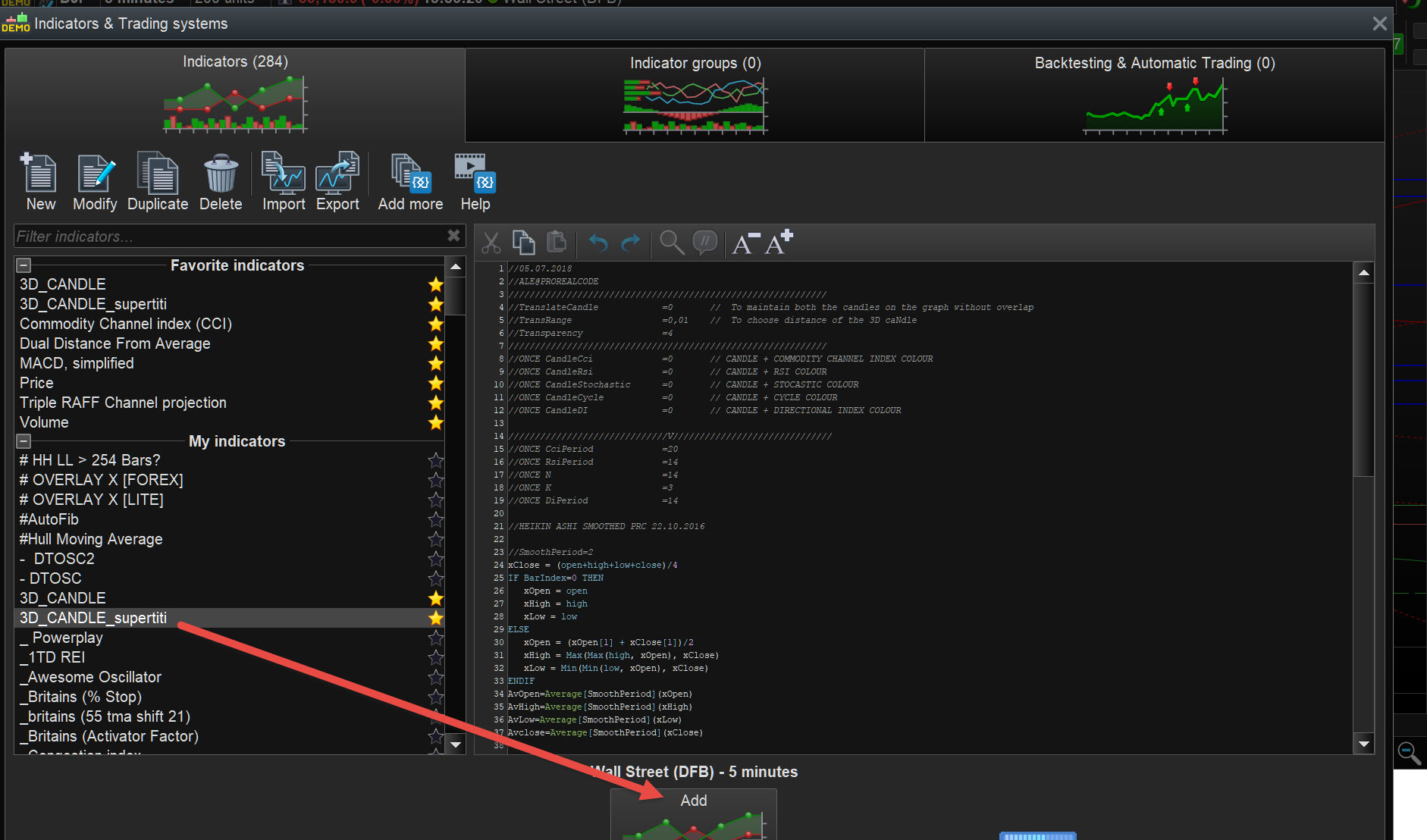
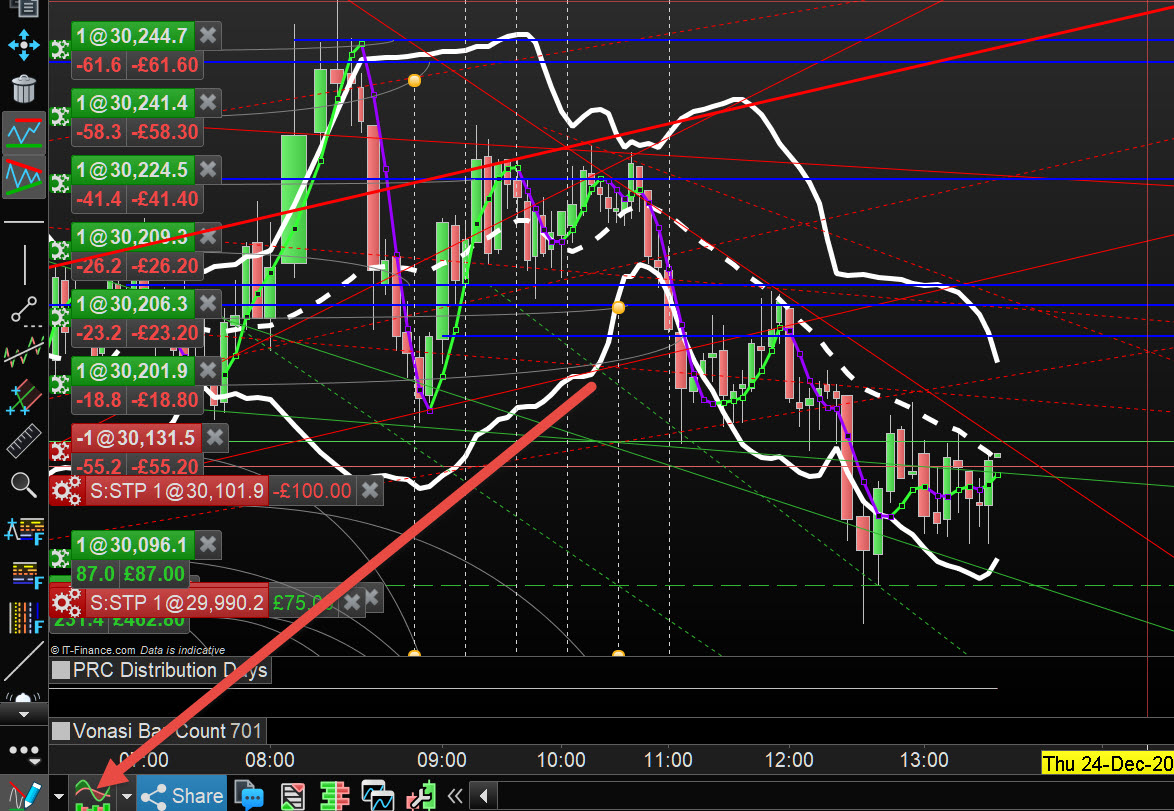
    Click on the symbol bottom left to show the  Indicator and backtesting window, select your custom indicator then click Add at the bottom and hey presto all done.

    So glad I can help you JuanJ, but somehow I think I may have misunderstood your question?

    EDIT / PS

    I opened another Platform on this PC, so see attached at red arrowheads.

    robertogozzi thanked this post
    JJ.jpg JJ.jpg JJ-2.jpg JJ-2.jpg
    #155139 quote
    robertogozzi
    Moderator
    Master

    I am not aware of that behaviour.

    All my custom indicators open in a separate window below the price chart (like Rsi does) whenever I add them from ProBuilder.

    To make them stay on the price chart I have to select them from the price chart.

    #155141 quote
    juanj
    Participant
    Master

    Don’t have access to PRT right now but what you are experiencing is exactly what I am expecting. Yet all my custom indicators either get attached to the price chart or any default indicator open in a new chart i.e. RSI. Will make some screenshots perhaps even a short video when I am back in front of my PC in the next 2 days or so

    #155167 quote
    juanj
    Participant
    Master

    So here is the steps I usually take:

    1. Right click at the top of the screen and select Add Indicator
    2. I then select the indicator to add
    3. By default it attaches itself to the chart
    4. If I drag it to the bottom it attaches itself to the other ‘standalone’ indicator (for which I created a shortcut)

    I suggest my problem is partly due to the fact that I  do not add it from the ‘Trading Systems and Indicators’ window?

    But is there a more direct way to access the ‘Trading Systems and Indicators’ window than having to click on add indicator and then clicking on the small settings button???

    Indicator-Help.png Indicator-Help.png
    #155169 quote
    GraHal
    Participant
    Master

    Did you try the way I said  … takes about 2 to 5 seconds?

    Click on the symbol at bottom of the screen (see my screen shots) and you will be in the  ‘Trading Systems and Indicators’ window in 1 second.

    #155172 quote
    juanj
    Participant
    Master

    I am surprised to say I have somehow not noticed that button before, even though I actually  looked for it (thinking it should exist somewhere on the screen). Thanks GRAHAL that solves my problem.

    GraHal thanked this post
Viewing 7 posts - 1 through 7 (of 7 total)
  • You must be logged in to reply to this topic.

PRT v11.1 custom indicator to new window


Platform Support: Charts, Data & Broker Setup

New Reply
Author
author-avatar
juanj @juanj Participant
Summary

This topic contains 6 replies,
has 3 voices, and was last updated by juanj

5 years, 1 month ago.

Topic Details
Forum: Platform Support: Charts, Data & Broker Setup
Language: English
Started: 12/24/2020
Status: Active
Attachments: 3 files
Logo Logo
Loading...