PRT on Windows and macOS

Viewing 11 posts - 1 through 11 (of 11 total)

  • Author
    Posts
  • #147000 quote
    MICH
    Participant
    Junior

    Hi,

    I use PRT with an IG account on Windows 10 and and on macOS Catalina (both updated to the latest version). Although the screen resolution is the same, on Windows the font dimension (and icon) is too small. 

    I tried to change the setting but, if I increase the font on Windows, the changing is inherited even in macOS, where the font is too big.

    Every time I change operative system I have to change the font settings. How can I solve this problem?

    Thank you very much in adcance! 

    #147013 quote
    GraHal
    Participant
    Master

    Why not change the resolution using native windows settings?

    I do above because I find font size too small for comfort on most screens apart from PRT.

    #147031 quote
    MICH
    Participant
    Junior

    Why not change the resolution using native windows settings?

    I do above because I find font size too small for comfort on most screens apart from PRT.


    Since from the first launch on windows the font is too small. I tried to uninstall and install again PRT, change the resolution and zoom but without no changes…

    The monitor characteristics is 13.3’’ (2560 x 1600). Could be this the problem?

    #147033 quote
    GraHal
    Participant
    Master

    I use 1920 x 1200 on a 28 inch monitor and I can manage without wearing glasses (I try to avoid glasses!)

    But I still find far too little contrast on most screens and so I have taken to using the Black Theme of late.

    Judging from screenshots posted on here … most use the Black Theme also.

    #147111 quote
    Nicolas
    Keymaster
    Master

    Did you try to save 2 templates with a different font size for each of your computer? And load the correct one for each after the startup?

    #147226 quote
    MICH
    Participant
    Junior

    I am following this way, 2 templates, one for macOS and one for Windows, but it is complicated. I have different working plan for any market I trade, indices, forex couple, stocks. Every market has different indicator and layout.

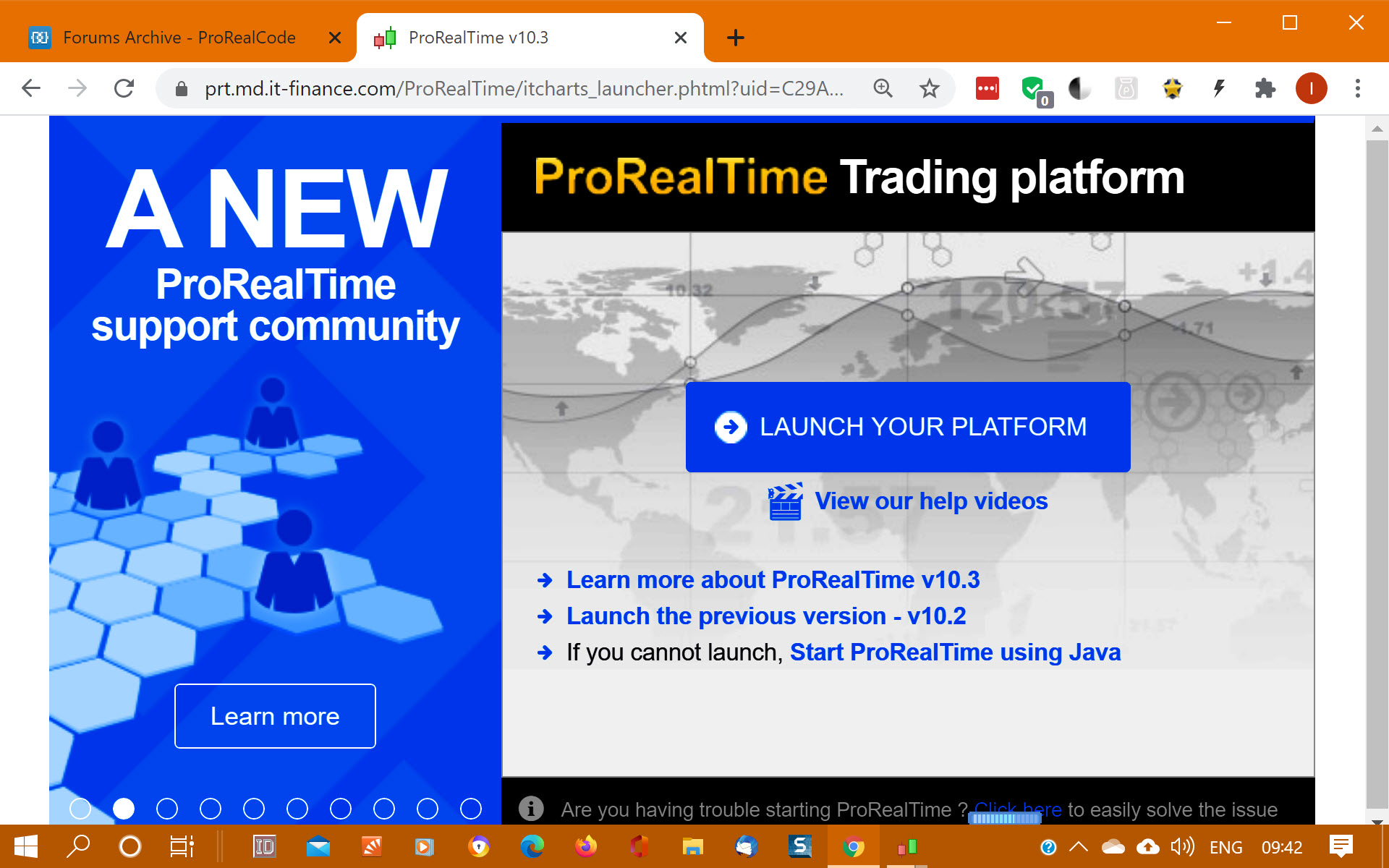
    In attachment the screenshot when I launch PRT on Windows. Could be a problem of java or any other settings? The screen resolution and zoom seems ok, in the screenshot the dimension of the toolbar and icon is “normal”. When you launch PRT, is the icon bigger?

    screenshot.jpg screenshot.jpg
    #147265 quote
    GraHal
    Participant
    Master

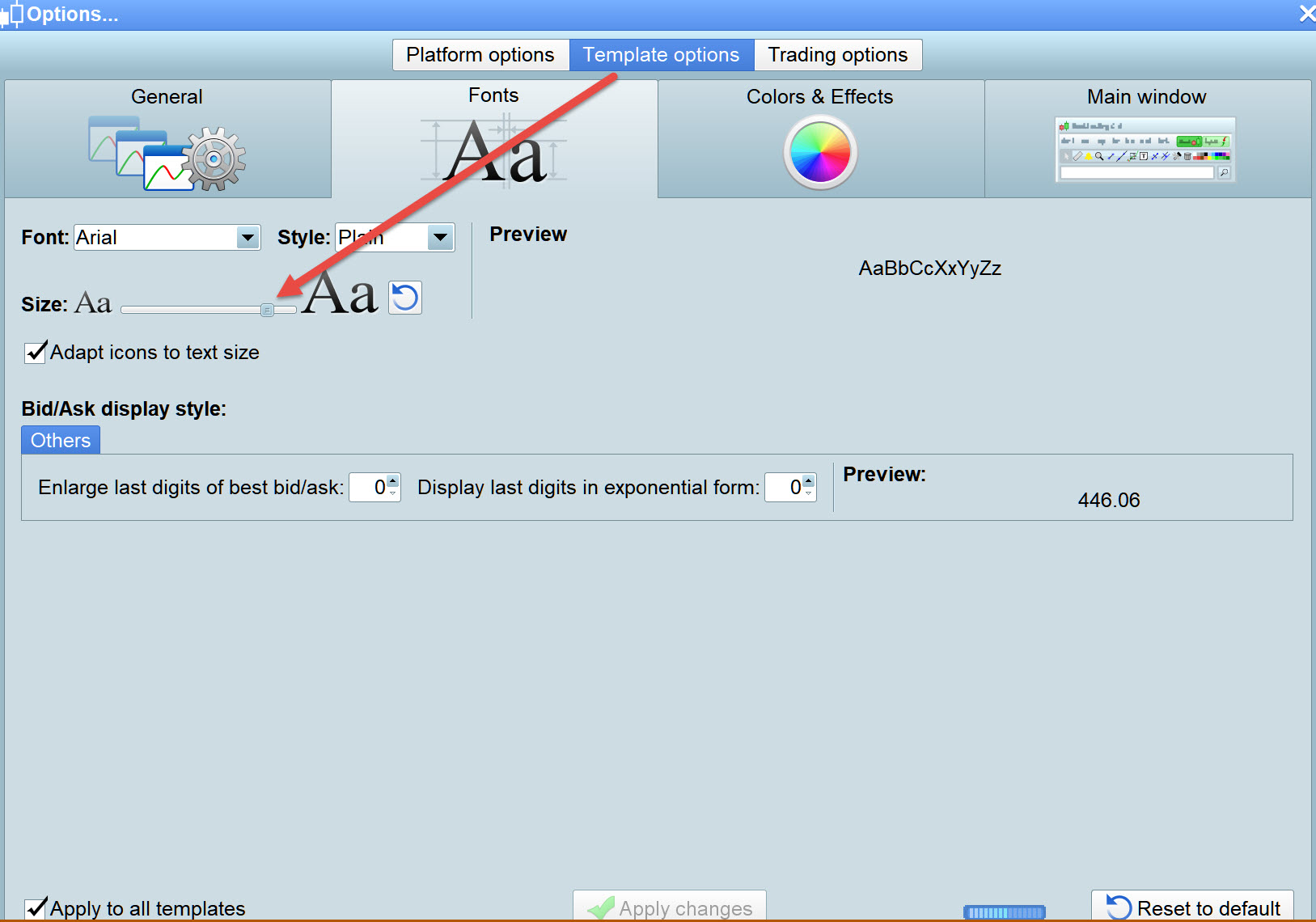
    What is your Font Size slider set to?

    See red arrowhead on attached for where my slider is positioned.

    M-1.jpg M-1.jpg
    #147267 quote
    GraHal
    Participant
    Master

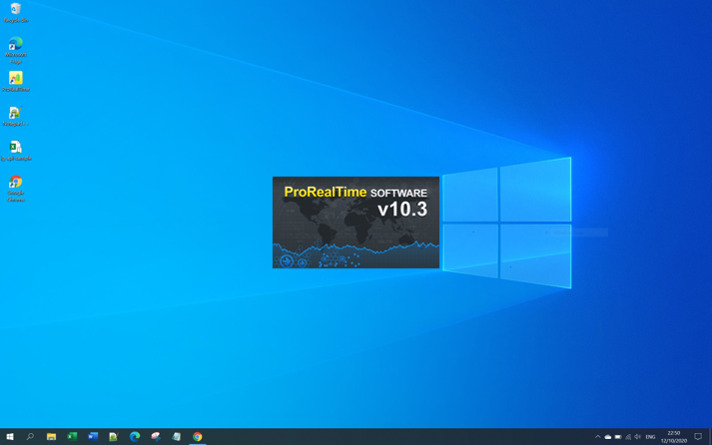
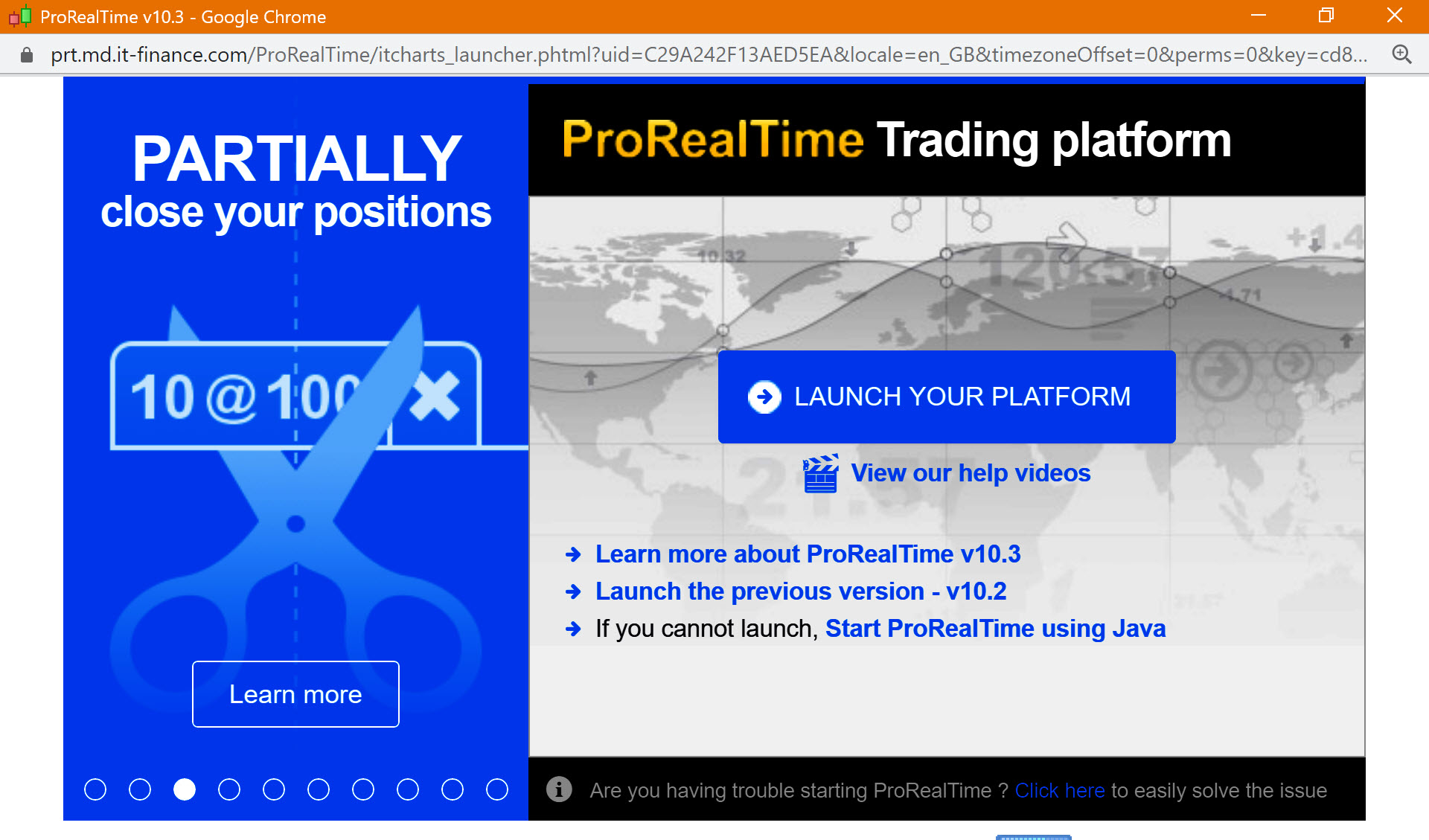
    When you launch PRT, is the icon bigger?

    When I launch PRT … attached is what I see.

    2nd attachment is better for you … as it shows my desktop icons for comparison.

    M2.jpg M2.jpg M-2.jpg M-2.jpg
    #147270 quote
    GraHal
    Participant
    Master

    But then again I can get it more like the size you show if I zoom out to 25% … see atached.

    The above 2 screenshots are zoomed in to 100%.

    M3.jpg M3.jpg
    #147284 quote
    Bel
    Participant
    New

    Why not change the resolution using native windows settings?

    I do above because I find font size too small for comfort on most screens apart from PRT.

    Since from the first launch on windows the font is too small. I tried to uninstall and install again PRT, change the resolution and zoom but without no changes…

    The monitor characteristics is 13.3’’ (2560 x 1600). Could be this the problem?

    Most likely. On my 27″ PC desktop I use 1920×1080 as its max supported resolution for W10 and its perfect. On my old 13.3″ MAC i use 1280×800 for best of both worlds. I can go a lot higher but on such small display its not worth it unless you want to use binoculars for easy reading 🙂


    My 2 cents.

    GraHal thanked this post
    #147425 quote
    MICH
    Participant
    Junior

    Problem solved!

    Resolution on Windows 1680 x 1050 and Zoom 100 % and I have the same layout of macOS.

    Thank you all!

    GraHal thanked this post
Viewing 11 posts - 1 through 11 (of 11 total)

  • You must be logged in to reply to this topic.

PRT on Windows and macOS


Platform Support: Charts, Data & Broker Setup

New Reply
Author
author-avatar
MICH @mich Participant
Summary

This topic contains 10 replies,
has 4 voices, and was last updated by MICH

5 years, 4 months ago.

Topic Details
Forum: Platform Support: Charts, Data & Broker Setup
Language: English
Started: 10/10/2020
Status: Active
Attachments: 5 files
Logo Logo
Loading...