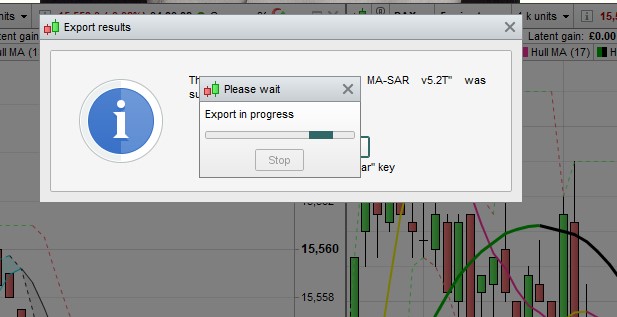
Is anyone else getting this problem of crashing whenever you try to export a finished algo? I had it a lot when v11 first came out, then the problem went away for a couple of months and now it’s back with a vengeance. Every time i try to export I end up with the attached dialogue boxes that just hang and hang and never close. The export does happen, but I have to force the program closed and I lose all other changes.
I’ve written to PRT about it, but is everyone getting this or have I got a computer problem?
I remember having the same problem with the import function, but when I ignored the in progress window and just clicked OK on the second window, then the import was correctly done.
Interesting, I never have a problem with import, only export. But clicking either of those windows does nothing, no response.
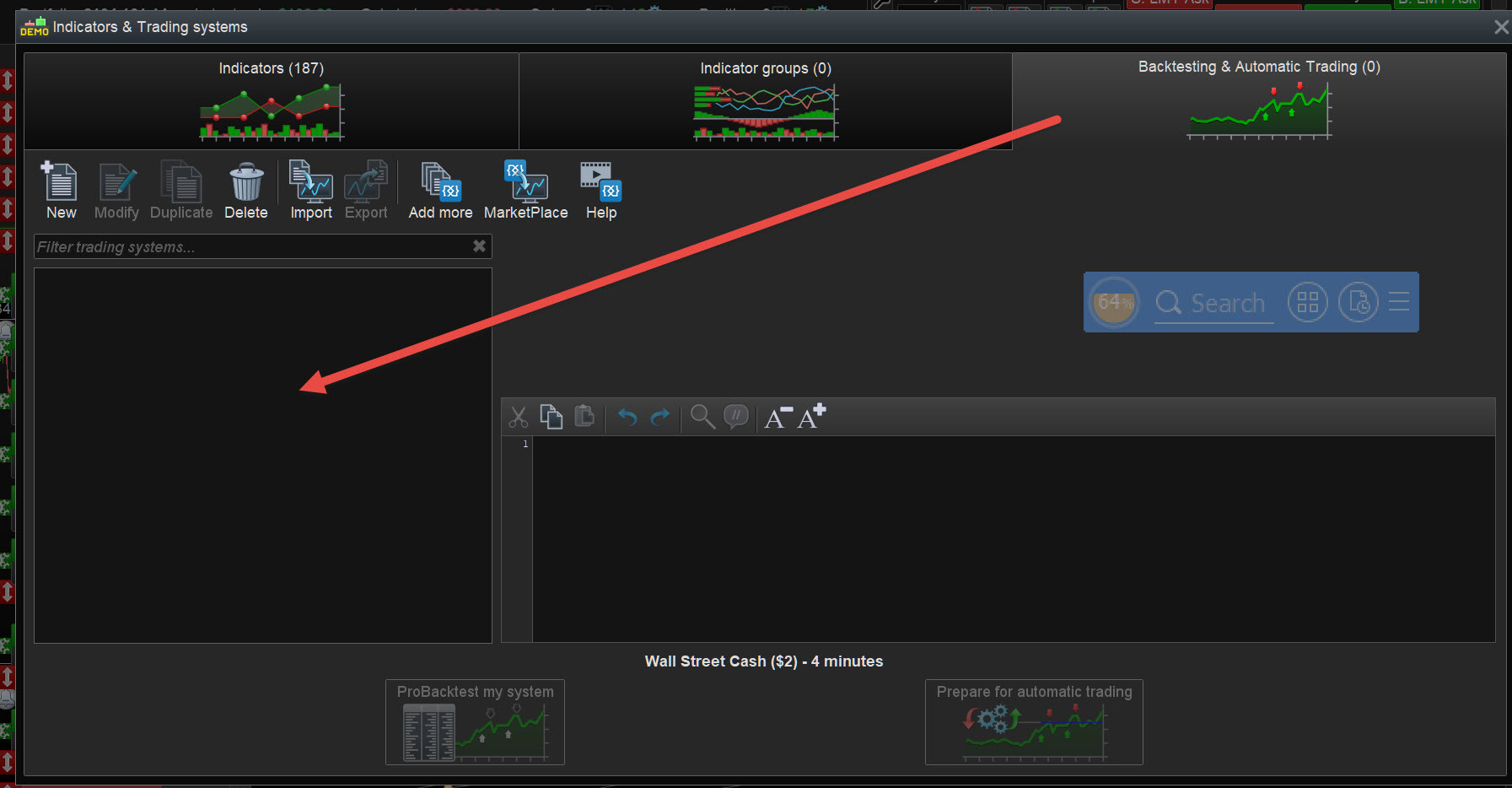
How many Algos do you have listed at the red arrowhead in attached?
I find if I have < 10 ish (usually I have < 5) then I get none of the weird problems I used to get loads of.
more than i care to count. 50 or 60? I did a clear out a few months ago and I remember now that it did help.
Problem is that I prefer to keep all my work (for some imaginary future reference), so I would normally clear that list by exporting it … except I can’t.
I’ll try deleting the dead wood and see if that helps.
I also keep ALL my work, but rarely re-use but I think that is due to not enough hours in the day etc.
You could try putting the Algo you are working on currently into the AutoTrading window and if that works then your work / code would be saved?
Then you can Quit / Save and then when you log back in you may be able to export to yuor PC to reduce Algos listed in the window I posted above?
I have a suspicion the Issue is due to numerous many indexing processes not gettng cancelled down until we Quit??
Do you have a lot of indicators/strategies in your platform?
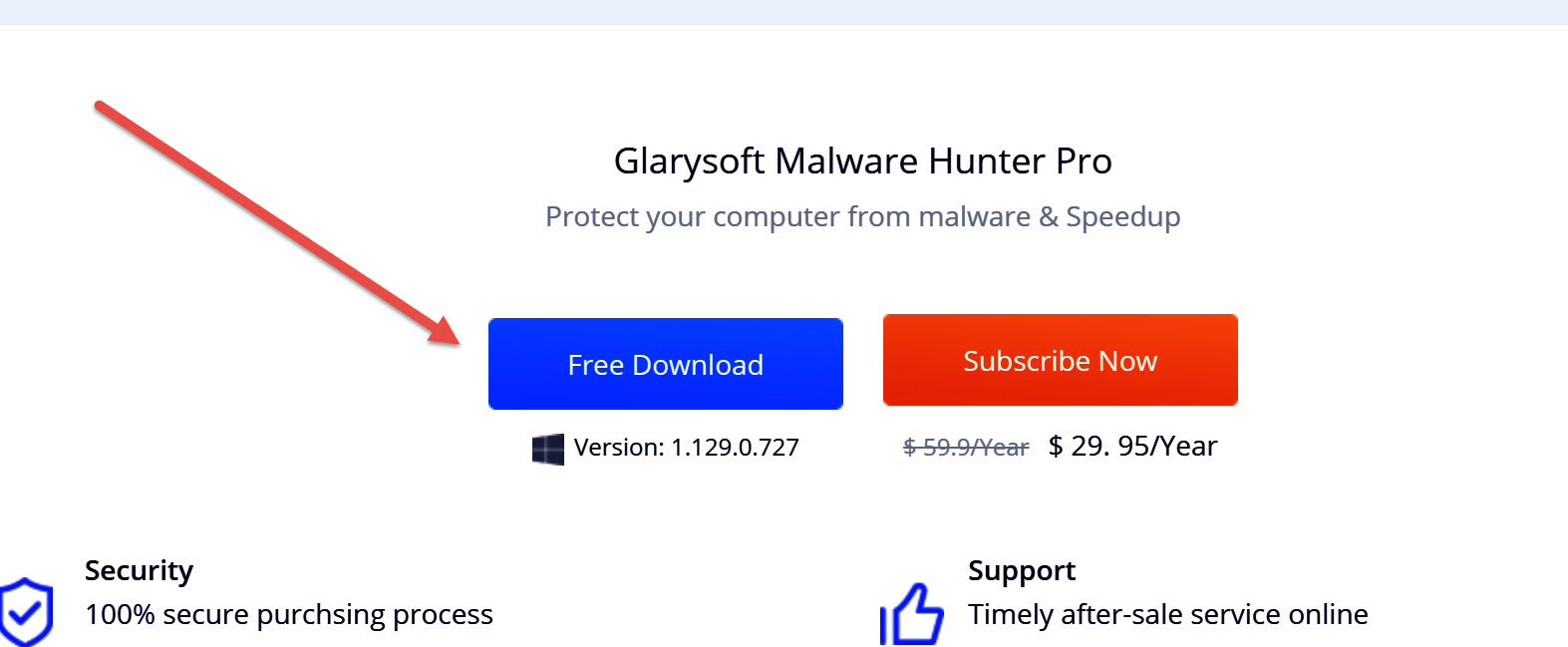
Also you may wish to try Malware Hunter free version and then you will also get that little utility that I show on the screen shot I posted above … apart from other useful feature, it has a RAM wiper and frees up RAM hogged by Programmes … mainly PRT!
I click the RAM wiper many times per day, esp if I sense PRT is hogging loads RAM due to being open for hours without Quit etc.
https://www.glarysoft.com/malware-hunter/
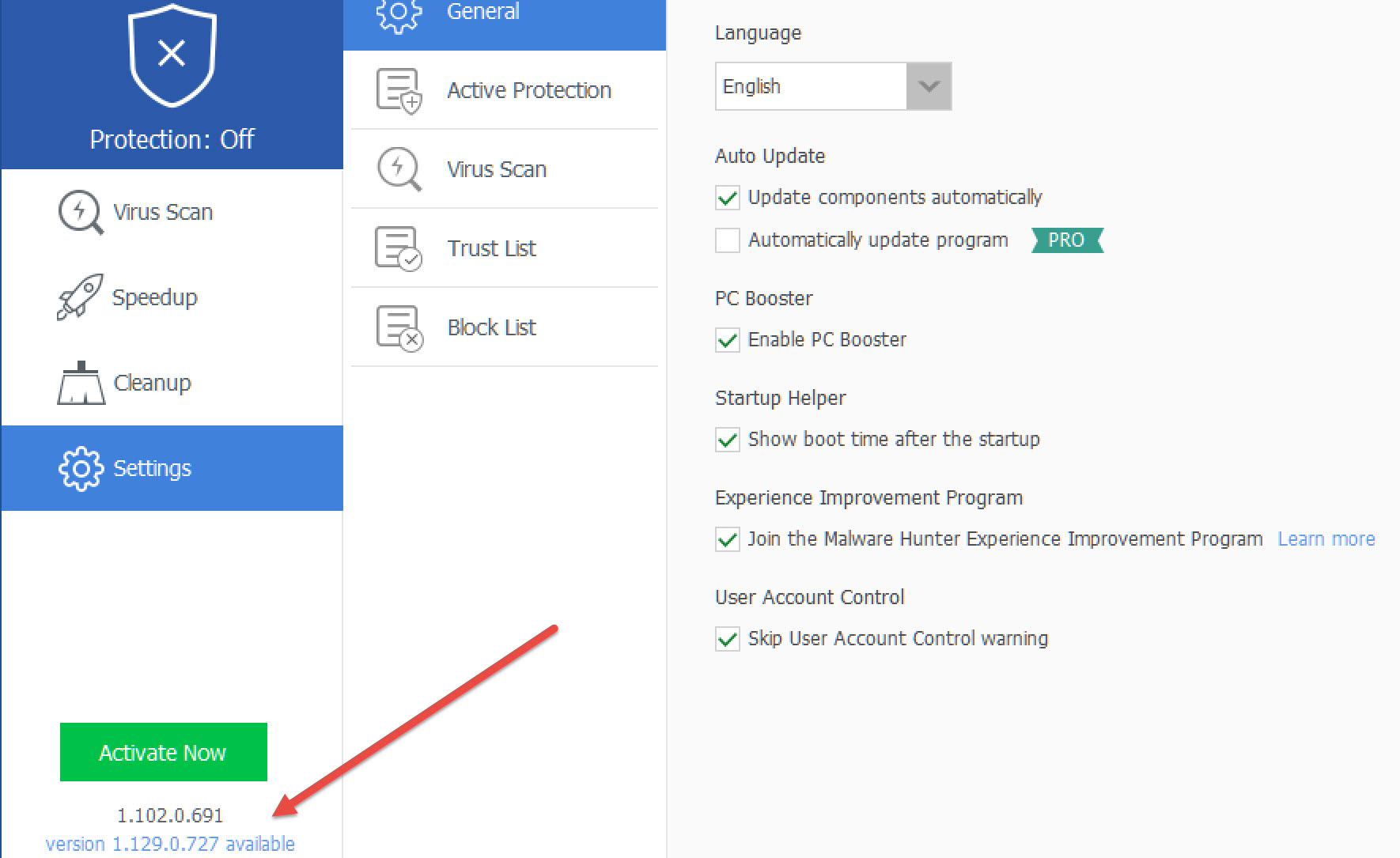
The version I use is 100% free, but not sure if the version shown at the red arrowhead is the trial version of Pro? Anyway post if you have difficulty and I’ll check what my free version is etc.
Do you have a lot of indicators/strategies in your platform?
Yes, I have dozens of strategies but as I said above, I would normally reduce that list by exporting to my computer, but that has become impossible.
You could try putting the Algo you are working on currently into the AutoTrading window
That is a super idea, hadn’t thought of that! Should at least guarantee that everything gets saved.
Attached is my free version at red arrowhead. Maybe I have some old free version that is not available now?
Or maybe the trial of the Pro version drops to the free version if you don’t subscribe after the trial??
Let us know what you find out?
Could be worth a try, thanks.
None, did you get sorted in any way before the PRT 18 hour Auto-Quit?
Which method worked if any?
The thing had already quit, long before my allotted 18 hours!
I’m going to spend the day deleting and moving old algos – gonna try your idea of preparing them for autotrading, view the code from there then copy and paste it elsewhere … should work, as that view now includes all the variable values. Hopefully the export function will work better once i’ve cleared all the redundant stuff.
So I take it (from what you say above) that even after Quit and login that you still got hanging when you tried to export direct to your PC?
Did not even 1 / the first export to PC (after first login) work okay without any hanging etc??
I haven’t even tried exporting anything yet, it’s such a bore to have to go to Task Manager, force the thing closed, relaunch and hope that at least some recent work will have survived. But yes, I have noticed that the first export after login usually works without hanging. Rebooting the PC also seems to help but that’s even more faff.
Part of the problem was that I’ve been using my Premium account for development and backtesting (and manual trading), but running the algos on a separate account – hence the need to export. Now I’ve switched that around, run them on the same account where I do the development and testing and use my second account for manual trading. Makes a lot more sense, but y’know, I just love making life difficult…
Will still need to export for Demo, or for posting. What would be v welcome is if algos were saved to some central place that was accessible from any account!