prohibit trades when > supertrend

Forums ProRealTime English forum ProOrder support prohibit trades when > supertrend

Viewing 12 posts - 1 through 12 (of 12 total)
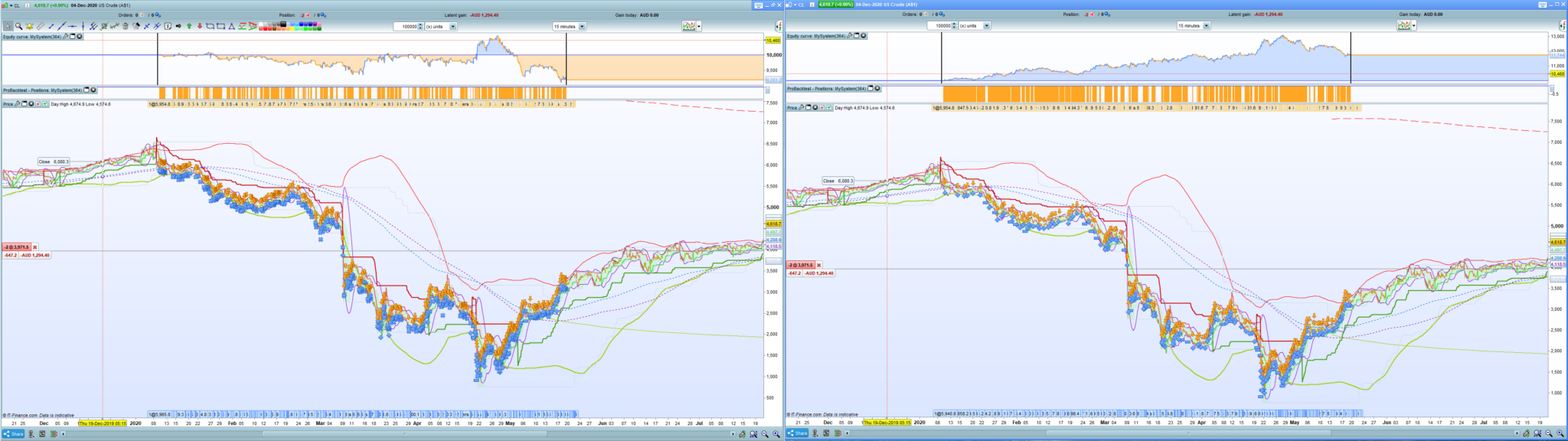
  • #152698


    #152707

    Is there a question?

    My first question would be why are you using decimal places in the CLOSE[x] in your code. You can’t get the info from a decimal part of a bar. ProRealCode will just round it.

    #152710

    Second question: ‘d’ will always be a positive value and so will always be true and so is not doing anything in your code.

    #152714

    I think those brackets are intended for  SUPERTREND, but:

    • they must be put next to ST
    • a comma must be used to separate the two numbers, instead of a period.

    Line 1 is a bit messy.

    Have you had any chance to read documentation about SuperTrend?


    1 user thanked author for this post.
    #152720

    Sorry about line 1, please disregard that mistake, first time uplaoding to the Forum

    was also trying to streamline the supertrend as apposed to being

    indicator1 = SuperTrend[3,10]
    c1 = (close > indicator1)

    maybe that’s why the system is not acknowledging it

    #152724
    #152725

    Hi,

    Tided up some lo0se ends on that with advice taken onboard, thanks.

    Also added another condition

    bear3 = supertrend[36,211]
    c3 = (close < bear3)

    seems much better,

    Still would like to learn how to streamline the supertrend read code as an indicator/ condition, i will check the PRT manual,

    Regards and Thanks

    #152728

    ‘d’ is still doing absolutely nothing!

    ‘d’ is just going to return (the lower shadow as a percentage of the range) x 2. It will always be a positive value so ‘and d’ will always be true.

    #152729


    yes, just an inert example i throw in,

    that i’d seen somewhere in the past,

    maybe someone can put life into it,


    #152730

    Try something like:

    This sets a condition where the lower shadow must be less than or equal to 25% of the total range.

    1 user thanked author for this post.
    #152736


    Thanks,

    you nailed it, d was that originally.

    i should have never altered it!

    Its it possible to explain the function of <= 25

    does it relate to less that 25 bars?

    #152738

    No! 25 is the percentage. So the candles lower shadow is 25% or less of the candles total range.

    1 user thanked author for this post.
Viewing 12 posts - 1 through 12 (of 12 total)

Create your free account now and post your request to benefit from the help of the community
Register or Login