Problem with MTF results
- This topic has 5 replies, 3 voices, and was last updated 6 years ago by .
Viewing 6 posts - 1 through 6 (of 6 total)

Similar topics:
Forums › ProRealTime English forum › ProOrder support › Problem with MTF results
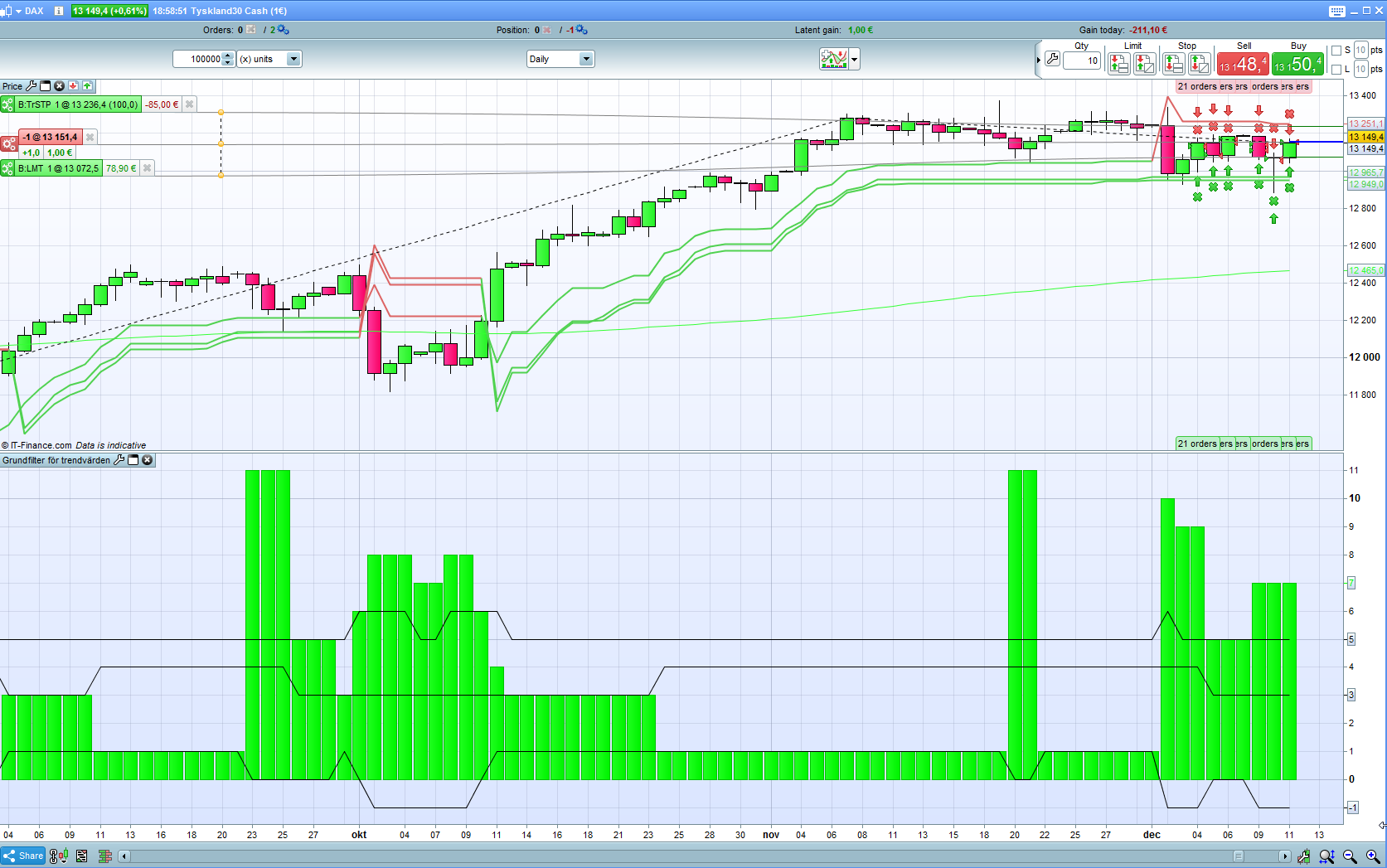
Good evening. I wrote an indicator to categorize the conditions on the market. I takes into account trend direction, trend strength and volatility. DAX daily chart.
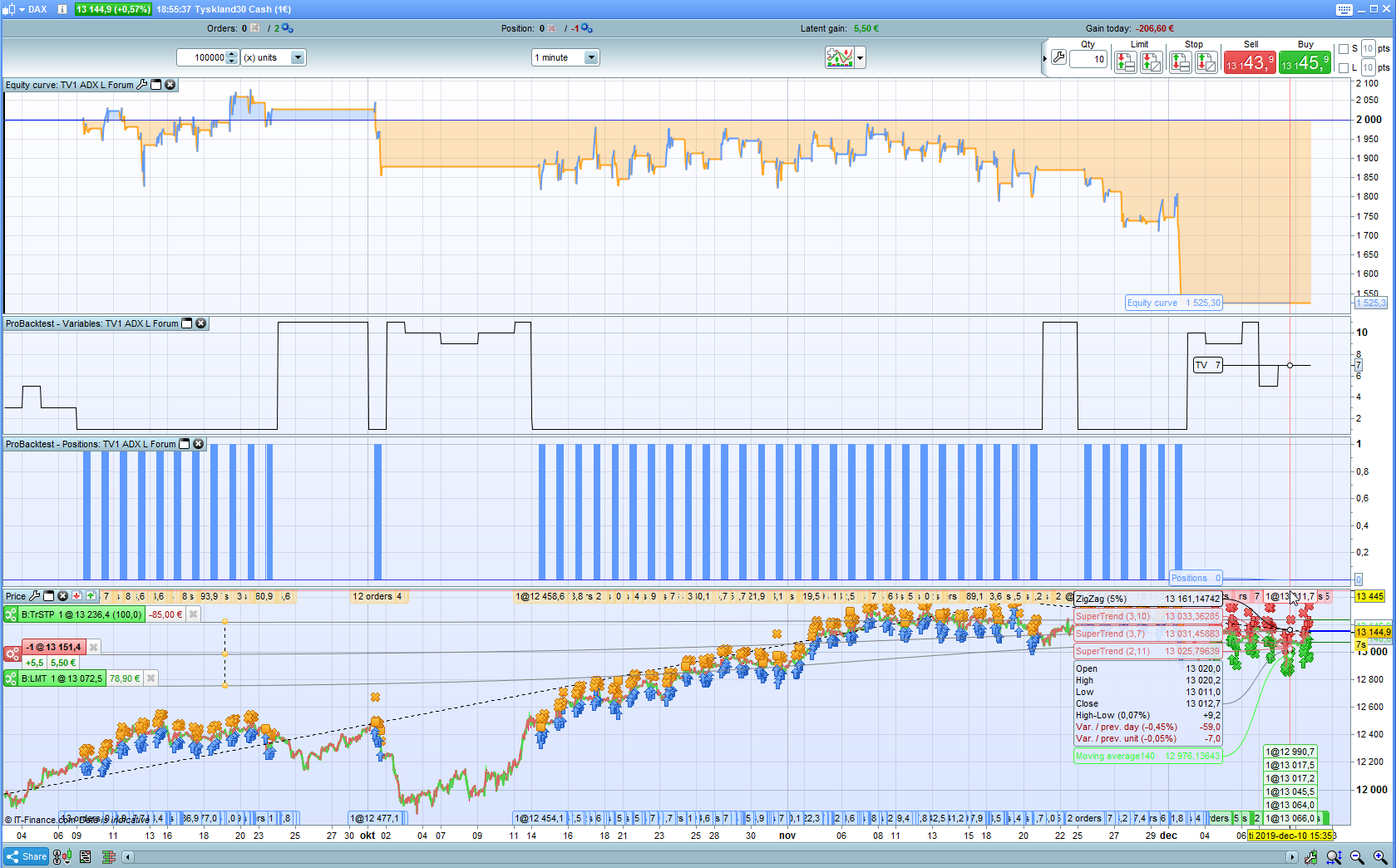
11 differrent categories (ok – that is a lot…) When I use it as a part of the code in a strategy, on lower timeframes, but it does not show the same categories as the indicator!?Sometimes it does but not every day.
I have used MTF “timeframe(daily,updateonclose)” in the strategy, so that is not the easy answer 🙂
Any ideas why it can differ?
If there are no easy answers straight away I can upload the code later.
UpdateOnClose makes the variable to be updated only when a candle closes, that is once a day.
Indicators, instead, work real time, so they are updated continuosly. So you should always check close candles, not current ones.
Try GRAPHING them (you can also use GRAPHONPRICE for those sharimg the same scale), with both UpdateOnClose and with Default, to try to spot where the differences come from.
For instance, if you have variable MyRsi, add at the end of your code:
|
1 |
GRAPH MyRsi coloured(255,0,0,255) AS "Rsi" |
if you have an average, say variable MyAvg, you can either use GRAPH as above, or
|
1 |
GRAPHONPRICE MyAvg coloured(0,255,0,255) AS "Avg" |
since MyAvg has the same scale as the price and you will see it on the price chart like any moving average.
So you are using the strategy on a 1-min timeframe but the score from your filter code is set from the daily timeframe, right?
Are you sure that the code included into the strategy is exactly the same as the one from the indicator and with the same exact settings? (period, threshold)
Find exclusive trading pro-tools on