Hi, Has anyone been using the Range function instead of Close/Open/High/Low and does it works with IG ie PRT performs the Range function calculation but will PRT pass the result to IG, and can IG accept the result and execute it?
// WPR Crossover EMA.
indicator3 = Williams[14](Range)
c3 = (indicator3 < -80)
indicator4 = ExponentialAverage[5](Williams[14](Range))
c4 = (indicator3 CROSSES OVER indicator4)
IF c3 OR c4 THEN
BUY 1 CONTRACT AT MARKET
SET STOP %LOSS 5
ENDIF
RANGE is always used, unless you want to do the math yourself!
Using it with averages as a trading signal is a bit weird on my side, but… if you feel like it, that’s fine!
Data is passed on to the broker as with any other kind of data.
Robert, I like the word ‘weird’ that’s because I am new to this and may seem weird or creative 🙂 Can you share how and where you would use Range so that I may stop being overly creative. Thanks.
I use CLOSE, TYPICALPRICE, etc… when dealing with indicators. RANGE is not a price, it’s just a measure to evaluate bars (it’s their size).
I happen to use it occasionally to detect if there’s any sudden spike or drop, but I mostly use it to calculate offsets when displaying graphics on the chart, such as this one:
defparam DrawOnLastBarOnly = true
Periods = 50
HH      = highest[Periods](high)
Offset  = average[20,0](range)
DrawText("Highest price in the last #Periods# bars: #HH#",BarIndex,HH + Offset)
return
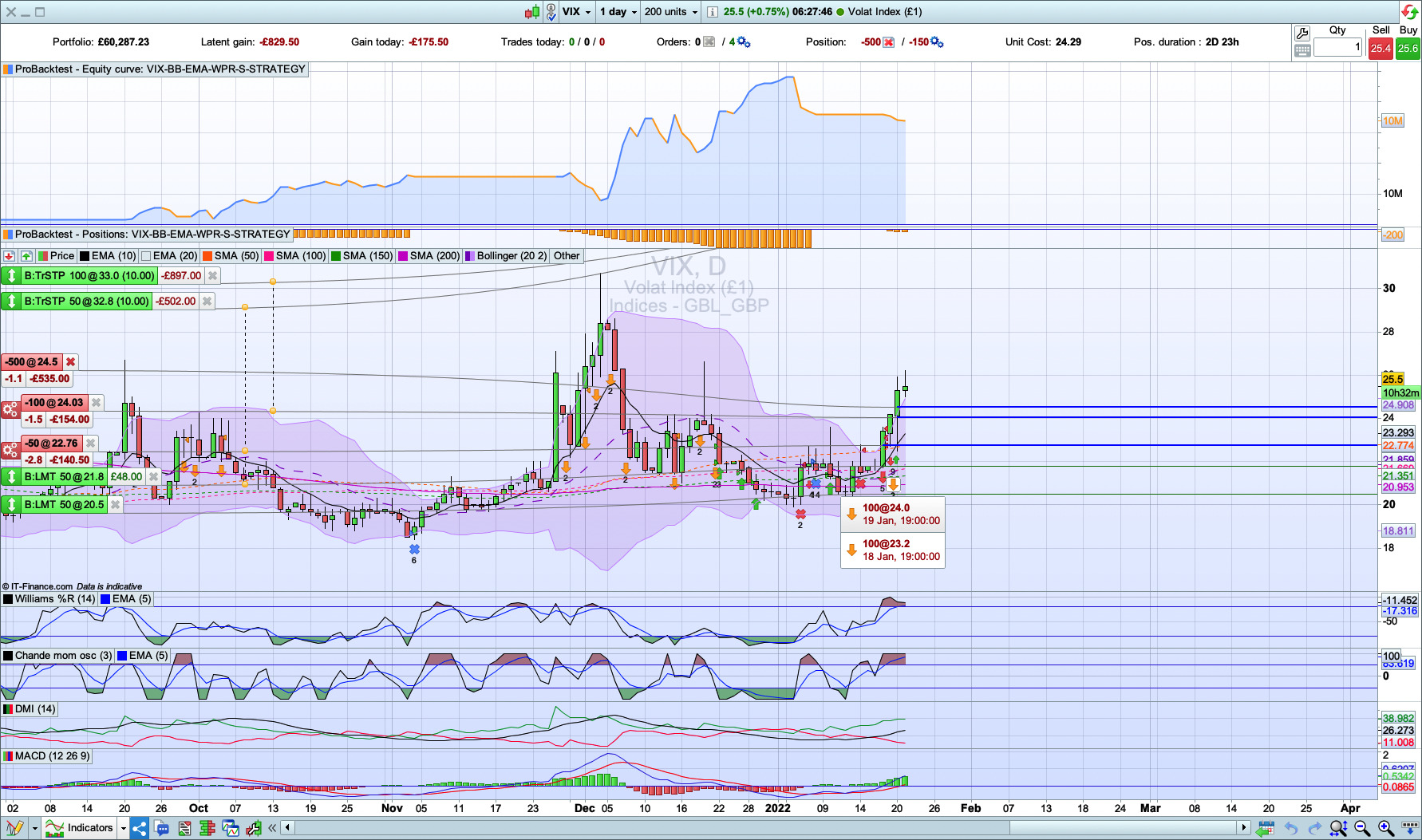
Robert, Thank you in advance again. My simple vix short trading script is shown below. This script executed a Short Sell on the 19th jan when the vix price went above the upper bollinger band but it did not execute a sell short on the 20 and 21 jan – why?
// VIX SHORT STRATEGY

// Definition of code parameters.
DEFPARAM CumulateOrders = True // Cumulating positions activated.

// Conditions to enter long positions.
// Price Crossover EMA and Price Crossover Bollinger Lower Band.
indicator1 = ExponentialAverage[10](Range) // Range = difference between High and Low hence provides the highest return, where TypicalPrice = average between High, Low and Close.
c1 = (Range CROSSES UNDER indicator1)
indicator2 = BollingerUp[20](Range)
c2 = (Range CROSSES UNDER indicator2)

// WPR Crossover EMA.
indicator3 = Williams[14](Range)
c3 = (indicator3 < -20)
indicator4 = ExponentialAverage[5](Williams[14](Range))
c4 = (indicator3 CROSSES UNDER indicator4)

// VIX Upper Price Range - Sellshort Zone. Closing price is used instead of the price Range to ensure the price that is below $25 will not be executed.
c5 = (close > 23)

IF (c1 OR c2 OR c3 OR c4) AND c5 THEN
SELLSHORT 100 CONTRACT AT MARKET
SET STOP pTRAILING 10
//SET STOP %LOSS 10
ENDIF

// Conditions to exit short positions.
indicator5 = BollingerDown[20](Close)
c6 = (Close CROSSES UNDER indicator5)

indicator6 = Average[50](Close)
c7 = (Close < indicator6)

indicator7 = Average[20](Close)
c8 = (Close < indicator7)

sma50GTsma20 = c7 > c8 // Compare the 2 SMA and choose the one that has the lower price to exit short ie increase return.

IF c6 THEN
EXITSHORT AT MARKET // Exit short when price is below bollinger lower band.
ELSIF sma50GTsma20 THEN
IF c7 THEN
EXITSHORT AT MARKET // Exit short when price is below sma50.
ELSIF c8 THEN
EXITSHORT AT MARKET // Exit short when price is below sma20.
ENDIF
ENDIF
Let me know if Range can be used as in the code above? will it works? and how can I improve it so that it will always execute when the sell short entry conditions are met. Thanks.
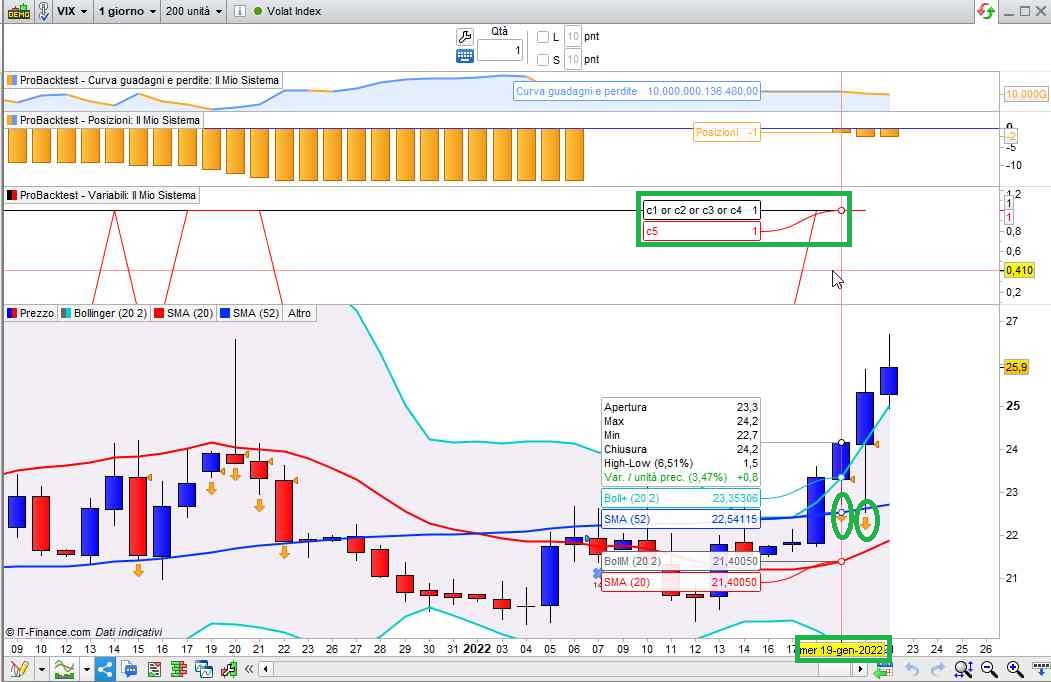
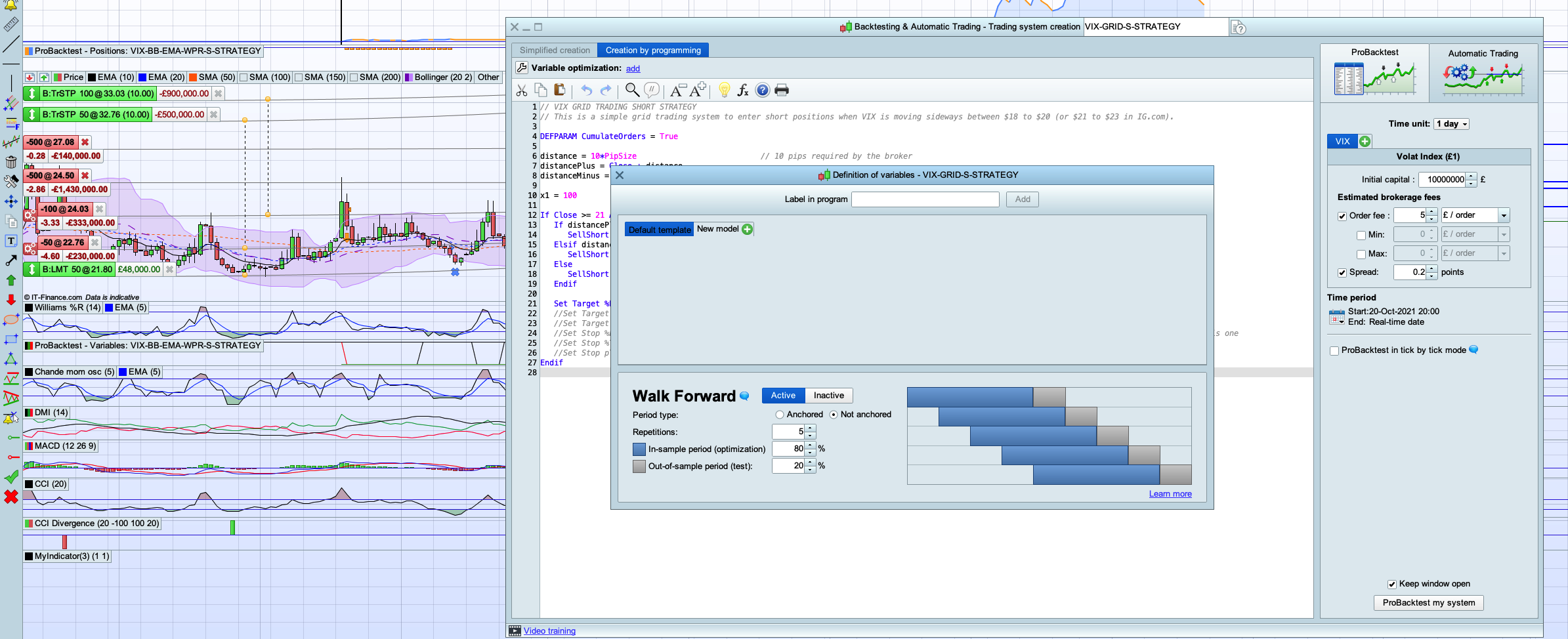
A new position was entered on the 19th, then an additional one on the 20th (as from my pic).
Append these lines to your code to monitor conditions candle by candle in the variable windows opend by ProBackTest:
graph c1 or c2 or c3 or c4
graph c5 coloured(255,0,0,255)
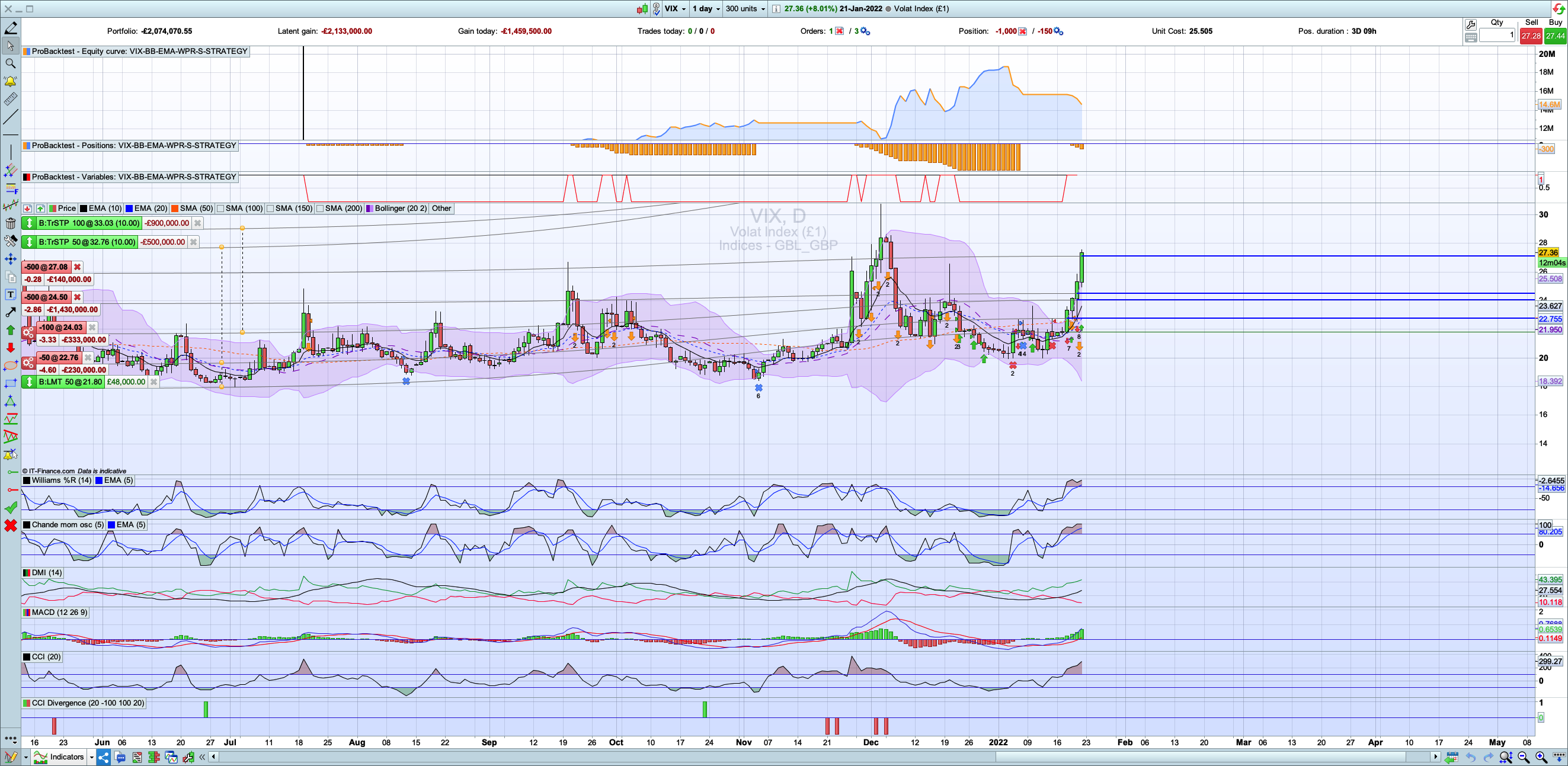
I can’t see the variable as per your snapshot in my probacktest, please advise? Also, my script is running Live so I was expected one execution on the 20th and 21st, as well as the backtest?
Variables can only be monitored when backtesting, while autotrading can only be investigated by PRT, you should ask their assistance staff.
I have raised a ticket with PRT support for missing live transactions, the back testing transaction can be seen from the dashboard. But my question to you is how do I see the variables as per you green box from my window – do I need to turn on something?
@micquan,
Assumed I understood you correctly : Yes.
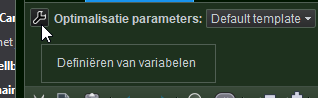
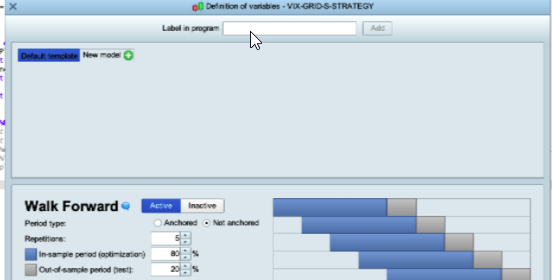
Use the wrench in the top-left of the Editor. Set at least one variable there which can be as dummy as you like. Don’t let it iterate, so just one fixed value. See the 2nd attachment for an example.
Now you will see the variable(s) graphed in a separate dedicated window.
ProBackTest, when there’s at least one GRAPH instruction, displays an additional window just below the position windows.
Strange that we might not have the same PRT features in our Editor – thought?
You have. But you need to add a random variable (there called label). See below at the mouse pointer.
Please refer to the rejection error to understand why an order was not accepted by the broker.
Attached is a non-exhaustive list of the elements that can impact a live trading strategy and create differences with a demo account and/or backtests:
- Spread
- Slippage
- Orders rejections due to one of the above reason, but also because of the allowed distance from current price to put pending orders (known as “minimal distance”)
- Different trading hours (ProOrder code launched in a different time zone / custom hours, by the user)
- Coding problem: division by zero error, null or negative periods for indicators, ..
- Lack of responsiveness of IG demo servers (if IG is the broker), although this has improved considerably since last year.
- Make backtests without tick-by-tick option
- “set stop trailing” instruction that give IG the total control of your stoploss, can be moved differently between accounts due to points above
- Limited risk accounts and their rules
- Guaranteed stoploss rules and fees
- Starting a strategy at a different time (1 hour or even 1 minute later): depending on the code of the strategy, the results of some calculations could be different.
- Margin required on the trading account (no demo or backtest tests are made on this subject)
- Overnight and overweekend fees
- Automatic adjustement of stop orders checked or not when launching the ProOrder
- Minimal distance used in backtests for pending orders, not the same as in real trading, due to broker requirement
- Different contract size between backtests and live
Because backtests are only tested on history *with no connection to live market* , you may encounter differences with real live trading environment subject to spread enlargement, slippage, etc.