Although I make these topics for Support (on agreement) so local Support can link to this for PRT Engineers, this one has not been passed on yet because of vacations.
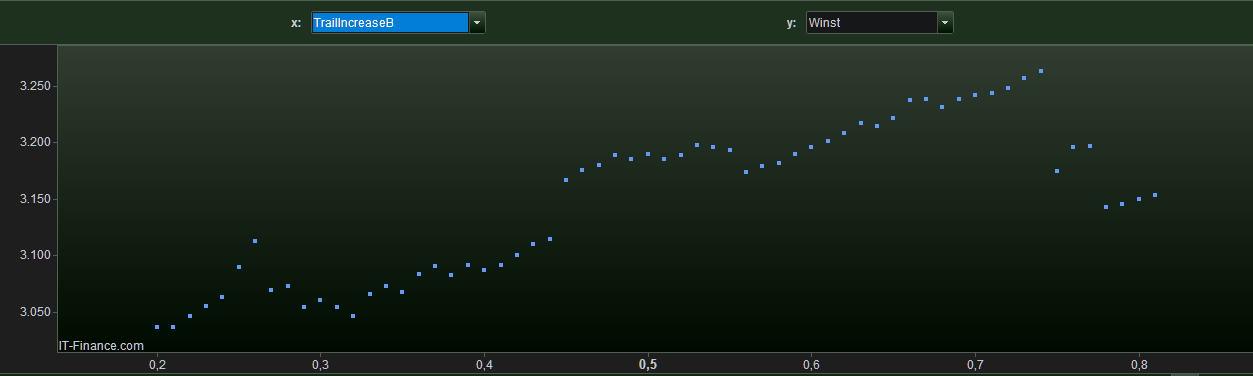
Since the July 25 version (in August 10 version still so) the 2D (and 3D) results only show for a first (built) instance of the Multi Result window. See below for a 2D example.
Watch out : would I have a second backtest with the same Parameter varying – but over a different range, then the same (now old) 2D result will show (did not check 3D).
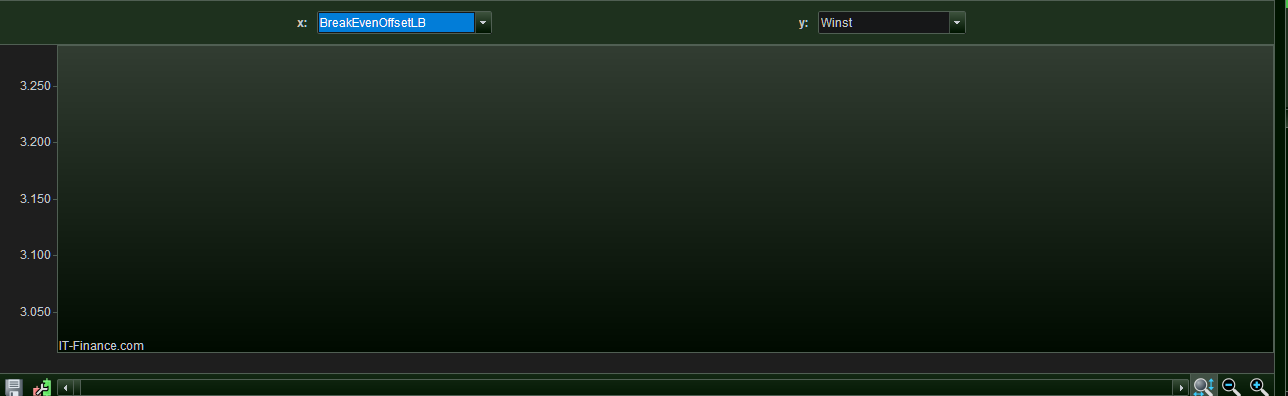
Would I have an other backtest with a different Parameter varying, that variable already obtained in a previous Optimization Result window instance (or else all is moot to begin with), then the window remains completely empty. See 2nd attachment.
Solution for a workable environment regarding this : always cross away the last Optimization Result window prior to running a new backtest.