




More from ProRealCode
ProRealCode - Trading & Coding with ProRealTime™
The ProRealTime™ community on the web! Officially sharing ProRealTime knowledge to Worldwide users since 2015!


Multiple monitors
Viewing 3 posts - 1 through 3 (of 3 total)

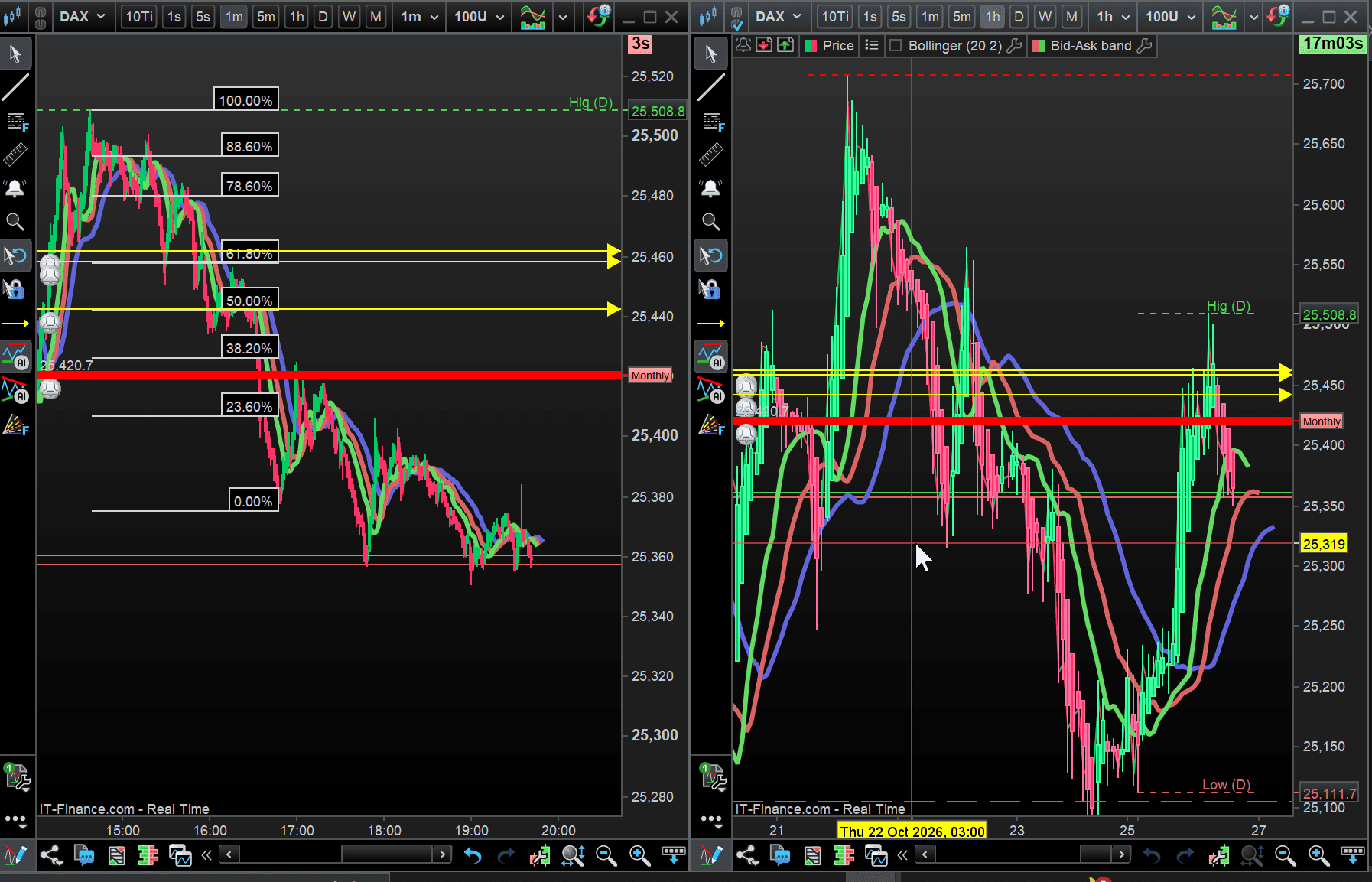
Viewing 3 posts - 1 through 3 (of 3 total)
- You must be logged in to reply to this topic.




New Reply
Summary
This topic contains 2 replies,
has 2 voices, and was last updated by 
11 hours, 56 minutes ago.
Topic Details
| Forum: | Platform Support: Charts, Data & Broker Setup |
| Language: | English |
| Started: | 10/26/2026 |
| Status: | Active |
| Attachments: | 1 files |
Loading...