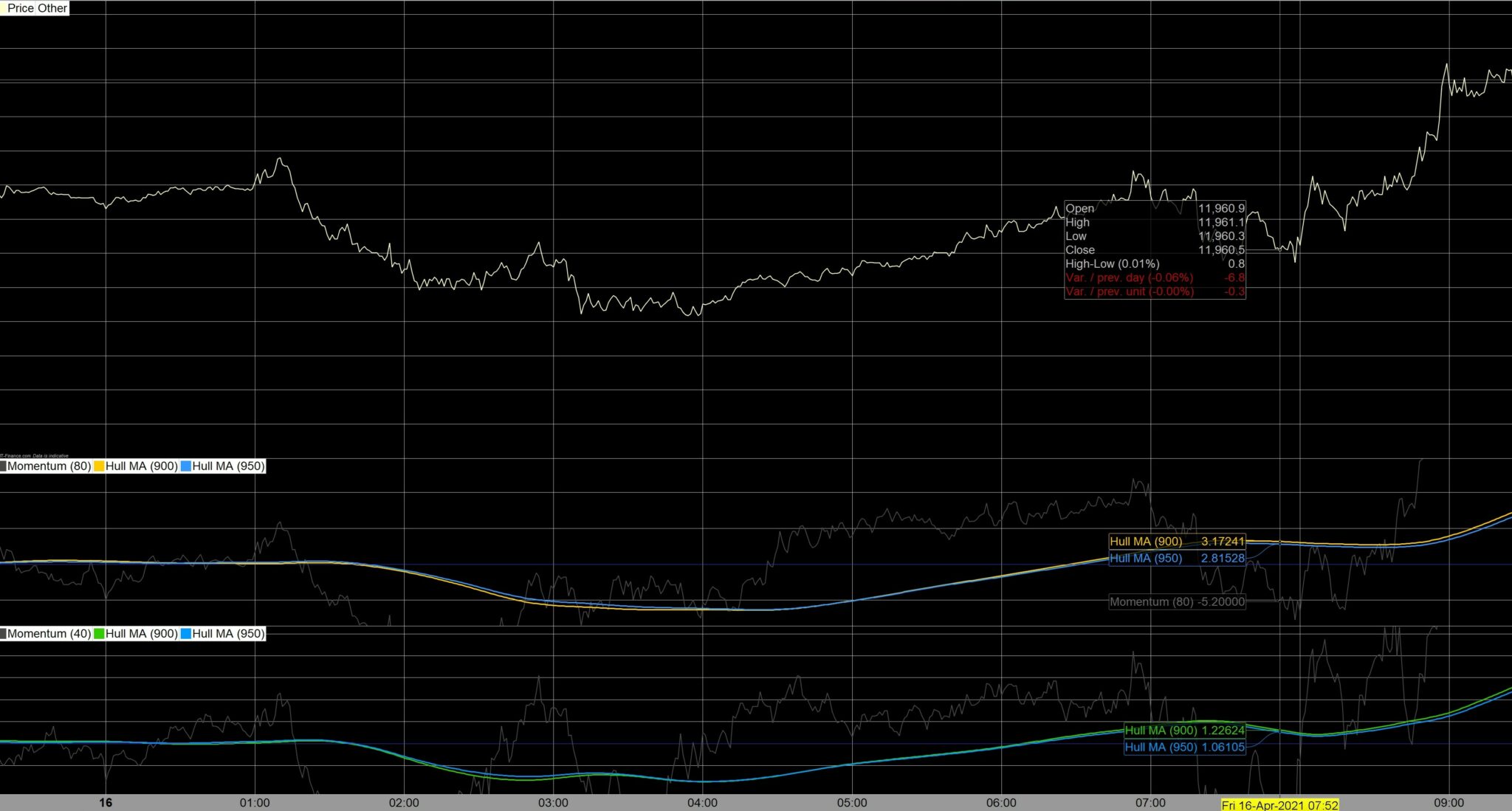
I can’t get the GRAPH instruction to work…..

Viewing 5 posts - 1 through 5 (of 5 total)

  • Author
    Posts
  • #167357 quote
    8ficusst
    Participant
    Average

    Hello all.

    I can’t get the GRAPH instruction to work – I only get straight lines whatever I try.

    Can someone please view my attached BT code to see what I am doing wrong?
    This code uses two HullAverages that both cross a Momentum together for the Short trigger – and those same Hull’s do the same again over a second Momentum for the Long trigger.
    I read in the PRT manual that one can have up to five graphs, but I can’t even get one to show.

    The perfect setup for the strategy of this code would be to view the two separate sets of Hull’s crossing each other in two separate panels.

    The Momentum does not need to be shown.

    Please let me know if anyone can offer a solution?
    Many thanks!

    Greater-Less-than-GRAPH-v.7.itf
    #167366 quote
    GraHal
    Participant
    Master

    You are using GRAPH on the variable values and so GRAPH will show a straight line at the optimised value.

    The perfect setup for the strategy of this code would be to view the two separate sets of Hull’s crossing each other in two separate panels.

    Sounds like you need your Algo conditions set up as Indicators?

    #167367 quote
    GraHal
    Participant
    Master

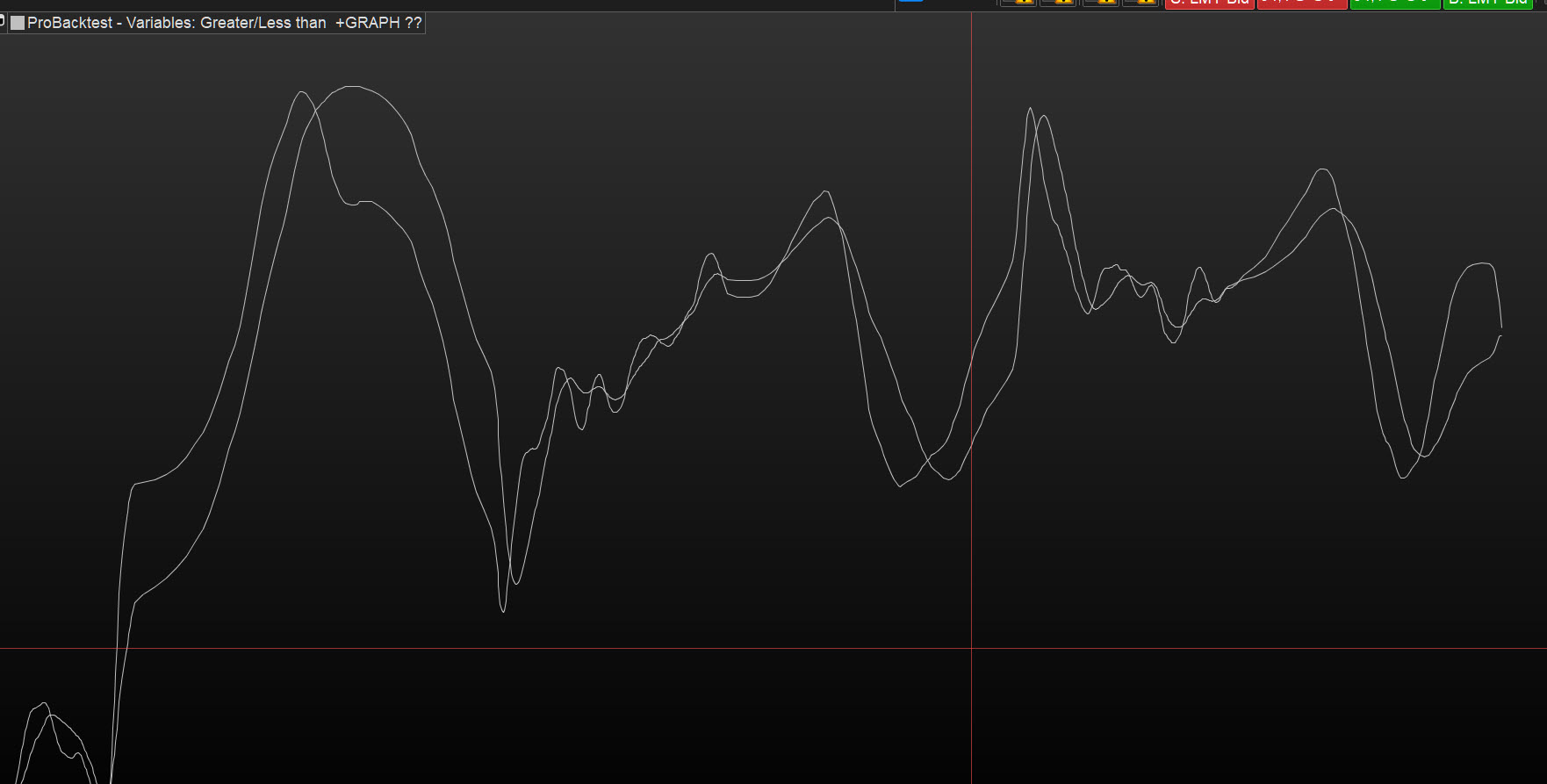
    Why don’t you …

    GRAPH MA1
    GRAPH MA2
    

    See attached

    8ficusst thanked this post
    ma1.jpg ma1.jpg
    #167369 quote
    XORANDNOT
    Participant
    Senior

    You only graph the variables of your optimization, and they are fixed for each example. They never change in a single backtest. So it is normal that you get straight lines, because the values of a, b, c and d do not change.  They are constant.

    8ficusst thanked this post
    #167428 quote
    8ficusst
    Participant
    Average

    Your idea worked Gra!

    You are correct – I need to use those GRAPH(ics) as indicators to save me adjusting the indicators in the panels each time I complete a BT (it becomes exhausting!) – The procedure is that whenever they both align in the same direction, it means I must trigger a trade in that direction. (Attachment below)

    Many thanks again.

    GraHal thanked this post
    Trading-Matching-Sides.jpg Trading-Matching-Sides.jpg
Viewing 5 posts - 1 through 5 (of 5 total)
  • You must be logged in to reply to this topic.

I can’t get the GRAPH instruction to work…..


Platform Support: Charts, Data & Broker Setup

New Reply
Author
author-avatar
8ficusst @8ficusst Participant
Summary

This topic contains 4 replies,
has 3 voices, and was last updated by 8ficusst

4 years, 10 months ago.

Topic Details
Forum: Platform Support: Charts, Data & Broker Setup
Language: English
Started: 04/17/2021
Status: Active
Attachments: 3 files
Logo Logo
Loading...