How to update Default Template

Viewing 4 posts - 1 through 4 (of 4 total)

  • Author
    Posts
  • #161961 quote
    dbl007
    Participant
    Junior

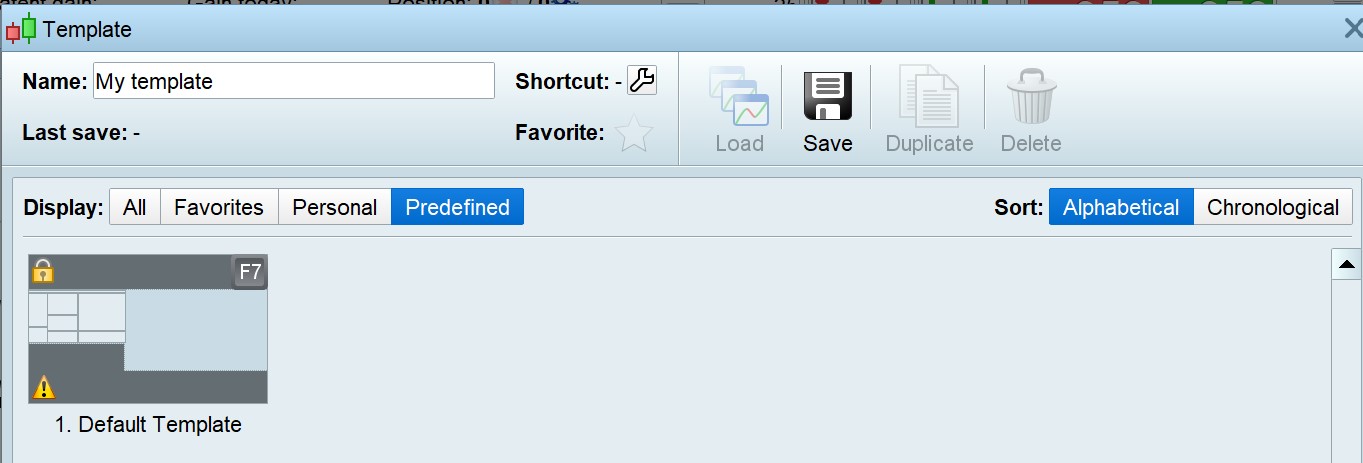
    I can’t figure out how to override the Default Template.  The Save/Delete option is disabled.

    cannot-overide-default-template.jpg cannot-overide-default-template.jpg
    #161963 quote
    Nicolas
    Keymaster
    Master

    Because the name of your template is “default template” and you can’t overwrite this default one. Change the name to a different one and the buttons will be enable.

    #161982 quote
    dbl007
    Participant
    Junior

    Doesn’t work.

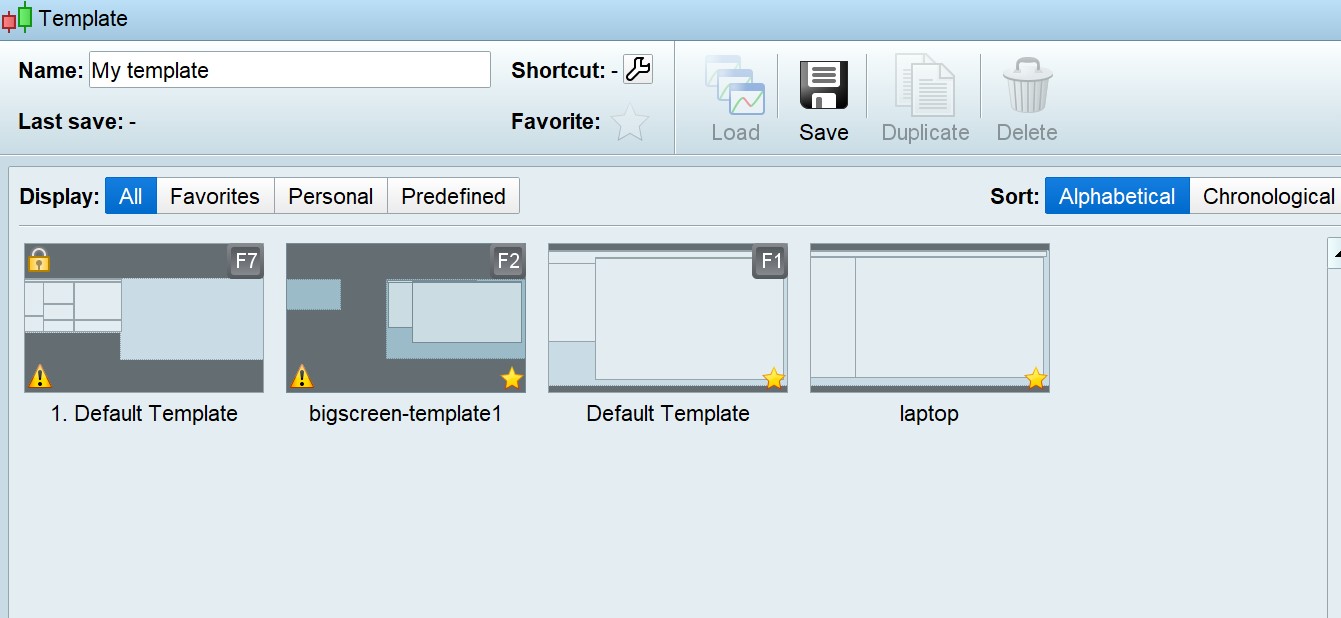
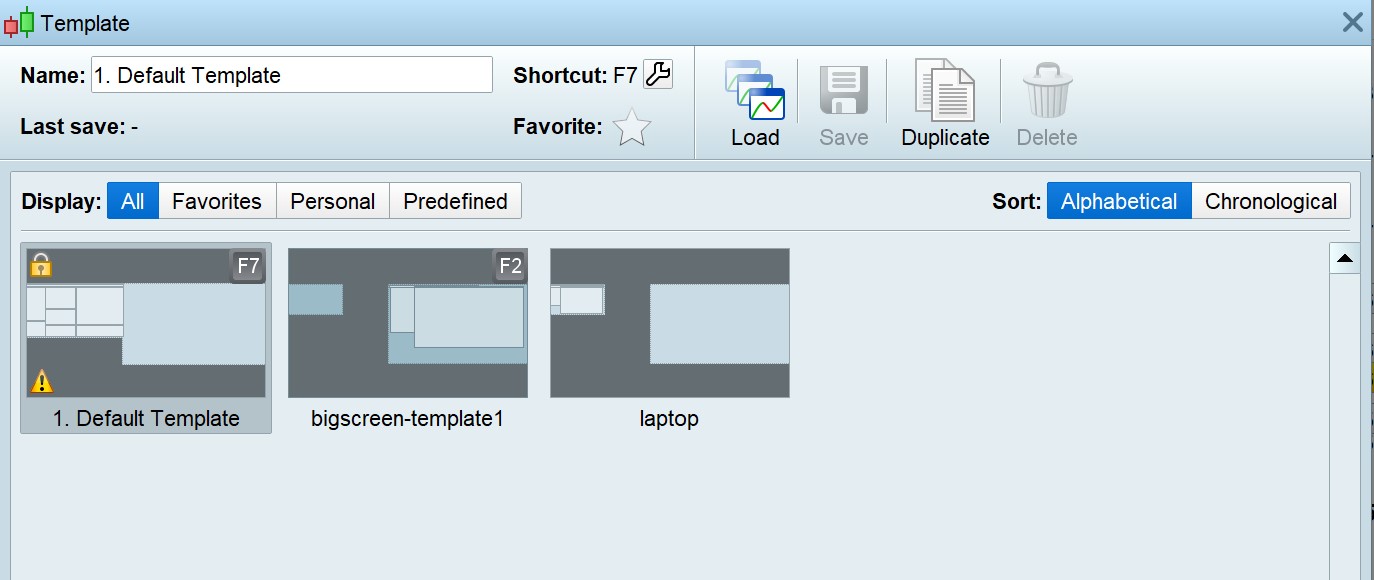
    The template is a predefined template. You can see from the screenshot it has a ‘Lock’ icon.  Its name is ‘1. Default Template’ .  I can create a template ‘Default Template’; but it does not override this one.

    pedefined-template-cannot-delete.jpg pedefined-template-cannot-delete.jpg all-templates.jpg all-templates.jpg
    #162003 quote
    GraHal
    Participant
    Master

    but it does not override this one.

    But why would you want to even try and overide the default Template?  We all know this is not possible and there is no need??

    Leave the default Template as it is and move on designing your own Templates?

Viewing 4 posts - 1 through 4 (of 4 total)
  • You must be logged in to reply to this topic.

How to update Default Template


Platform Support: Charts, Data & Broker Setup

New Reply
Author
author-avatar
dbl007 @dbl007 Participant
Summary

This topic contains 3 replies,
has 3 voices, and was last updated by GraHal

5 years ago.

Topic Details
Forum: Platform Support: Charts, Data & Broker Setup
Language: English
Started: 02/19/2021
Status: Active
Attachments: 3 files
Logo Logo
Loading...