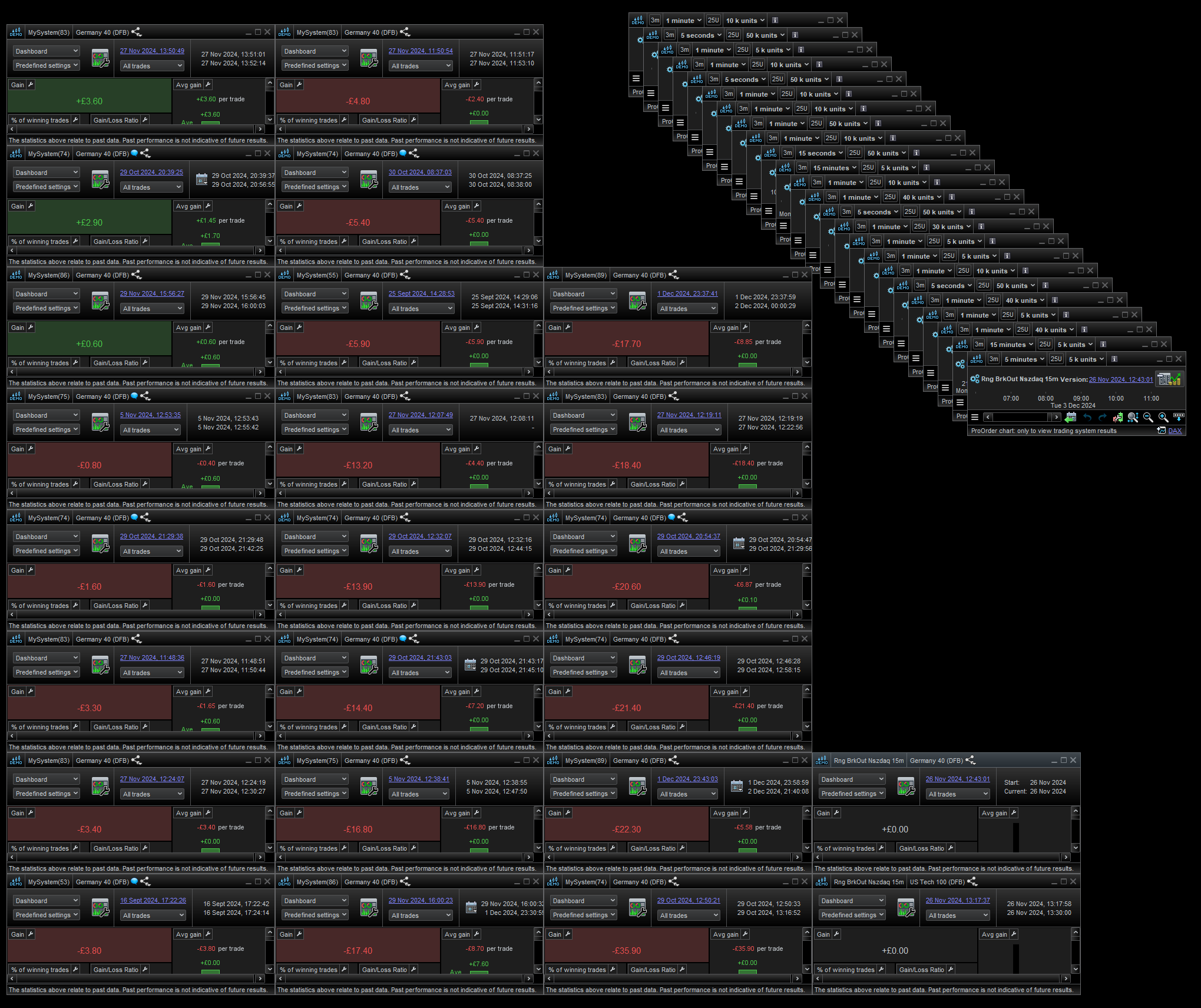
Hi peter , I was just referring to the number of trading systems , and how many detailed report could be displayed at once.
I didn’t have any running, but image show a number of non-running ones.
It wouldn’t surprise me if you could only open less if they were running.
Whitespace in lists…
Though this may be different regarding screen size, resolution, font size etc.
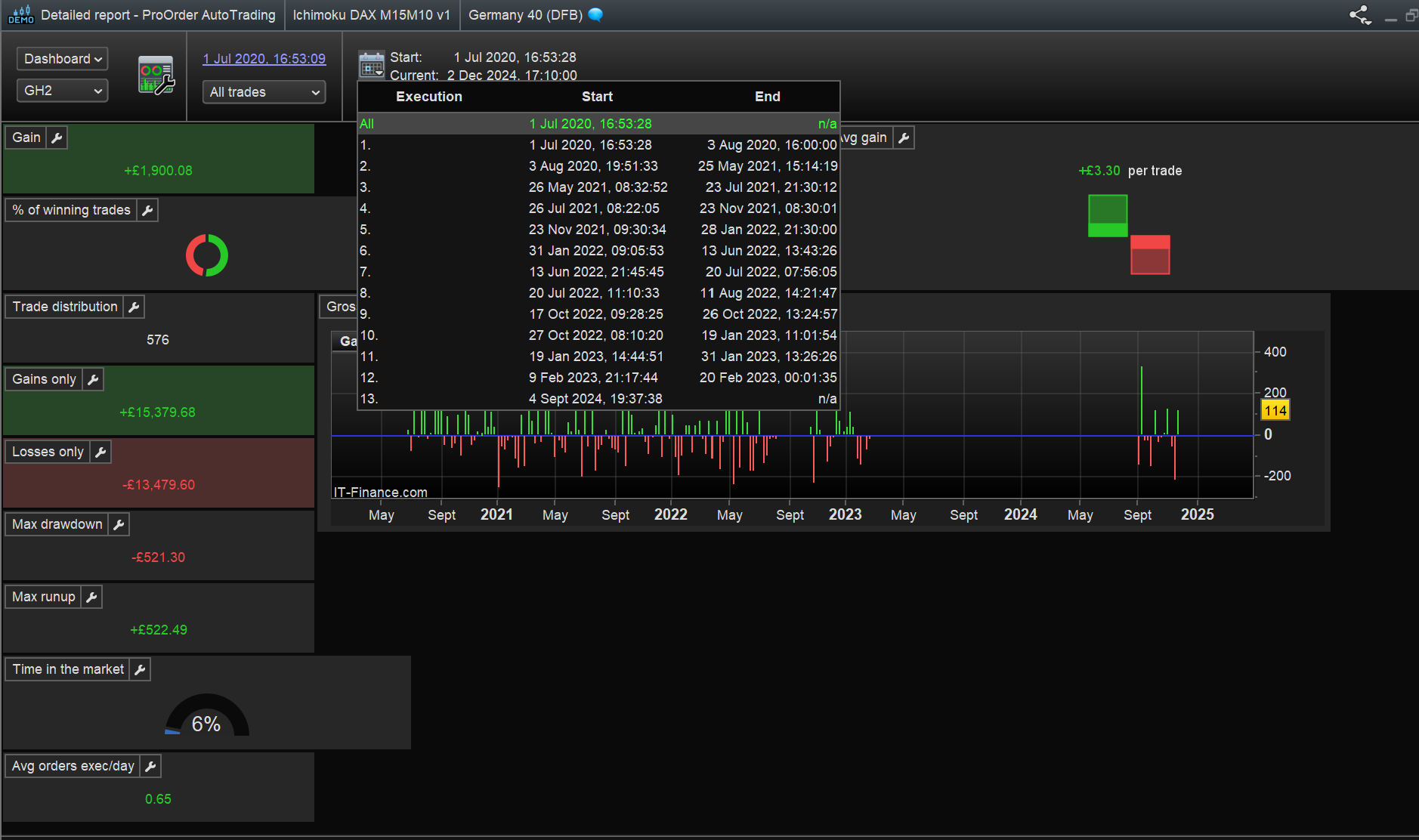
One thing I did come over while looking at the detailed report window was some of the displayed info were cropped due to the size of the fields, when first opened in new workspace.
Mainly , Order list and closed position list, with dates/time.
Though you can alter each field independently, if you use spanner to ‘Optimise column widths’ it makes window larger to incorporate the info.
However, when reducing the width of the window and in comparison between before and after using the optimise option,
the after appears to reduce the whitespace in each column in some proportional way, keeping the info visible and allowing the window to be at a minimum visible width size.
This appears to work the same with other windows in reducing the windows width but keeping all list info un-cropped.
Works quite well with the Autotrading window however you need to spanner/optimise on all three sections, Stopped/Running/Not Running and maybe a tweak on the width to suit all.
When window closed or reloaded after save, it always appears in optimised form.
Maybe, because you may do this anyway, you may not realise what’s happening and since the change is saved, well you won’t think of doing again unless some data value gets too big and cropped or window gets resized and saved un-optimised.
The simple procedure of optimise widths then resize window get it back.
I’m sure this is common knowledge but there’s always a straggler!.