Bard
BardParticipant
Master
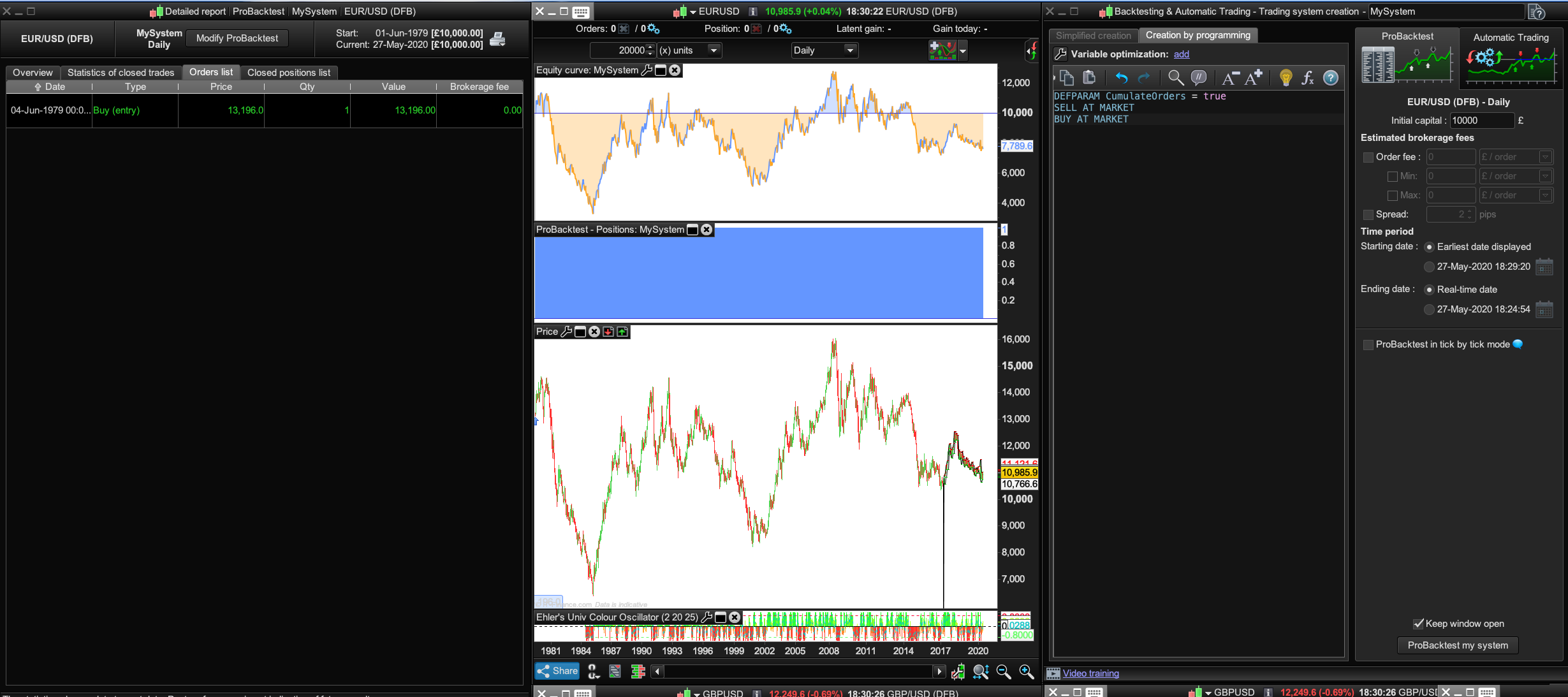
Mine only takes one trade with your code, same €/$ market, daily , 20,000 units, tick by tick testing unselected?
BardParticipant
Master
I’d like to bump this comment please as I couldn’t get the Optical Character Recognition s/ware to work:
https://www.prorealcode.com/topic/how-to-extract-every-candles-data/#post-132850
and https://www.prorealcode.com/topic/how-to-extract-every-candles-data/#post-133490
Also I was reading PRT conditions here: https://www.prorealtime.com/en/help-manual/dde-data-export
and it states:
ProRealTime DDE does not allow to export historical data or candlestick values. However, you can use a third party software that will store price values at specific times to create Open / High / Low / Close values in the timeframe of your choice.
Wondering what software that is?
As of the last month looking into this issue it seems the other alternatives are either an Office 365 subscription (you’ll have to add indicator code to the Excel template), an a/c with IG Index, Interactive Brokers (who allow past data downloads to Excel) or a Pro a/c with TradingView are some ways to get the past data plus indicator values into an Excel sheet easily.
Why won’t PRT let us have the historic data?
Thanks,
BardParticipant
Master
Hi there, can anyone figure out why this code: https://www.prorealcode.com/topic/how-to-extract-every-candles-data/#post-96205
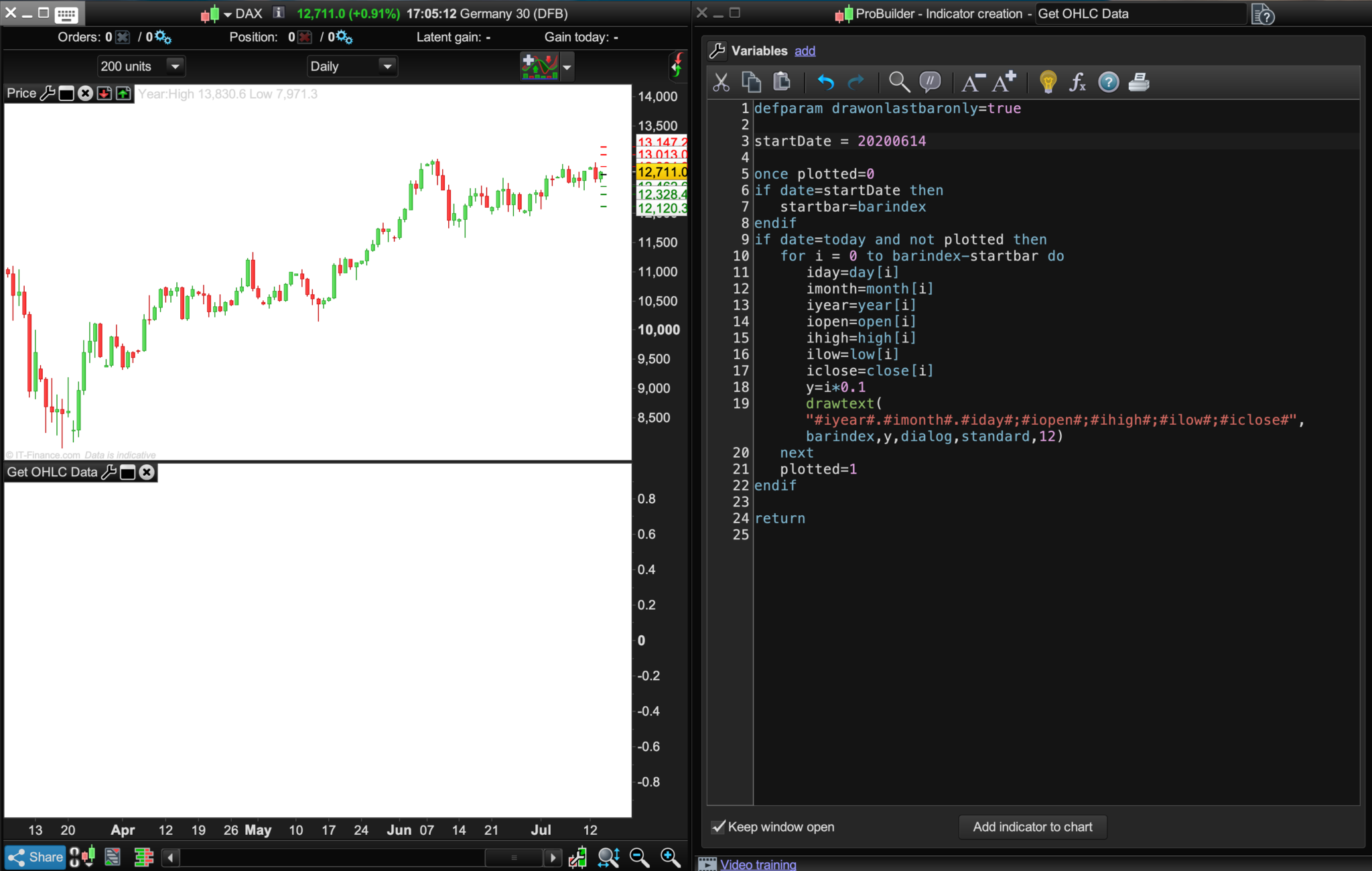
doesn’t produce any output? Pls see image.
Cheers,
BardParticipant
Master
@Nicolas, I can’t seem to post here anymore? I also posted this morning and it said my post is being moderated?
BardParticipant
Master
Hi there,
Can anyone figure out why this code doesn’t work for me?
Pls see image, it’s the OCR code from the 1st page of this thread: https://www.prorealcode.com/topic/how-to-extract-every-candles-data/#post-96205
If I can get this to work then hopefully next I can get indicators to also be outputted.
Cheers,
BardParticipant
Master
No idea what’s going on here….
First post here disappeared.
Second post with “test” posted okay, so I added text question below, plus an image and then that disappeared too?
Okay so trying third attempt without an image.
Basically the indicator leaves no data whether I use a black or white background on the chart.
Hi there,
Can anyone figure out why this code: https://www.prorealcode.com/topic/how-to-extract-every-candles-data/#post-96205
doesn’t produce any output?
Cheers,
No idea what’s going on here…. First post here disappeared.
It’s been happening to me also since Saturday … I was beginning to think @Nicolas was trying to tell me something!? 🙂
I’ve posted several of my posts several times as I was thinking I hadn’t pressed submit or had exited the screen before the post had fully submitted.
Maybe Nicolas can enlighten us what is going on??
EDIT / PS
I think i may have sussed out what it is … any post with a link in it is not posting?
The post above didn’t send so I removed the Quote Bard said and sent again and it submitted just fine!
Maybe Nicolas is checking individually all post with links due to spam??
BardParticipant
Master
Ha ha. Just because you’re not paranoid doesn’t mean they’re not out to get you! I was beginning to think he’s tired of members with 4 years experience still asking newbie questions! 😹
What about this morning’s post being moderated? Should that make me paranoid? Double 😹
I think actually the “link” is the issue. I tried to link an image earlier here and it wouldn’t post…. Yep it’s links as I tried to quote you: “I was beginning to think @Nicolas was trying to tell me something!?” and it failed to post.
Nicolas has been doing some upgrades and updates to the website and it seems perhaps some gremlins have found their way in. I’ll highlight it to Nicolas off forum although I believe he is up to his eyeballs in debugging at the moment already!
No idea what’s going on here…. First post here disappeared.
It’s been happening to me also since Saturday … I was beginning to think @Nicolas was trying to tell me something!? 🙂
I’ve posted several of my posts several times as I was thinking I hadn’t pressed submit or had exited the screen before the post had fully submitted.
Maybe Nicolas can enlighten us what is going on??
BardParticipant
Master
I was beginning to think @Nicolas was trying to tell me something!?
Haha. Just because you’re not paranoid doesn’t mean they’re not out to get you!
I was beginning to think he’s tired of members with 4 years experience still asking newbie questions! 😹
I think actually the “link” is the issue. I tried to link an image, wouldn’t post….
What about this morning’s post being moderated? Should that make me paranoid? Double 😹
Sorry for that, i’m about to fix that soon. If it happens again, please don’t try to post again the same message and contact me directly with the contact form. Thanks and sorry again 🙂
Hi all,
have to ask – have you used the IG Excel API?? You can get 1 Minute, 1 Hour, 1 Day, 1 Week and 1 Month for data types – so it is a bit limited in some ways, but it is a start.
There is a data tab that spits out the values that you are looking for. Download the 32/64 bit excel version from here. You will need an API key from settings in you My IG as well.
https://labs.ig.com/sample-apps
Cheers,
Finning.
BardParticipant
Master
Hi @Finning, thanks, yes I’ve looked at the IG API and yes it will download their O/H/L/C/Vol and indicator values. I was after more sophisitcaed de-trending and signal processing values, indicators like John Ehler’s Empirical Mode Decomposition and Correlation Trend Indicator.
I’ve made an Excel master sheet that now includes the:
Accumulation Distribution Line
ADX (14)
CCI
EMA (2/10/50/200)
MACD (12,26)
OBV
RSI (14)
SMA (2/10/50/200)
Stochastic Oscillator (14)
Williams R (4)
but it’s slow progress so I posted to see if anyone can help further with adding more complex indicators to Excel here: https://www.prorealcode.com/topic/collaboration-to-code-indicators-into-excel-file/#post-139665
Personally I wish their was a way that didn’t involve having to personally build Excel data sets as I find Excel iritating, eg, you go back to the file you’ve been working on for hours later to find all your formulas have disappeared and “show formulas” doesn’t fix it!