How to create an alert on a list

Viewing 14 posts - 1 through 14 (of 14 total)

  • Author
    Posts
  • #157793 quote
    cc267
    Participant
    Average

    I have a list i want to create an alert on but cannot seem to find out how to do this?

    #157809 quote
    Nicolas
    Keymaster
    Master

    Create a screener and launch it on that list, you’ll be alerted of results in real time.

    #157824 quote
    cc267
    Participant
    Average

    I still can’t get this working. Lets say I want to create an alert on all stocks within LSE (50) – I have the list up – now what? there doesn’t seem to be anything to add an alert to this list? Even if i create a screener list, the list comes up and no way to create an alert?

    #157828 quote
    GraHal
    Participant
    Master

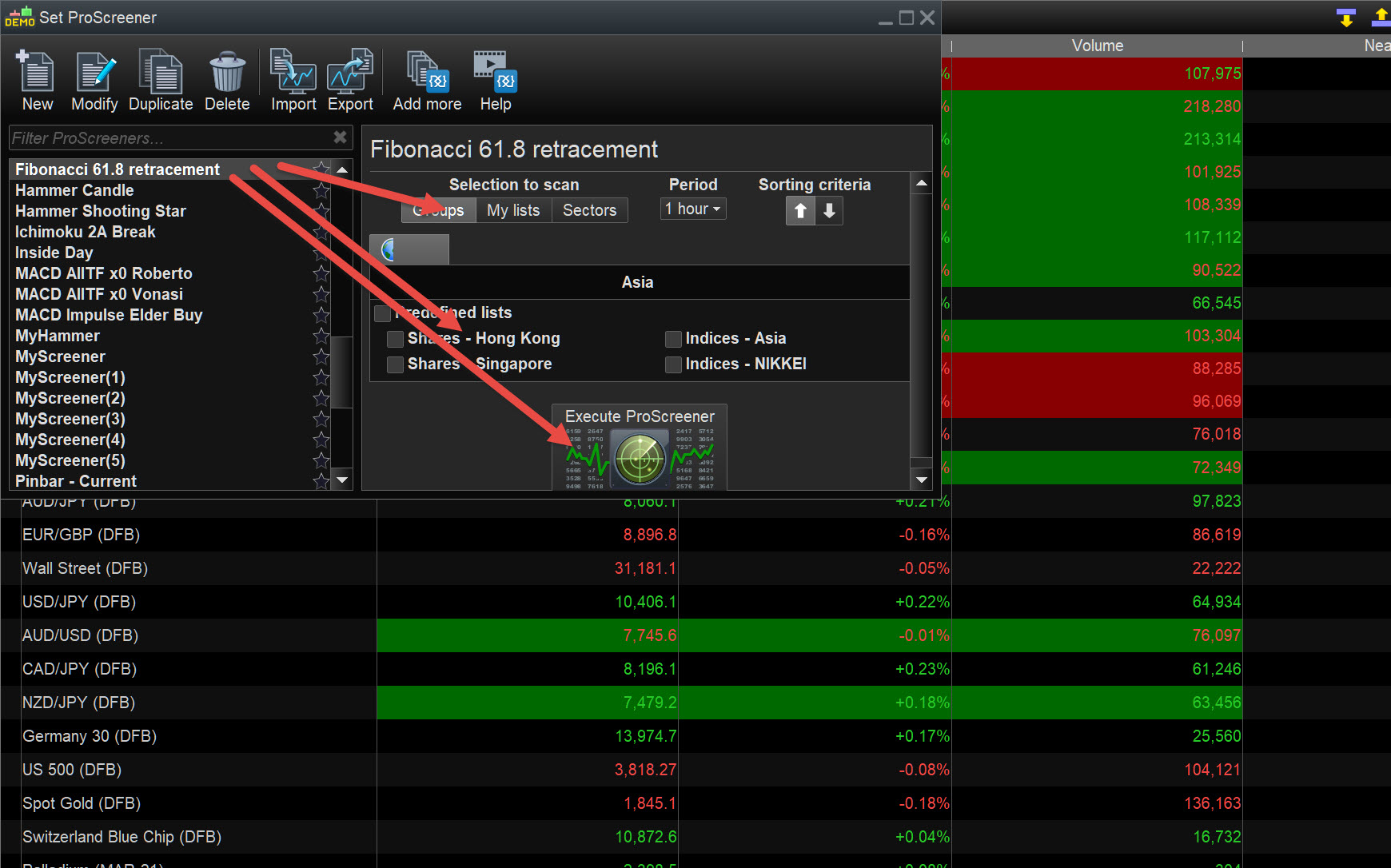
    Picture says a thousand words … see attached.

    Aha I now read again.

    There is no Alert but we do hear a weird noise when the screener runs and has results … or we used to v10.3?

    CC.jpg CC.jpg
    #157830 quote
    GraHal
    Participant
    Master

    Suggest to PRT that they add an Alert option to the Screener … plenty of others want it also!

    Use the Form below and it will go direct to PRT

    https://www.prorealtime.com/en/contact?suggestion=1

    #157831 quote
    GraHal
    Participant
    Master

    Thinking about it though … what would we create an Alert on??

    Alert is triggered if a Screener shows results?  I would say No?

    So we would only set up / create the Screener Alert if we expected our screener code to give a result that rarely occurs??

    #157835 quote
    cc267
    Participant
    Average

    So you cannot create an alert on a list with this software?

    Lets say I wanted to create an alert when MA (200) goes below certain %/number – this is impossible to do?

    I can create an alert for this on individual stocks no problem but an entire list, its impossible?

    #157837 quote
    Nicolas
    Keymaster
    Master

    Alert for a complete list: use ProScreener, it will make sounds and list the stocks corresponding to your condition.

    #157839 quote
    GraHal
    Participant
    Master

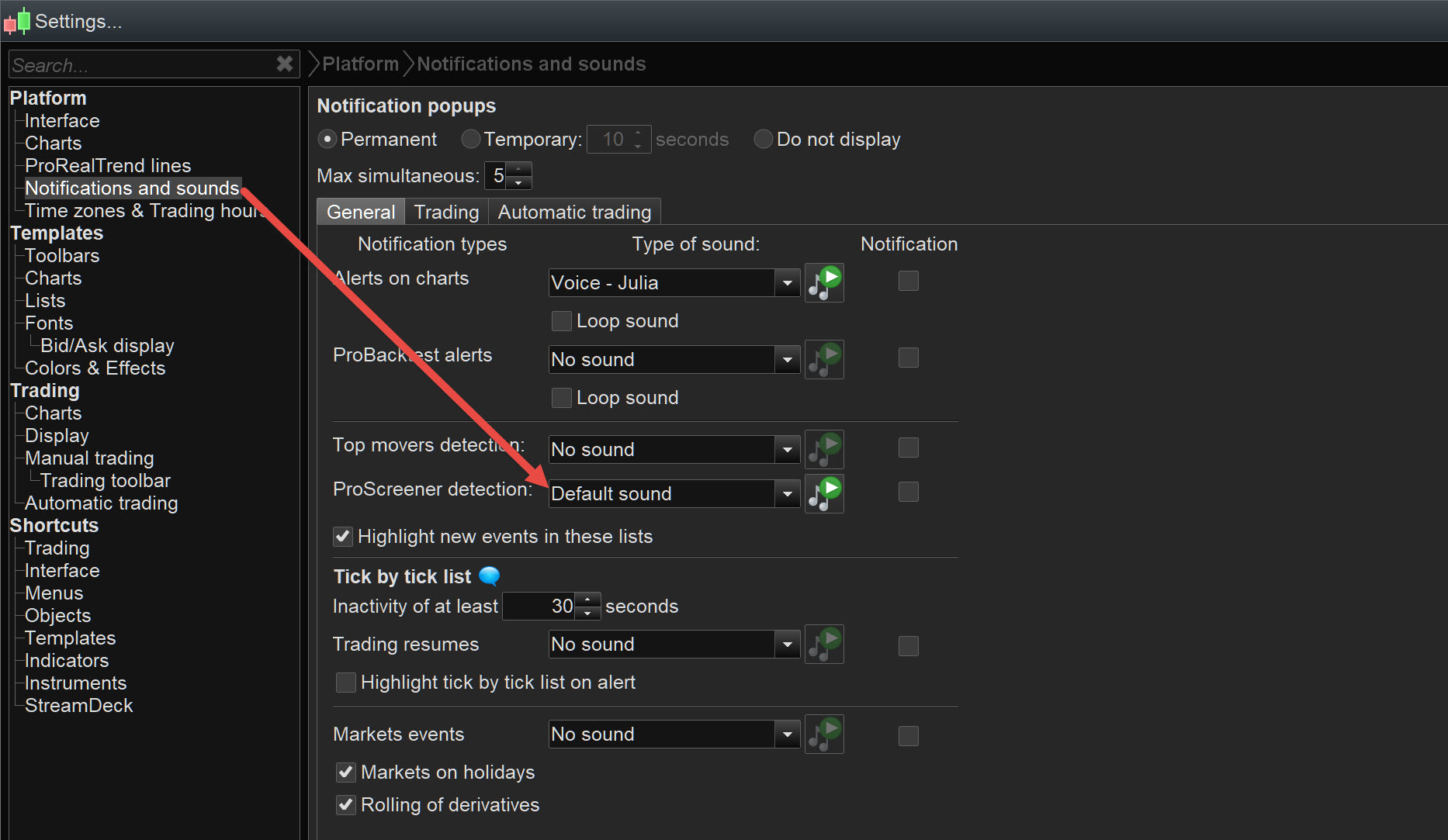
    See attached for Screener sound setting … you can even use bespoke sound of your choice! 🙂

    CC2.jpg CC2.jpg
    #157848 quote
    cc267
    Participant
    Average

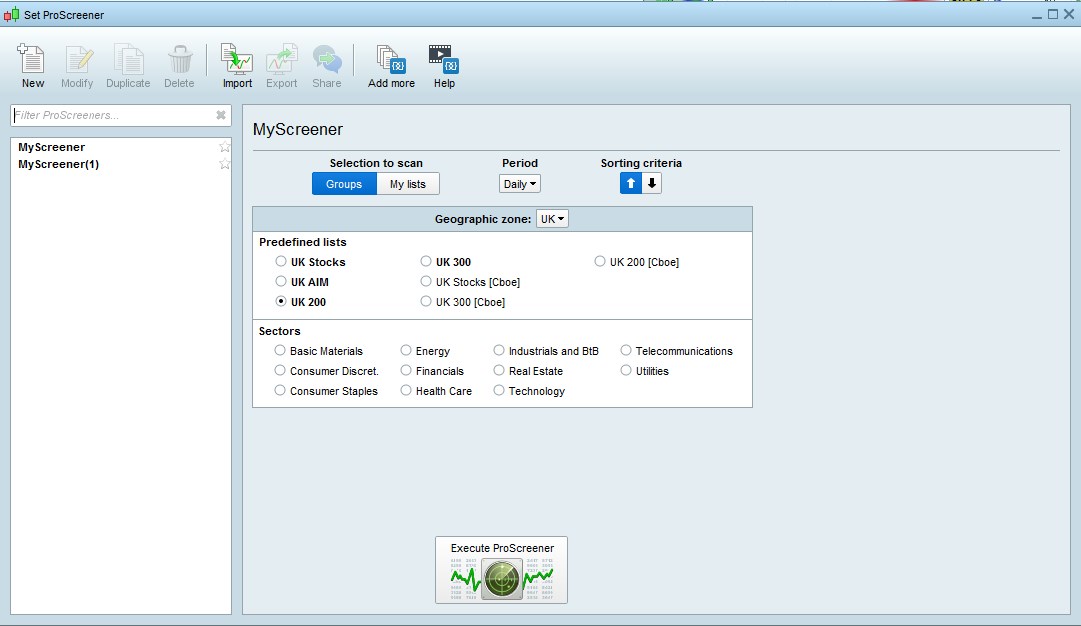
    Thankyou for your help so far but i cannot see any predefined screeners like you have under “filter proscreeners”. Attached is what mine looks like.

    proscreener.jpg proscreener.jpg
    #157852 quote
    GraHal
    Participant
    Master
    #157872 quote
    cc267
    Participant
    Average

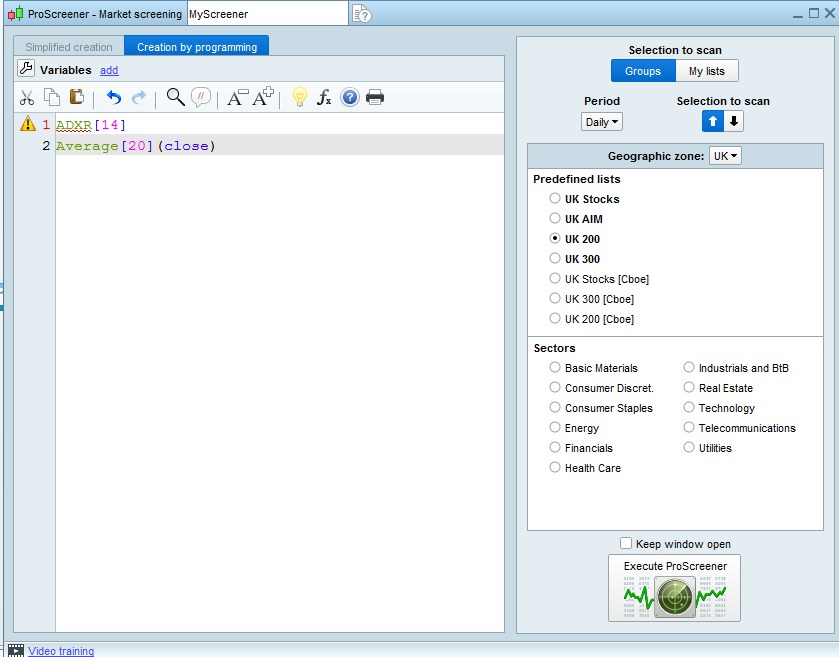
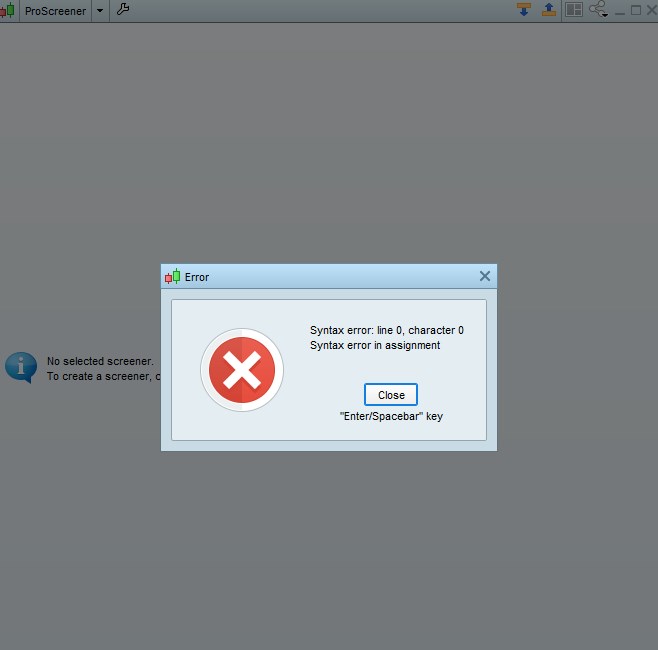
    Even when I try to add pre-defined indicator to screener, it is just an error message?

    error1.jpg error1.jpg error2.jpg error2.jpg
    #157879 quote
    GraHal
    Participant
    Master

    That code is not a full screener.

    Did you try a few screeners??

    #157880 quote
    cc267
    Participant
    Average

    OK i think I have finally sorted this.

    First I defined my own indicator and from there i was able to use that indicator on the screener. It was abit complicated since i am new to this software, i will try to make a video so that other newbies can use this information if they want to use an indicator on a screener. thankyou so much for your help

    GraHal thanked this post
Viewing 14 posts - 1 through 14 (of 14 total)

  • You must be logged in to reply to this topic.

How to create an alert on a list


Platform Support: Charts, Data & Broker Setup

New Reply
Author
author-avatar
cc267 @cc267 Participant
Summary

This topic contains 13 replies,
has 3 voices, and was last updated by cc267

5 years, 1 month ago.

Topic Details
Forum: Platform Support: Charts, Data & Broker Setup
Language: English
Started: 01/14/2021
Status: Active
Attachments: 5 files
Logo Logo
Loading...