






Grey Boxes on MAC with PRT v12

Viewing 15 posts - 1 through 15 (of 31 total)
  • Author
    Posts
  • #222106 quote
    Bard
    Participant
    Master

    Hi there!

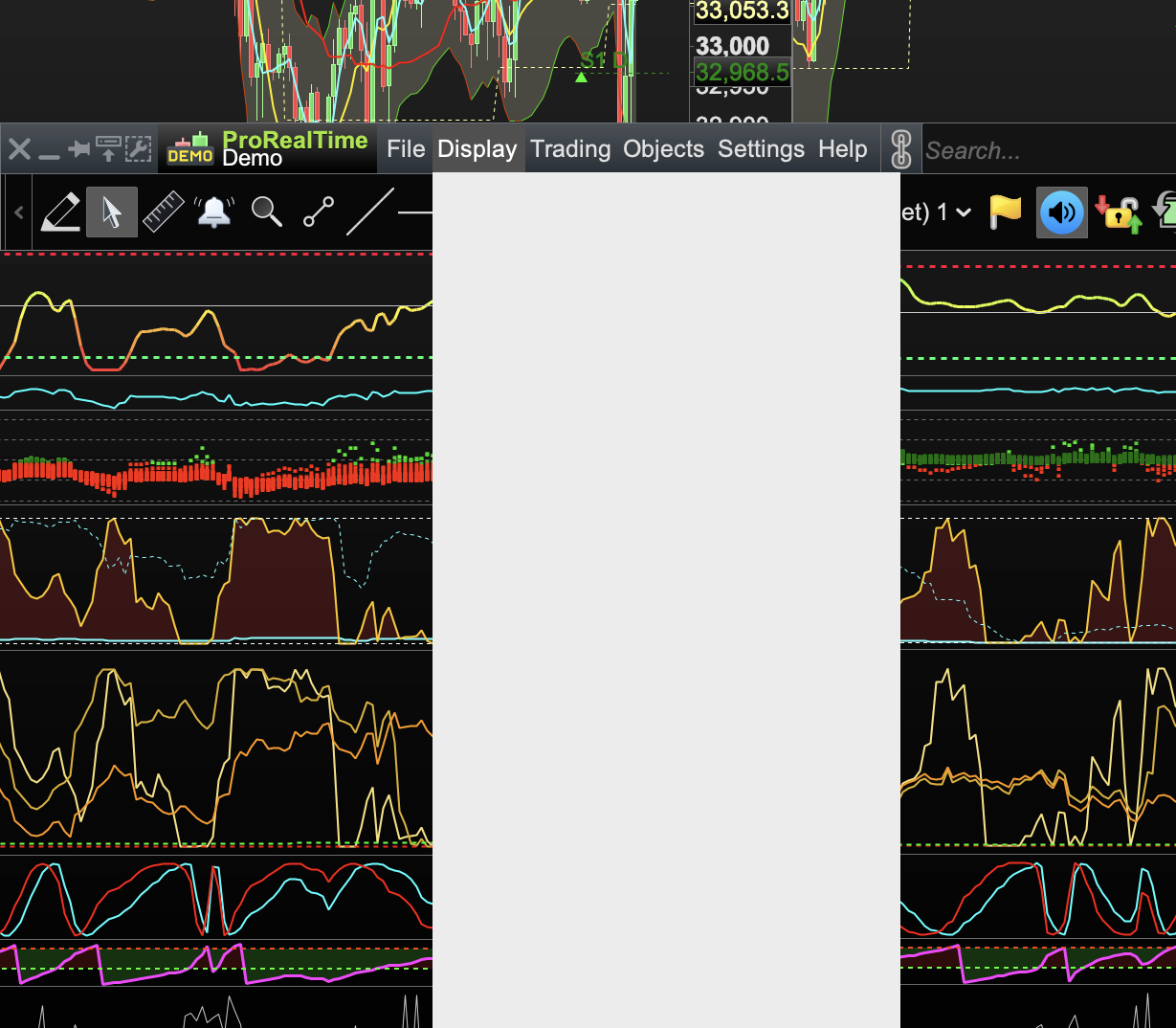
    Is anyone else getting these grey boxes when they open up eg an indicators settings/configuration?

    Cheers.

    PRT-FAULT.png PRT-FAULT.png
    #222173 quote
    Nicolas
    Keymaster
    Master

    Never seen that before. Do you get the same issue after a restart of platform?

    #222192 quote
    Bard
    Participant
    Master

    PRT was working brilliantly on my new MacBook (for a wk) and then this started occurring. Restarts don’t always fix it though and from your comment I think it must be some kind of internet connectivity issue, right?

    Cheers!

    (Image shows me using Apple desktop reveal / hot corner).

    reveal.jpg reveal.jpg
    #222221 quote
    Nicolas
    Keymaster
    Master

    Did you made the usual report? I was thinking of a temporary graphic card glitch, it is not related to your internet connectivity.

    Is that v12?

    #222269 quote
    Bard
    Participant
    Master

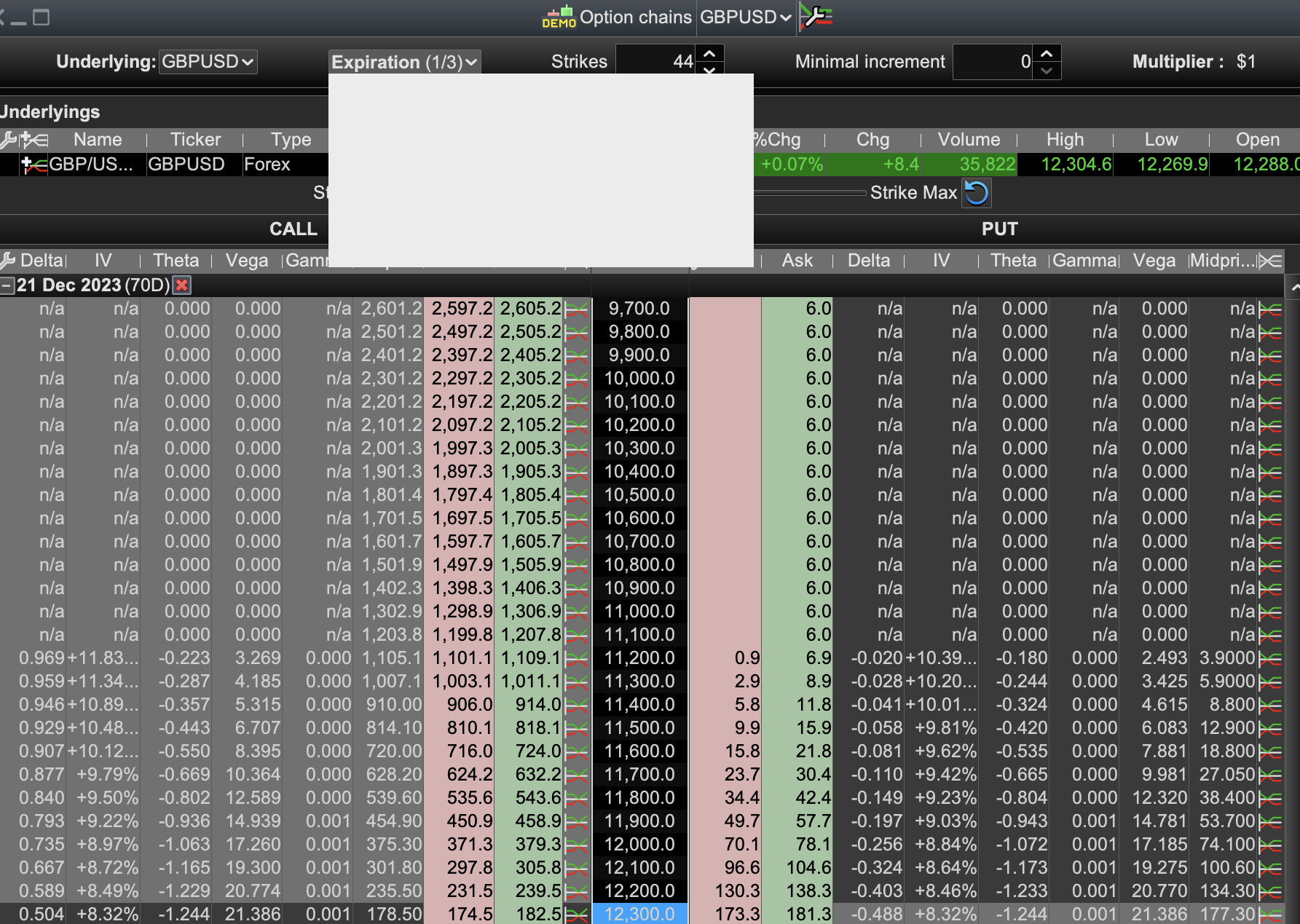
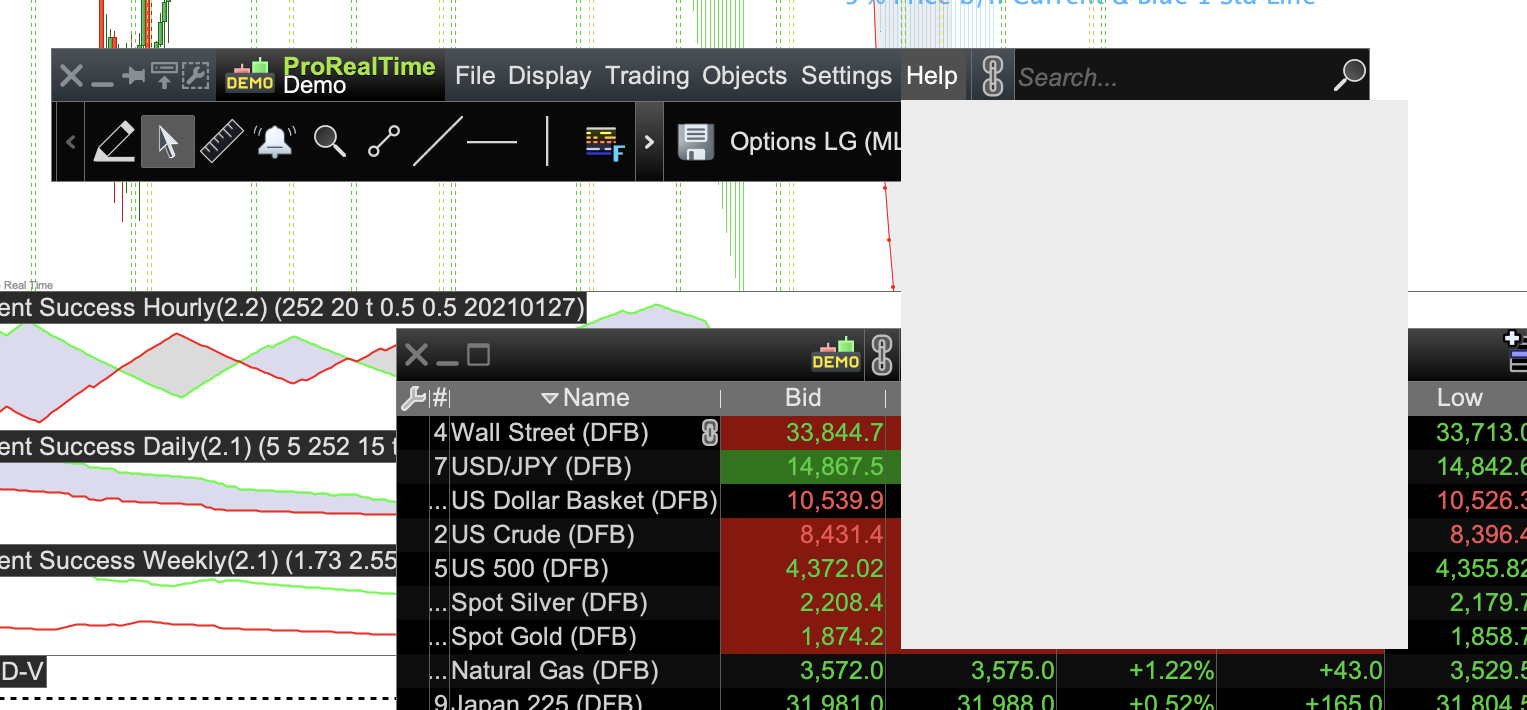
    I can’t because grey boxes seem to be appearing on every menu? I just launched now and my first action was to change the expiry date on the option chain window but I got a grey box, ditto Help. – it is v12.

    1.png 1.png 2.png 2.png
    #222288 quote
    JS
    Participant
    Senior

    Hi Bard,

    Video card driver?

    (Update the driver)

    Happens the same with other programs?

    (No, then reinstall application)

    Screen defect?

    (Connect your Mac to an external display and see if the same thing occurs)

    Apple support

    #222292 quote
    Bard
    Participant
    Master
    Thank you. It’s a new M Chip Macbook and PRT is run through IG’s web application. I am using a monitor. Makes no difference if I unplug and use the Macbook.
    #222301 quote
    JS
    Participant
    Senior

    It’s almost Christmas again… 😉

    #222316 quote
    Nicolas
    Keymaster
    Master
    ok, i’m enquirying now if that’s a known issue for MAC users.
    #222324 quote
    Bard
    Participant
    Master
    I don’t know how to find that out about the M2 MacBook Pro? It worked so well in the first week, super fast chart loading!
    #222327 quote
    Nicolas
    Keymaster
    Master
    Seems not. Open the help center with the keyboard shortcuts: on windows it’s CTRL + M, on mac it’s cmd + M.
    #222341 quote
    Bard
    Participant
    Master
    One click of “Cmd + M” moves each window individually into the Dock one by one. After that I’m left with a grey box in the middle of the desktop.
    1.jpg 1.jpg
    #222343 quote
    Bard
    Participant
    Master
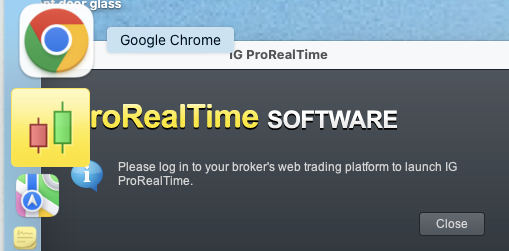
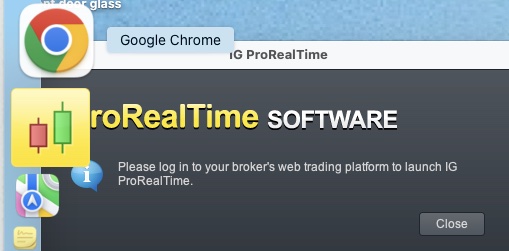
    If I launch the PRT app (not launched via IG web) it tells me to login even though I am logged in?
    2-1.png 2-1.png
    #222347 quote
    Bard
    Participant
    Master
    #222351 quote
    Nicolas
    Keymaster
    Master
    Your computer is a laptop? Do you connect it into an external monitor?
Viewing 15 posts - 1 through 15 (of 31 total)
  • You must be logged in to reply to this topic.

Grey Boxes on MAC with PRT v12


Platform Support: Charts, Data & Broker Setup

New Reply
Author
author-avatar
Bard @brad Participant
Summary

This topic contains 30 replies,
has 7 voices, and was last updated by Bard

1 year, 11 months ago.

Topic Details
Forum: Platform Support: Charts, Data & Broker Setup
Language: English
Started: 10/06/2023
Status: Active
Attachments: 7 files
Logo Logo
Loading...
