General Setup

Viewing 8 posts - 1 through 8 (of 8 total)

  • Author
    Posts
  • #37744 quote
    andy1968
    Participant
    New

    Hi Guys,

    Two questions if anyone can help,

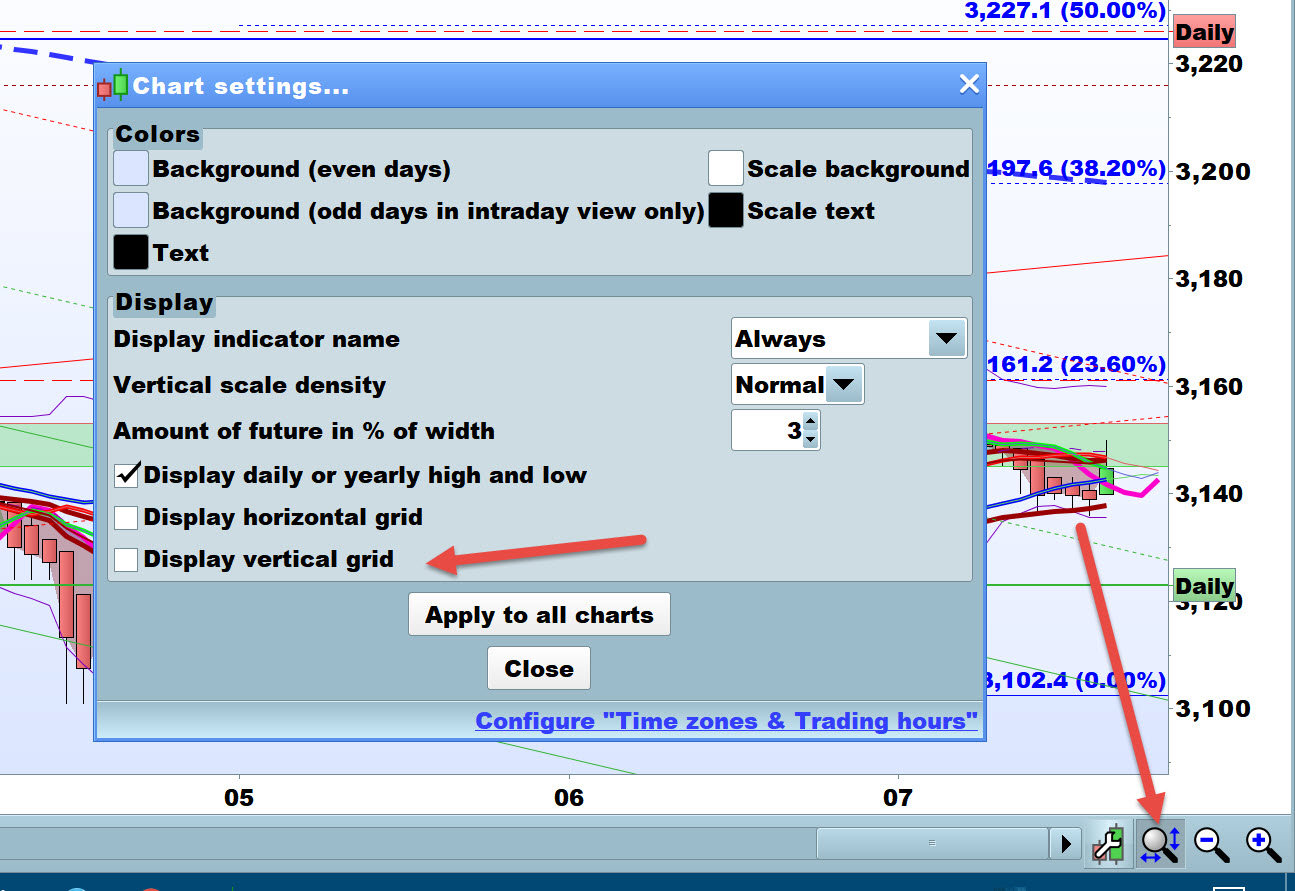
    1. I have a dotted red vertical line, 10 candles in from current price. How do I delete it?
    2. I would like my pivot points set to US close. Is this possible?

    Thanks

    #37751 quote
    Nicolas
    Keymaster
    Master

    1/ Right click on chart and choose “delete all drawn objects”

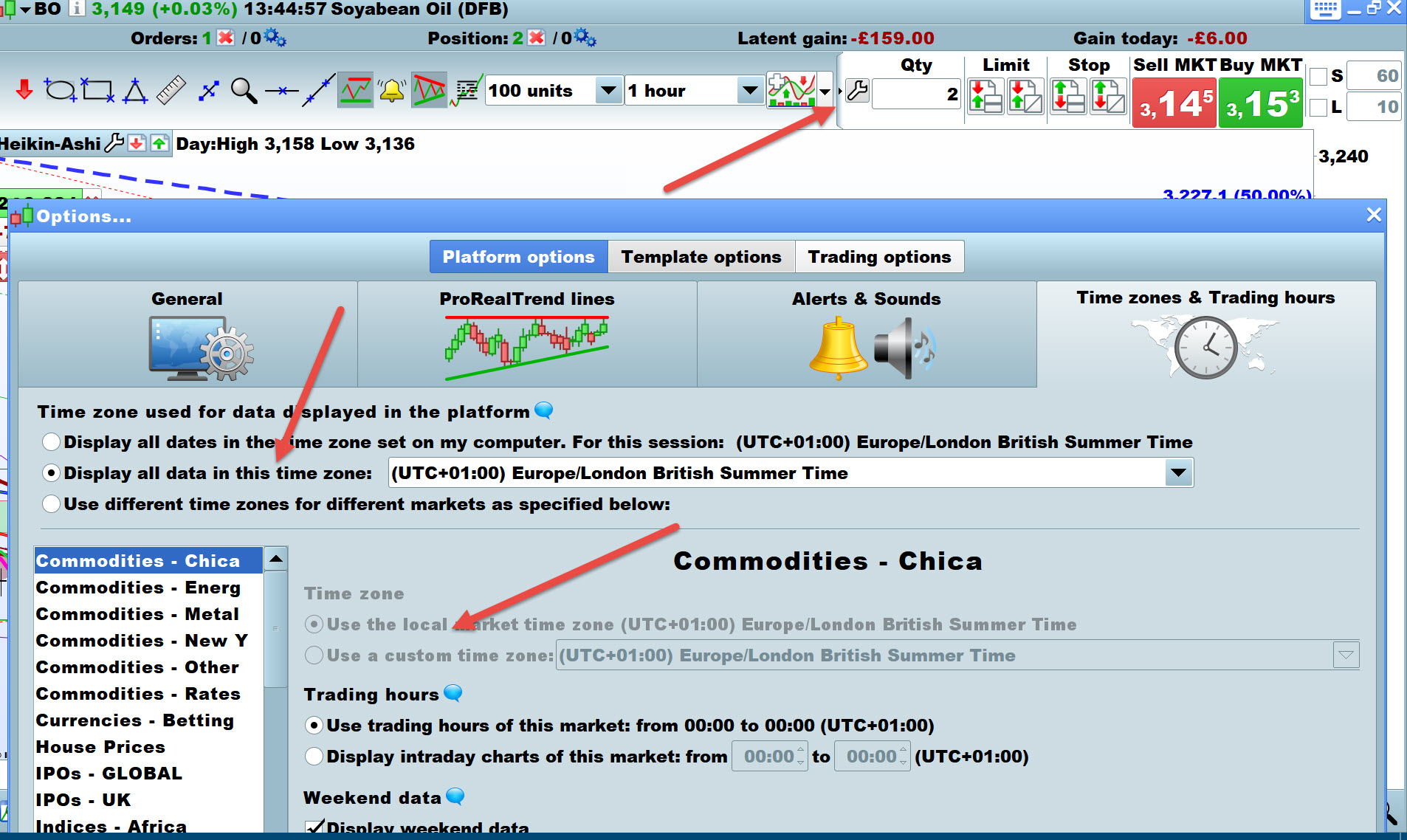
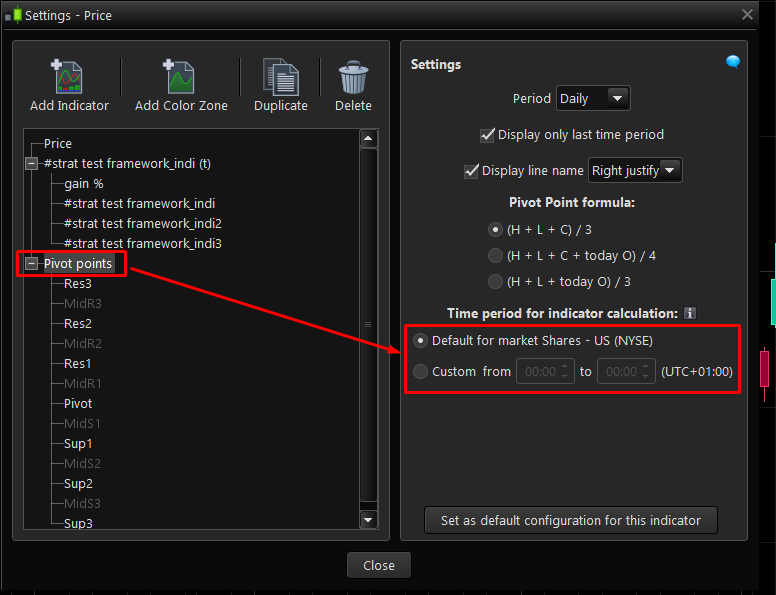
    2/ Look at attached picture, you can modify the time period for the indicator calculation in the settings.

    pivot-points-custom-hours.png pivot-points-custom-hours.png
    #37753 quote
    GraHal
    Participant
    Master

    Text deleted … Nicolas got there first!

    Ignore screen shots ( I can’t delete) … they were wrong anyway! 🙂

    Andy.jpg Andy.jpg Andy2.jpg Andy2.jpg
    #37806 quote
    andy1968
    Participant
    New

    Thanks Guys,

    1. This just doesn’t work for me. I’ve designed a duplicate template where the dotted line doesn’t appear so I think it must be a global setting. Food for thought.
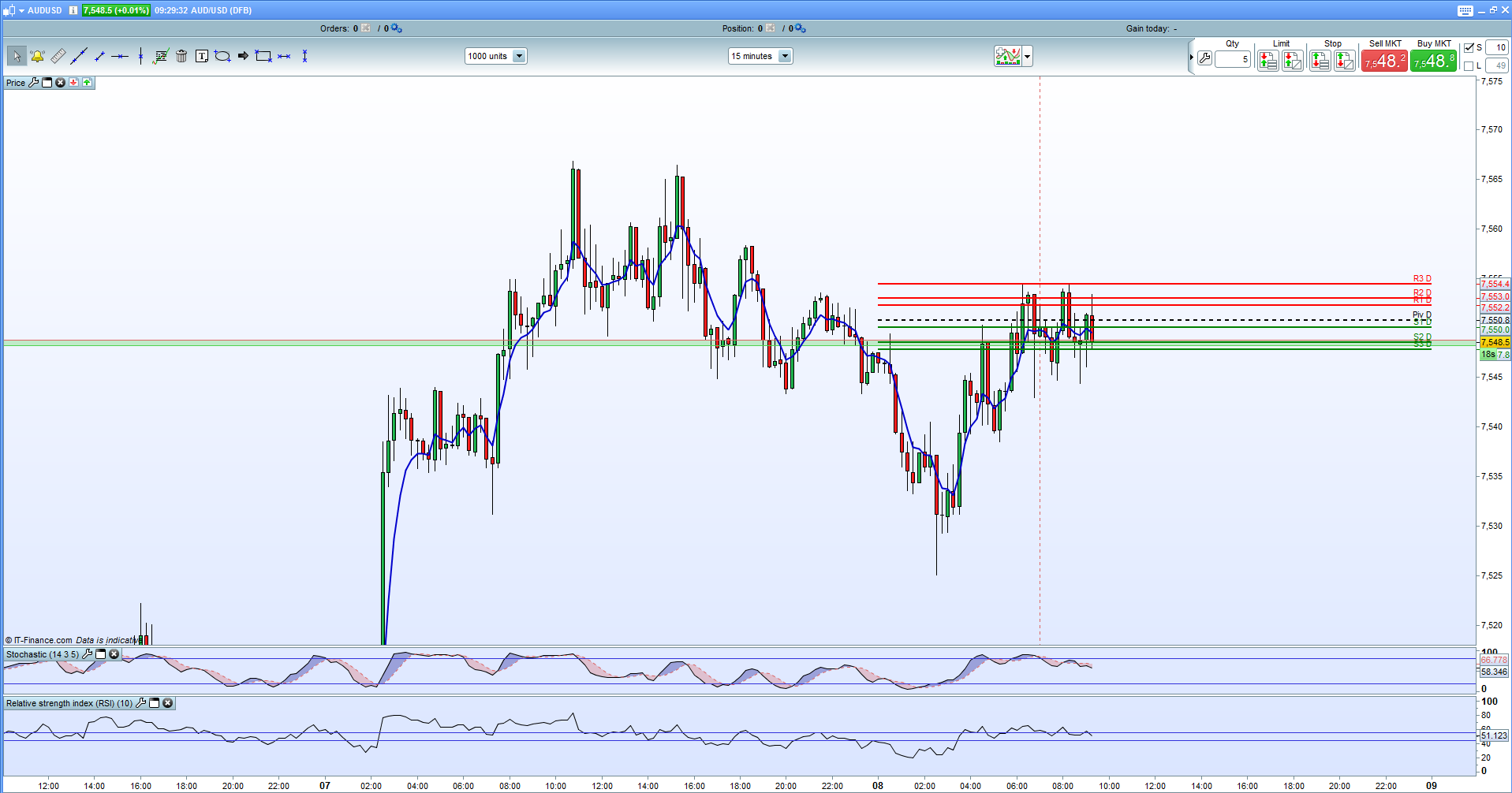
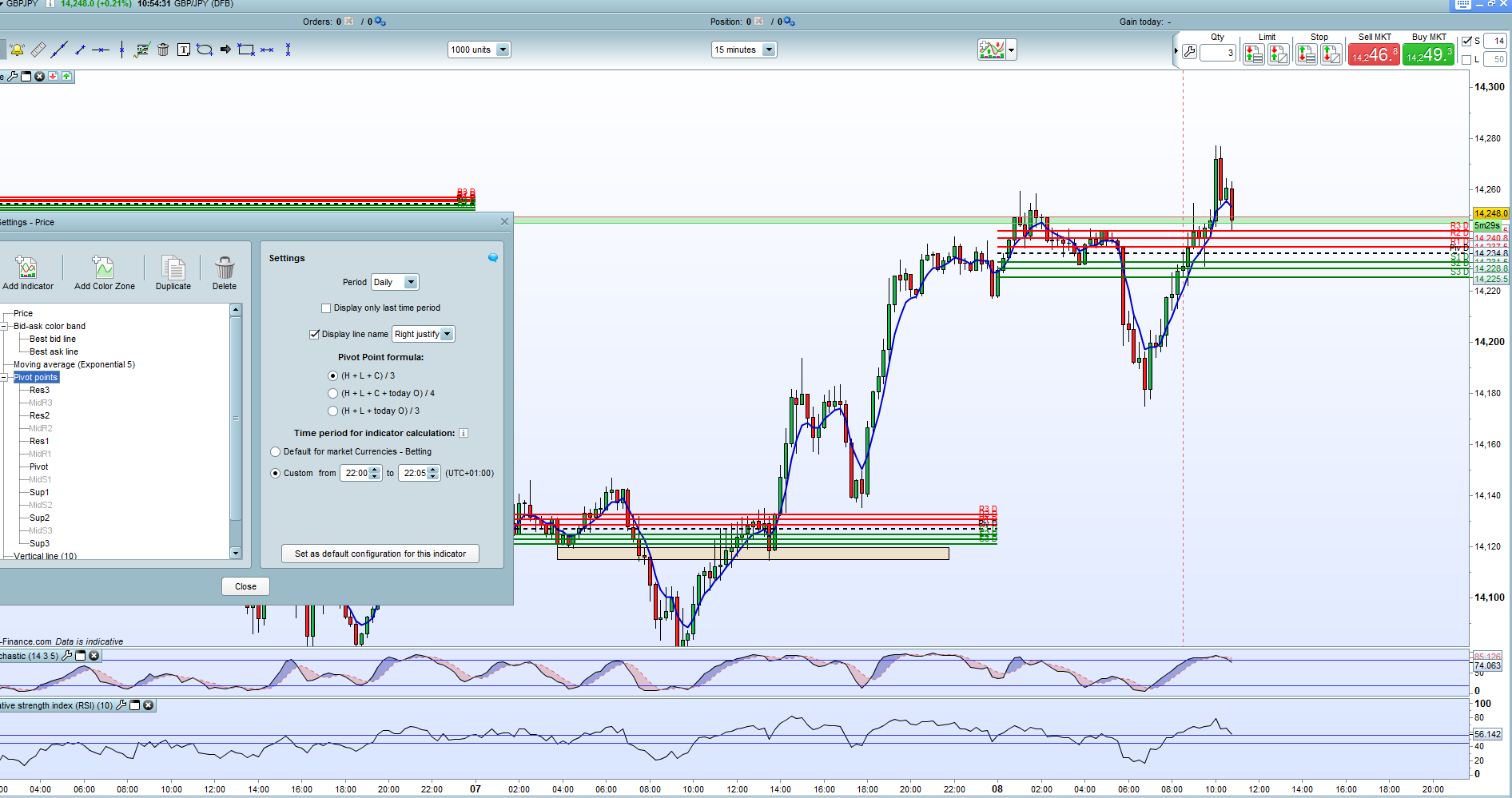
    2. I’ve tried this setting the custom times to 2200 which would be NY close for me in London saved and exited and I get attached chart.

    Any other thoughts on 2. would be appreciated.


    Andy

    example.png example.png
    #37811 quote
    Nicolas
    Keymaster
    Master

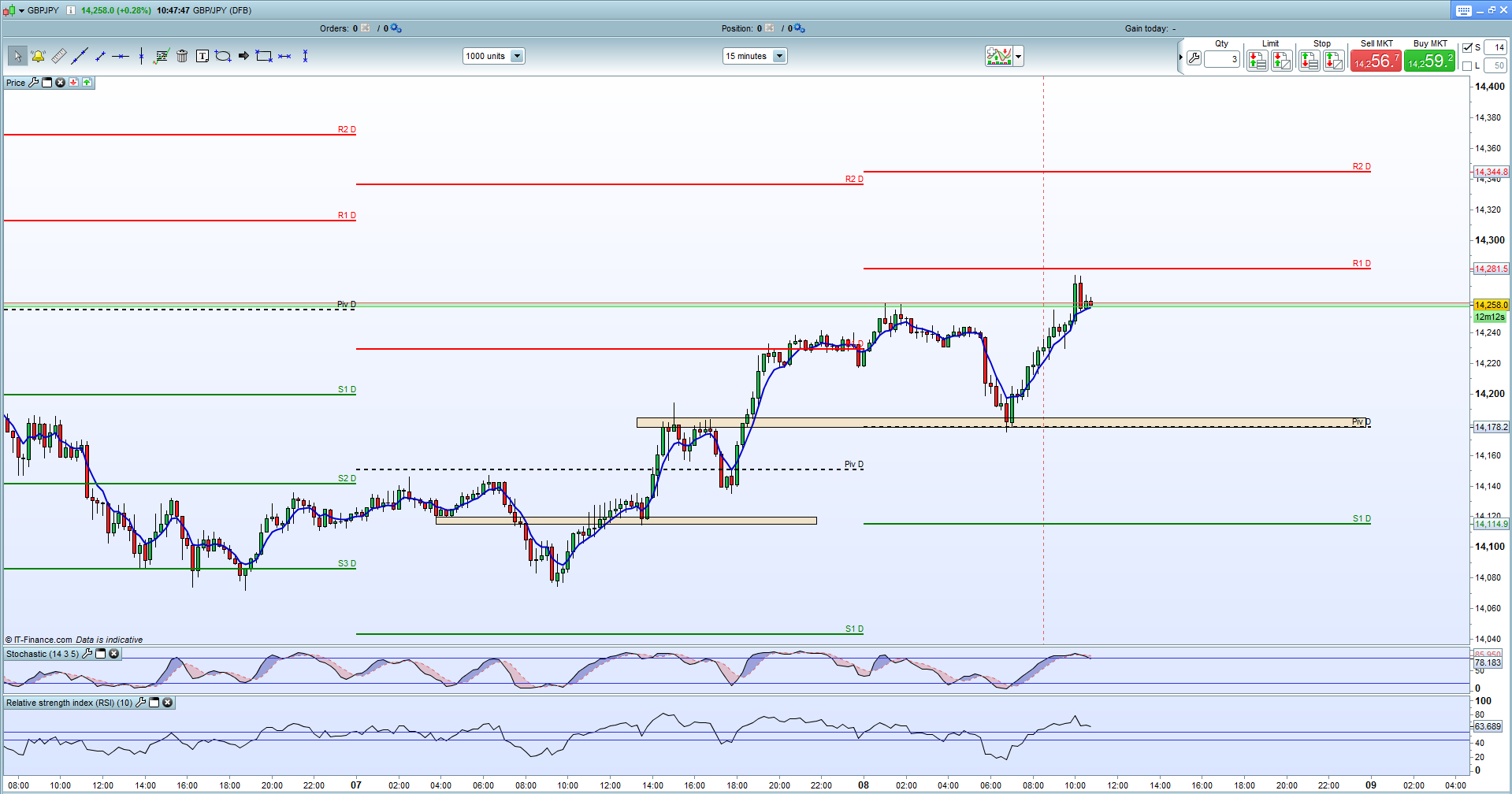
    Even if you modify the pivots points time period calculation, the lines will always be drawn from the first intraday bar to the last one of the current day.

    Please share a picture of your pivot points settings.

    #37820 quote
    andy1968
    Participant
    New

    Thanks for input,


    1st screenshot is what I want but set to US Close, second screen shot of settings. I must be missing something with the time settings.

    example_1.png example_1.png pivot_settings.png pivot_settings.png
    #37828 quote
    Nicolas
    Keymaster
    Master

    The pivot points lines are narrowed because you only take price values between 22:00 and 22:05 from the previous day (only 5 minutes). You should change the time zone to a custom one instead and then use the default pivot points hours.

    #37829 quote
    andy1968
    Participant
    New

    OK, thanks for your help

Viewing 8 posts - 1 through 8 (of 8 total)
  • You must be logged in to reply to this topic.

General Setup


Platform Support: Charts, Data & Broker Setup

New Reply
Author
author-avatar
andy1968 @andy1968 Participant
Summary

This topic contains 7 replies,
has 3 voices, and was last updated by andy1968

8 years, 8 months ago.

Topic Details
Forum: Platform Support: Charts, Data & Broker Setup
Language: English
Started: 06/07/2017
Status: Active
Attachments: 6 files
Logo Logo
Loading...