


Failed High, Exit at Low – x Points
- This topic has 4 replies, 2 voices, and was last updated 6 years ago by .
Viewing 5 posts - 1 through 5 (of 5 total)
Similar topics:
Forums › ProRealTime English forum › ProOrder support › Failed High, Exit at Low – x Points
I feel I’ve reached a low point in my coding … it takes me too long (rest of life suffering! 🙂 ) to get other than simple strategies up and running … but I still have lots of ideas I want to try out.
I coded a strategy over the weekend and it has entered a trade at a logical point in the price curve, but I want to try a version that will reduce – gains turning into losses – by using the structure of the price curve.
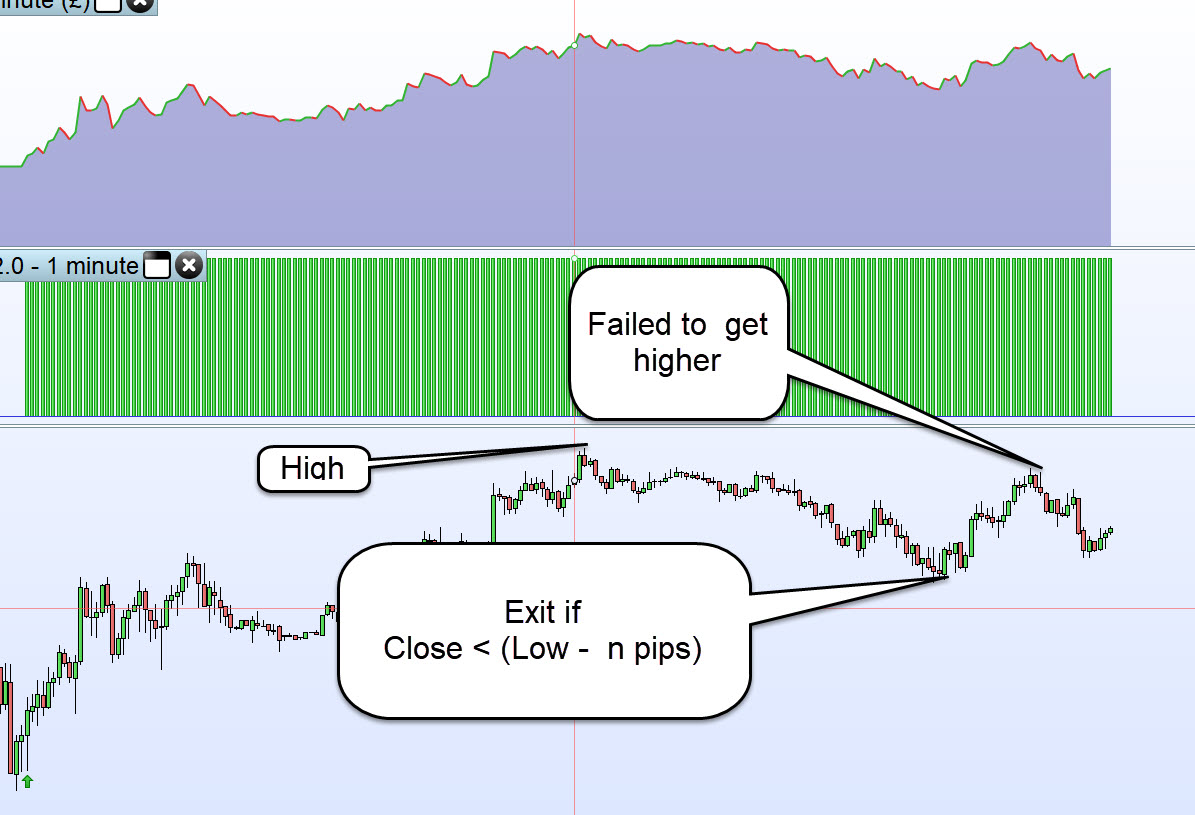
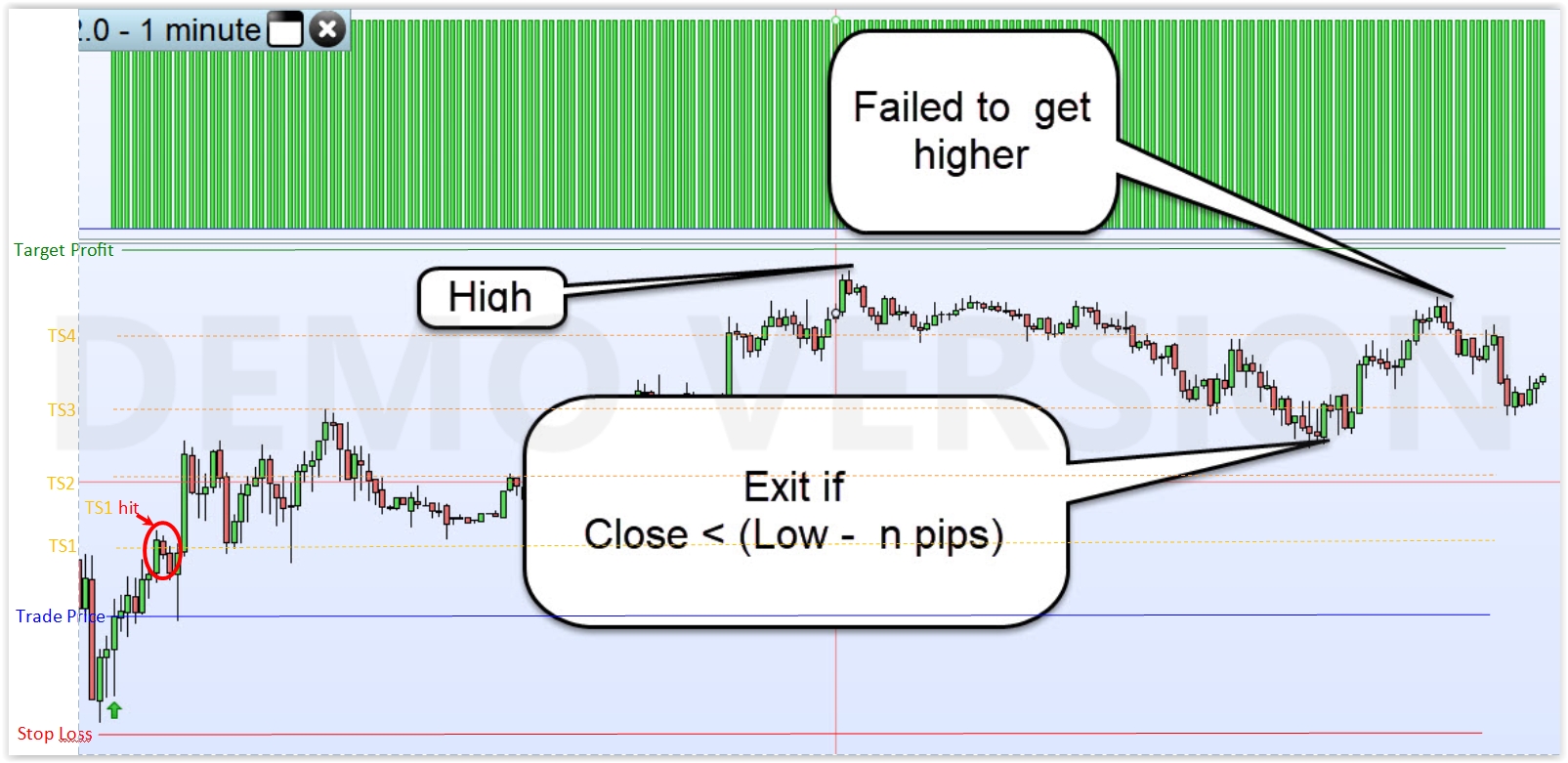
So you super coders, anybody want to post code to achieve the attached scenario?
If what I am after is not clear, please just say.
Thank you in Anticipation
I can think of just two ways to work it out:
did you expect some different solutions?
Yes, I was trying to code up an exit strategy that involved the following …
|
1 2 3 4 5 6 7 |
Ha = Highest[x](close) price curve followed by La = Lowest[y](close) price curve followed by Hb = Highest[z](close) Hb - Ha > a*pipsize Exit at ((Lowest[y](close)) - b*pipsize) stop |
I did get above working and optimising etc, but it kept blowing all the money in the first few weeks! 🙂
Re above … I was attempting to get Ha followed by La followed by Hb by setting the optimisation ranges accordingly.
So for example my optimisation range for …
I dont’t usually care much about curves, but rather horizontal lines plotted (theoretically) by my trailing steps, it’s the market plotting curves!
I really can’t think of a better way to adapt to curves other than using a Trailing Stop code. You can trace newer highs (or failed newer highs), then new lows, then exit your trade…. that’s just stop trailing!
Find exclusive trading pro-tools on

