 Jan
JanParticipant
Veteran
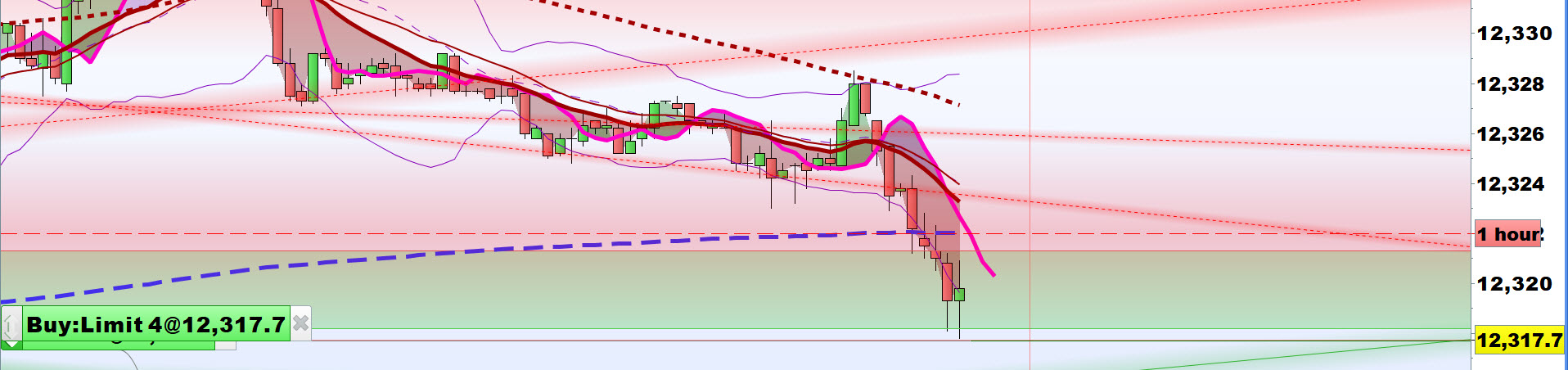
If you want to open a position, there appears to be (at least) two entry commands possible at the end of the line, see example below:
if Condition A then
Buy 1 share “at market” (most commonly used, which execute the buy order always, usually at the price of opening of the first following bar, after spread)
Buy 1 share at Low “stop”
My question is what exactly the latest command does ?
Thanks in advance for the information !
Moderator’s edit: topic moved from “platform support forum” to “ProOrder support forum” (rule number one of platform support forum: do not use it for programming issues/questions, use dedicated forums instead)
Hi Jan
Hope below helps?
If not just say.
Cheers
GraHal
PS Low or Low[0] is the Low of the current bar, Low[5] is the Low of bar which is / was 5 bars before the current bar.
https://www.investopedia.com/ask/answers/04/022704.asp
JanParticipant
Veteran
GraHal,
thanks for the reply, and the attachment ! The link /topic/entry-methods-at-market-stop-and-limit/#post-64324 is clear !
Should have known this. Another question:
- When does the stop or limit order disappear (when not filled) ? Alternatively which code to use to do so ?
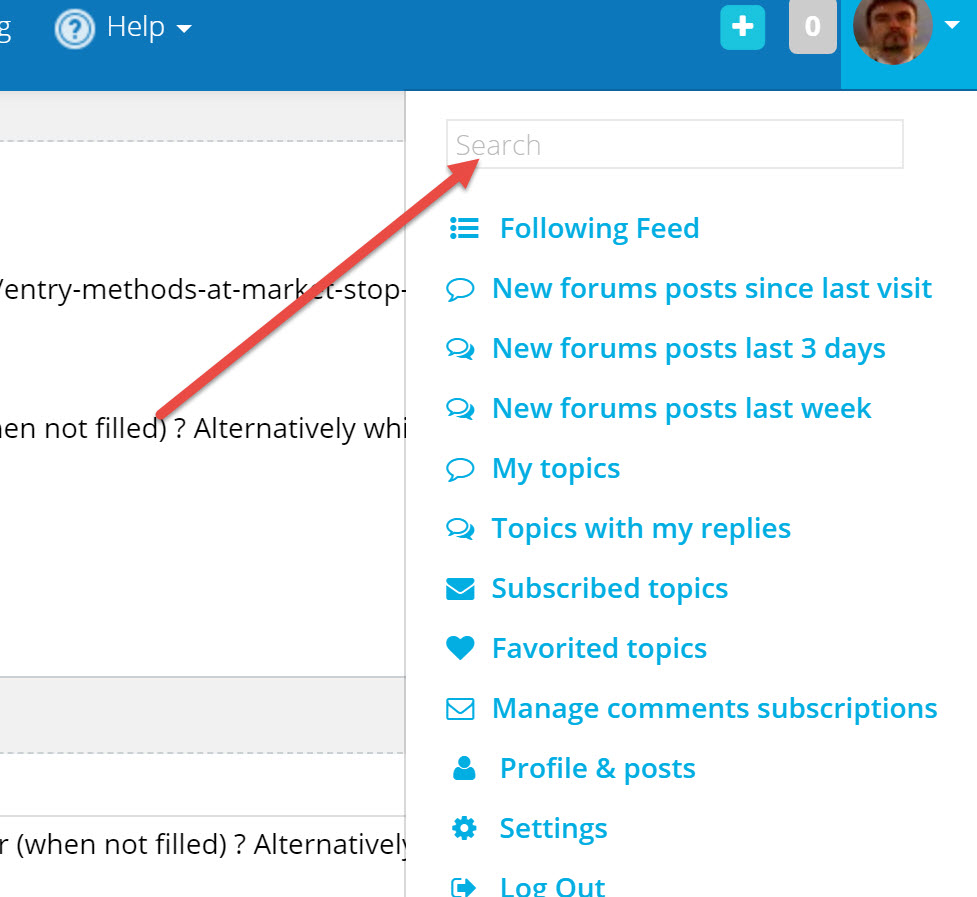
2. How to best search on this platform for topics ?
Kind regards
 Leo
LeoParticipant
Veteran
- When does the stop or limit order disappear (when not filled) ? Alternatively which code to use to do so ?
Pending orders are deleted every time when the bar closes. If you needed longer then make it so in the code like:
buy 1 share at lowest[5](low) Limit
or
sellshort 1 share at lowest[5](low) Stop
JanParticipant
Veteran
thank you very much for your valuable and instant reply !!
Pending orders are deleted every time when the bar closes. If you needed longer then make it so in the code like:
Pending orders have an expiration time of only 1 period, whatever is the price levels set with STOP or LIMIT.
Hi Nicolas,
Is there any way to extend the expiration time of a pending order to more than 1 period, like for the next two or three periods?
If not, is it possible to create an alternative solution like for example:
1. if order not filled then place order again or
2. if order not filled then check the entry conditions again but now we have to check two periods ago? Does that make sense?
Thanks.
Sascha
Set a flag when conditions are met, then clear it when conditions are no more met.
While the flag is set place a new pending order each bar.
Thanks Roberto for your comment.
However, how do I set a flag and put what you said in a code?
Is there any other forum post that you know of that describes this in more detail?
It’s hard to find with so many posts in this forum.
Thanks in advance.
You can easily search topics with common words like “sma”, “stochastic”,”ichimoku”, but it’s difficult to find matches for, say, “set a flag” or similar.
You can set it when your conditions are met:
ONCE CondFlag = 0               //Write this line BEFORE using CondFlag
 .
 .
IF MyConditions THEN
   CondFlag = 1
ENDIF
Then clear it when they are no more met or when onmarket:
IF not MyConditions OR OnMarket THEN
   CondFlag = 0
ENDIF
Use it to place a pending order:
IF CondFlag THEN
  BUY/SELLSHORT 1 CONTRACT AT MyEntryPrice STOP/LIMIT
ENDIF
Thanks Roberto.
I’m trying to wrap my head around this.
If on the 1st 15min bar MyConditions are met (I have 7 conditions), then it will set the CondFlag to 1.
It will then place a pending order.
Question: Will this order stay or would it be cancelled like every other order after the end of the 15min bar if there is no fill?
Then in the 2nd 15min bar it will check again if MyConditions are met (which for my strategy is not the case as the signal will always be there for only 1 bar), so it would immediately set the CondFlag to 0 again and there would be no new order.
Thanks.
Pending orders expire after ONE bars and have to be placed again, if needed.
You set the CONDFLAG when your conditions are true, then, to enter a BUY/SELLSHORT pending order you should NOT rely on your conditions any more, rather use CONDFLAG.
You don’t have to set CONDFLAG exactly when your 7 conditions are no more met, otherwise it is useless. You must clear it when:
- you are OnMarket (unless you want to add further contracts)
- your conditions (can be different from those to start placing it) to place the pending order are no more valid (maybe after a number of elapsed bars without being triggered or when some MA’s cross the other way round….)