Ecrire un TEXT sur un axe X fixe

Viewing 3 posts - 1 through 3 (of 3 total)
  • Author
    Posts
  • #224711 quote
    Thibv
    Participant
    New

    Bonjour,


    Je code un indicateur qui doit m’afficher la valeur d’un calcul ADR (Average Daily Range).

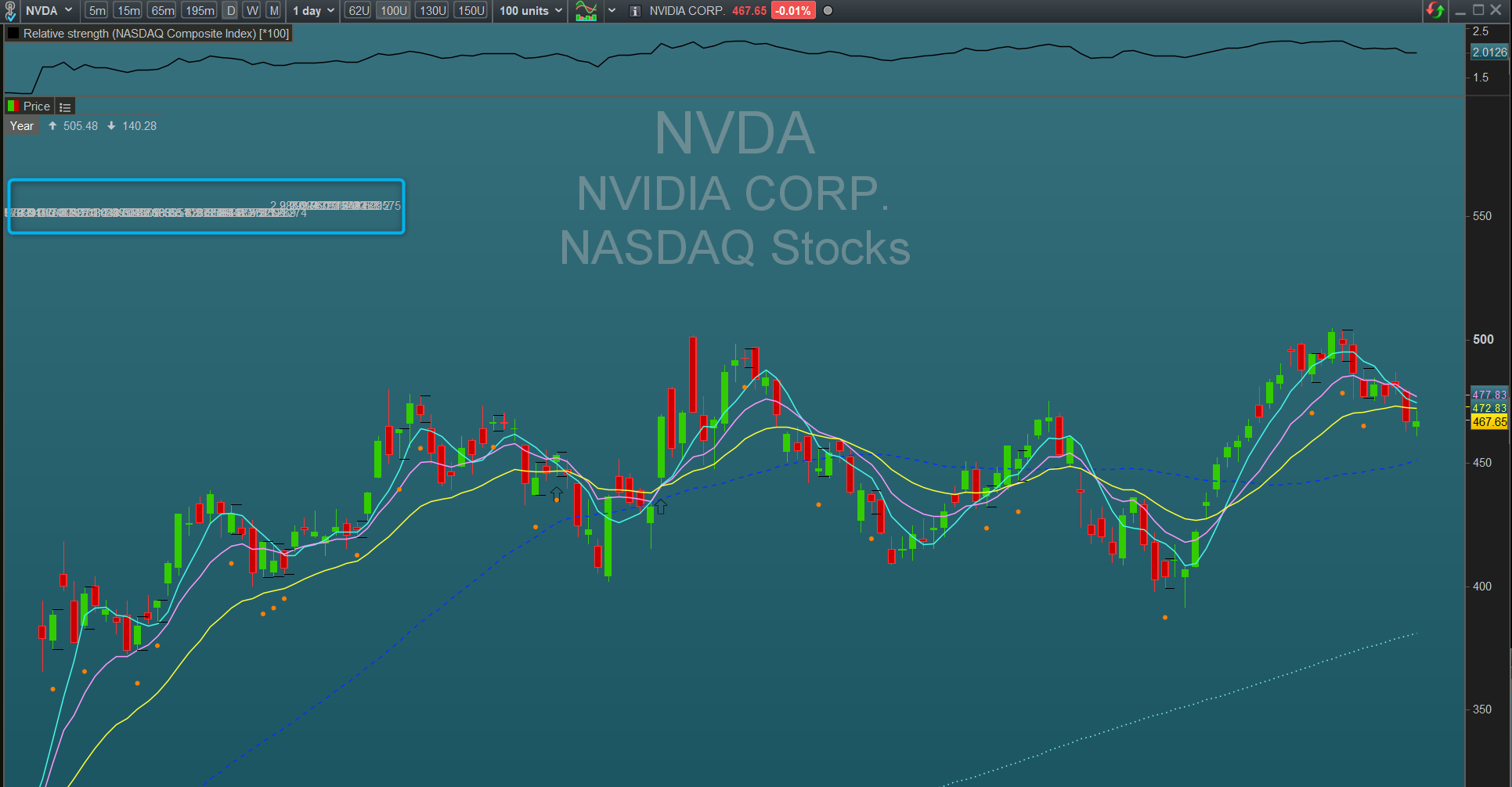
    Mon graphique daily est en 100 unités, donc je souhaiterais afficher le résultat de mon ADR en haut à gauche du graphique, donc au dessus de ma 99e bougie (x = barIndex[99]).

    Mon soucis c’est qu’il m’écrit sur toutes les bougies antérieures à cet index 99.


    Comment écrire pour que le code me renvoie la valeur uniquement au dessus de la 99e bougie ?


    // Calcul de l'axe Y, soit 10% plus haut que les plus hauts
    varY = highest[99](High) * 1.1
    
    // Calcul de l'axe X, soit au dessus de la 99e bougie
    varX = BarIndex[99]
    
    
    DRAWTEXT("#AMPLITUDEmoyenne#", varX, varY)
    
    
    return


    Merci

    2023-12-02_11h44_57.png 2023-12-02_11h44_57.png
    #224714 quote
    robertogozzi
    Moderator
    Master

    Ajoutez cette ligne au début:

    DEFPARAM DrawOnLastBarOnly = True
    #224717 quote
    Thibv
    Participant
    New

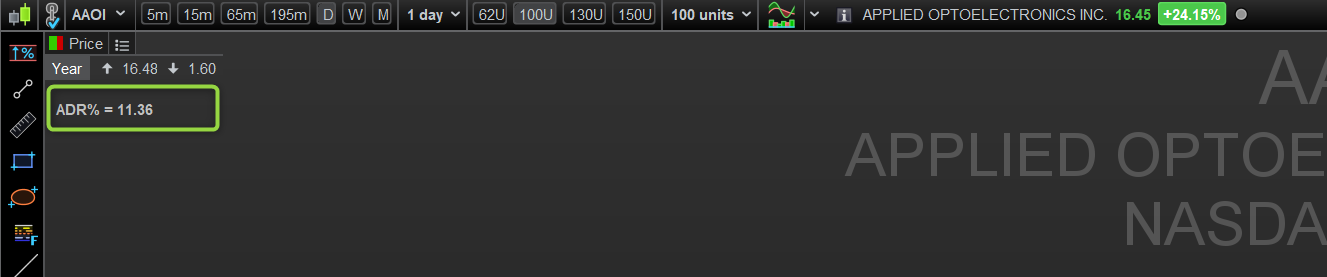
    Parfait merci !


    J’ai modifié également le DrawText en ajoutant le paramètre anchor. Code ci-dessous et capture du rendu.

    DRAWTEXT("ADR% = #ADRround#", 40, -50,SansSerif,Bold,10)anchor(topleft)
    robertogozzi thanked this post
    2023-12-02_12h47_18.png 2023-12-02_12h47_18.png
Viewing 3 posts - 1 through 3 (of 3 total)
  • You must be logged in to reply to this topic.

Ecrire un TEXT sur un axe X fixe


ProBuilder : Indicateurs & Outils Personnalisés

New Reply
Author
author-avatar
Thibv @thibv Participant
Summary

This topic contains 2 replies,
has 2 voices, and was last updated by Thibv
2 years, 3 months ago.

Topic Details
Forum: ProBuilder : Indicateurs & Outils Personnalisés
Language: French
Started: 12/02/2023
Status: Active
Attachments: 2 files
Logo Logo
Loading...