Dynamic horizontal lines around major levels?

Viewing 4 posts - 1 through 4 (of 4 total)
  • Author
    Posts
  • #123229 quote
    Andy K
    Participant
    New

    Hi,

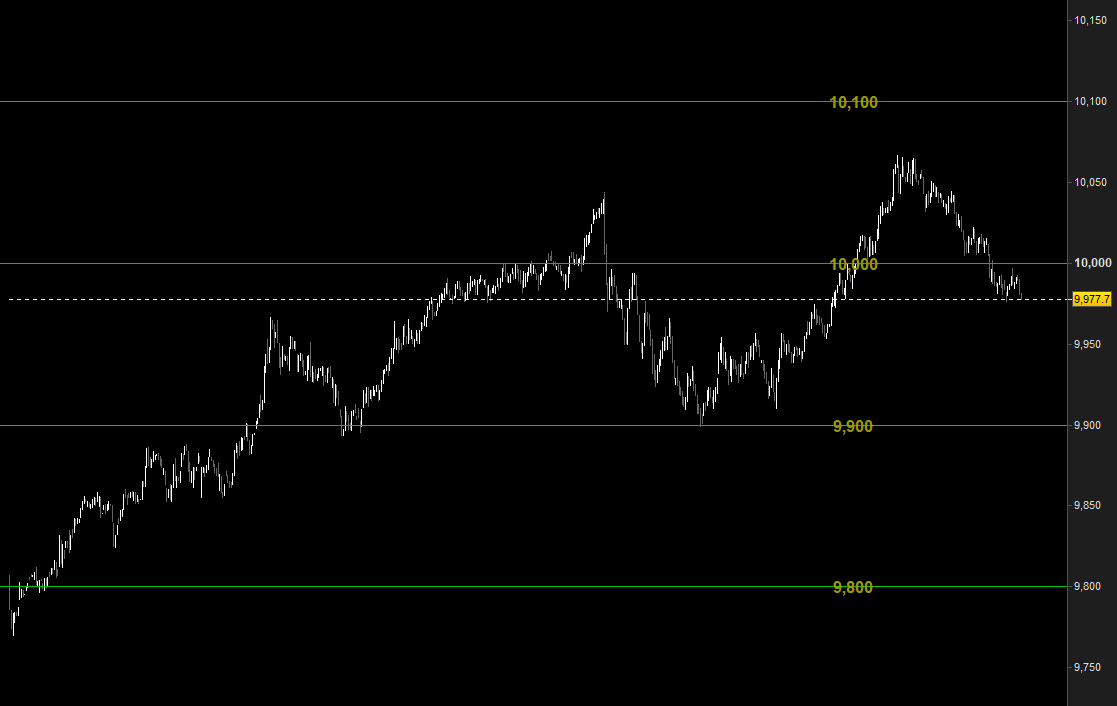
    I’m looking for this kind of indicator that would plot two or three major levels to upside and downside of the current price. Please see my screenshot. This is a static indicator that I’ve done but I have now idea how to make it dynamic, for example, if DAX is 9500 then the upper levels would be 9600, 9700 and lower levels would be 9400, 9300. Below is my static code for reference which is used in the chart. “Midpoint” is “price3” variable

    Thank you for any ideas or code samples!

    defparam drawonlastbaronly = true
    
    price1 = 10100
    price2 = 10000
    price3 = 9900
    price4 = 9800
    price5 = 9700
    
    xoffset=100
    
    DRAWHLINE(price1)coloured(0,200,0)
    DRAWTEXT("#price1#",barindex-xoffset,price1,SansSerif,Bold,16)coloured(153,153,0)
    
    DRAWHLINE(price2)coloured(0,200,0)
    DRAWTEXT("#price2#",barindex-xoffset,price2,SansSerif,Bold,16)coloured(153,153,0)
    
    DRAWHLINE(price3)coloured(0,200,0)
    DRAWTEXT("#price3#",barindex-xoffset,price3,SansSerif,Bold,16)coloured(153,153,0)
    
    DRAWHLINE(price4)coloured(0,200,0)
    DRAWTEXT("#price4#",barindex-xoffset,price4,SansSerif,Bold,16)coloured(153,153,0)
    
    DRAWHLINE(price5)coloured(0,200,0)
    DRAWTEXT("#price5#",barindex-xoffset,price5,SansSerif,Bold,16)coloured(153,153,0)
    
    RETURN


    iUcd8DR.png iUcd8DR.png
    #123238 quote
    Nicolas
    Keymaster
    Master

    I coded that snippet months ago for someone else:

    defparam drawonlastbaronly=true
    
    start = 10000 //start price
    step = 100 //price step 
    quantity = 20 //lines quantity
    
    i = start
    while i< start+(step*quantity) do 
     drawhline(i)
     i=i+step
    wend 
    
    return

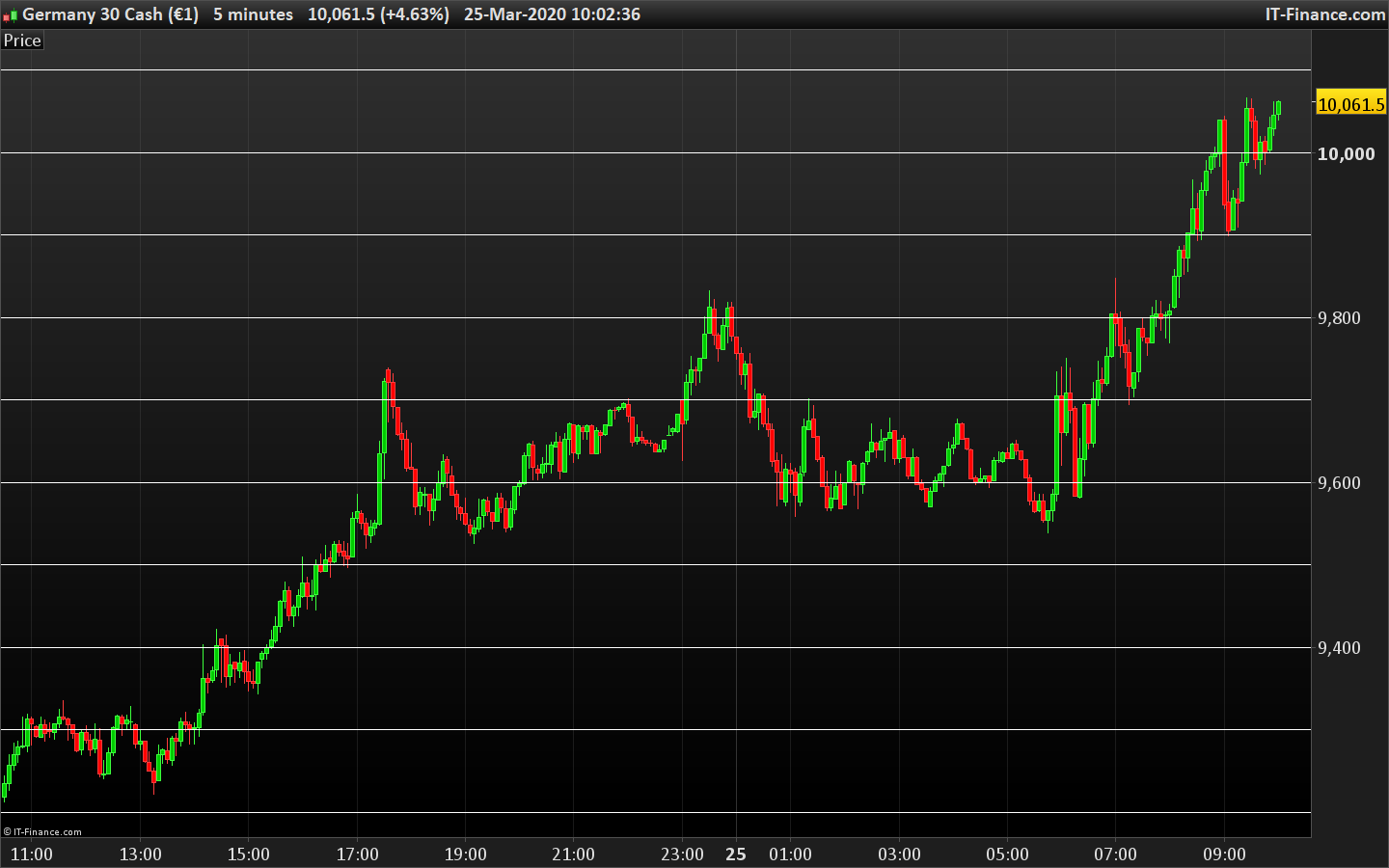
    The settings talk for themselves, try to play with it (example attached).

    Andy K thanked this post
    horizontal-lines-round-numbers-indicator.png horizontal-lines-round-numbers-indicator.png
    #123245 quote
    Andy K
    Participant
    New

    That’s actually very nice way to do it. Thank you for this code and very speed response! 🙂

    -Andy

    #123560 quote
    Vonasi
    Moderator
    Master

    Andy K – I have deleted your unnecessary quoting. Please avoid quoting code. Only quote if you need to highlight that you are replying directly to a part of text someone has written or if there are several people in a conversation and you want to highlight who you are specifically replying to. You can quote just parts of someones post by highlighting it and clicking on ‘Quote’.

Viewing 4 posts - 1 through 4 (of 4 total)

  • You must be logged in to reply to this topic.

Dynamic horizontal lines around major levels?


ProBuilder: Indicators & Custom Tools

New Reply
Author
author-avatar
Andy K @antti_kaleva Participant
Summary

This topic contains 3 replies,
has 3 voices, and was last updated by Vonasi

5 years, 10 months ago.

Topic Details
Forum: ProBuilder: Indicators & Custom Tools
Language: English
Started: 03/25/2020
Status: Active
Attachments: 2 files
Logo Logo
Loading...