Hi… @GraHal, been trying to understand the problem.
Is this it, when you have a lot of variables in the DoV, the Dov size adapts to cater for all the variables.
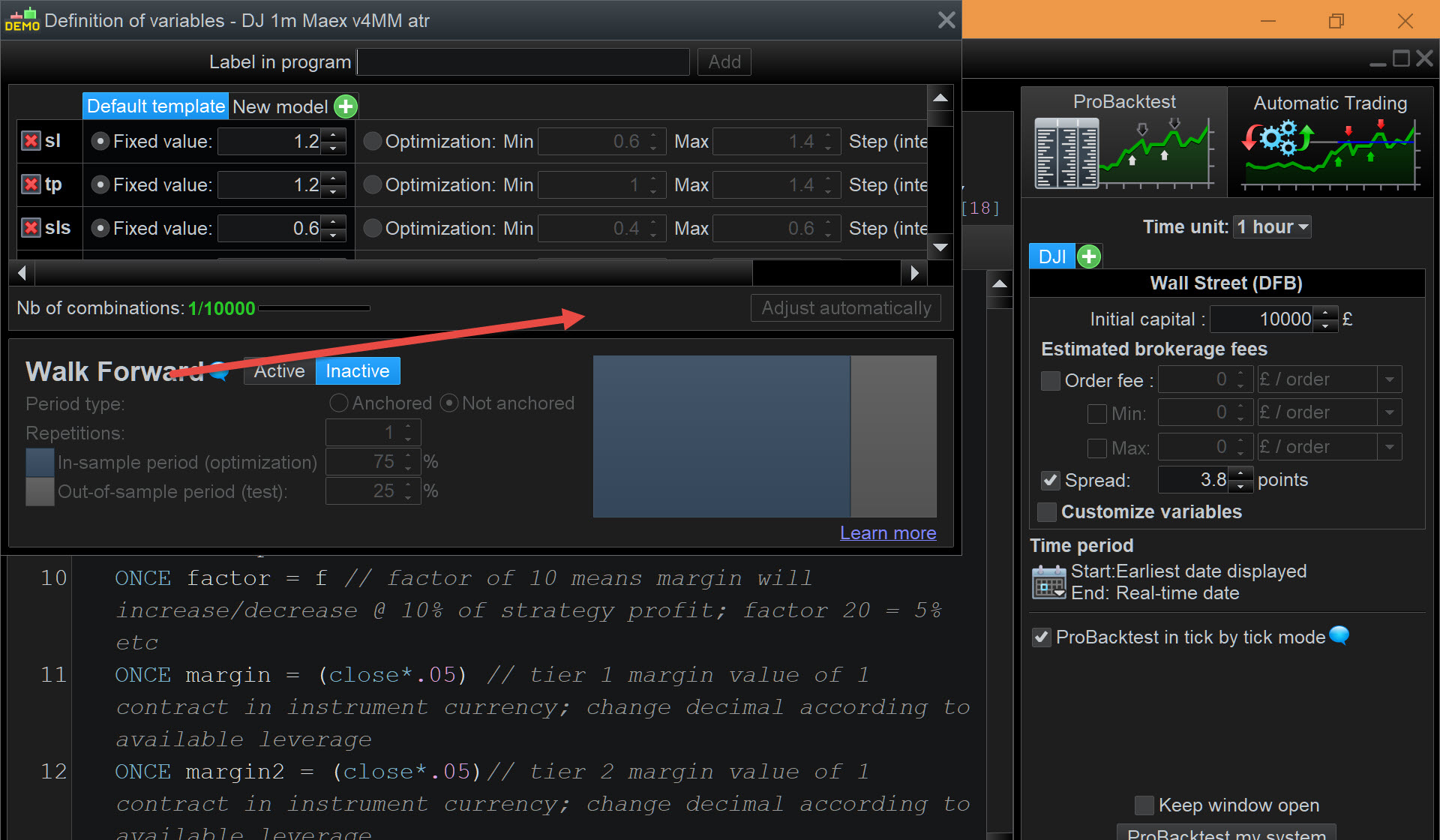
When its opens, the lower portion, falls off bottom of screen, the only way to remedy the situation, is to drag the window up, whereby you may see all the variables, but no access to bottom of window. Or drag top of window down, which show the scroll bar, then move window up to see bottom of window, then use scroll for variables.
What I noticed while looking at this was, regardless where my chart is on 1 screen, when I open the Modify ProBacktest window, the editor gets centred around the middle of the screen, if saved small enough. If I then open the DoV, the top of the DoV window is aligned with the center line of screen. This leaves only half the monitor height to show the DoV window. Not going to happen with a lot of variables.
However, after opening the Dov, you close it, and then re-open it again, it renders from top of screen. This helps depending on how many variables listed because fullhight of screen used.
Portrait or Multiple monitors help even more, with one above other. With chart in top monitor, Dov has x1.5 monitor height or x2, or back to drag n scroll.
Altering the general font size as an affect, but down side is it changes every thing else.
Failing that, how long is a piece of string!