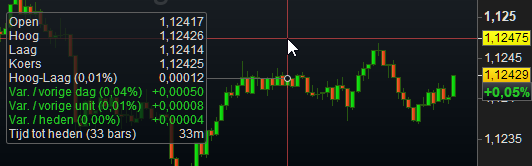
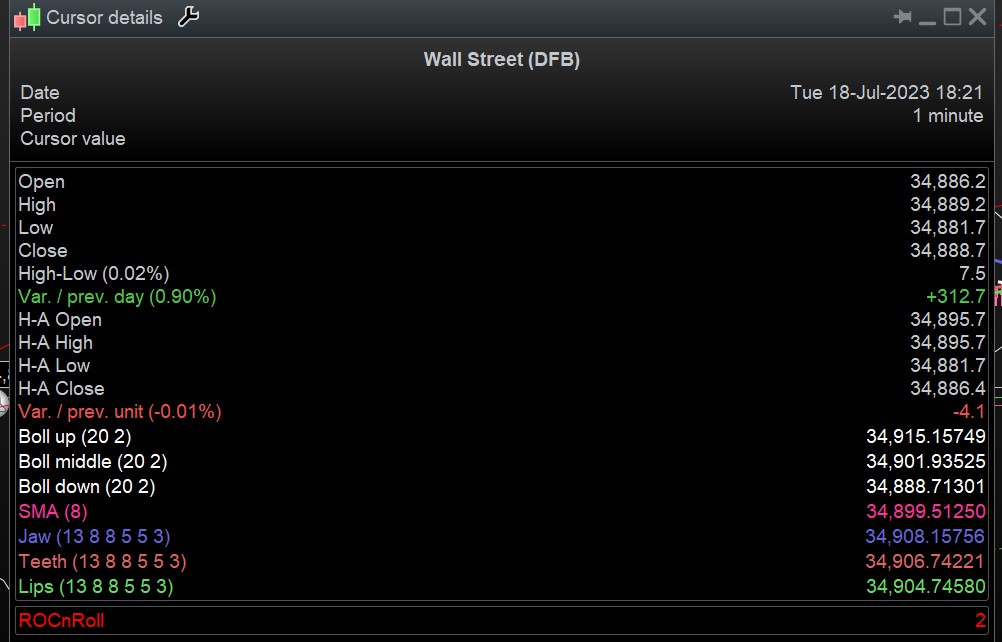
Hello. I find the cursor details window is too small and the last digit on the right hand side is obscured. Does anyone know how to increase the size of the cursor details bar (shows up when I hover over a candle), or how to at least get full view of all the details in the cursor details window? Advice would be greatly appreciated.
With Mouse left button, grab the corners or right hand side and drag … does work, I just tried it.
If we are talking about the details you see in the left hand, then I don’t think that can be grabbed with the mouse ?
But are we talking about that part ?
Ctrl+ D then hover over a bar, then resize as I described above … works a treat!
Yes, you can use the details window which is a permanent opened window you can grad and change size as explained by GraHal.
Thanks all for your responses. I did control D and was able to drag the cursor details box that opens up. Unfortunately the digit on the right hand side is still slightly obscured no matter how big I make the box. Any ideas on how I can see all the data clearly and easily? Thanks.
Attached is what is looks like for me.
Thanks for sharing GraHal. Mine looks kind of similar but the last digit on the right hand side is only half visible. I can still make use of it but it’s kind of annoying. Anyway, thank you for you time and sharing your expertise. I do appreciate it.