 Pere
PereParticipant
Veteran
I want to program a Probacktest with following conditions:
Every time I get a long signal, it has to buy 1 long share at market, cumulating the trades with every following long signal until it gets a short signal.
In this moment, I want to exit (sell) ALL the long trades and buy 1 short. If the next step is again short, it has to sellshort another one, cumulating it with the last short. If the signal is long, it has to sellshort ALL the short trades and buy one long, and so one.
I coded following backtest, but it doesn’t work correctly, there is probably some instruction missing. Can someone help me?
The code is:
DEFPARAM CumulateOrders = true  // cumulate orders, if not turn it off with "false"
//***Stair step Moving Average
//parameters :
//Step = 10// 0.0010 forex 10 pips, adapt to item you are trading
//MAperiod = 7
//sl=50
once ssMA = close
MA = average[MAperiod](close)
aa=ssMA+Step
bb=ssMA-Step
if(MA>aa) THEN
ssMA = MA
ELSIF (MA<bb) THEN
ssMA = MA
ELSE
ssMA = ssMA
ENDIF

IF ssMA>ssMA[1] THEN
k=1
ELSIF ssMA<ssMA[1] THEN
k=-1
ELSE
k=0
ENDIF

// Long trades
IF k=1 THEN
BUY 1 CONTRACT AT MARKET
ENDIF

// Sell long trades
IF k=-1 THEN
SELL AT MARKET
ENDIF

// Short trades
IF k=-1 THEN
SELLSHORT 1 CONTRACT AT MARKET
ENDIF

// Exit short trades
IF k=1 THEN
EXITSHORT AT MARKET
ENDIF

// Stop loss
SET STOP pLOSS sl
PereParticipant
Veteran
Sorry, there is an error on my text:
Instead of
If the signal is long, it has to sellshort ALL the short trades and buy one long, and so one.
It should be:
If the signal is long, it has to exitshort (buy) ALL the short trades and buy one long, and so one.
On the code is probably missing an instruction to sell or buy ALL the trades, but I don’t know which one.
Hello Petrus,
maybe like this?
if exit-short-condition = 1 then
exitshort at market
buy 1 contract at market
endif

if enter-long-condition = 1 then
buy 1 contract at market
endif
The difference is “exitshort 1 contract at market” and “exitshort at market”. The second version closes all short position at the same time.
Hi Petrus,
I edit the code in your message to make it appear in PRT style
>> For clarity of messages on ProRealCode’s forums, please use the “insert PRT code” button to separate the text of the code part! Thank you! <<
PereParticipant
Veteran
@Derek Thank you Derek. But I think I had it already so:
For buying long conditions I have “BUY 1 CONTRACT AT MARKET” and to sell ALL the longs “SELL AT MARKET”.
For selling shorts I wrote “SELLSHORT 1 CONTRACT AT MARKET”, and to buy ALL the shorts “EXITSHORT AT MARKET”, which should close ALL the shorts.
The only thing that is missing is the instruction “BUY 1 CONTRACT AT MARKET” after this “EXITSHORT”, which should buy one long trade after closing all the shorts. I will try that, thanks.
@Noobywan Yes, I know that I should use the “insert PRT code” for the code part, but I couldn’t find this button when I wrote the post. However, I already can see it now, on the reply of this post. Maybe it was a temporary error. Thanks.
Hi again,
I have tried on french index, with parameters as indicated in comments, it doesn’t make money on the timeframe I tried (maybe it is designed for a higher timeframe), but it seems to do what is expected of it: buying one contract each time k=1, selling all long and buying one short when k=-1, adding 1 short each time k=-1, exiting all of them shorts and buying one long if k=1… I haven’t noticed incorrect behaviour so far.
Could you be more specific about what doesn’t seem correct when you run it? it doesn’t start? orders don’t seem to follow k behaviour? other observation?
PereParticipant
Veteran
Hi Noobywan.
I was comparing the results of the Probacktest with a different histogram indicator where I had different parameter values. That’s the reason because I thought that the backtest did not work correctly. I changed the parameters and it seems now to work well. I agree that the other problem is that this strategy does not make money, but I have to work more in this idea. What I only wanted to know is that the instructions to sell or to exitshort closed all the trades, not only one, and it also seems now to be correct. Thanks for the help.
PereParticipant
Veteran
Hi again Noobywan.
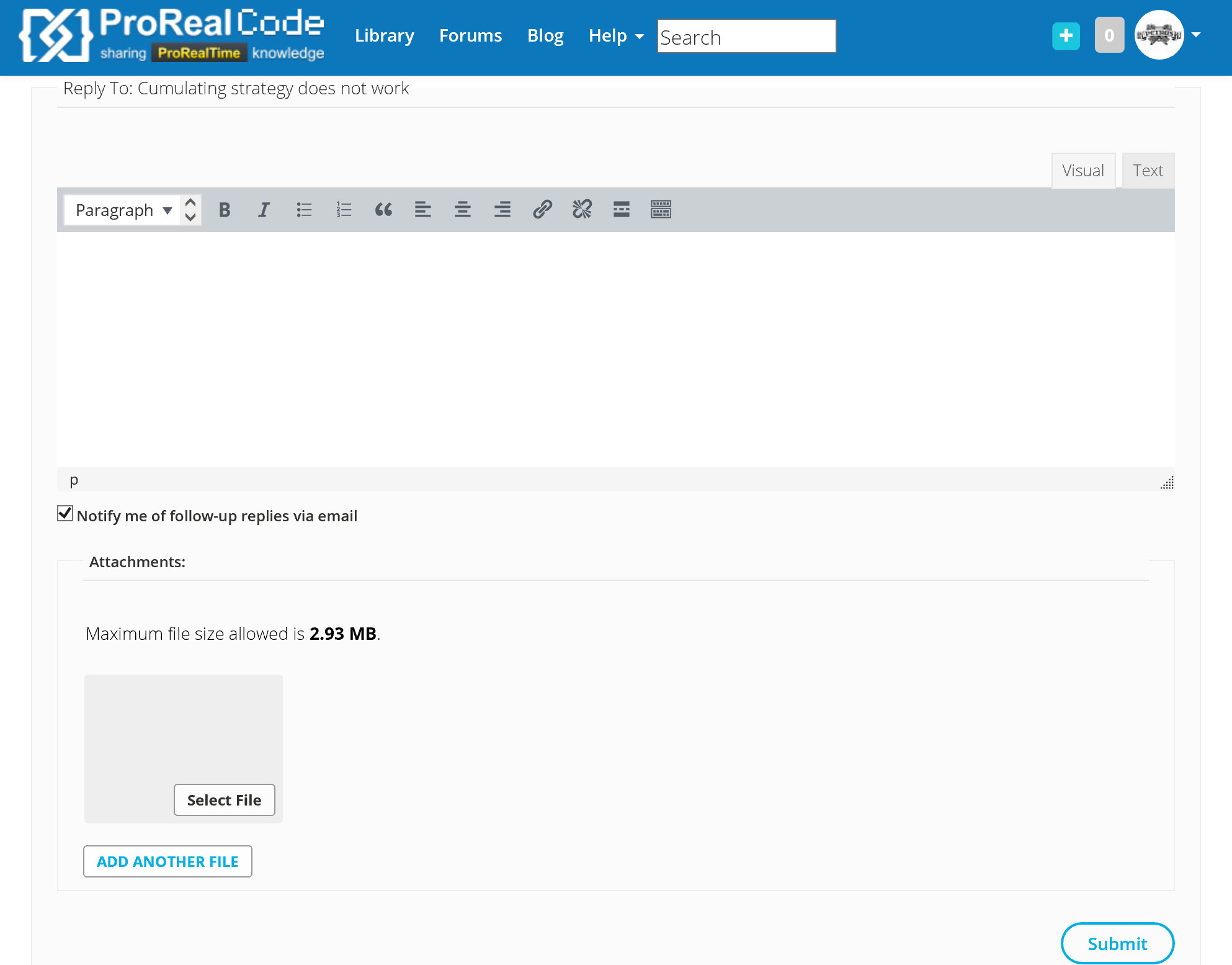
Today I cannot see again the button “Insert PRT code”, as you can see in the image attached. Is there any solution?
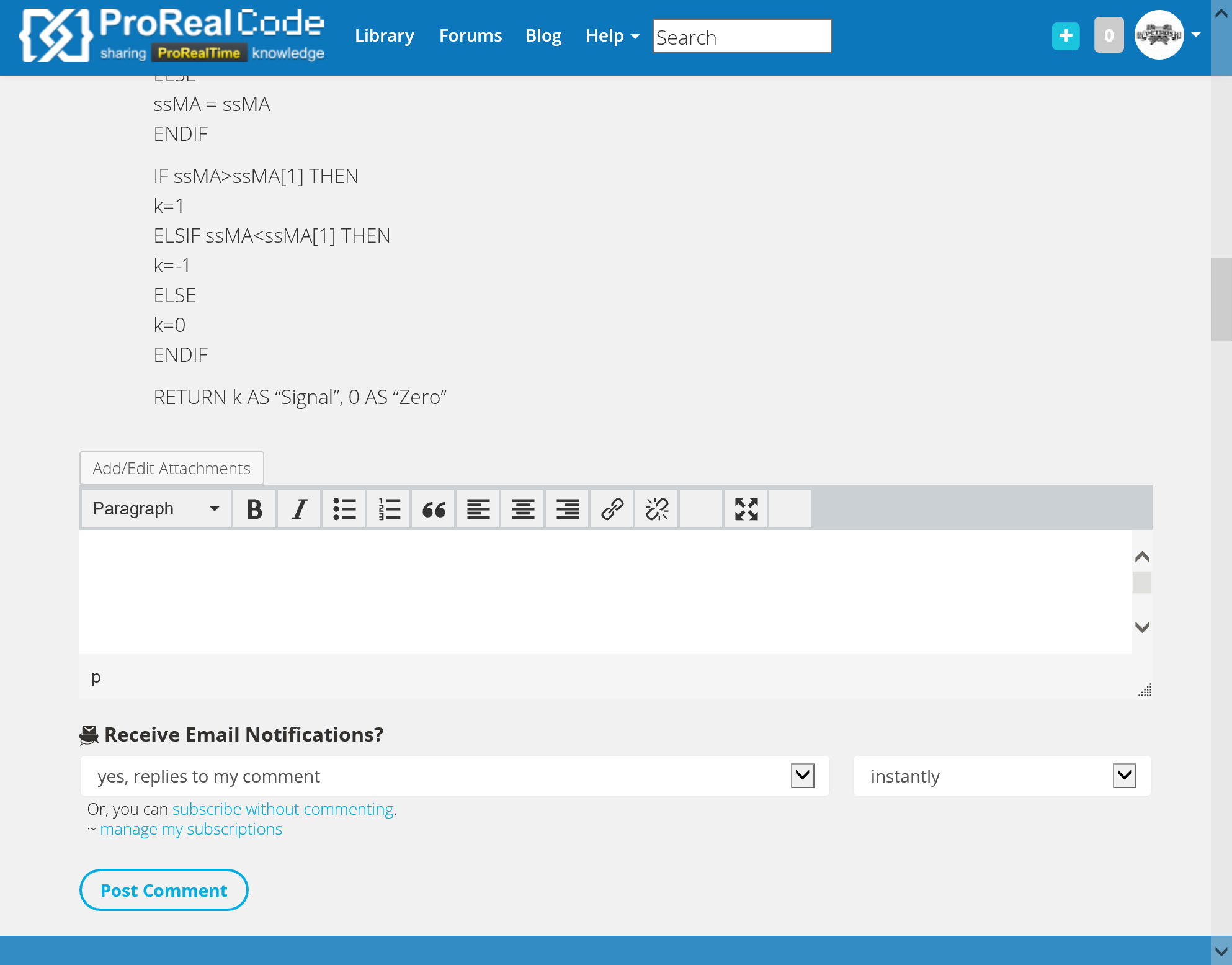
I also attach another image of another post where I cannot insert an image. I click on Attach/Edit image, try to upload the image but get always the same HTTP error. How can I attach the image?
Hi,
Thanks for the feedback, first problem about “insert prt code” button was known in very specific cases (but as moderator I can’t make the difference between somebody not using it and somebody not having it), second problem about inserting an image we’ll let Nicolas know.
PereParticipant
Veteran
Hi Noobywan. I have now the Insert PRT code button again!
Adding images in comments are still not possible, sorry for this.
About the missing button, it doesn’t appear on some specific screen widths to prevent bugs with smartphone or tablet. What is your screen resolution?
PereParticipant
Veteran
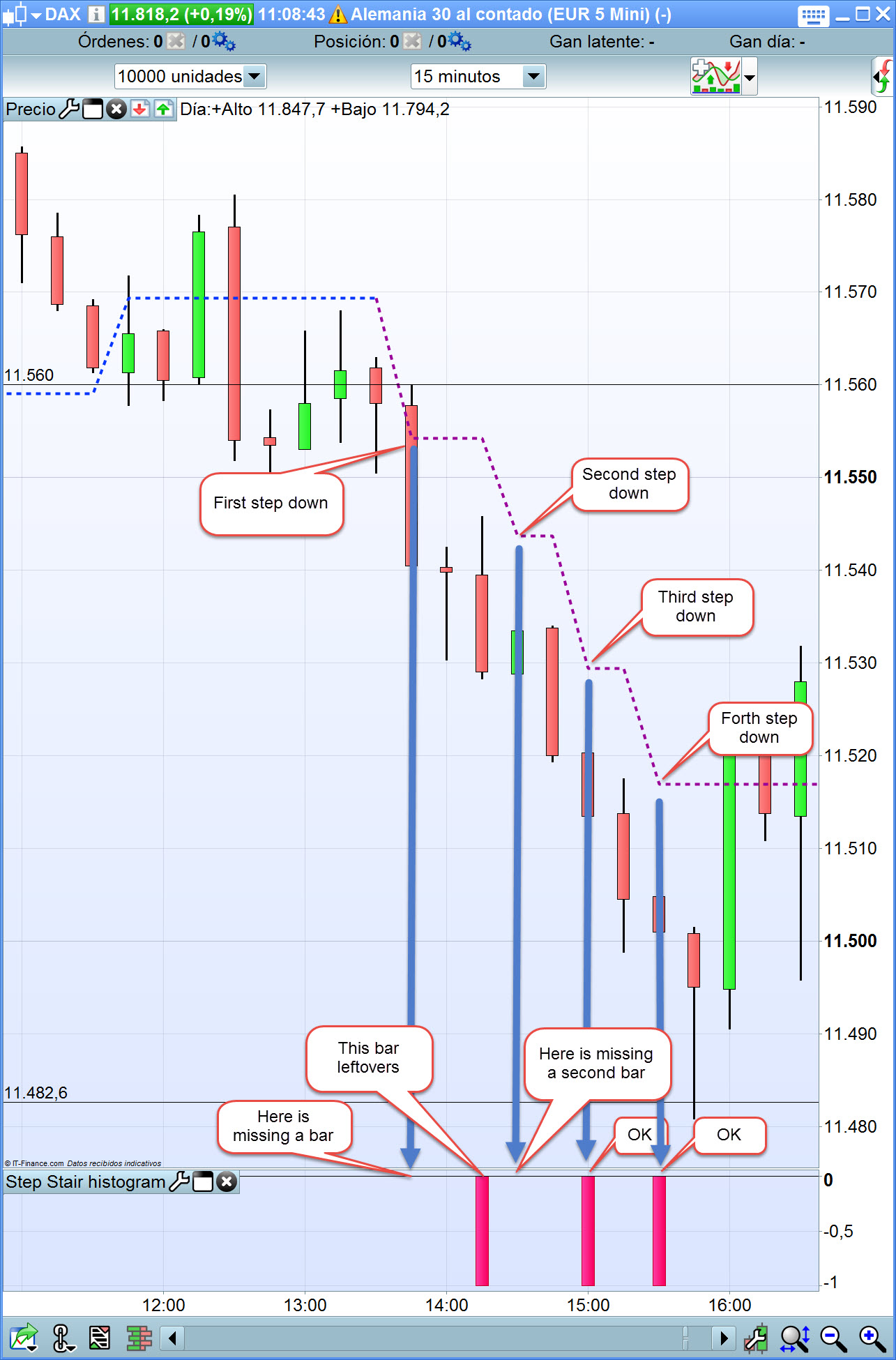
Noobywan, please send also the attached image to Nicolas referring to the Stair Step indicator, as I cannot insert it there. Thanks.
PereParticipant
Veteran
Hi Nicolas. My screen resolution is 3840×2160, but the problem is that the button sometimes appears and sometimes disappears. Now I have it on the PC, but not on the mobile.
About the stair step histogram you want to make, you only give signals when the new step is made, and then reset it to zero, that’s why you think the histogram is missing. Once you set a variable to a number, it will never go back until you give it a new value, and that’s what you made with the “else signals = 0” ..