Hi,
I have been using this strategy on MT4 & I like it. Can I get someone to convert this mt data to Prorealtime. I have asked the person who designed it if they had it in Prorealtime but he didnt but kindly offered for to give the source codes to get it converted. I have very little programing skills hence the help required.
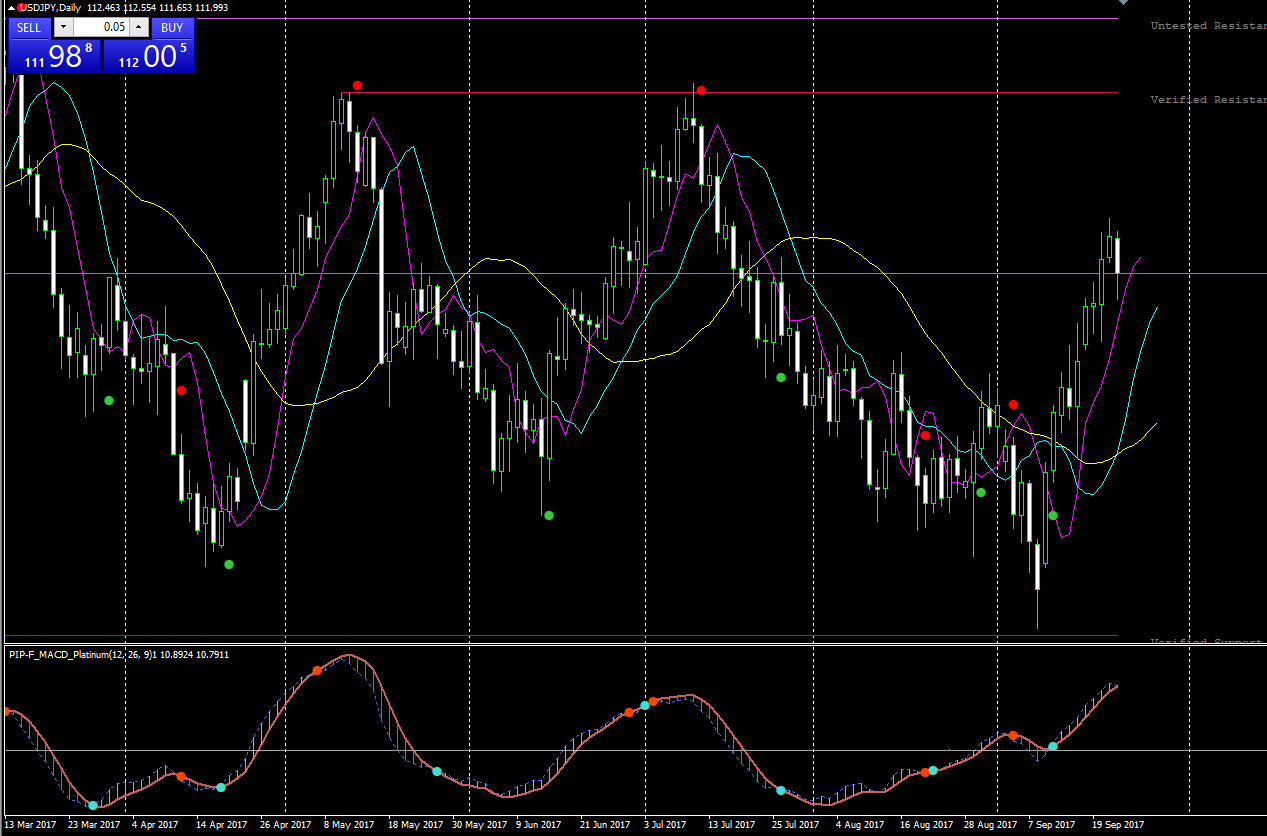
The strategy gives buy & sell signals on the chart & on the MACD.
Hope someone is able to help.
Snap shot of the strategy
Thanks
John D
Can you provide some rules?
I think this is a very customized MACD indicator 🙂 It looks good and interesting, it should not be a problem to be converted to prorealtime.
FYI, I (or maybe another member) can translate any MT4 indicators for free. Just kindly ask in ProBuilder forums and I will translate it.
I have spoken to the person whose design this is & asked him if it was ok to put on this forum, which he generously agreed. There is are support & resistance lines in the snapshot provided but these are not part of the program just another indicator I added on. As I said I know very little about programing so hope I dont get too many technical questions, but saying that Jim has offered offered to help with any questions.
The 3 indicators
If you cant open them I can copy & paste the codes if needed but I was reading that sometimes parts of the codes change. look forward to hearing from you.
Thankyou Nicolas & Despair for your replies
John D
The MACD Platinum is a classic MACD but with the choice to make it a zero lag one. It has dots when the 2 curves are crossing. It should not be difficult to translate.
About the QMP Filter, seems that one which plot green and red dots on the main price chart. It uses the MACD Platinum and the QQE Adv indicators to give these trading signals or trend filters.. This one could be more tricky, let’s have a deeper look now.
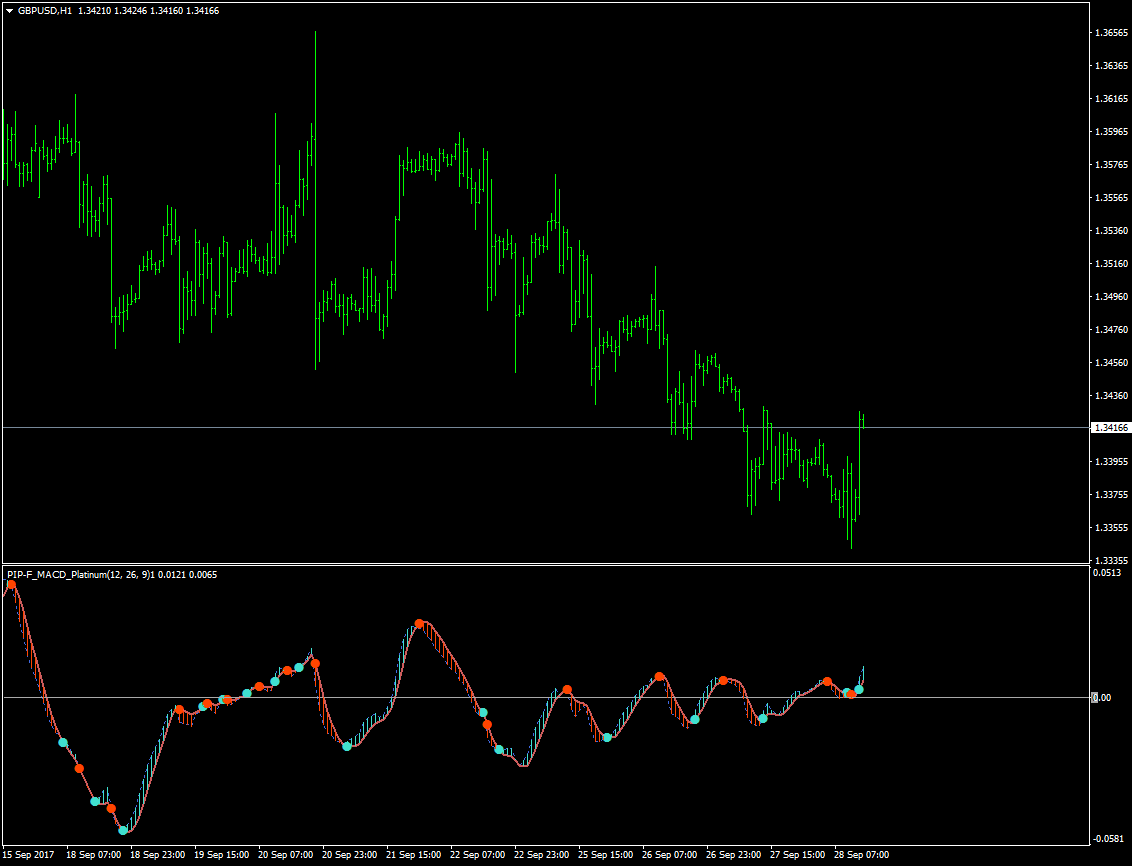
This is what I made so far, the indicator is the same as the one from MT4 in its default state, MACD is a zerolag one. Before finalizing the code, do you change the setting “Zerolag” which is set to true in its default state in MT4?
About the QMP Filter indicator, how do use it in the strategy? What are the triggers to generate entries and exit? Thank you.
Not sure what you mean by changing the setting on the zero lag to true, that is its setting. I noticed that you dont have the dots on the chart, that can be fixed by going to inputs/ Show markers & changing it to True. There are also 3 moving averages missing as well, 50ema, 100 ema & 240 lma which can be changed to suit your type of trading. You dont have to load the QQE ADV onto the chart but it needs to be running in the background.
The basic Strategy is go long on the blue dot & close on the red dot & then go short. Its best buying or selling at the extreme tops or bottoms depending direction your going. And use the ma’s to trade with the trend. The idea is to wait for the dots to form on the chart & then buy/sell on the formed next candle. These are the basics which I am still trying to get my head around. Works best on 4hr – Daily
Thankyou & let me know if I can help in any way.
Thanks
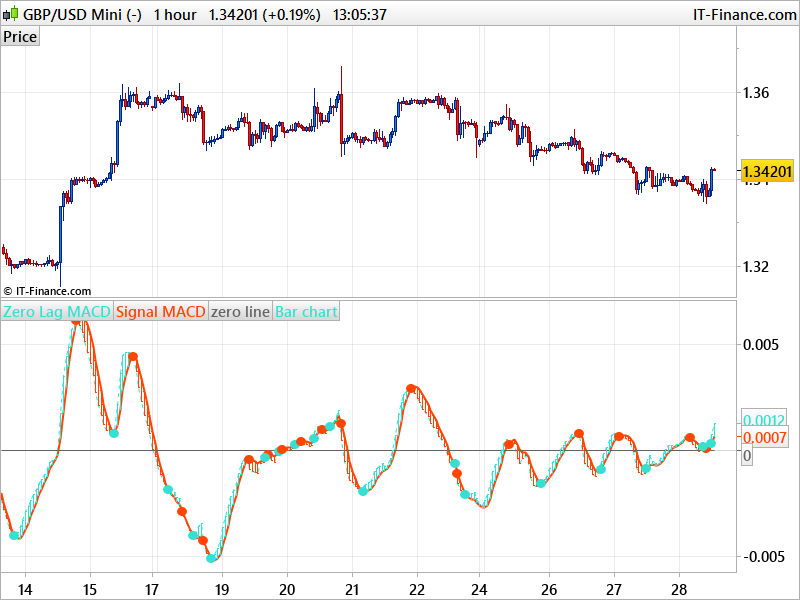
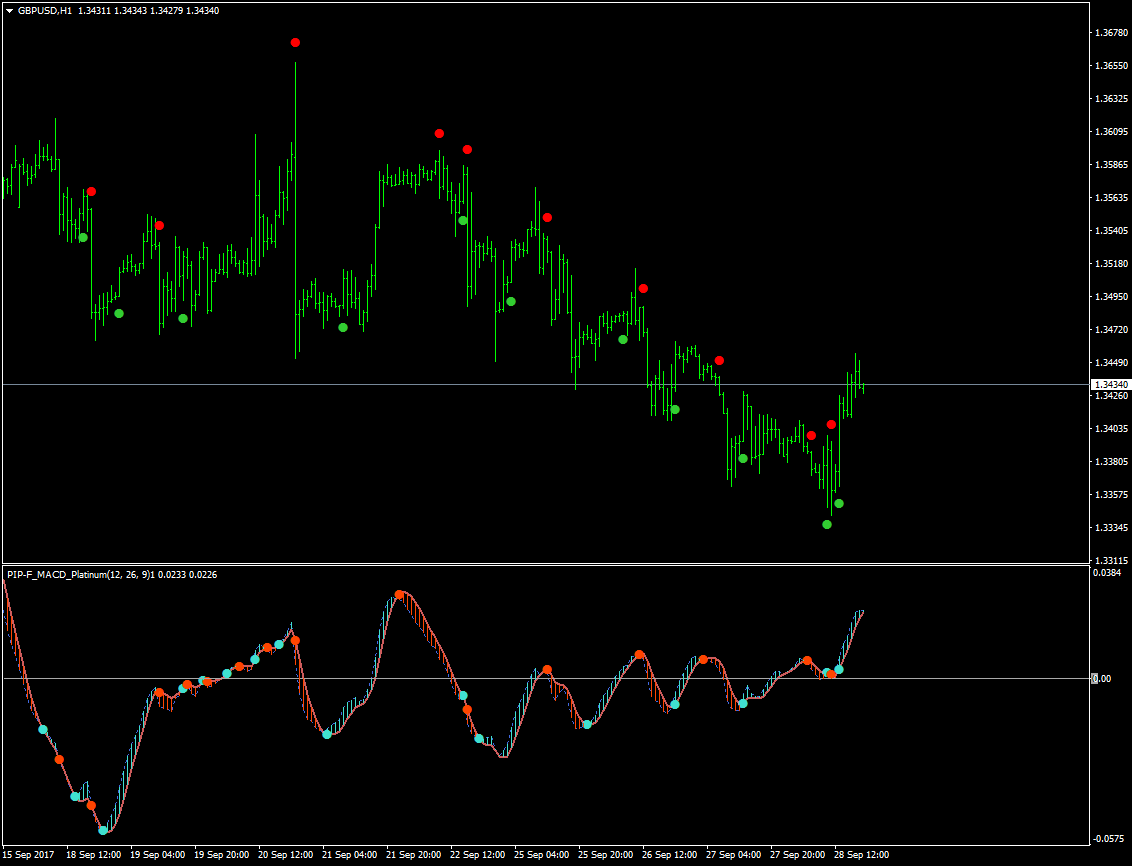
I think I have now finished completing the whole conversion. Will post it tomorrow, time to rest now 🙂 Example between MT4 version and Prorealtime one attached.
Looks great Nicolas, super job & love your effort.
Lots of “zzzz” for you
Cant wait!
Thanks
The MACD can be downloaded there: MACD Platinum indicator
The prorealtime version of QMP Filter is attached to this post.
I know you spent alot of time on this but the QMP filter does not put the dots on the chart but in a separate indicator panel. Its not a major problem as you can align the dots using the cross hair onto the chart. I think this system needs more volitile movement with good volume.
What are your thoughts on it?
Again thank you for your tireless time.
Just add the QMP Filter on price instead, use the wrench on the left upper side of your price chart and add indicator from there.
bonjour peut tu m’envoyer le lien pour telecharger la version mt4 stp
Speak english in the english forum, please. Thank you.