Conversion Tradingview MACD Xover

Viewing 2 posts - 1 through 2 (of 2 total)

  • Author
    Posts
  • #127163 quote
    Bahama74
    Participant
    Junior

    Goodmorning,

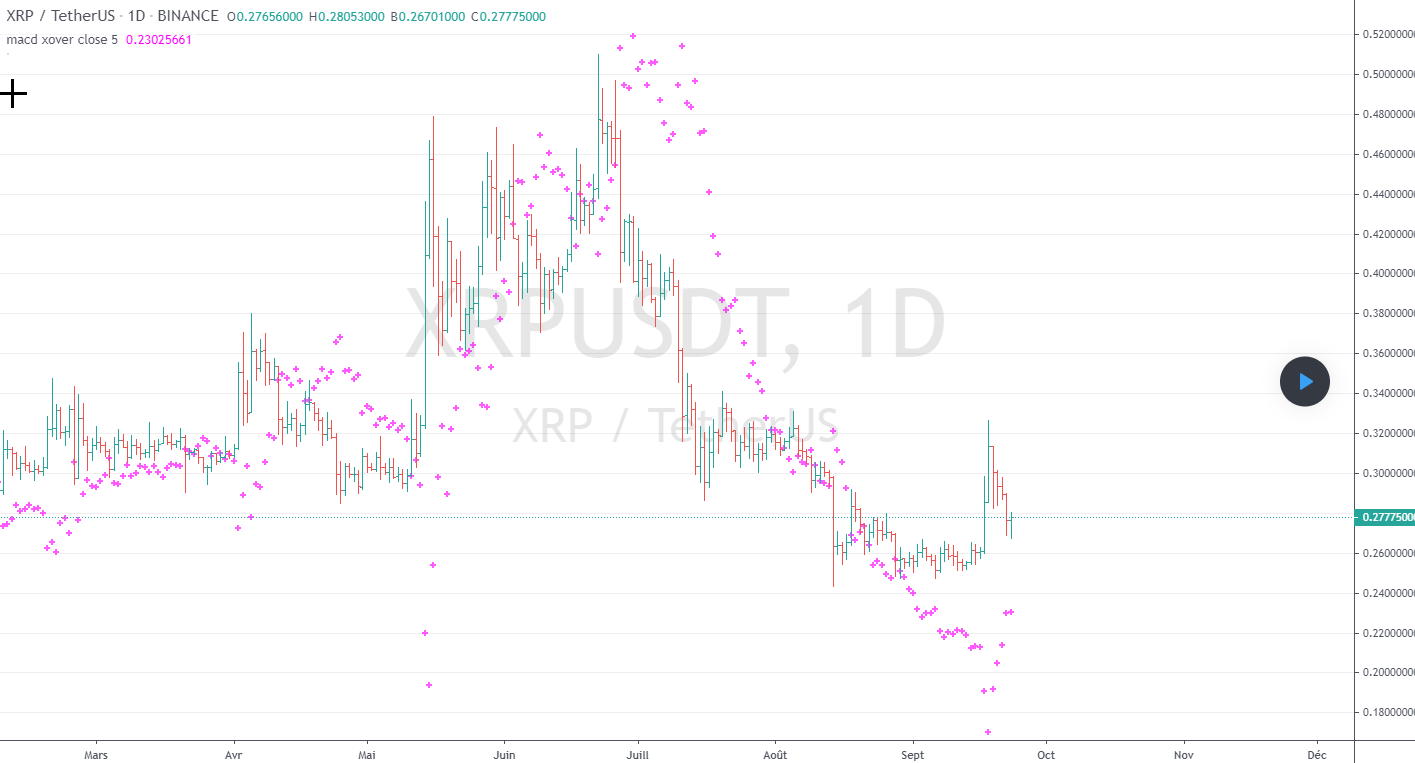
    I have a code which gives the level when the MACD changes in color from tradingview. I would like to use this with Prorealtime. Can anyone recode this :

    //@version=3
    
    study("macd xover",overlay=true)
    
    source=input(close)
    
    time1=input(1)
    
    short=12*time1
    
    long=24*time1
    
    signal=9*time1
    
    f1=2/(short+1)
    
    f2=2/(long+1)
    
    f3=2/(signal+1)
    
    mcd= ema(source,short)-ema(source,long)
    
    hist=mcd-ema(mcd,signal)
    
    sigf=hist[1]/(1-f3)+ema(mcd,signal)
    
    xover=((1-f2)*ema(source,long)-(1-f1)*ema(source,short)+sigf)/(f1-f2)
    
    plot(xover,style=cross,linewidth=2,color=fuchsia)
    macdxover.png macdxover.png
    #145343 quote
    Nicolas
    Keymaster
    Master

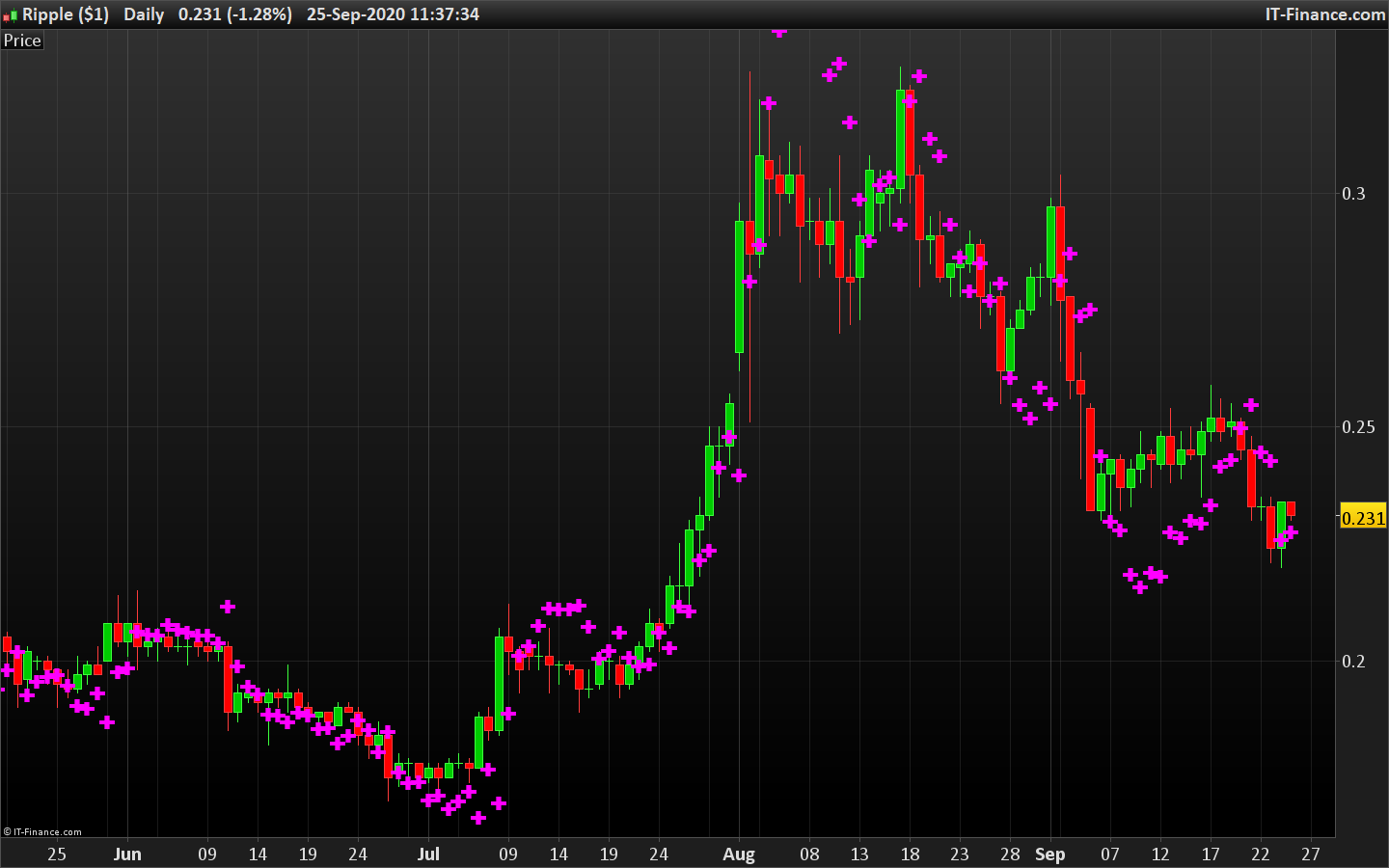
    sorry for being late, here is the translation of this code for ProRealTime.

    //macd xover
    
    source=customclose
    
    time1=1
    
    short=12*time1
    
    long=24*time1
    
    signal=9*time1
    
    f1=2/(short+1)
    
    f2=2/(long+1)
    
    f3=2/(signal+1)
    
    mcd= average[short,1](source)-average[long,1](source)
    
    hist=mcd-average[signal,1](mcd)
    
    sigf=hist[1]/(1-f3)+average[signal,1](mcd)
    
    xover=((1-f2)*average[long,1](source)-(1-f1)*average[short,1](source)+sigf)/(f1-f2)
    
    drawtext("✚",barindex,xover,dialog,bold,20) coloured(255,0,255)
    
    return 


    xmacd-cross.png xmacd-cross.png
Viewing 2 posts - 1 through 2 (of 2 total)
  • You must be logged in to reply to this topic.

Conversion Tradingview MACD Xover


ProBuilder: Indicators & Custom Tools

New Reply
Author
author-avatar
Bahama74 @bahama74 Participant
Summary

This topic contains 1 reply,
has 2 voices, and was last updated by Nicolas

5 years, 4 months ago.

Topic Details
Forum: ProBuilder: Indicators & Custom Tools
Language: English
Started: 04/21/2020
Status: Active
Attachments: 2 files
Logo Logo
Loading...