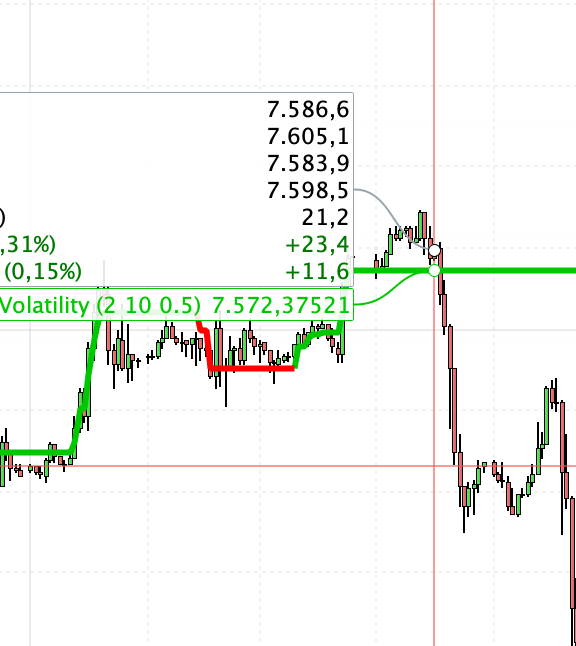
Conversion of SuperTrendVolatility Indicator from TradingView
Viewing 15 posts - 1 through 15 (of 27 total)
  • Author
    Posts
  • #192858 quote
    mikechan883
    Participant
    New

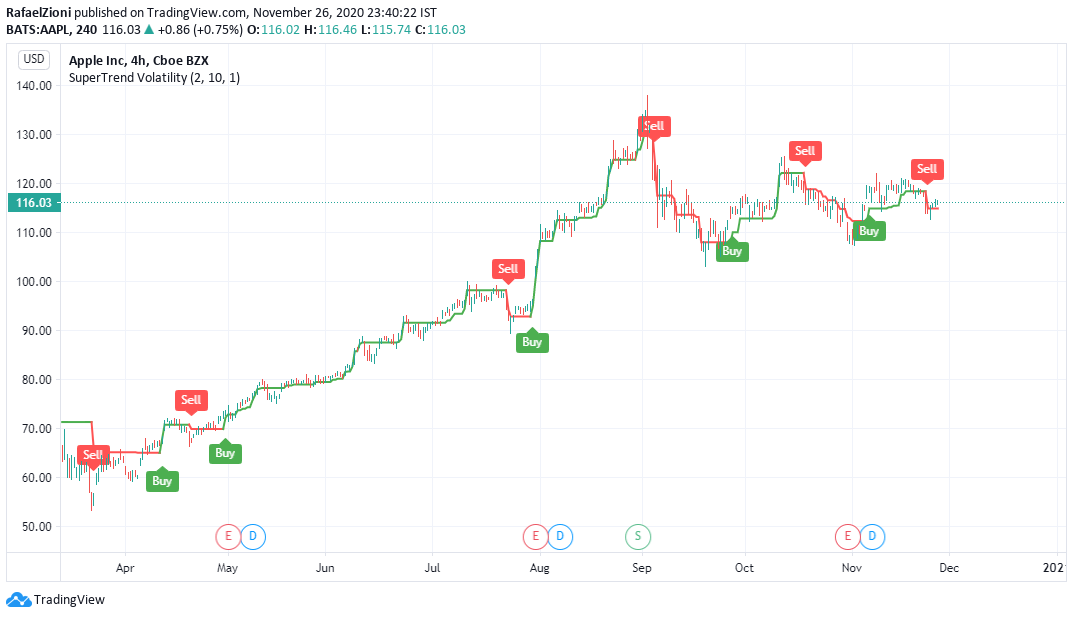
    I want to use similar custom indicator built by RafaelZioni from the below link in ProRealTime Screener to screen for stock with BUY or SELL signal

    https://www.tradingview.com/script/Bh2heEgZ-SuperTrend-Volatility/

    Many thanks!

    #192919 quote
    Nicolas
    Keymaster
    Master

    Please next time add a picture and a short description in order for us to learn more about the code to convert and how it could be translated into PRT code, thanks.

    #192927 quote
    Nicolas
    Keymaster
    Master

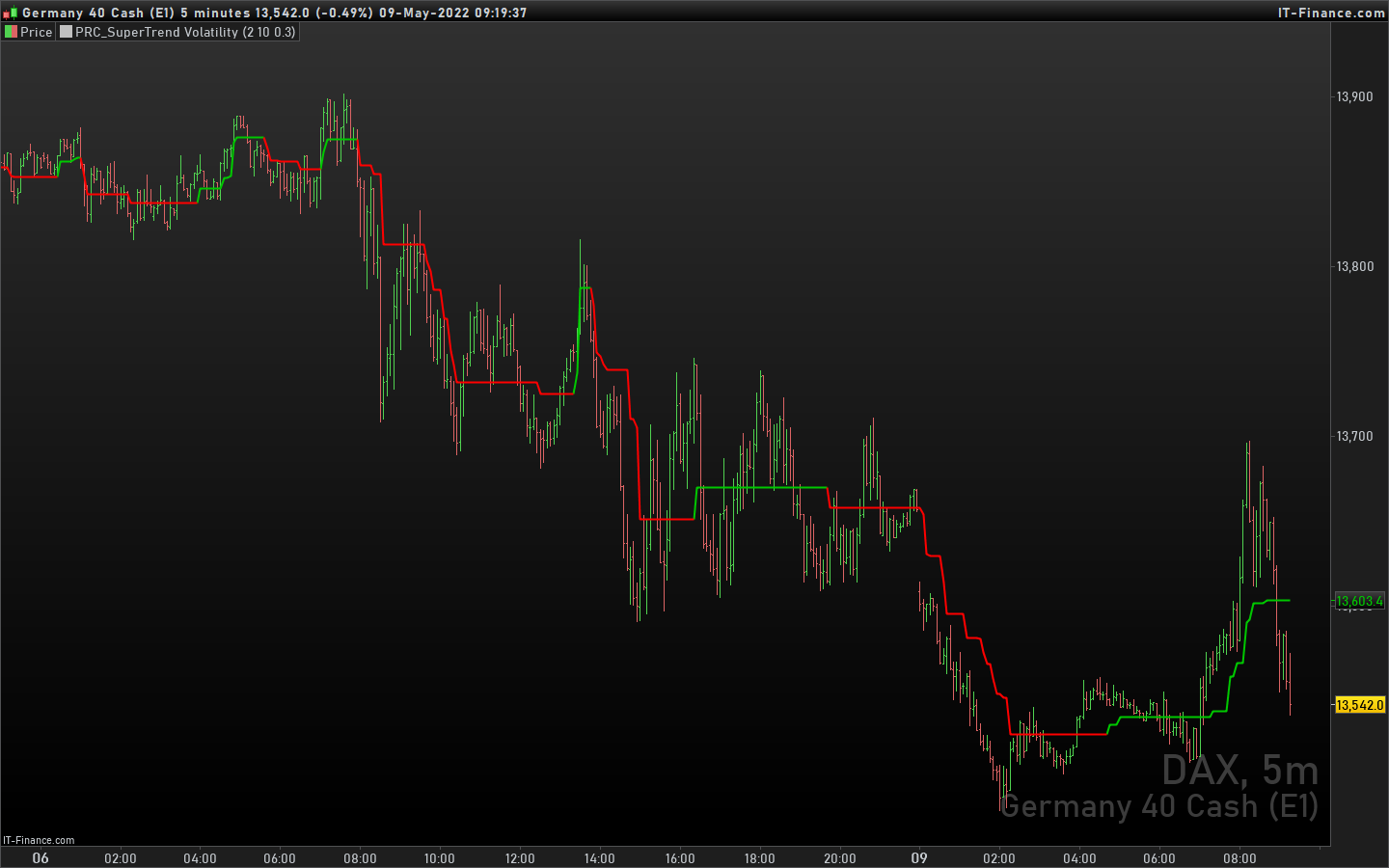
    Supertrend volatility Indicator is translated, download it from here: Supertrend Volatility

    #193308 quote
    Hunry86
    Participant
    New

    Hello,

    thank you for the indicator, however when I try to insert it, it isn’t displayed; what am I doing wrong?

    #193324 quote
    Nicolas
    Keymaster
    Master

    Add it on the price chart: How to add an Indicator On Price

    Hunry86 thanked this post
    #193337 quote
    Hunry86
    Participant
    New

    Thank you, however when I put it on it only shows me on the tf 4h, while on the 1h or the daily no, what can it depend on?

    #193338 quote
    Hunry86
    Participant
    New

    Hi, I’m sorry again, I think there are bugs, because not in all tf and in all markets it works, also sometimes it shows a horizontal line.

    #193341 quote
    Nicolas
    Keymaster
    Master

    it depends on the quantity of units displayed. Do you have an example of what instrument and timeframe where it doesnt show anything?

    #193344 quote
    Hunry86
    Participant
    New

    Hi, thanks for the reply, then I can see it on crude oil tf 4 hours 10k units; if I move to other tf or other markets it does not show it to me, or it gives me that graphic bug (the units are always 10k, I tried to change them but nothing changes).

    #193348 quote
    Hunry86
    Participant
    New

    I am continuing to test it, it also works on forex audusd and gbpusd both in tf 1 hour and 4 hours (on daily no). What can it depend on?

    #193357 quote
    Nicolas
    Keymaster
    Master

    The indicator is using OBV (On Balance Volume) which needs Volume to be present on each candlestick.

    Try to change the line:

    vol = (obv / hilow)

    with :

    vol = (max(obv,1) / hilow)
    Hunry86 thanked this post
    #193362 quote
    Hunry86
    Participant
    New

    Hello, thanks again for your availability; I tried to replace that part of the code however the same problems continue to occur, for some markets and for some tf of those markets I see the indicator, otherwise unfortunately not. I tried to start the pro real time also on windows but nothing the problem persists.

    #193366 quote
    robertogozzi
    Moderator
    Master

    @Hunry86

    Do not double post. Ask your question only once and only in one forum. All double posts will be deleted anyway so posting the same question multiple times will just be wasting your own time and will not get you an answer any quicker. Double posting just creates confusion in the forums.

    Thank you 🙂

    #193379 quote
    Nicolas
    Keymaster
    Master

    I made some changes and now it should work in any case. I have uploaded the new version in the library, please download it again! 🙂

    Hunry86 thanked this post
    #193386 quote
    Hunry86
    Participant
    New

    Hi Nicolas, I downloaded it however I notice that now it doesn’t even work on oil anymore …. Am I wrong something? I also use other indicators and have no problems.

Viewing 15 posts - 1 through 15 (of 27 total)
  • You must be logged in to reply to this topic.

Conversion of SuperTrendVolatility Indicator from TradingView

ProBuilder: Indicators & Custom Tools

New Reply
Author
Summary

This topic contains 26 replies,
has 4 voices, and was last updated by Nicolas

3 years, 7 months ago.

Topic Details
Forum: ProBuilder: Indicators & Custom Tools
Language: English
Started: 05/07/2022
Status: Active
Attachments: 4 files
Logo Logo
Loading...