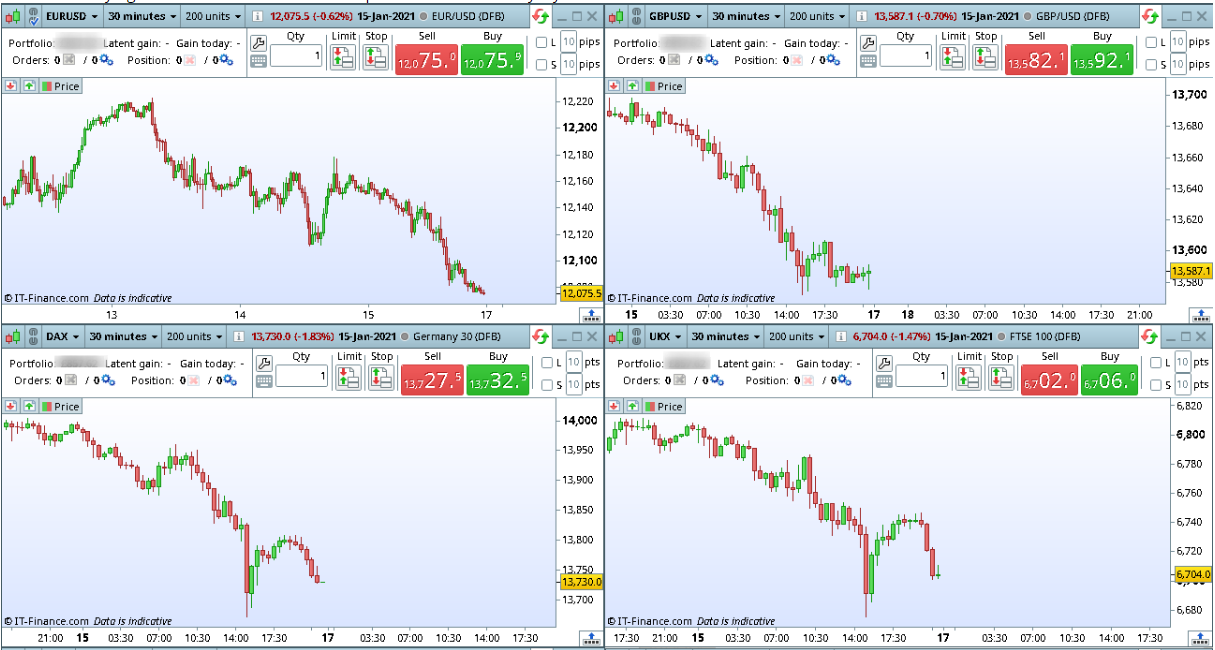
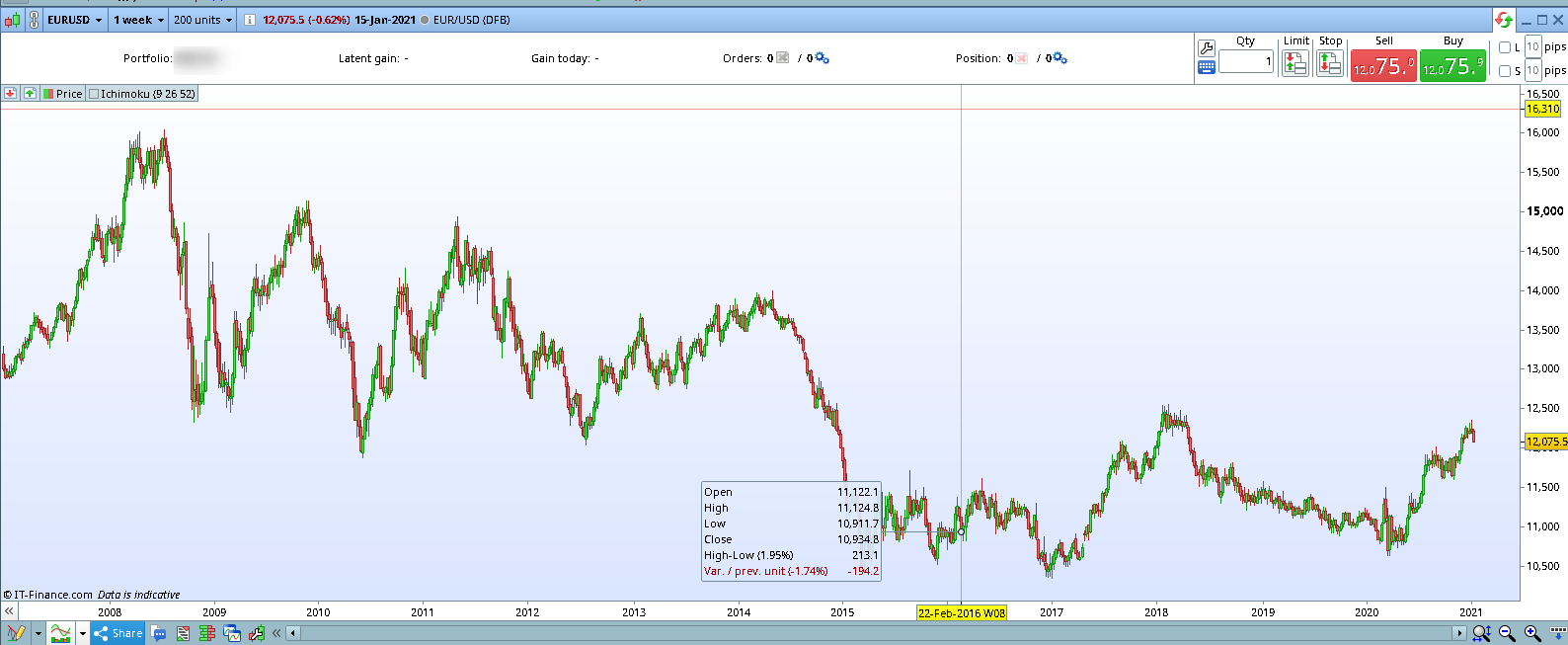
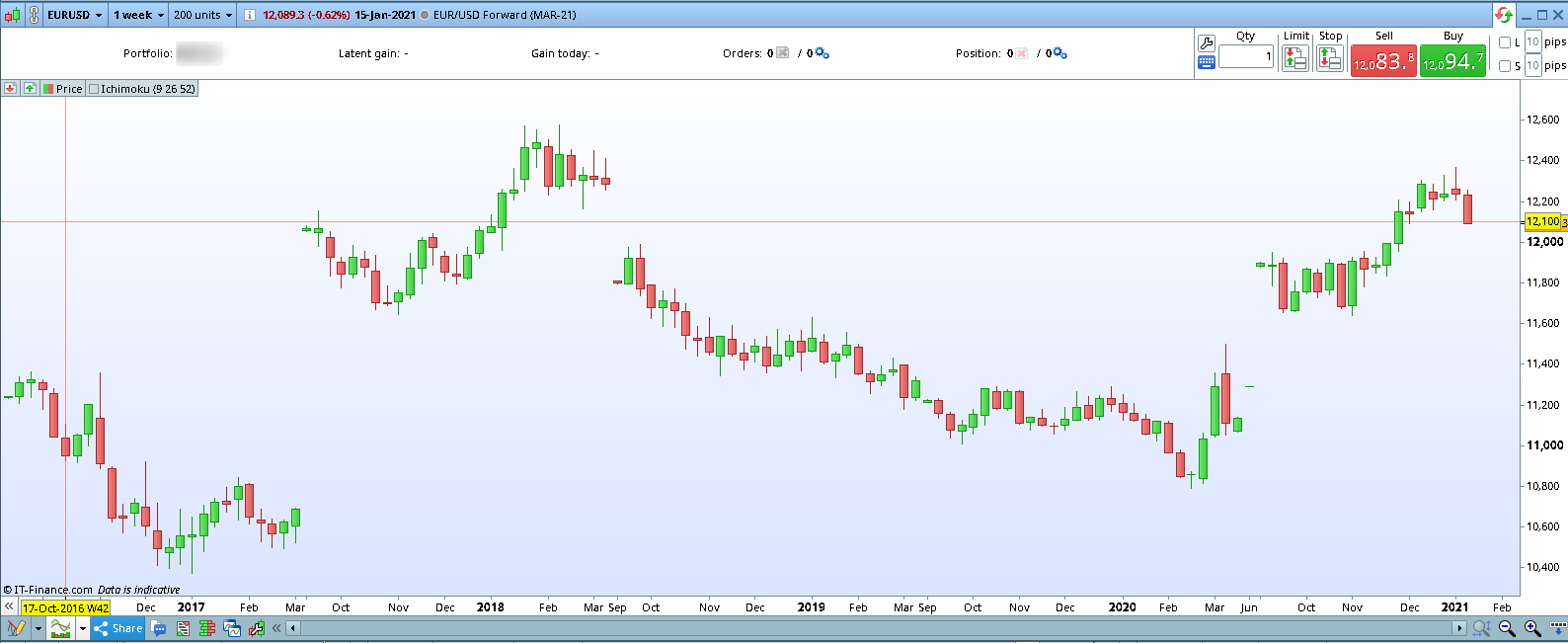
I am currently using PRT v11 with an IG account. I wanted to know if there was a way to display continuous futures data in PRT. i.e if i am looking at a contract expiring in MAR-21 , i want it to show continuous data from the previous expiry if it makes sense.
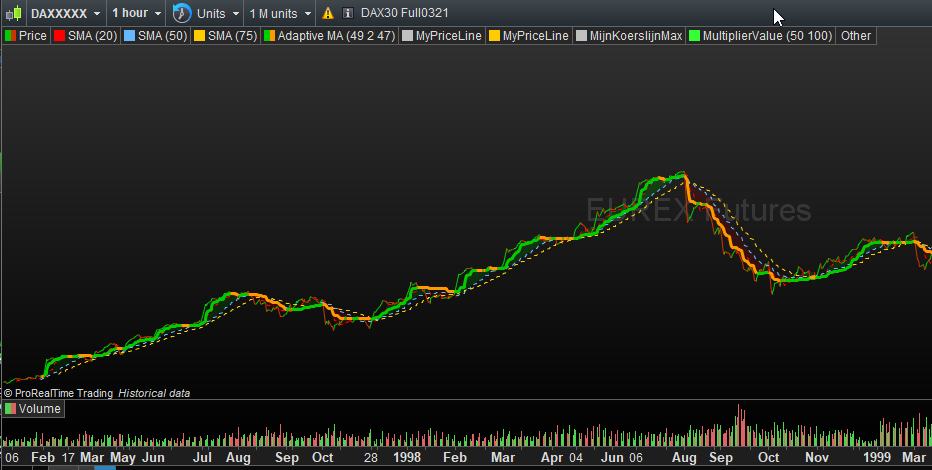
From the previous expiry would work (as far as I saw). For beyond that (so earlier), you;d need to use the XXXX version of the ticker. Example, ES0321 can also be retrieved by means of ESXXXX. This latter goes into the infinite (with limits somewhere) past.
Disclaimer : this works so for an IB related account. For IG I actually don’t know.
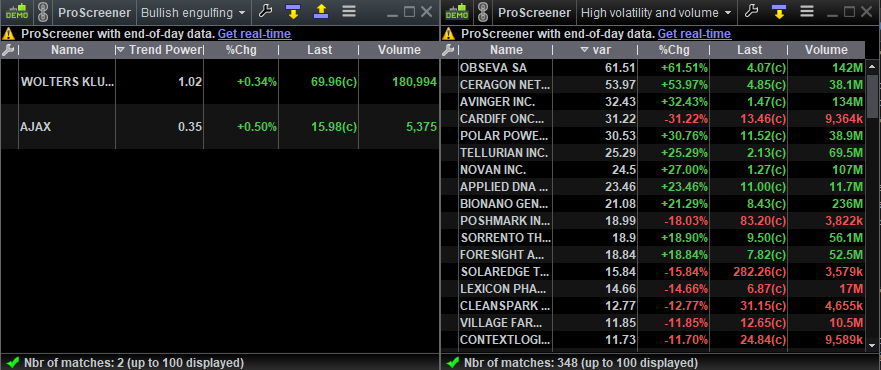
4. Is it possible to have more than one pro-screener running at a time?
Over here that works all right.
4. No
No ? (see attachment). Haha.
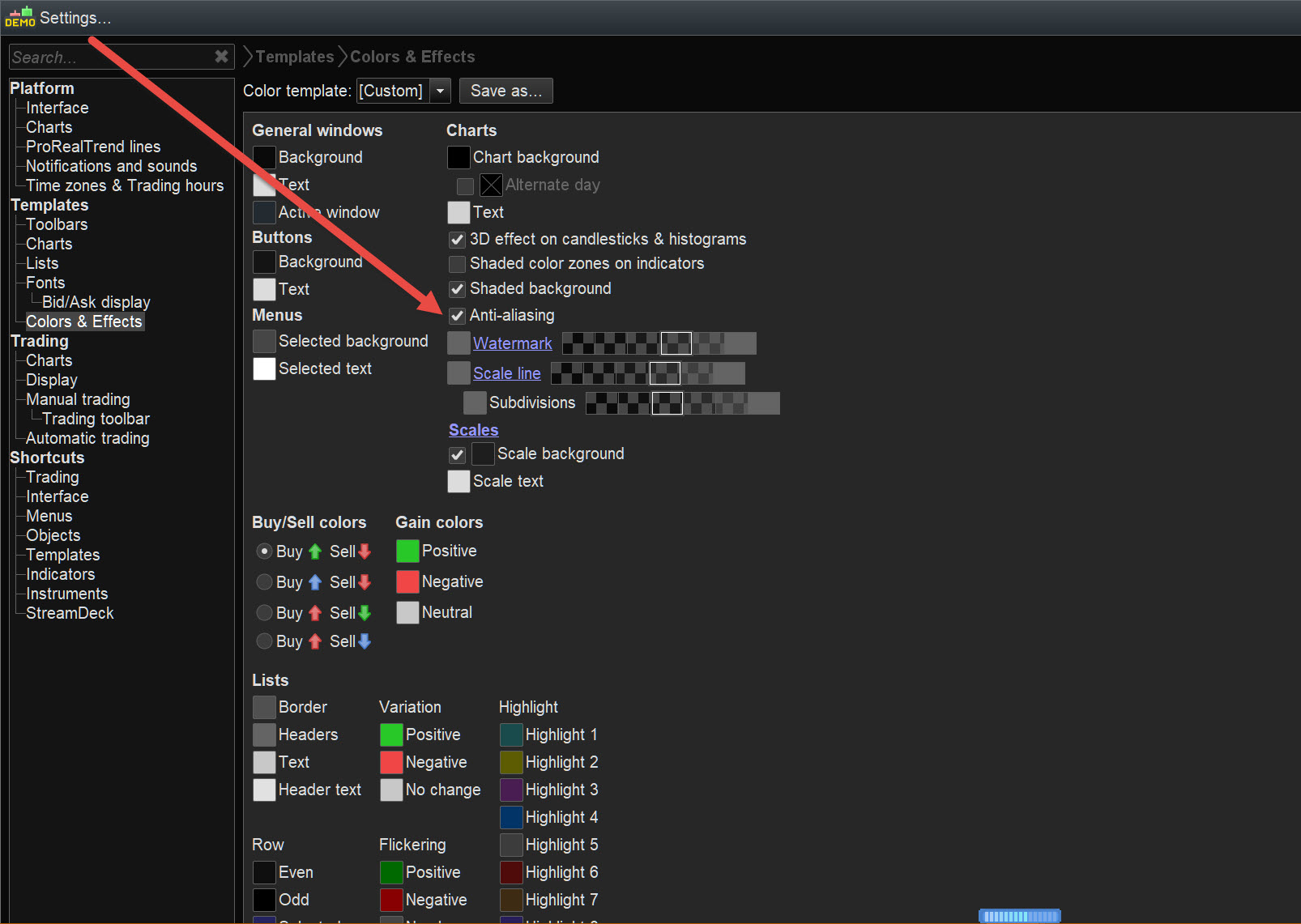
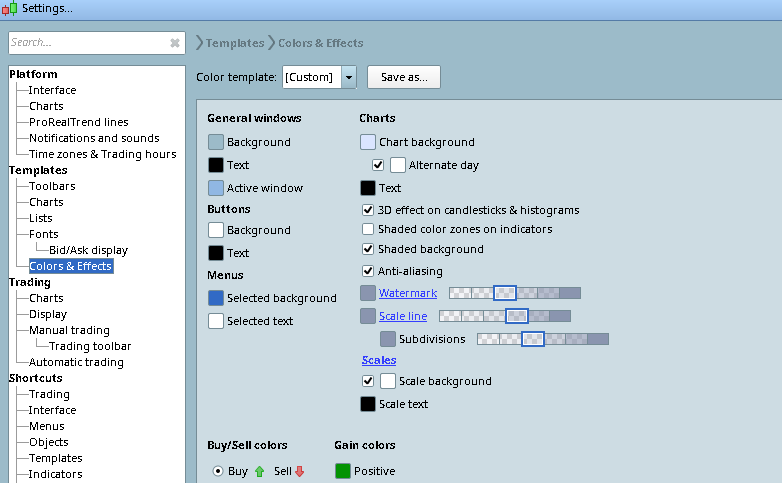
Start out with choosing New under Display in the main menu. From there just choose. Or make new ones. See 2nd attachment.
3. In the above combined view, is it possible to link charts across with timeframe? i.,e if i change timeframe from 30 mins to 1H on any one of the charts, all charts change to that timeframe?
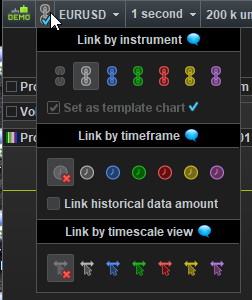
This could be more complicated to understand at first. See 3rd attachment for the button GraHal referred to. All what you open with that link colour, will open at the same time. If you, for a chart, make a copy of that chart, you can give that 2nd chart a different time frame. This is not exactly what you asked for, but this is how it works anyway. If you, next, would have a list with a different link color and you open a chart from there and you give that one a different time frame from the one with the first color, then all charts opened with that other color will open at the time frame you denoted. Summarised :
- You can open differently timed charts by means of one click in a chart;
- You can have a different “main” time frame per color. Or whatever it is you want differently (like position, size).
And oh, that (blue) v-mark you see in my third attachment, means that it is the leading chart for that color. All normal blue ones are “slaves” to that one.
Give yourself 6 months to get acquainted by it, and it is a great feature. Prior to that it looks like BS … 🙂