Complete list of builtin functions etc?

Viewing 15 posts - 1 through 15 (of 16 total)
  • Author
    Posts
  • #234839 quote
    paisantrader
    Participant
    Senior

    Is there a complete list of builtin functions, indicators, constants, operators, keywords etc?

    I have seen https://www.prorealcode.com/prorealtime-documentation/ but it’s not complete if you compare to inside PRT.

    #234842 quote
    druby
    Participant
    New

    On PRC, if you go to  [Help], choose [ProRealTime help center], then at the top, the [Manual] pull down menu, there are a number of manuals.

    The last three are pdf’s, and have a related glossary of keywords at the end of each.

    I think these were updated in line with changes around the introduction of V12.

    That be a good start point.

    #234843 quote
    druby
    Participant
    New

    This may be of interest as well since some of the V12 features were introduced in the middle of V11.

    Mainly,  Arrays and Anchor’ed drawing.

    https://www.prorealcode.com/topic/prtv11-new-programming-commands/

    #234923 quote
    paisantrader
    Participant
    Senior

    Excellent, thank you very much. ChatGPT extracted them nicely for me 🙂

    #234930 quote
    druby
    Participant
    New

    What were the ones you found that are not covered by the links above.

    #234934 quote
    paisantrader
    Participant
    Senior

    I thought it was complete. But so far I’ve found two that are in PRT, but not in the PDF

    AT: (BUY 1 CONTRACT AT MARKET)

    TomorrowOpen

    #234949 quote
    druby
    Participant
    New

    TomorrowOpen appears under the proBacktest section in your PRC documentation link, but not the manual

    ‘AT’ seems to be used similar to ‘DO’ with loops.  Not aware of any other underlying meaning.

    #234953 quote
    druby
    Participant
    New

    I did come across ‘BY’ somewhere, but not able to use it.

    Maybe a defunct keyword from the past.

    I don’t use the screener, might be usable in there.

    #234958 quote
    robertogozzi
    Moderator
    Master

    TomorrowOpen is an obsolete keyword, as since many years that’s always the case because trades are always opened at the opening of the next bar (as strategies are executed at the closing of each bar). It’s still in the list, like a few more keywords, for backward compatibility with old code using it. It’s simply meaningless now.

    BUY 1 CONTRACT AT MARKET is correct and has always been used as such.

    druby thanked this post
    #234977 quote
    paisantrader
    Participant
    Senior
    I found a few more. One was in the text, but not in the gloassary, so I’m going through PRT’s list instead so I don’t miss anything

    IsLastBarUpdate

    OpenDate (in text but not in glossary)

    OpenWeek (in glossary but not in PRT)

      It’s for a language plugin for Visual Studio Code. Versioning and automatic backups you know 🙂
    #235023 quote
    druby
    Participant
    New
    I came across ‘ CONTINUE’ last night by accident. Not seen any reference to it at all. Took me a bit of time to work out were it worked and why. Using ‘BREAK’, can be used to terminate a loop. ‘CONTINUE’, used in a similar way, can be used to terminate the current iteration of a loop. Therefore, any unexecuted code, in the current loop iteration, after the execution of ‘CONTINUE’, is ignored. Execution restarts at the start of the next iteration, if there is one. In example, the ‘DRAWTEXT(…)’ statement falls after ‘CONTINUE’. If  ‘CONTIUE’ executed, the text for i=5 is not printed. Loop ‘BREAK’s at i=8.  
    defparam drawonlastbaronly = true
    
    if islastbarupdate then
    
    for i = 0 to 10
    
    if i = 5 then
    continue
    endif
    
    if i = 9 then
    break
    endif
    
    drawtext(i,0,-30-i*15)anchor(top,xshift,yshift)
    next
    
    endif
    
    return
    #235024 quote
    druby
    Participant
    New
    Also you have ‘TRUE’ and ‘FALSE’, used with ‘DEFPARAM’  keywords like, drawOnLastBarOnly  = , CumulateOrders =.
    #235025 quote
    druby
    Participant
    New
    Found a reference to ‘CONTINUE’ in the the editor function list (fx) under keywords. Noticed this keyword is not highlighted ‘blue’ in above posted code in PRC code feature, but does in PRT editor. Don’t think I’ve ever noticed used, out of sight, out of mind.
    #235064 quote
    paisantrader
    Participant
    Senior
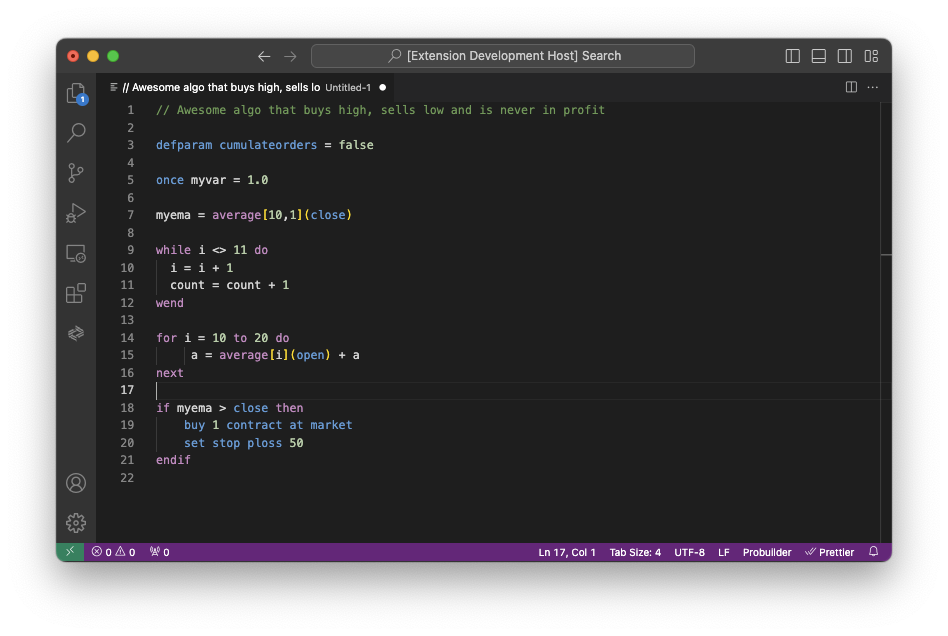
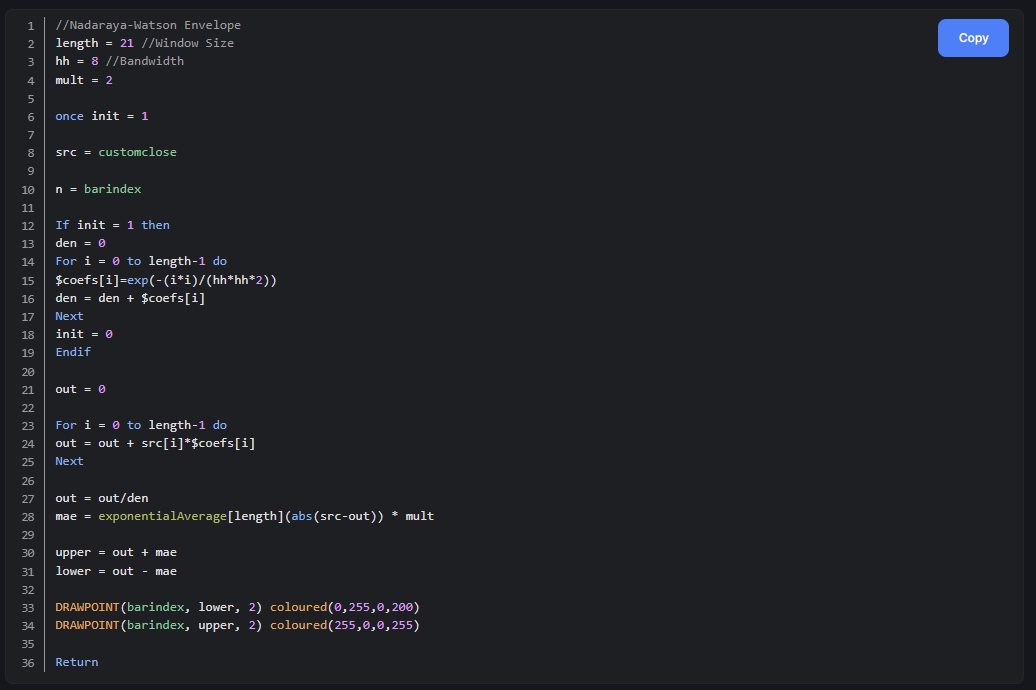
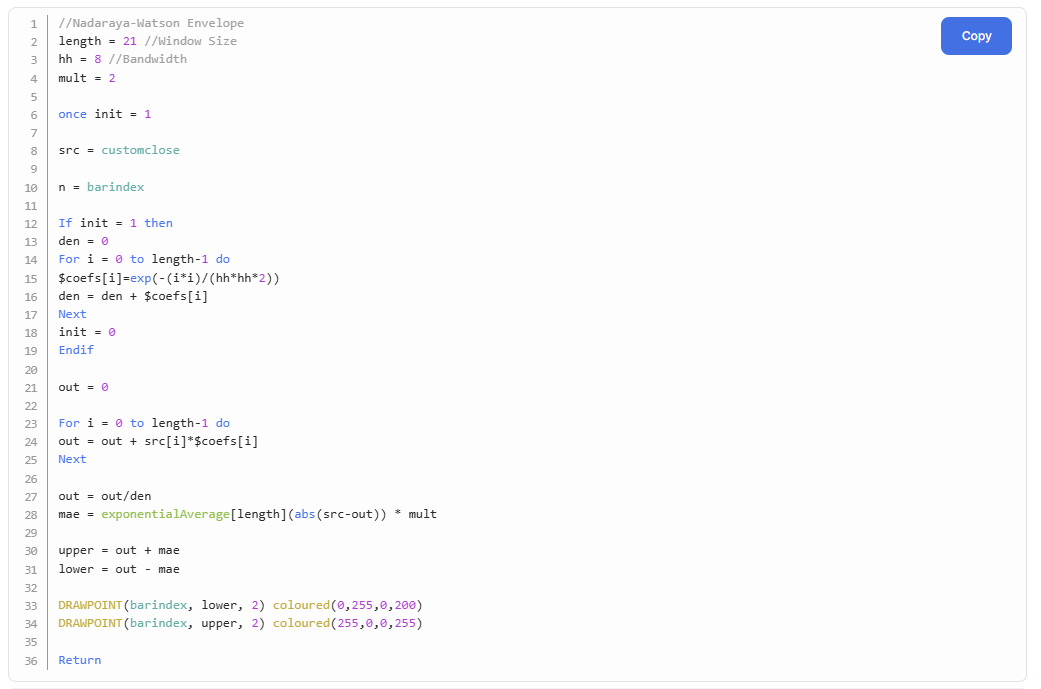
    I used the function lists in the editor and together with the PDF’s I think I got it quite complete. BUT, the coloring is off compared to PRT. Functions listed under for example Trading System Commands has multiple colors in PRT, so the coloring convention is not based on that. I think PRC’s coloring is better, hello @Nicolas 🤓
    #235065 quote
    Nicolas
    Keymaster
    Master
    The current PRC syntax highlighting is the old one, new website to come (don’t ask ETA please) already got the new way of coloring (see attached).
    druby thanked this post
Viewing 15 posts - 1 through 15 (of 16 total)
  • You must be logged in to reply to this topic.

Complete list of builtin functions etc?


ProBuilder: Indicators & Custom Tools

New Reply
Author
Summary

This topic contains 15 replies,
has 4 voices, and was last updated by paisantrader
1 year, 7 months ago.

Topic Details
Forum: ProBuilder: Indicators & Custom Tools
Language: English
Started: 07/06/2024
Status: Active
Attachments: 3 files
Logo Logo
Loading...