Coding Window

Viewing 7 posts - 1 through 7 (of 7 total)
  • Author
    Posts
  • #62753 quote
    GraHal
    Participant
    Master

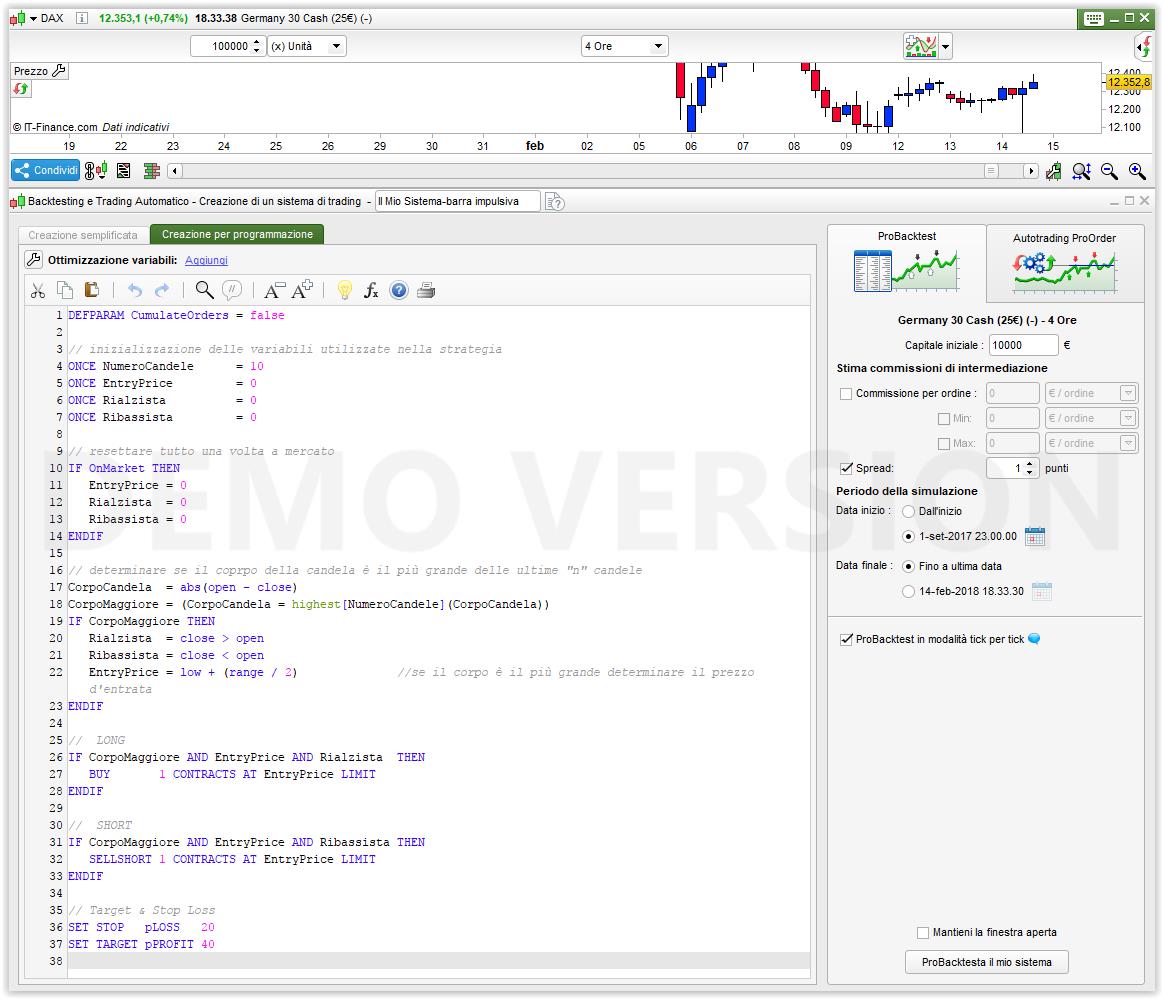
    On your PRT Platform, do you see the Coding Window as the 1st image attached (from PRT website) … vivid text and lost of contrast, even the commented out text is vivid!

    Or

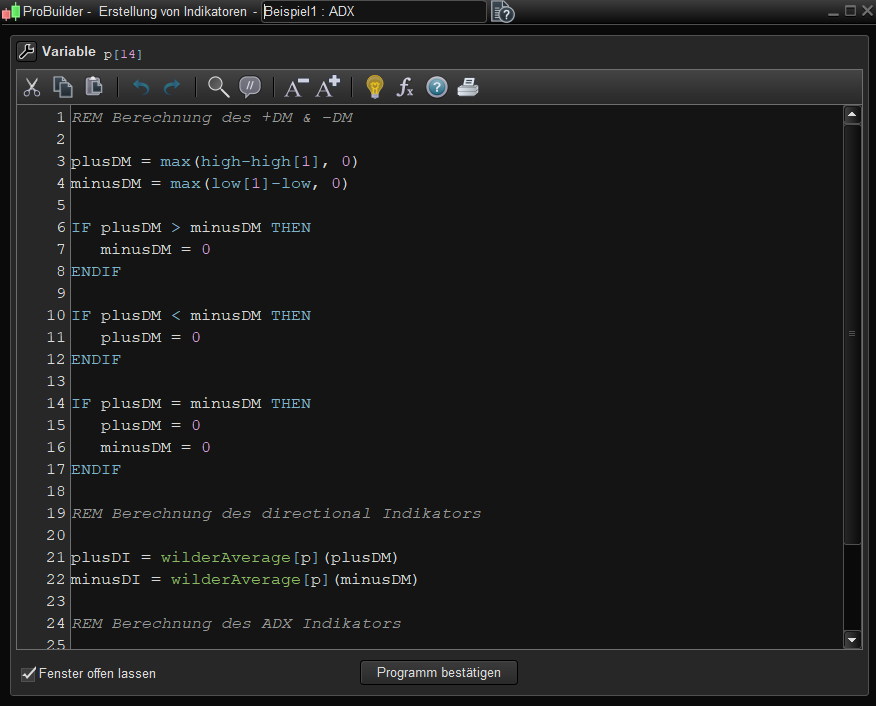
    Do you see the Coding Window as the 2nd image attached (from my PC) … wishy washy light text with nil / zero contrast and the commented out text barely readable??

    Thanks
    GraHal
    PS the 2nd image attached is better / more easily read than it is directly on my Platform due to it filling the screen / larger size etc.

    Coding-Window-1.jpg Coding-Window-1.jpg Coding-Window-2.jpg Coding-Window-2.jpg
    #62759 quote
    robertogozzi
    Moderator
    Master

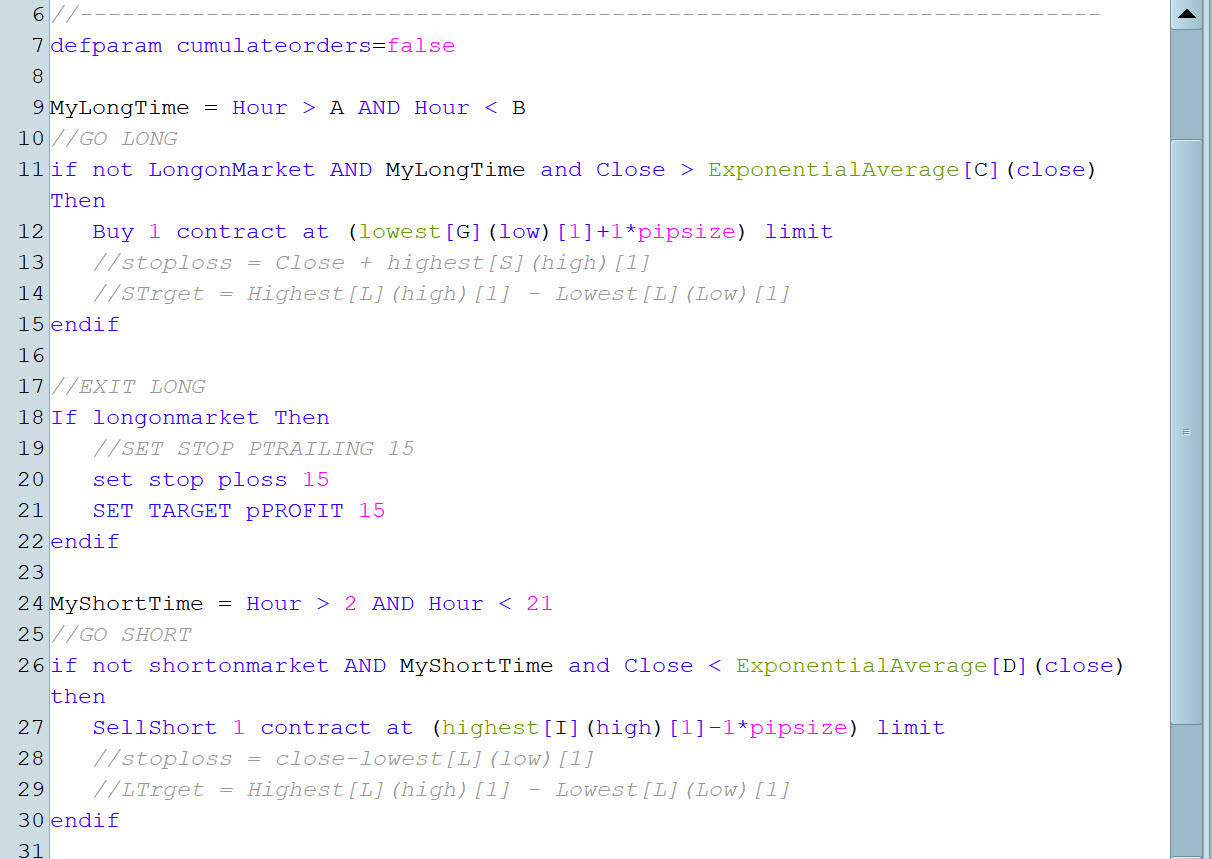
    It’s a bit half way between the two. I feel at ease with it.

    GraHal thanked this post
    x-1.jpg x-1.jpg
    #62771 quote
    AVT
    Participant
    Senior

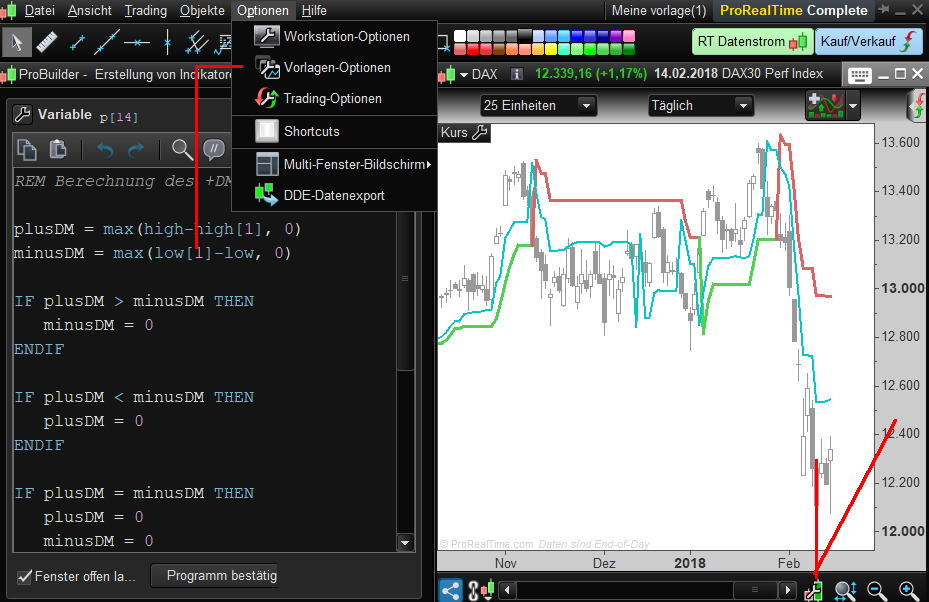
    Looks here like the attached. Change colors under Options – TemplateOptions – Colors and see which one would fit for better visability

    Screenshot_1-4.png Screenshot_1-4.png
    #62826 quote
    GraHal
    Participant
    Master

    Yes I have tried (using template options/colours and effects etc) and there is no way to change the background colour (to get more vivid text contrast) of the coding screen except to change the predefined look & feel to Black.  I agree, this is a big improvement for the Coding Screen, but it does not suit me / my eyes for other screens.

    Strangely none of the other predefined look & feel options change the colour of the background of the Coding Screen only the Black option. Weird or is this just me / my set-up in some bizarre way??

    @PRT Mods … any comment specifically on above paragraph please?

    If anybody knows how to change just the Coding Screen to black background (and leave other screens a lighter colour) please let me know?

    Thank You
    GraHal
    PS I have sent a suggestion to PRT on this ages ago, but as usual I cannot check on / see progress or dismissal anywhere.

    #62837 quote
    AVT
    Participant
    Senior

    Is this ok? General options I chose black and for chart background and surrounding white/gray.

    Screenshot_1-5.png Screenshot_1-5.png
    #62839 quote
    AVT
    Participant
    Senior

    Oh, forgot to ask which colors would you like?

    #62840 quote
    GraHal
    Participant
    Master

    HAHAH yeah that looks good AVT I’ll try that later!

    I’m outside doing a job in the sun but keep coming back to check on a trade … I seem to be doing better by taking a view of market structure on a 5 min TF than glued to the screen chasing all the ups and downs on a 5 sec TF!! 🙂

    Since the big drops last week and the market going mad / highly volatile, none of my previous successful trading methods are working for me … anybody finding this?

    Thank You
    GraHal

Viewing 7 posts - 1 through 7 (of 7 total)
  • You must be logged in to reply to this topic.

Coding Window


Platform Support: Charts, Data & Broker Setup

New Reply
Author
Summary

This topic contains 6 replies,
has 3 voices, and was last updated by GraHal
8 years ago.

Topic Details
Forum: Platform Support: Charts, Data & Broker Setup
Language: English
Started: 02/14/2018
Status: Active
Attachments: 5 files
Logo Logo
Loading...