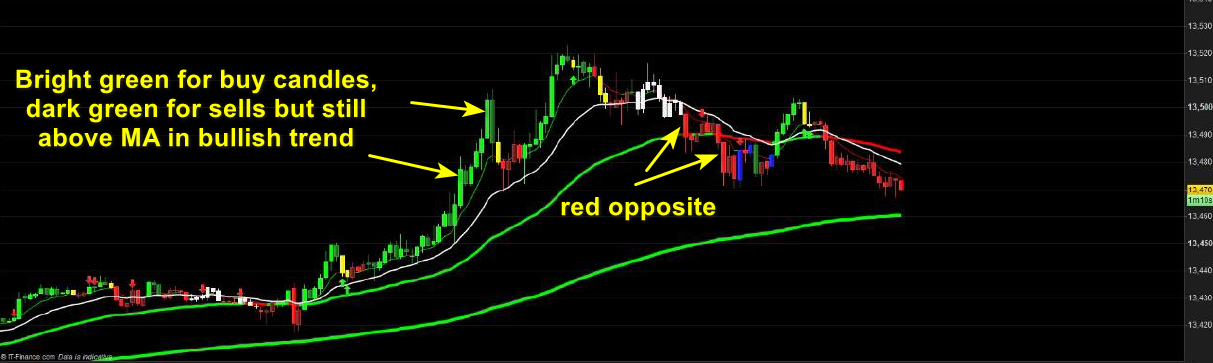
Hi, is it possible to code the candlesticks to color code for trends? For example, a formula is once price has crossed up and remains over the 8 SMA the candlesticks then all get painted in green as long as still above 8 sma and then the exact opposite ( red) for sells?
Thanks
Is this what you mean?
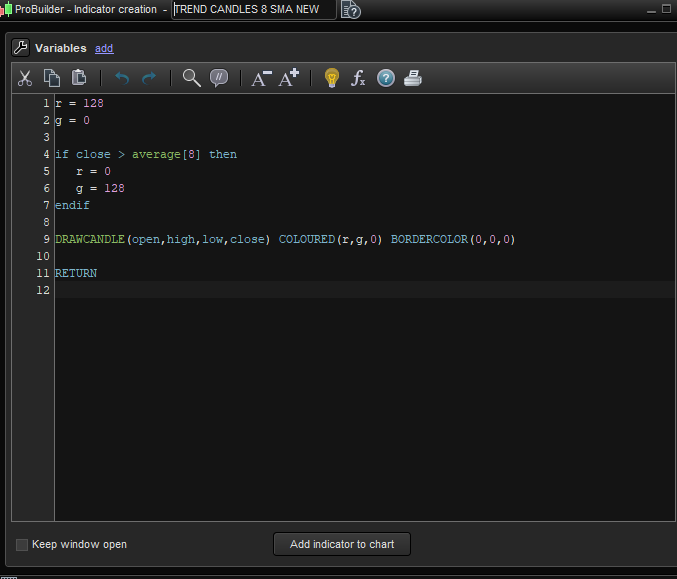
r = 128
g = 0
if close > average[8] then
r = 0
g = 128
endif
DRAWCANDLE(open,high,low,close) COLOURED(r,g,0) BORDERCOLOR(0,0,0)
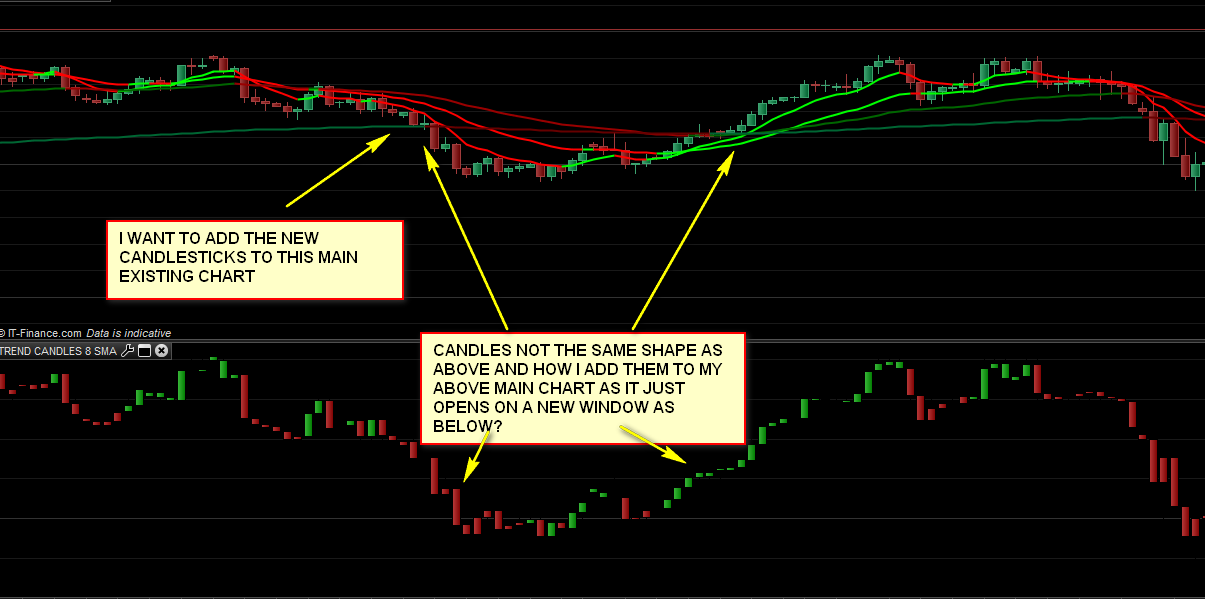
Hi Vonasi, basically yes it should be ok. But when I tried to load on the candlesticks don’t display correctly and how do I get them to go on to my main price window?
Any way to fix?
I will attach screenshot to try explain.
Thanks again
I think the settings are ok, It’s just the actual candlsticks are not the correct shape – looking more like renko or range bars
I don’t understand why you are getting that result. It looks like you have the open,high,low,close mixed up in the code.
I forgot to include the last line of the code which should be RETURN but I guess you added it yourself!
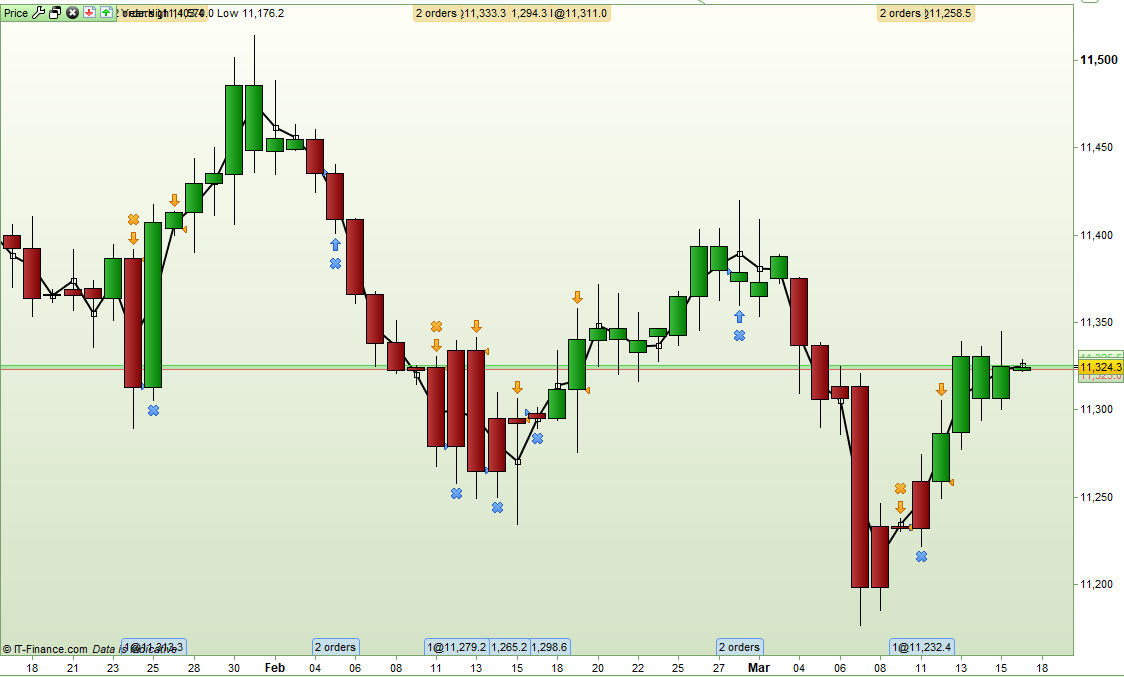
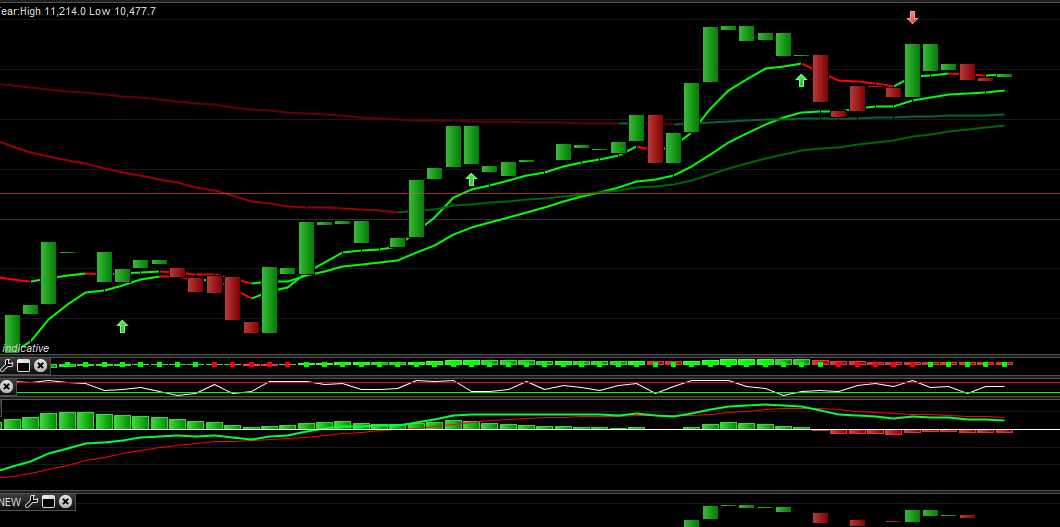
To get the candles on the price chart click on the spanner on the price chart and add the indicator from there. When I do this I get this:
[attachment file=93908]
Hi, I tried over 10 times and it still does not display the ope high low etc
I simply copy and paste and added the RETURN
Can you give me a very step by step? somehow its going wrong
Thanks
Which version of PRT are you using? Maybe it only works correctly on v10.3 and you are using an earlier version? I only have v10.3 so I can’t confirm this.
Hi, yes it’s 10.3 too
It’s ok to copy and paste the code?
Yes copy and paste should work just fine. Create a new indicator with the copy and paste and then apply that indicator to the price chart via the spanner in th ecorner of it. The candles should simply be drawn over the top of the ones in the price chart.
I have also just noticed that this is an indicator question but you posted in the ProScreener forum. I will move it to the correct forum. Please try to post in the correct forum with future topics.
Hi again. I have attached the code and result not working.
Any idea?
Thanks
It is difficult to see the candles as you are using a black background and I set the outline colour to be black so it also makes the tails this colour. Try this code:
r = 128
g = 0
if close > average[8] then
r = 0
g = 128
endif
DRAWCANDLE(open,high,low,close) COLOURED(r,g,0) BORDERCOLOR(r,g,0)
You can also add the indicator as a separate indicator and so be able to directly compare how the candles look compared to the normal price chart candles.
Working now. Thanks very much 🙂
Hi, further to your excellent help with displaying “trending candlesticks” i.e when price is staying above 8 moving average to stay green regardless of actual sell or buy and red below the 8 MA for sells…
Is it possible to display a brighter green candle for the candles that actually close bullish/ buy and brighter red for the proper sell candles?
Thanks very much in advance.
Try this (not tested):
r = 128
g = 0
if close > average[8] and close < open then
r = 0
g = 128
endif
if close > average[8] and close > open then
r = 0
g = 255
endif
if close < average[8] and close < open then
r = 255
g = 0
endif
DRAWCANDLE(open,high,low,close) COLOURED(r,g,0) BORDERCOLOR(r,g,0)
return