Bard
BardParticipant
Master
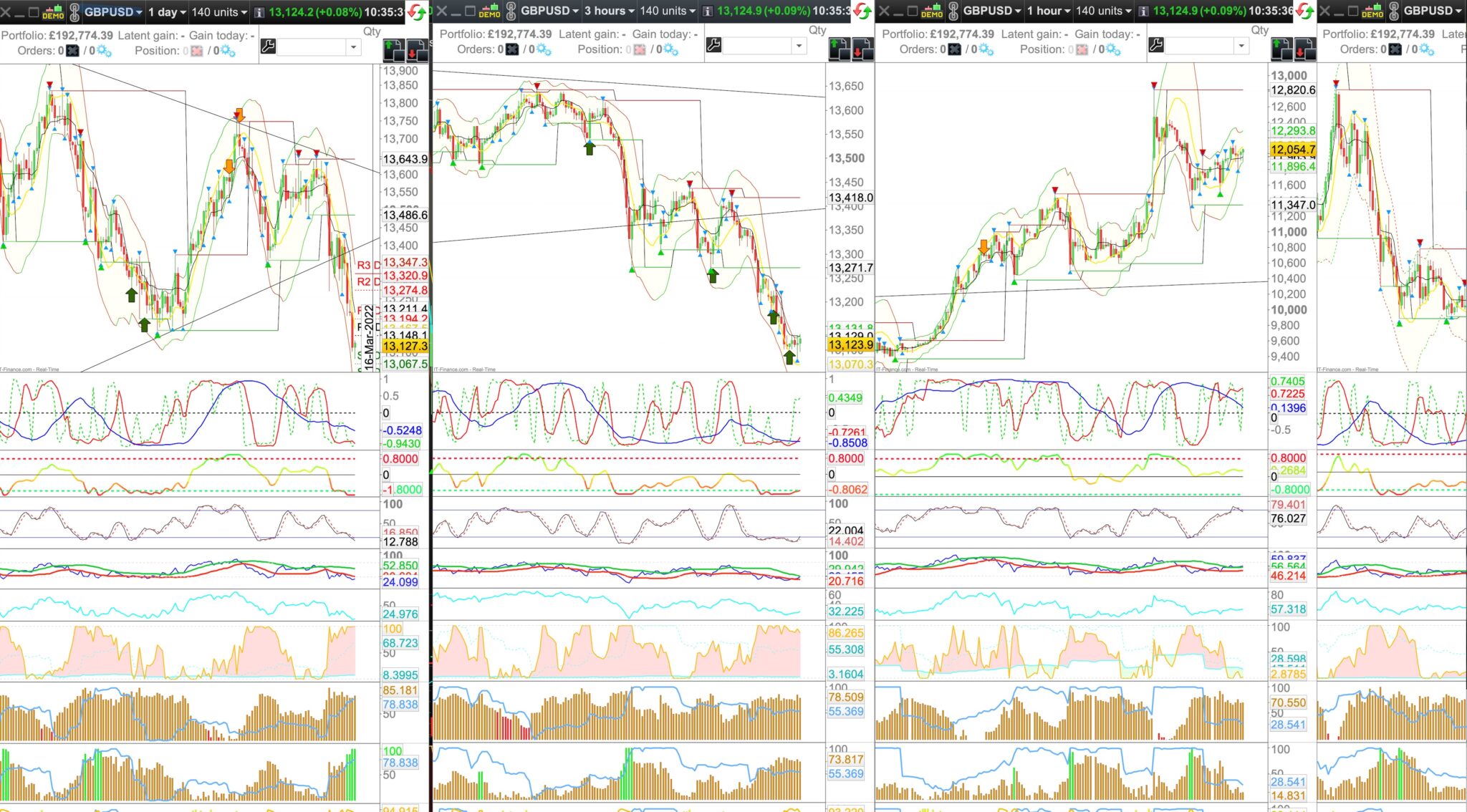
Hi, Is anyone using Apple Monterey? I upgraded but when I opened the charts earlier they were the wrong size — too wide and too tall by a few cms each way, for all four charts across my 50″ LG screen so that the last one is half missing? I can’t see the bottom of the chart where the date range is either and lastly they didn’t even fully load. I think my ethernet was good, but could that be it?
Cheers
Bard
BardParticipant
Master
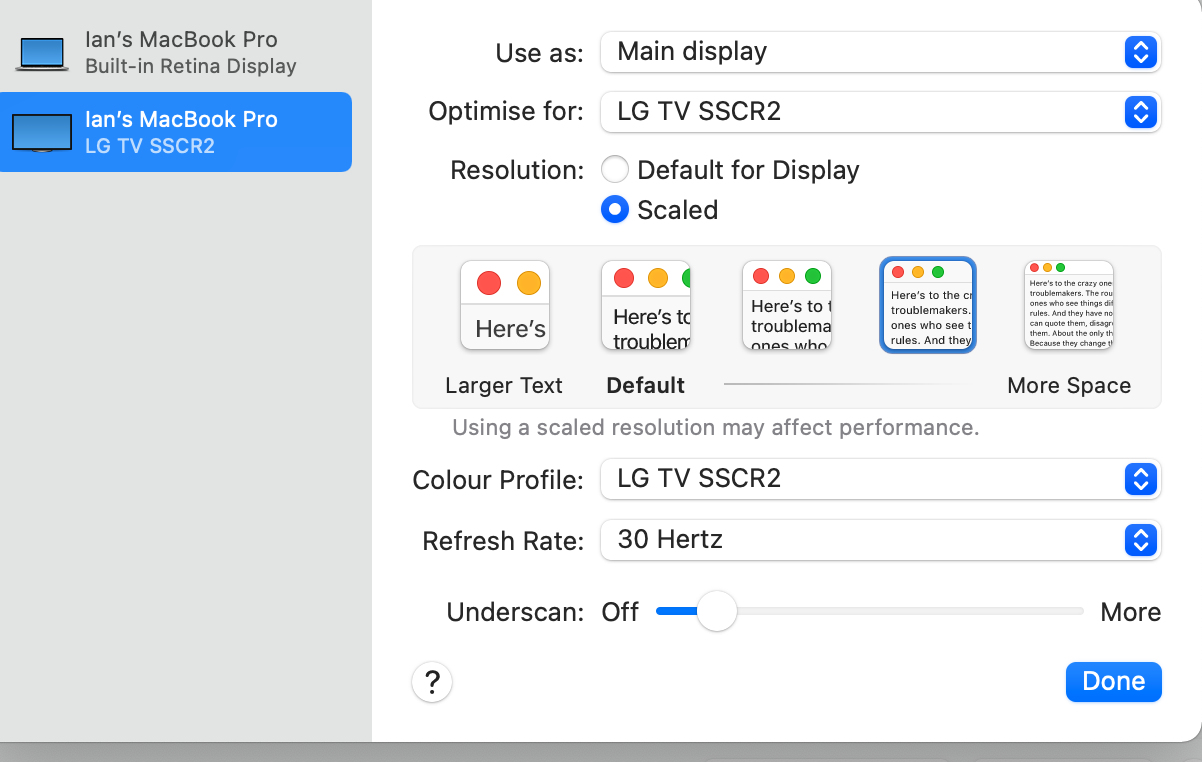
The internet is okay at the moment (moving providers soon) and my Mac display scaled text settings — which is alway left on a resolution of “second from the last” — is the same as always? Pls see setting image:
Any ideas @Nicolas? Cheers!
BardParticipant
Master
Hi,
Every single template I’ve ever created in PRT is broken? All the charts are too big and I don’t think it’s to do with Monterey or my display settings?
Any help anyone at PRT? As frankly I don’t have the time nor the inclination to re-setting every chart in every template.
Has a different resolution setting come through as part of the Monterey upgrade?
BardParticipant
Master
Hey @GraHal, no I checked the settings and it’s always been second from the last, on the old OS and new one and I think I did try PRT once in Monterey when I first got it a week or so ago and it was okay. No idea what’s going on…. Any ideas @RafaelN? Thanks.
BardParticipant
Master
Seems to be because of the MAC OS update… When you create a new chart/window, and expand it over screen, does it fit completely the screen or not?
BardParticipant
Master
A new chart fits the screen fully… so how come every one of my templates has every single chart that’s now about 10% bigger? One week it was okay, then the next week it wasn’t?
Also I am not sure about the speed and performance of PRT because some days it is normal and fast and easy to move charts about etc and other days like today, I am getting a very long time lag, like 10 seconds before I can get a menu response for example, but I have super fast broadband (66Mbps) and my Mac (3.1 Ghz with 16gb of Ram) is only using 22% of CPU so I just don’t understand how Monterey can be causing all these issues and besides it was slow some days on Mojave as well? 🤷♂️🙁
Cheers
Bard
BardParticipant
Master
A new chart fits the screen fully… so how come every one of my templates has every single chart that’s now about 10% bigger? One week it was okay, then the next week it wasn’t?
Also I am not sure about the speed and performance of PRT because some days it is normal and fast and easy to move charts about etc and other days like today, I am getting a very long time lag, like 10 seconds before I can get a menu response for example, but I have super fast broadband (66Mbps) and my Mac (3.1 Ghz with 16gb of Ram) is only using between 10% and 20% of CPU when PRT is open, so I don’t understand how Monterey can be causing all these issues and besides it was very slow some days on Mojave as well (with slower broadband supplier, 6Mbps)? 🤷♂️🙁
Cheers
Bard
BardParticipant
Master
RESOLVED: For Mac users:
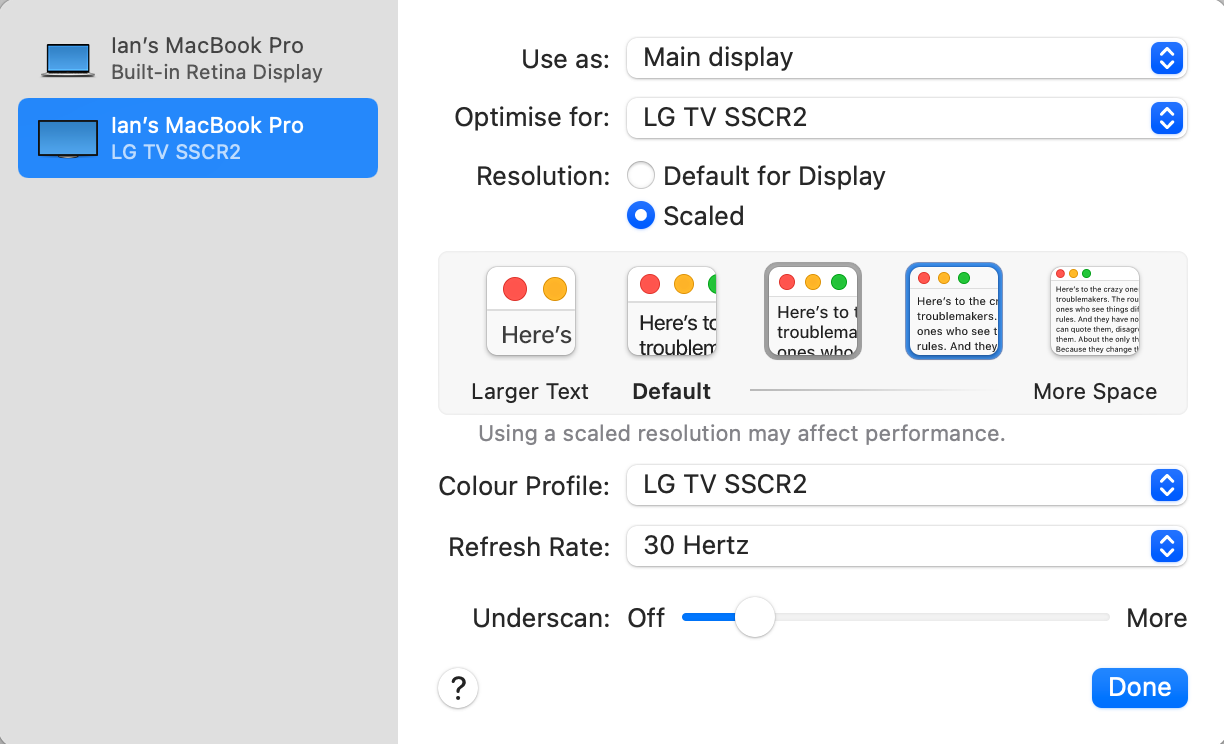
I have solved the issue. It was simple. On Mojave Display settings for font size, I always used the second to smallest font and this worked with PRT fine:
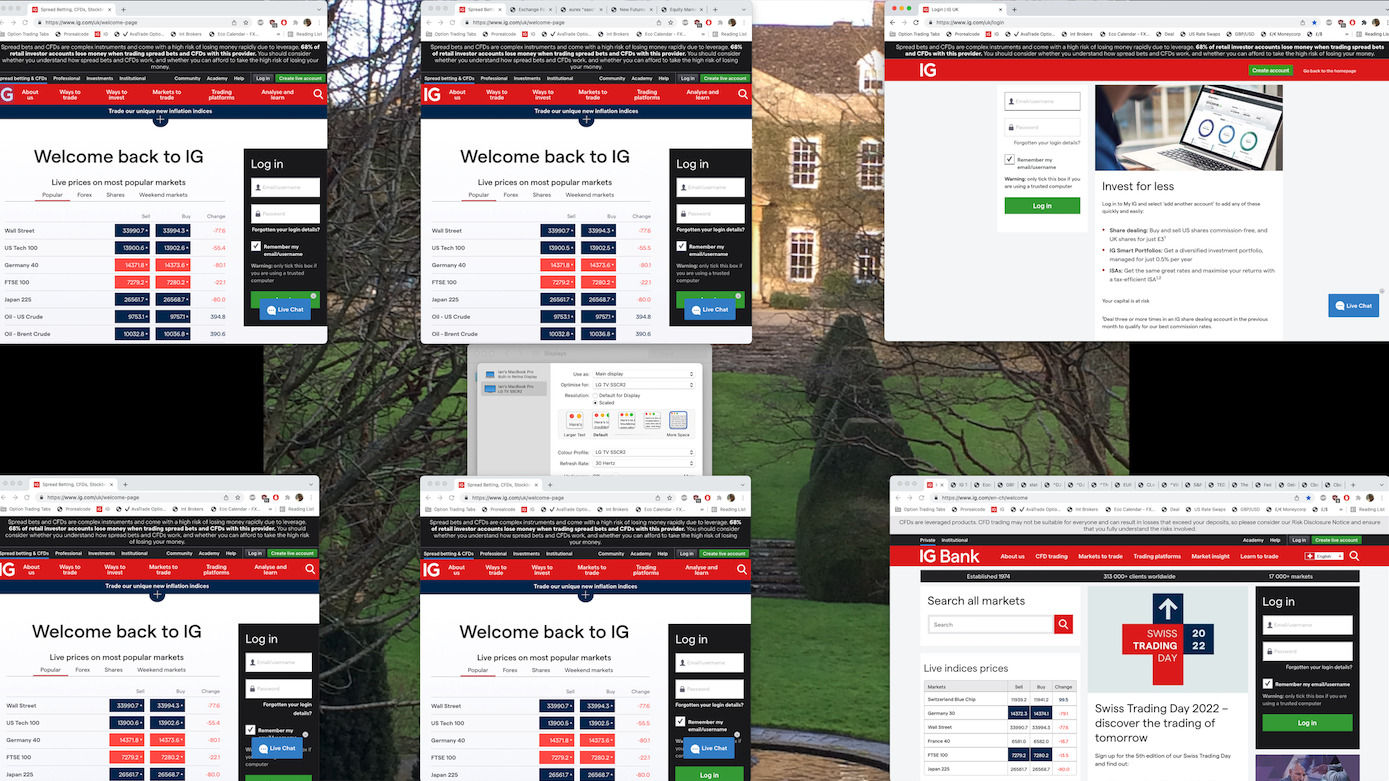
But with Monterey the only way I can get the PRT charts to load the correct size correctly is to select the smallest last font setting Monterey second to last font size selection but then all my Chrome windows now look like this (and need resizing) and all my computer fonts are small:
So it looks like the choice is to either squint using the smallest Display font size or get glasses… and btw, Monterey also has a problem with recognising some monitors like my LG 50″ which they’re aware of and fixing…
Personally I would stick with an older OS (I really wish I hadn’t upgraded because frankly it’s been nothing but huge problems due to preferences instability) because at least they’re not buggy like the piece of garbage they have unleashed to the general public in the form of Monterey…
Sorry for wasting your time @nicolas. 😌
BardParticipant
Master
Mac users – Don’t download Monterey if you’re using an external monitor as Apple Level 2 support confirmed today that monitor connectivity and fonts are a known bug that is being addressed… I have had a lot of trouble getting Monterey to wake my LG 50″ tv up when the Mac is sleeping. I guess the fonts issue is just the “icing on the cake.” 🤪
BardParticipant
Master
select the smallest last font setting Monterey second to last font size selection but then all my Chrome windows
*select the smallest (last) font setting in Monterey but then all my Chrome windows…