


Chart Menu Drop Down keeps Appearing on Start Up

Viewing 3 posts - 1 through 3 (of 3 total)
  • Author
    Posts
  • #232962 quote
    Bard
    Participant
    Master

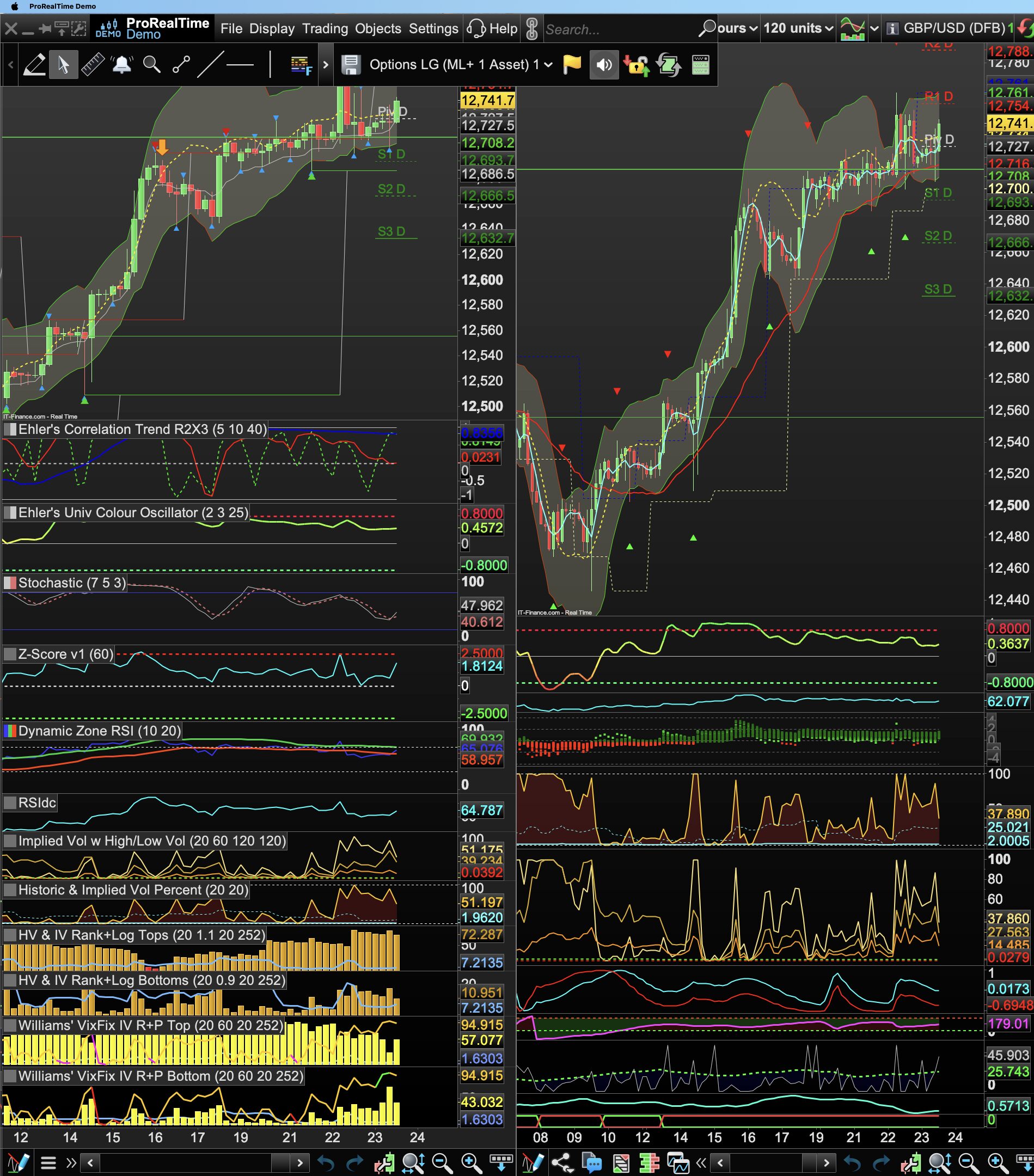
    Hi, how do I stop the charts display this drop down on start up. Its not how the charts have been saved yet every launch this menu appears:
    Cheers.

    A-1.jpg A-1.jpg
    #232970 quote
    PeterSt
    Participant
    Master

    That is not really a drop down but merely the Main Menu.
    You can un-pin it (see at the mouse arrow below).

    Bard thanked this post
    image_2024-05-23_184953687.png image_2024-05-23_184953687.png
    #232996 quote
    Bard
    Participant
    Master

    My menu appears above the top of my charts whether I pin or unpin the menu. This was not the case before, as on launch I always had a clear visual of all 4 black charts (and certainly not having another chart appearing in place/over the Daily black chart #1 on the far left. Ditto a small watchlist appearing in the lower right corner of my screen obscuring the lower half of the 10 min chart.

    I don’t understand why I am always having to keep adjusting my set up when the charts should look like the last way I saved them.

Viewing 3 posts - 1 through 3 (of 3 total)

  • You must be logged in to reply to this topic.

Chart Menu Drop Down keeps Appearing on Start Up


Platform Support: Charts, Data & Broker Setup

New Reply
Author
author-avatar
Bard @brad Participant
Summary

This topic contains 2 replies,
has 2 voices, and was last updated by Bard

1 year, 8 months ago.

Topic Details
Forum: Platform Support: Charts, Data & Broker Setup
Language: English
Started: 05/23/2024
Status: Active
Attachments: 2 files
Logo Logo
Loading...

