Can you backtest a trading strategy for a universe of securities?
Or you have to backtest individually?
Also, how do you start an automatic trading strategy? I found this video but the options are not available in the newer version:
https://www.prorealtime.com/en/videos_tutorial/143_3_ways_to_start_a_trading_system_with_proorder
It would bet ime for prorealtime to make new help videos, they are all of the previous version!
Can you make an strategy that scans a universe of securities for certain criteria and if they are met, opens a position? Or that is not possible either?
You can scan a lisy of securities using ProScreener.
But then you would need to start ProOrder on your chosen Security.
We cannot combine ProScreener and ProOrder in the same Algo.
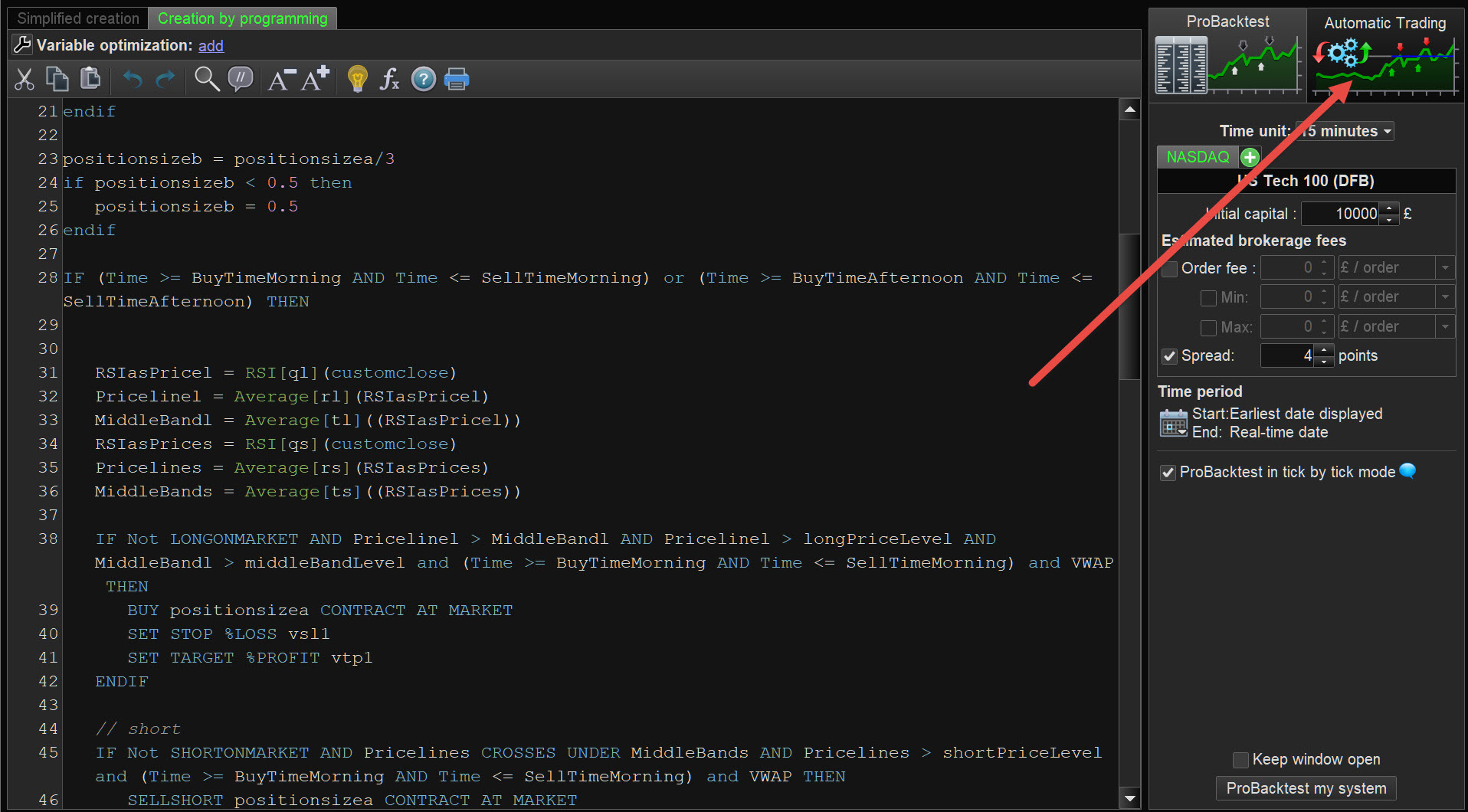
To start an Auto-System see at the red arrowhead on attached.
Thank you, I thought so. What’s the maximum securities you can start an algo on? And how do you start it?
Here is the algo I’m coding, if someone can help me with a couple of doubts I would appreciate it:
// Conditions to enter long positions
IF NOT LongOnMarket
AND c1 = close > close[1]*1.035
AND c2 = close[1] <= close [2]*1.02
AND c3 = close[2] <= close [3]
AND c4 = EstimatedVolume > volume[1]
AND c5 = average[7]/average[65]>=1.05
AND c6 = close =>4

 THEN
BUY 10 CONTRACTS AT MARKET
ENDIF

// Stops and targets : Enter your protection stops and profit targets here
SET STOP LOSS AT LOWEST [0]

// Conditions to exit long positions
If LongOnMarket AND
close >= POSITIONPRICE*(1+(LOWEST[0]-POSITIONPRICE)/POSITIONPRICE)*4)

 THEN
SELL 5 CONTRACTS AT MARKET
ENDIF

// conditions to trail the rest
If LongOnMarket AND
close >= POSITIONPRICE*(1+(LOWEST[0]-POSITIONPRICE)/POSITIONPRICE)*4)

THEN
SET SET STOP %TRAILING 5
There’s a missing characters in the 2nd and 4th lines, and I can’t see why.
Then, I don’t know if the trailing stop after selling 1/2 position would be set for the remaining shares or the initial positions.
Finally, how could I code a trailing stop that changes every day to the lowest of the previous day?
thanks!
I don’t have that button! here my screen
Make lines 2-10 one line.
Remove AT from line 15.
Make lines 18-21 one line.
Make lines 26-29 one line.
Remove first SET from the last line.
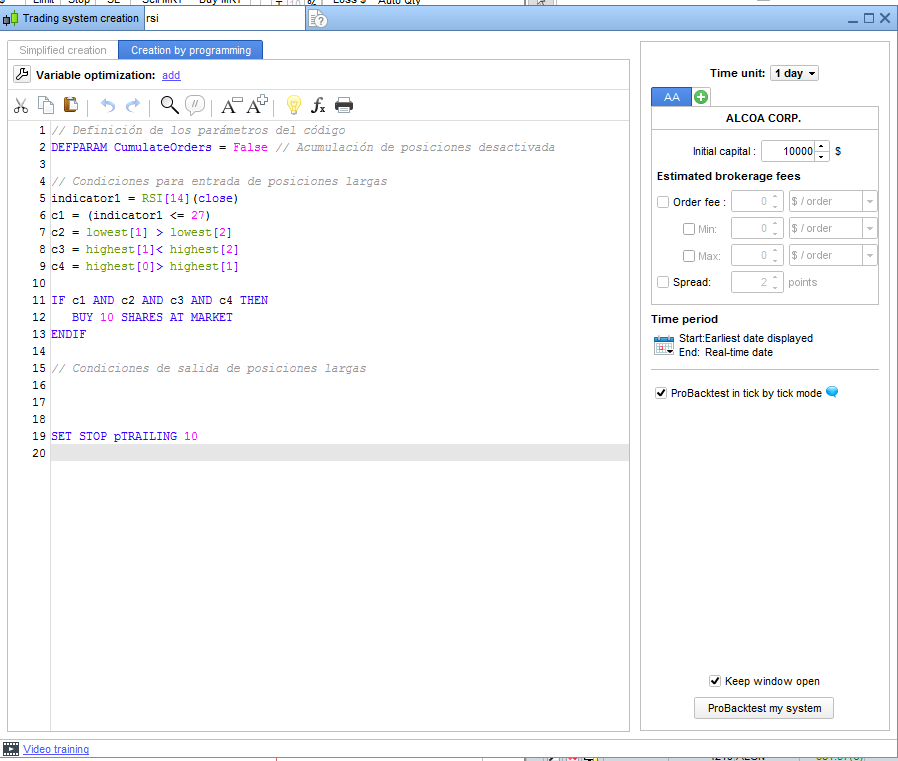
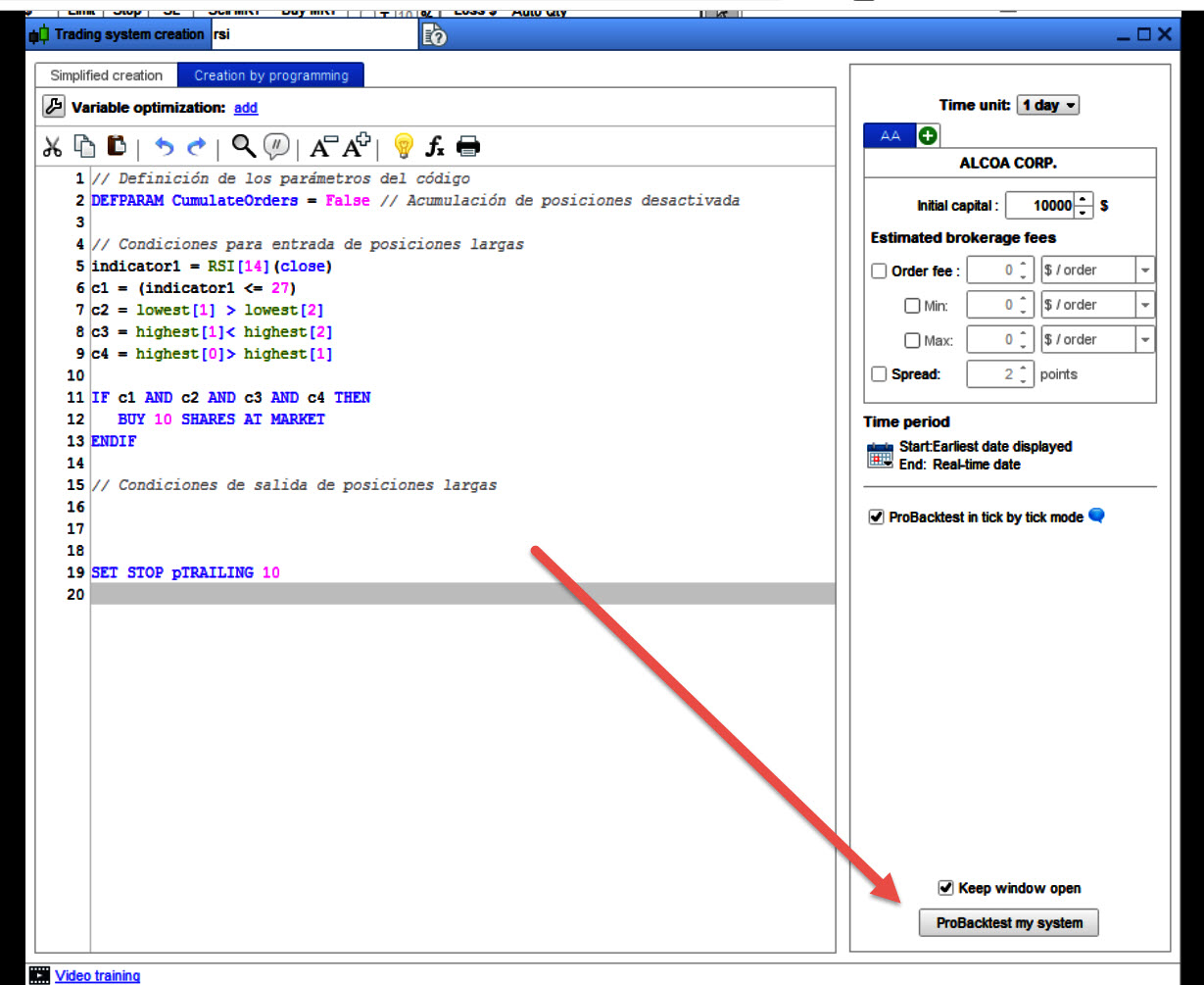
To backtest see attached at red arrowhead.
Then you should be able to get to the button on my 1st screen shot above.
If still in difficulty just say and I’ll add more screenshots tomorrow.
Add a missing ENDIF at the end.
Thanks roberto you are a great guy, hope you are killing it with your trading. I still get an error at line 2 and 4 of missing characters:
If instead of setting a trail stop, I wanted to set a stop moving at the low of previous day every day, how would that be coded?
And if I wanted to close the position or take a partial after X days?
// Conditions to enter long positions
IF NOT LongOnMarket AND c1 = close > close[1]*1.035 AND c2 = close[1] <= close [2]*1.02 AND c3 = close[2] <= close [3] AND c4 = EstimatedVolume > volume[1] AND c5 = average[7]/average[65]>=1.05 THEN
BUY 10 CONTRACTS AT MARKET
ENDIF

// Stops and targets : Enter your protection stops and profit targets here
SET STOP LOSS LOWEST [0]

// Conditions to exit long positions
If LongOnMarket AND
close >= POSITIONPRICE*(1+(LOWEST[0]-POSITIONPRICE)/POSITIONPRICE)*4)

THEN
SELL 5 CONTRACTS AT MARKET
ENDIF

// conditions to trail the rest
If LongOnMarket AND close >= POSITIONPRICE*(1+(LOWEST[0]-POSITIONPRICE)/POSITIONPRICE)*4)THEN
 SET STOP %TRAILING 5
ENDIF
Estimatedvolume can’t be used in strategies, it is reserved for screeners only. Remove it.
Stop loss:
SET STOP LOSS abs(TradePrice - low[1])
To close after X (5 in my example) candles:
If (barindex - tradeindex) = 5 and LongOnMarket then
   Sell at Market
Endif
Sorry, for the Stop Loss on the previous Low, the correct line is this one with a pending order:
SELL at Low[1] STOP
What, estimated volume can’t be used in strategies?! that’s a fail.
Can I manually insert an estimate of the volume (for instance, if it’s the first hour multiply *4 or so on?). Or another more automatic way, like calculating the current time, the time the market closes, and then making an extrapolation? (I guess this is what estimated volume does…).
Even without the estimated volume, I keep getting a character missing on lines 1 and 3 of this part of the code! Any solution? I don’t see any problem with it.
IF NOT LongOnMarket AND c1 = close > close[1]*1.035 AND c2 = close[1] <= close [2]*1.02 AND c3 = close[2] <= close [3] AND c5 = average[7]/average[65]>=1.05 THEN
 BUY 10 CONTRACTS AT MARKET
ENDIF
Thanks again guys
You can add any value using variables (with a different name than keywords), such as MyEstimatedVol.
Post your complete code.
I suggest that you make separate conditions and assign them to variables, such as c1=…, C2=…, etc…
This will make it easier to check conditions for errors and your code will run faster and smoother.
not sure if this will help but I would normally write that like this:
c1 = close > close[1]*1.035
c2 = close[1] <= close [2]*1.02
c3 = close[2] <= close [3]
c5 = average[7]/average[65]>=1.05
IF NOT LongOnMarket AND c1  AND c2  AND c3  AND c5 THEN
 BUY 10 CONTRACTS AT MARKET
ENDIF
or
IF NOT LongOnMarket AND (close > close[1]*1.035) AND (close[1] <= close [2]*1.02) AND (close[2] <= close [3]) AND (average[7]/average[65]>=1.05) THEN
 BUY 10 CONTRACTS AT MARKET
ENDIF
(Roberto got in just before me!)