Cant get the system to call this indicators (c11,c12,c13), what is wrong? I dont use any timeframes.
c11 = close > average[50](close)
ma1 = average[18](close)
c12 = ma1 > ma1[1]
c13 = close > ma1

return c11 AS "c11", c12 AS "c12", c13 AS "c13"
c11, c12, c13 = CALL "Indicator"

TaPosition = c11 AND c12 AND c13

IF TaPosition THEN
BUY positionStorlek CONTRACT AT MARKET
ENDIF
What’s wrong with it?
Apart from positionStorlek, that I replaced with 1, it works. You may have many positions being accumulated which never exit.
Try adding OnMarket as a condition and TP & SL:
c11, c12, c13 = CALL "Indicator"

TaPosition = c11 AND c12 AND c13

IF TaPosition and not onmarket THEN
   BUY 1 CONTRACT AT MARKET
ENDIF
set target pprofit 100
set stop   ploss   100
I have tried this but it doesnt take any positions, does it work for anyone?
c11 = close > average[50](close) // För att öppna lång position
ma1 = average[18](close)
c12 = ma1 > ma1[1] // För att öppna lång position
c13 = close > ma1 // För att öppna lång position

return Datum AS "Datum", c11 AS "c11", c12 AS "c12", c13 AS "c13"
c11, c12, c13 = CALL "DAXLv3_indicator"

TaPosition = c11 AND c12 AND c13

IF TaPosition and not onmarket THEN
BUY 1 CONTRACT AT MARKET
ENDIF
set target pprofit 100
set stop   ploss   100
Have you enough units on you chart?
1K in a 1h-chart. I have send it too support so they can look at it. Thanks for quick response..
does it work for anyone?
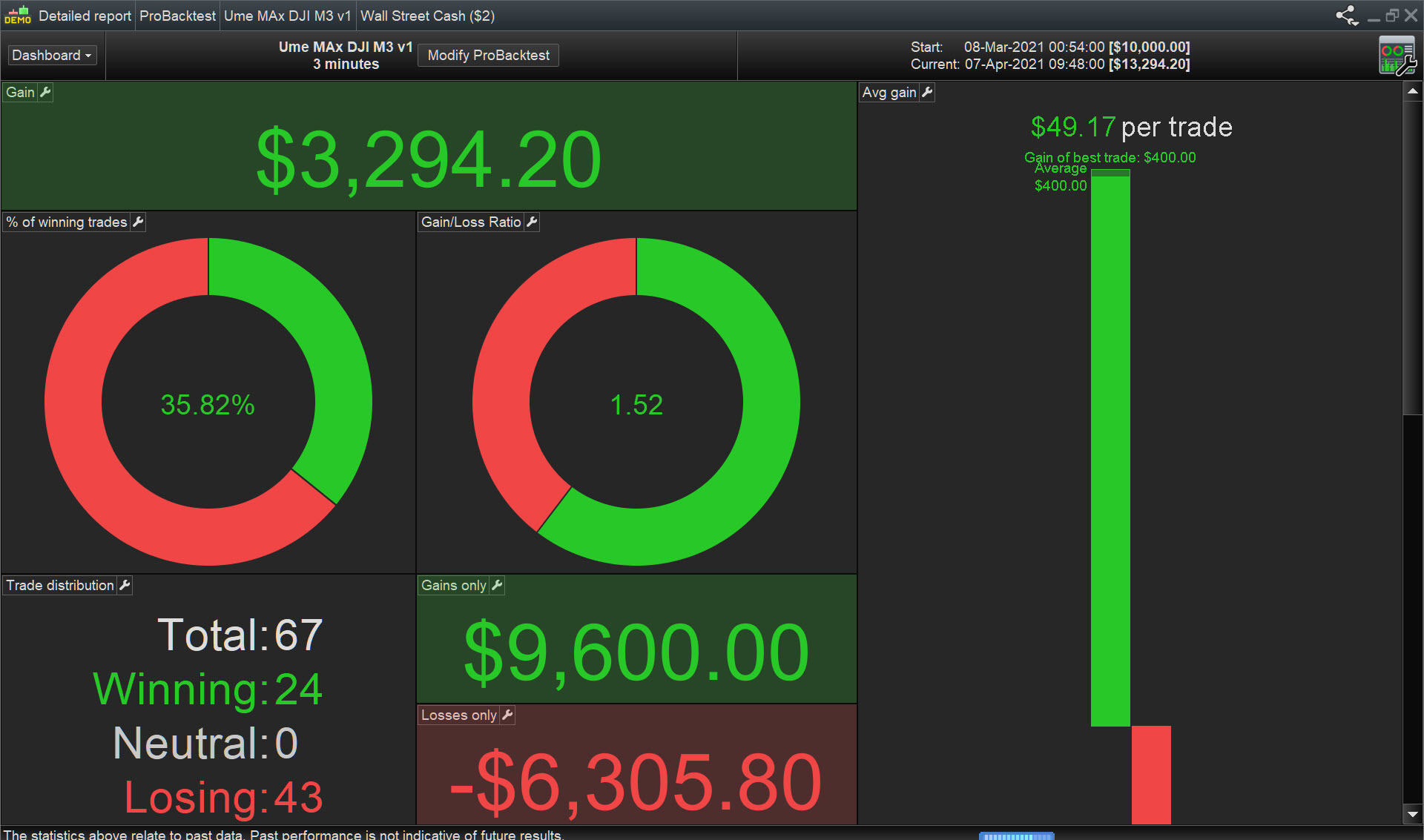
Works for me … see attached, spread = 5.
I tweaked slightly re TP and TS and added cumulate orders = False, but it worked anyway straight out of the box … with no tweaks.
Be good if you can get it to take profitable shorts also?
What did you set the TP and TS too?
SL = 75 ( I meant to say SL not TS above) and TP = 200 … settings and tweaks are in the .itf file attached above.
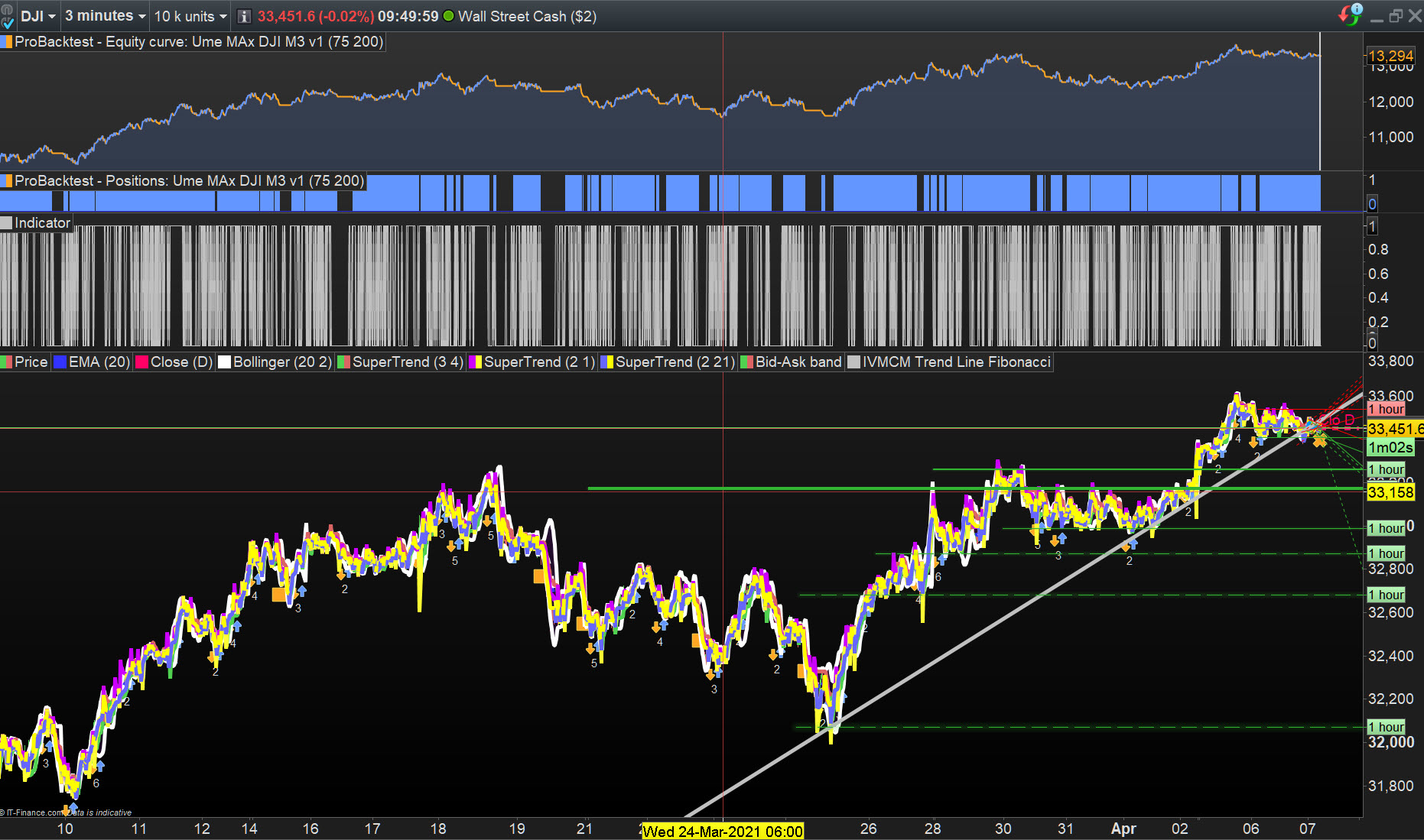
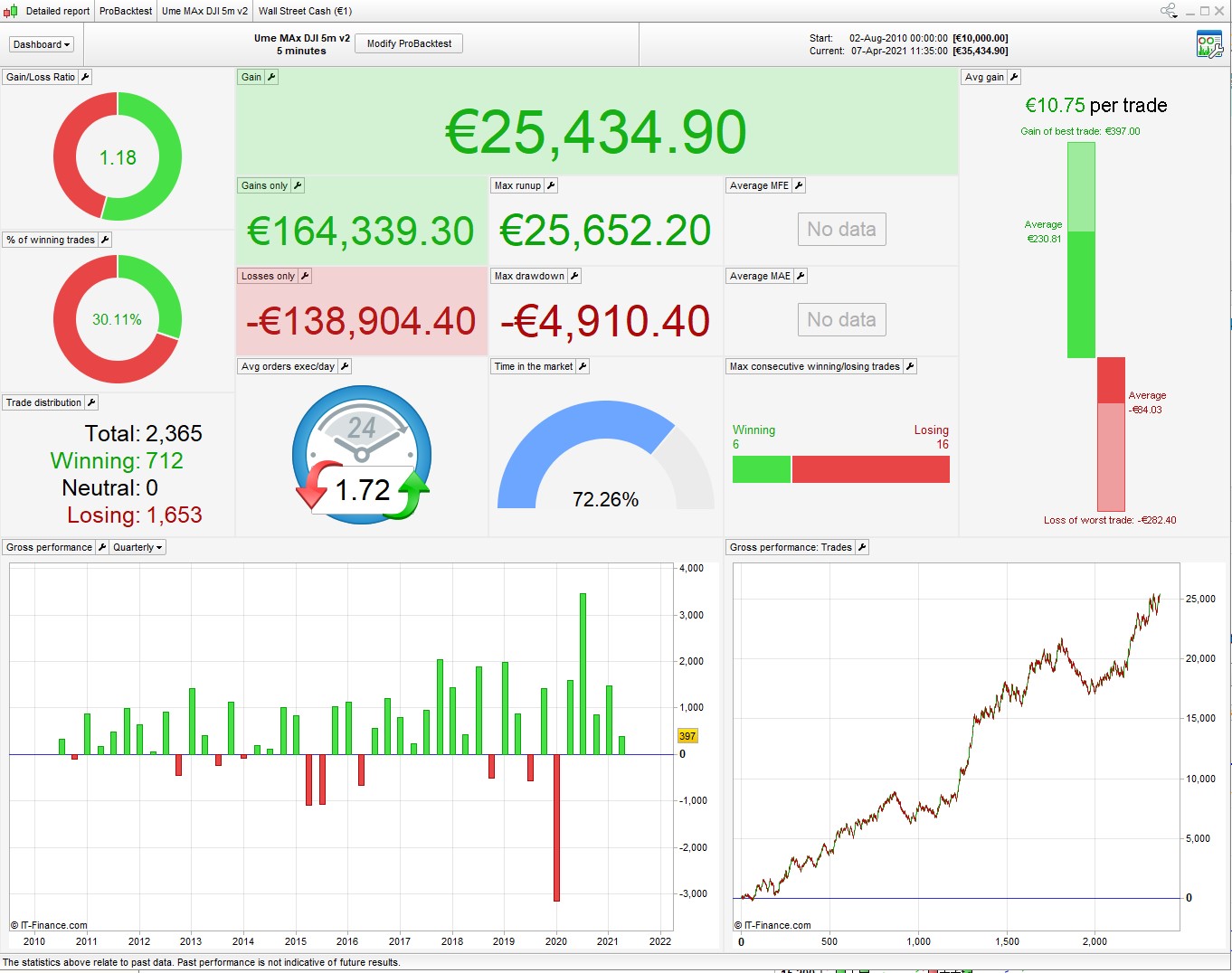
This is how I would go about it (DJ 5min, spread = 2.4)
// Definition of code parameters
DEFPARAM CumulateOrders = false // Cumulating positions deactivated
DEFPARAM preloadbars = 5000

//Tradetime = time >=143000 and time <210000// UK time
Tradetime = time >=153000 and time <220000// Euro time
positionsize= 1

c11 = close > average[50](close) // För att öppna lång position
ma1 = average[18](close)
c12 = ma1 > ma1[1] // För att öppna lång position
c13 = close > ma1 // För att öppna lång position

TaPosition = c11 AND c12 AND c13

IF Tradetime and TaPosition and not onmarket THEN
BUY positionsize CONTRACT AT MARKET
ENDIF
set target %profit 1.2
set stop   %loss   0.4
Interesting to see what you come up with. I am trying to get the indicator to work first but thanks for the ideas.
I have a couple of more indicators that I will try on it…
Using CALL tends to slow down your backtest. Faster to just code it into your system – then it’s all there to be optimized.
I have tried this but it doesnt take any positions
Where is Datum in your Indicator code?
return Datum AS "Datum",
Datum = 1
IF OpenDate > 20210501 THEN //Stoppdatum i maj
Datum = 0               //Invalidera alla signaler
ENDIF

// Variablar till systemet
c11 = close > average[50](close) // För att öppna lång position
ma1 = average[18](close)
c12 = ma1 > ma1[1] // För att öppna lång position
c13 = close > ma1 // För att öppna lång position

return Datum AS "Datum", c11 AS "c11", c12 AS "c12", c13 AS "c13"
Using CALL tends to slow down your backtest. Faster to just code it into your system – then it’s all there to be optimized.
But if I want to hide some code for renting that is the only way?
Datum was not shown in the Indicator on the post I quoted above, nor therefore on the code I used and posted results for.
Surely the reason you are not getting trades is because it is not 1 May 2021 (20210501) yet?
You’ve been excluded from trading by your own code!? 🙂
Datum = 1
IF OpenDate > 20210501 THEN //Stoppdatum i maj
Datum = 0               //Invalidera alla signaler
ENDIF