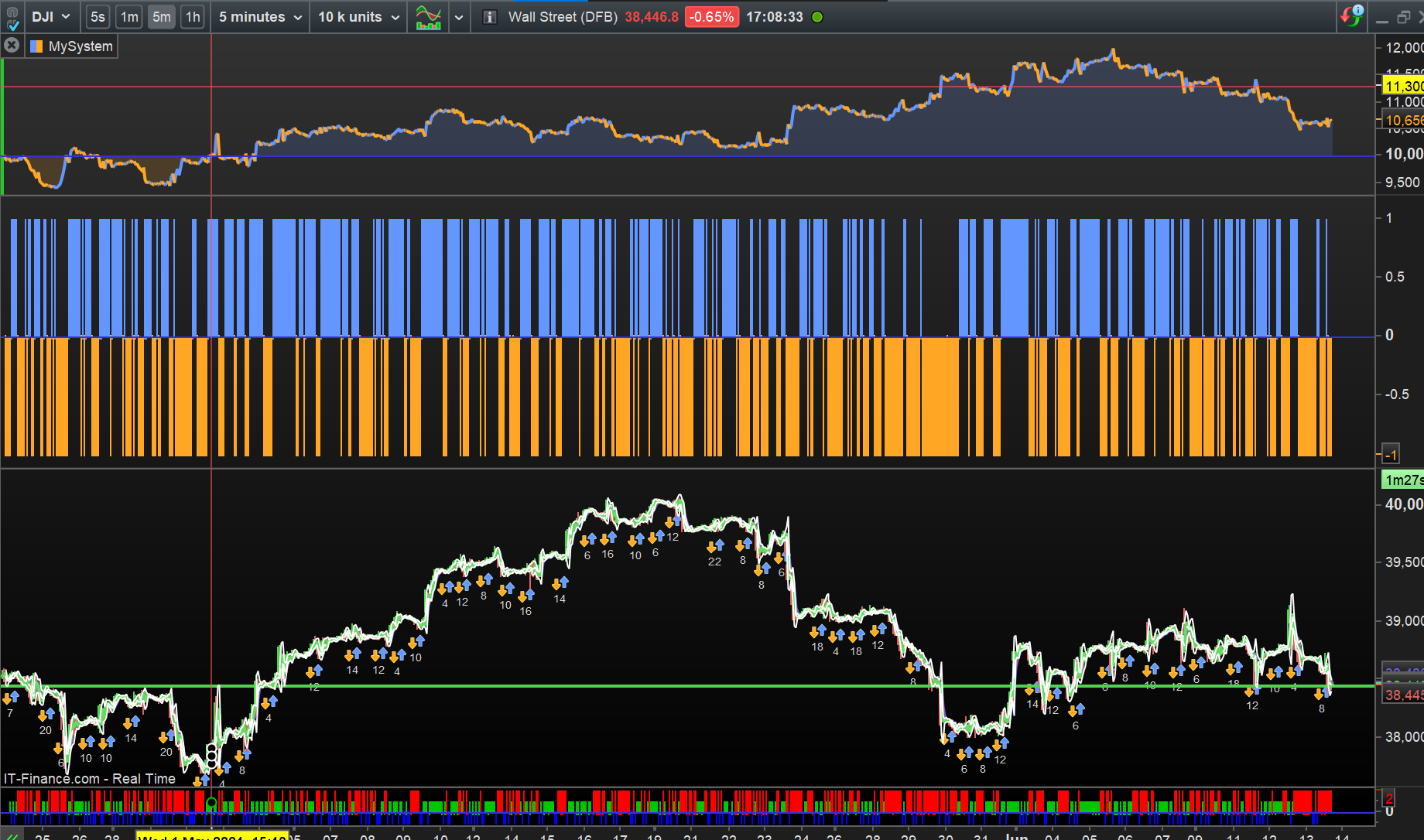
BOSS und Supertrend zusammen fügen Fehler!

Viewing 4 posts - 1 through 4 (of 4 total)

  • Author
    Posts
  • #231387 quote
    gatowman
    Participant
    New

    Hallo Freunde,

    ich versuche die BOSS Strategy mit einem Supertrend SL zusammen zu führen,
    leider hab ich un Zeile 18 immer noch einen Fehler drin, ich kanns einfach nicht.
    Kann mir jemand das fixen?
    Dankeschön:

    // BOSS mit Supertrend Stop
    // Kaufbedingung für BOSS
    indicator1 = Average[40] * 1.032
    c1 = close >= indicator1

    // BOSS-Verkaufsbedingung
    indicator2 = Average[40] * 0.968
    c2 = close <= indicator2

    // Supertrend-Indikator
    atrLength = 3.5
    mult = 19
    atr = AverageTrueRange[14](atrLength)
    upperST = high + atr * mult
    lowerST = low – atr * mult

    // Berechnung des Supertrend-Indikators
    trendUp = close[1] > upperST[1] ? Max(upperST, trendUp[1]) : trendUp[1]
    trendDown = close[1] < lowerST[1] ? Min(lowerST, trendDown[1]) : trendDown[1]

    // Supertrend-Kaufbedingung
    c3 = close > trendUp

    // Supertrend-Verkaufsbedingung
    c4 = close < trendDown

    // Kauf- und Verkaufsbedingungen
    if (c1 and c3) then
    Buy 500 SHARES AT MARKET

    if (c2 or c4) then
    Sell AT MARKET

    // Plot Supertrend
    Plot(trendUp, “Supertrend Upper”, green)
    Plot(trendDown, “Supertrend Lower”, red)

    #231392 quote
    Iván González
    Moderator
    Master

    Hallo, das liegt daran, dass Sie Code von Tradingview verwenden, dessen Sprache sich von der von Prorealtime unterscheidet. Sie müssten den Code an die Probuilder-Sprache anpassen.

    #231424 quote
    gatowman
    Participant
    New

    Hallö,
    ich bin kein Coder habs mit chatgpt versucht, leider immer noch Fehler drin, seht mal, kann mir jemand das fixen?
    Danke:

    // BOSS mit Supertrend Stop
    // Kaufbedingung für BOSS
    indicator1 = Average[40] * 1.032
    c1 = close >= indicator1

    // BOSS-Verkaufsbedingung
    indicator2 = Average[40] * 0.968
    c2 = close <= indicator2

    // Supertrend-Indikator
    atrLength = 3.5
    mult = 19
    atr = AverageTrueRange[14](atrLength)
    upperST = high + atr * mult
    lowerST = low – atr * mult

    // Berechnung des Supertrend-Indikators
    trendUp = close[1] > upperST[1] ? Max(upperST, trendUp[1]) : trendUp[1]
    trendDown = close[1] < lowerST[1] ? Min(lowerST, trendDown[1]) : trendDown[1]

    // Supertrend-Kaufbedingung
    c3 = close > trendUp

    // Supertrend-Verkaufsbedingung
    c4 = close < trendDown

    // Kauf- und Verkaufsbedingungen
    if c1 and c3 then
    Buy 500 SHARES AT MARKET
    ENDIF

    if c2 or c4 then
    Sell AT MARKET
    ENDIF

    // Plot Supertrend
    Plot(trendUp, “Supertrend Upper”, green)
    Plot(trendDown, “Supertrend Lower”, red)

    #233848 quote
    GraHal
    Participant
    Master
    Hier bist du, ich habe es für dich in Gang gebracht ...
    // BOSS with Supertrend Stop
    // Buy condition for BOSS
    DEFPARAM CUMULATEORDERS = False
    indicator1 = Average[40](close) //* 1.032
    c1 = close >= indicator1
    
    // BOSS sell condition
    indicator2 = Average[40](close) //* 0.968
    c2 = close <= indicator2
    
    // Supertrend-Indikator
    atrLength = 3
    mult = 1 //19
    atr = AverageTrueRange[14]( close)
    upperST = high[1] + atr * mult
    lowerST = low[1] - atr * mult
    
    // Berechnung des Supertrend-Indikators
    trendUp = close > upperST[1] // ? Max(upperST, trendUp[1]) : trendUp[1]
    trendDown = close < lowerST[1] // ? Min(lowerST, trendDown[1]) : trendDown[1]
    
    // Supertrend buy condition
    c3 = trendUp
    
    // Supertrend sell condition
    c4 = trendDown
    
    // Buying and selling conditions
    if c1 and c3 then
    Buy AT MARKET
    ENDIF
    
    if c2 and c4 then
    SellSHORT AT MARKET
    ENDIF
    
    // Plot Supertrend
    //Plot(trendUp, "Supertrend Upper", green)
    //Plot(trendDown, "Supertrend Lower", red)AN
    
Viewing 4 posts - 1 through 4 (of 4 total)

  • You must be logged in to reply to this topic.

BOSS und Supertrend zusammen fügen Fehler!


ProBuilder Support

New Reply
Author
author-avatar
gatowman @gatowman Participant
Summary

This topic contains 3 replies,
has 3 voices, and was last updated by GraHal

1 year, 7 months ago.

Topic Details
Forum: ProBuilder Support
Language: German
Started: 04/11/2024
Status: Active
Attachments: 1 files
Logo Logo
Loading...