Bordures des chandeliers

Viewing 5 posts - 1 through 5 (of 5 total)
  • Author
    Posts
  • #227428 quote
    supertiti
    Participant
    Master

    Bonjour à tous,

    //////////////////////////////////////////////////////////////////
    // Bordures colorées journalières
    If close > open then
    drawcandle(open,high,low,close) bordercolor (143,255,31)
    endif
    If close < open then
    drawcandle(open,high,low,close) bordercolor (200,20,60)
    endif
    
    /////////////////////////////////////////////////////////////////
    

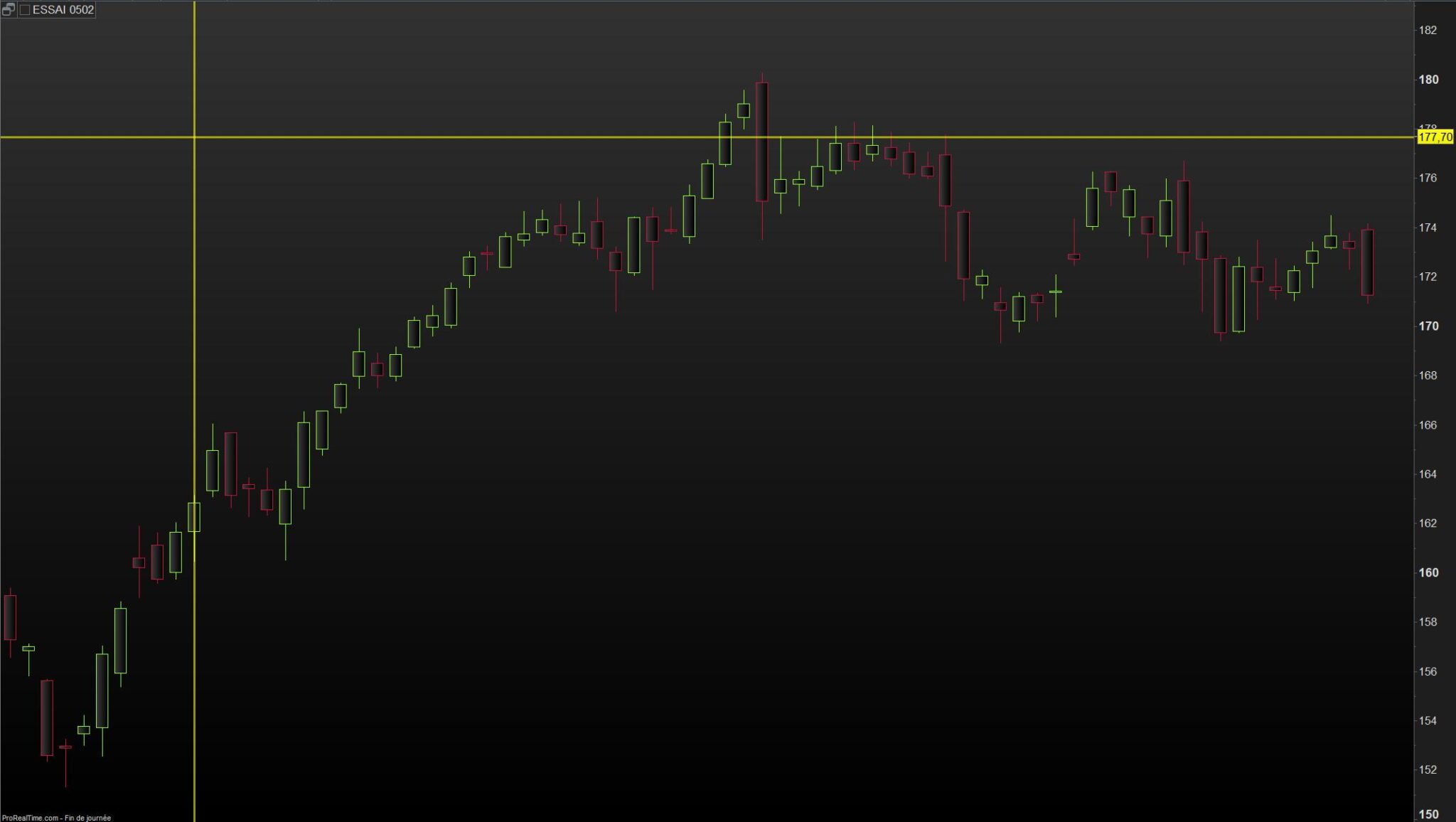
    Question aux pros, est il possible d’augmenter le trait des bordures de chandeliers ?

    Bonne journée à tous

    #227744 quote
    Alai-n
    Participant
    Veteran

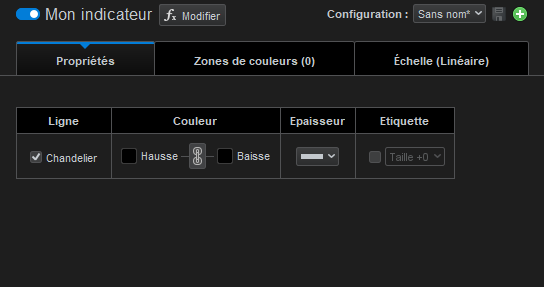
    Simplement via le menu !

    #227767 quote
    supertiti
    Participant
    Master

    Bonsoir Alain

    Je l’ai vu aussi il y a deux jours mais je cherchais surtout de pouvoir le faire par le code.

    merci pour ton observation

    bon week-end

    #228004 quote
    Iván González
    Moderator
    Master

    Salut
    Un segment ou un rectangle peut avoir de l’épaisseur.
    Pour ce faire, il suffit d’ajouter l’expression suivante derrière la ligne :
    drawsegment (x1, y1, x2, y2) coloré (r, g, b, a) STYLE (ligne de style, largeur de ligne)
    Si vous souhaitez un segment plus épais, vous pouvez modifier le paramètre de largeur de ligne.
    Dans l’exemple j’ai mis STYLE(line,2)

    //////////////////////////////////////////////////////////////////
    // Bordures colorées journalières
    If close > open then
    drawcandle(open,high,low,close)bordercolor(143,255,31,255)
    drawsegment(barindex, high, barindex, close)coloured(143,255,31,255) STYLE(line, 2)
    drawsegment(barindex, open, barindex, low)coloured(143,255,31,255) STYLE(line, 2)
    elsif close < open then
    drawcandle(open,high,low,close) bordercolor(200,20,60,255) 
    drawsegment(barindex, high, barindex, open)coloured(200,20,60,255) STYLE(line, 2)
    drawsegment(barindex, low, barindex, close)coloured(200,20,60,255) STYLE(line, 2)
    else
    drawsegment(barindex, high, barindex, low) STYLE(line, 2)
    endif
    return
    /////////////////////////////////////////////////////////////////
    #228012 quote
    supertiti
    Participant
    Master

    @ Ivan

    Un grand merci c’est tout ce que je souhaitais en espérant que le code profite à la communauté.

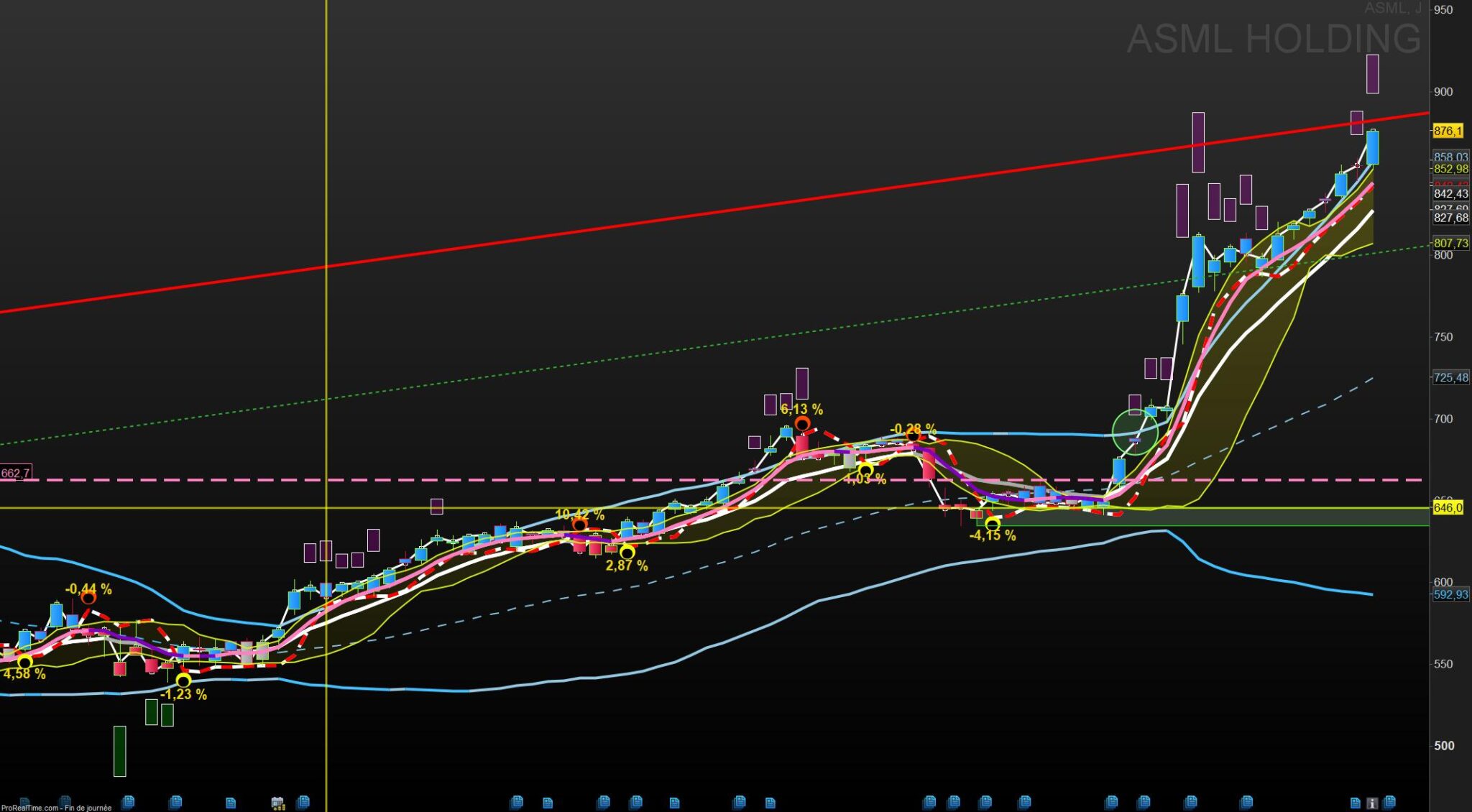
    L’intérêt est d’avoir le chandelier journalier (vert ou rouge) quand un indicateur donne des chandeliers de différentes couleurs ainsi

    on a une analyse plus fine de la journée.

    ci dessous ASML comme exemple

Viewing 5 posts - 1 through 5 (of 5 total)

  • You must be logged in to reply to this topic.

Bordures des chandeliers


ProBuilder : Indicateurs & Outils Personnalisés

New Reply
Author
author-avatar
supertiti @supertiti Participant
Summary

This topic contains 4 replies,
has 3 voices, and was last updated by supertiti
1 year, 11 months ago.

Topic Details
Forum: ProBuilder : Indicateurs & Outils Personnalisés
Language: French
Started: 02/05/2024
Status: Active
Attachments: 3 files
Logo Logo
Loading...