Hi ,
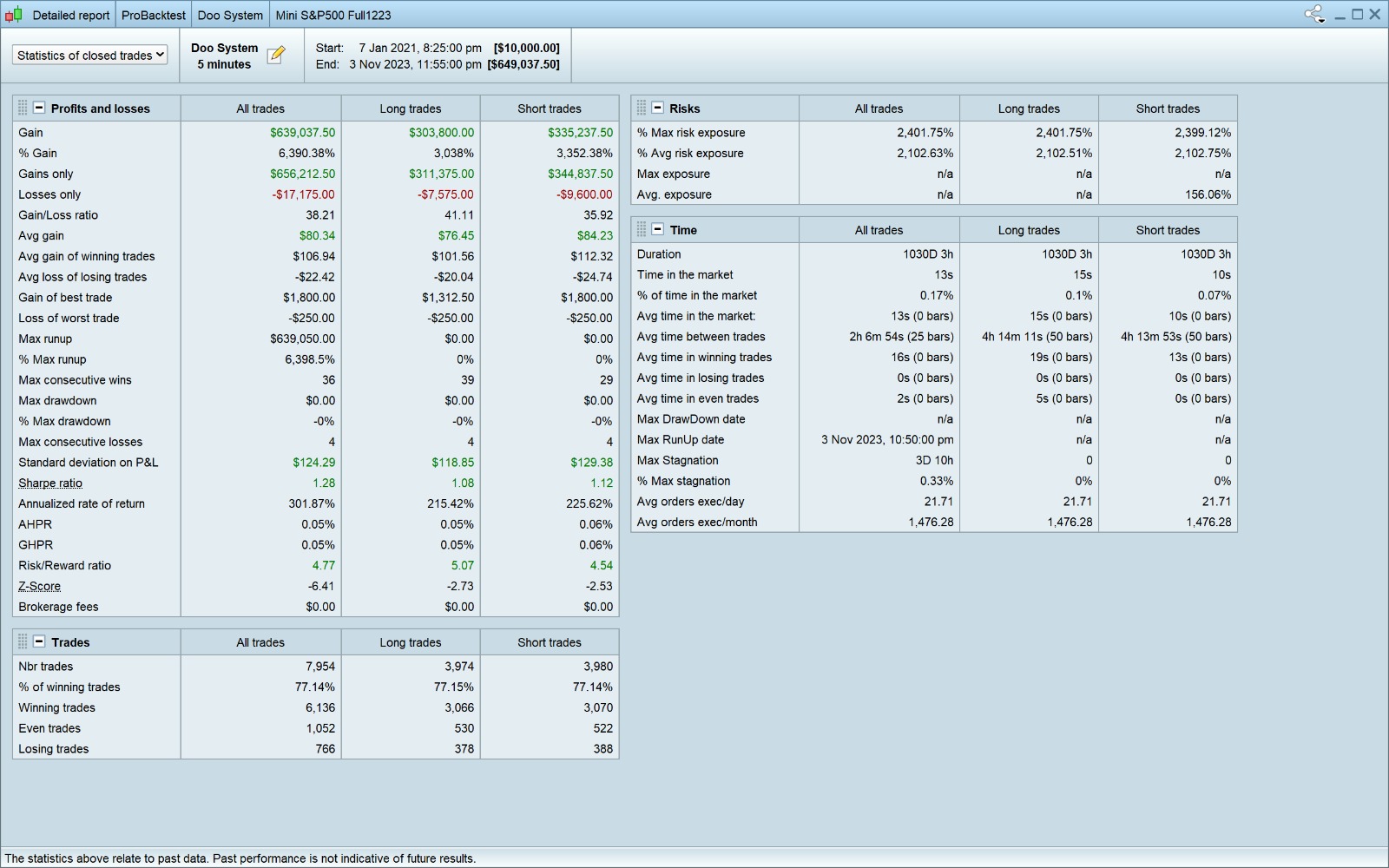
my question that what do you thinks about the accurate % between the backtest & live trade ?
to be honest i had work on autos system using a many indicator and strict wallet management.
my input all are correct , but the final result on the backtest for 1 month , year , 3 year and the 10 years ARE NOT Realistic for me either if there is a mistake or the backtest not givin a high probability and the live trade will be different.
OR it’s really a good strategy and even if there is a standard deviation will be not that big different between backtest & live trade .
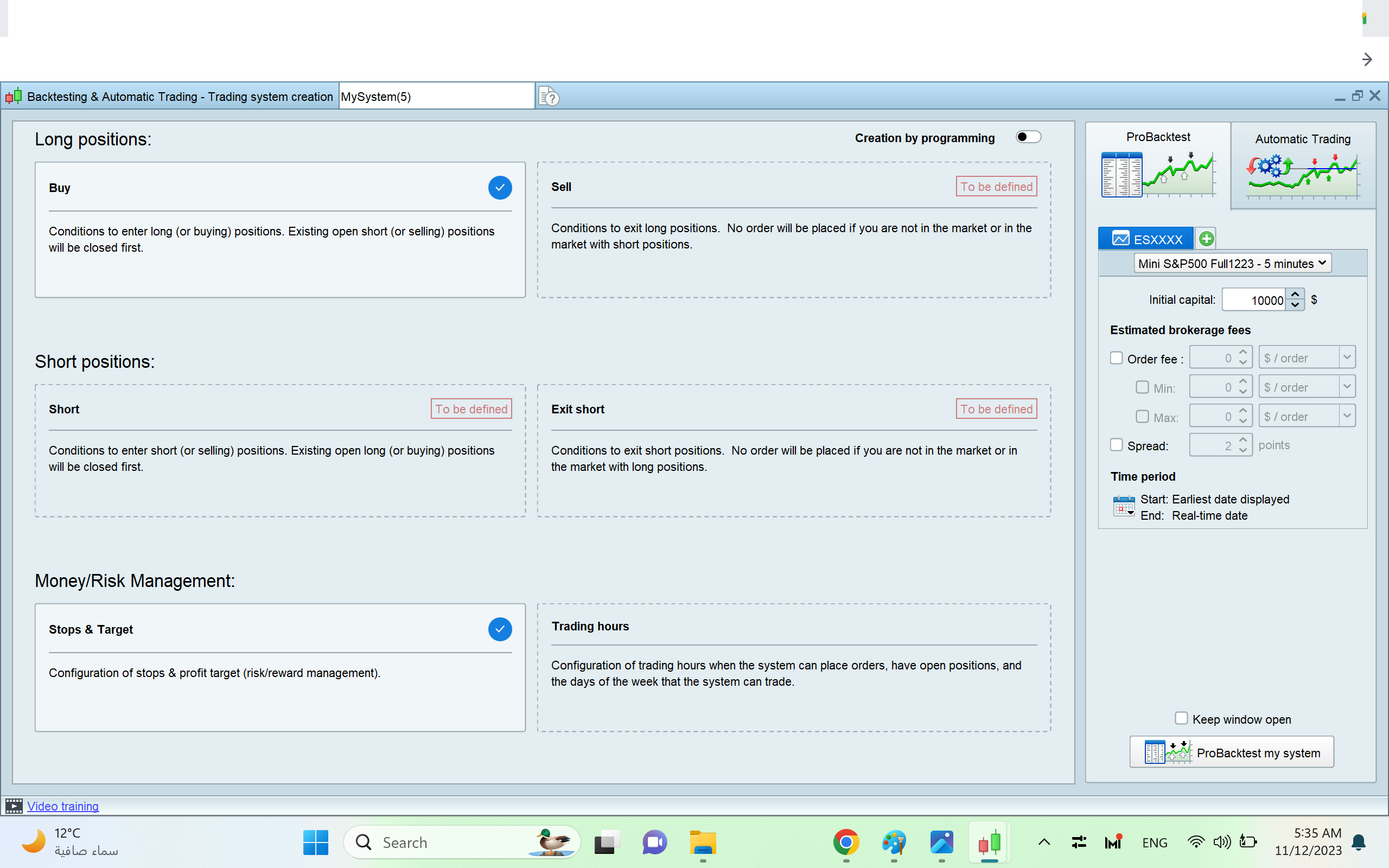
Kindly have a look to this picture, and will be happy to hear from you .
thanks for your time .
Settings in backtest engine …
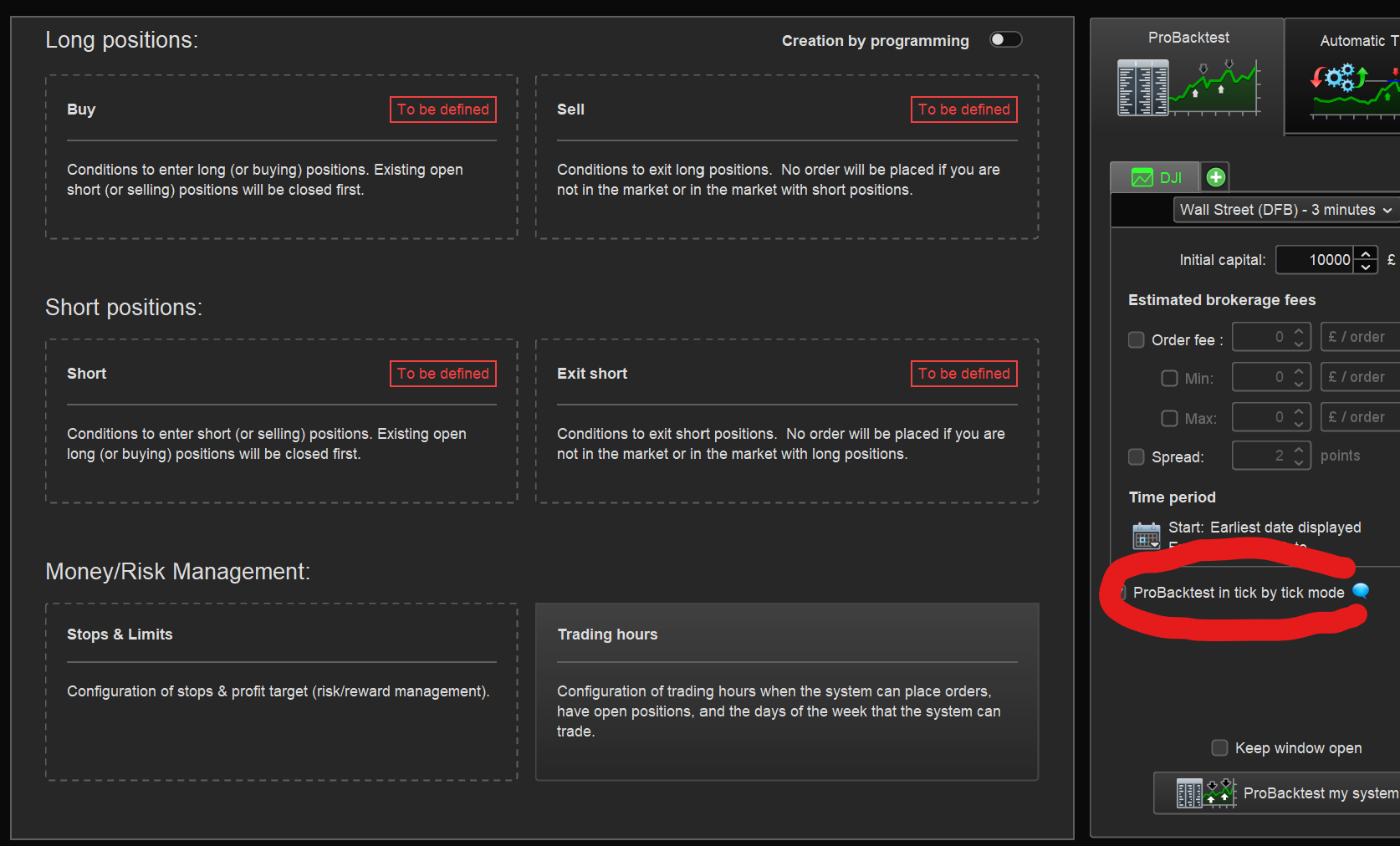
- Have you got ‘tick by tick mode” enabled?
- What figure have you entered for spread?
Interesting …
Have you proven that your StopLoss has been triggered ever ? It looks like it (or something of a “Stop kind”) did not, which makes your % of winning trades huge.
Why not show the Equity curve of your backtest period ? that could be telling.
But agreed, this does not look right. Otoh, it might happen to you in reality (coincidentally). Or you lose all your money (ditto).
Good that you ask !
Peter
Hi ,
-I culd not find the tick mode on the 12V , is not appear as V11 .
– For the spred in price it`s 0.25 ES (E-min s&p500)
Totally Agred ,
You know once i activated the stop lose it work normally, but once i add the trillng stop the result changed .
I trade only ES : by pont : target =5 stop lose = 3 it’s give a real test ( I want to see losing 150$ ).
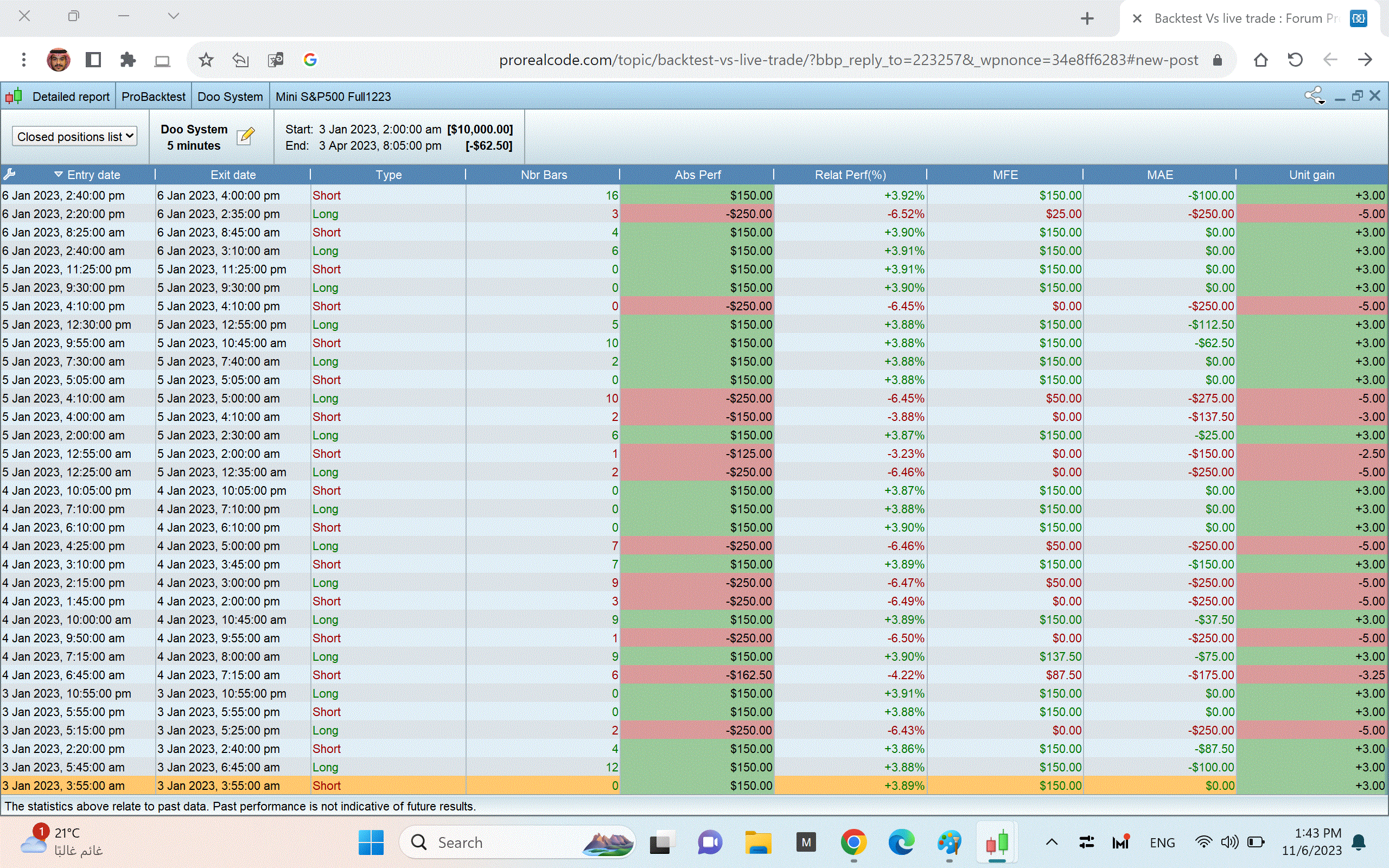
BUT,Once i add the traling stop 0.25 the lose amount chaged less than 150$ ! HOW IS THAT !
i want to see the actual result by trilling stop my position & in the same time hit my stop lose by 150$ .
Is the trilling stop also work in the lose postion ??
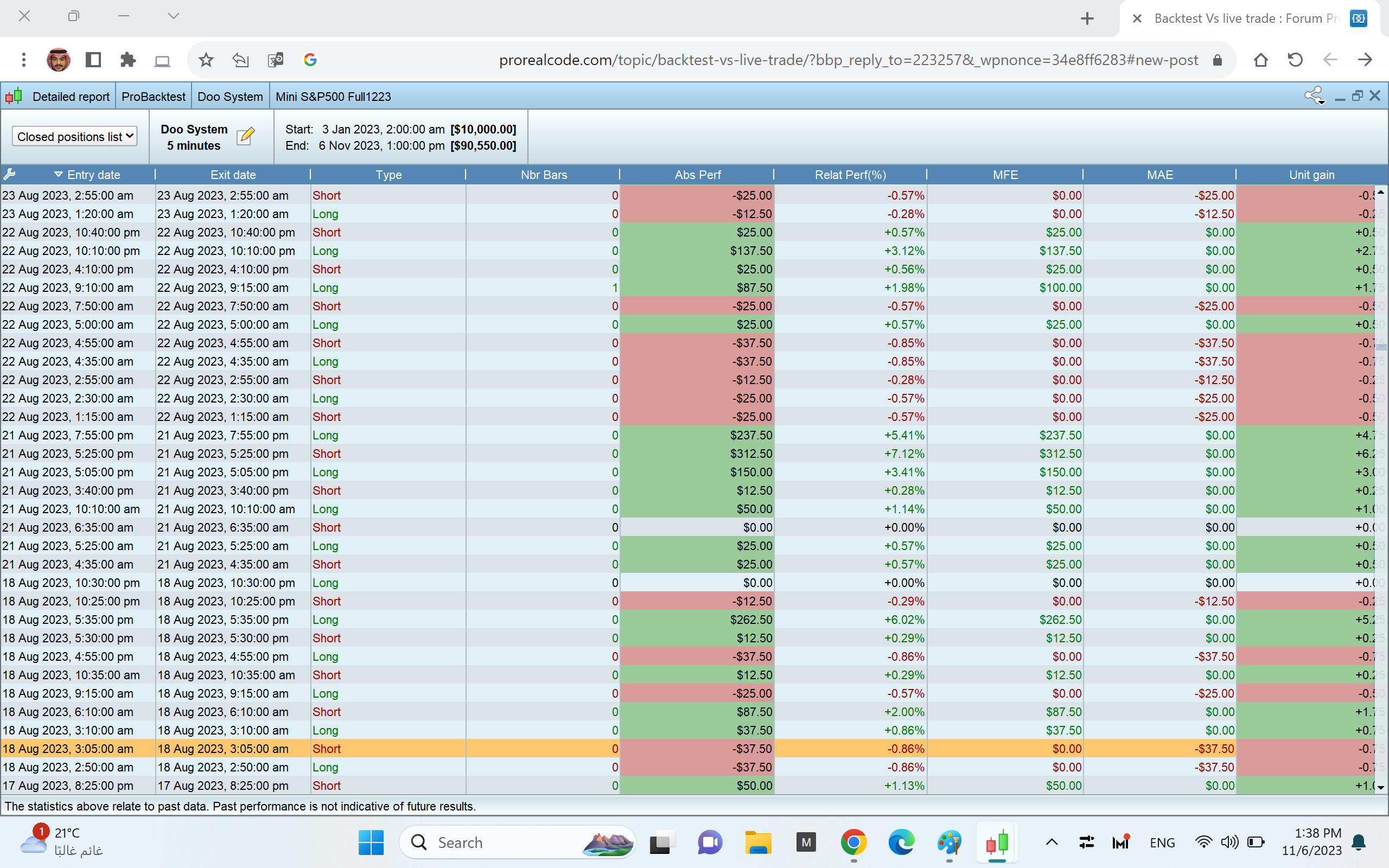
Please find the two compare pictures
I mostly see 0 bars… which isn’t good at all.
Phoentzs is right.
Either you have a miscalculation in points of your Trailing Stop order, or you don’t weigh in the spread sufficiently. And, the spread for ES on IG is not 0,25 … (this varies throughout the day from fixes sizes from 2 (premarket) to 1 (markets open) to 5 (around midnight)). Thus if you set your Stop order (not Stop Loss – that is fine) anticipating 0,25, then it goes out at that alright, but IG digests the spread of 0,75 to 4,75 – and that is quite a lot.
So you must always try to earn the spread, and although you can set that in the Backtesting screen, it is your own code how to deal with that (add the spread amount in points to your perceived gain – this gain now will be less because of that and your code thus needs to earn more before it goes out.
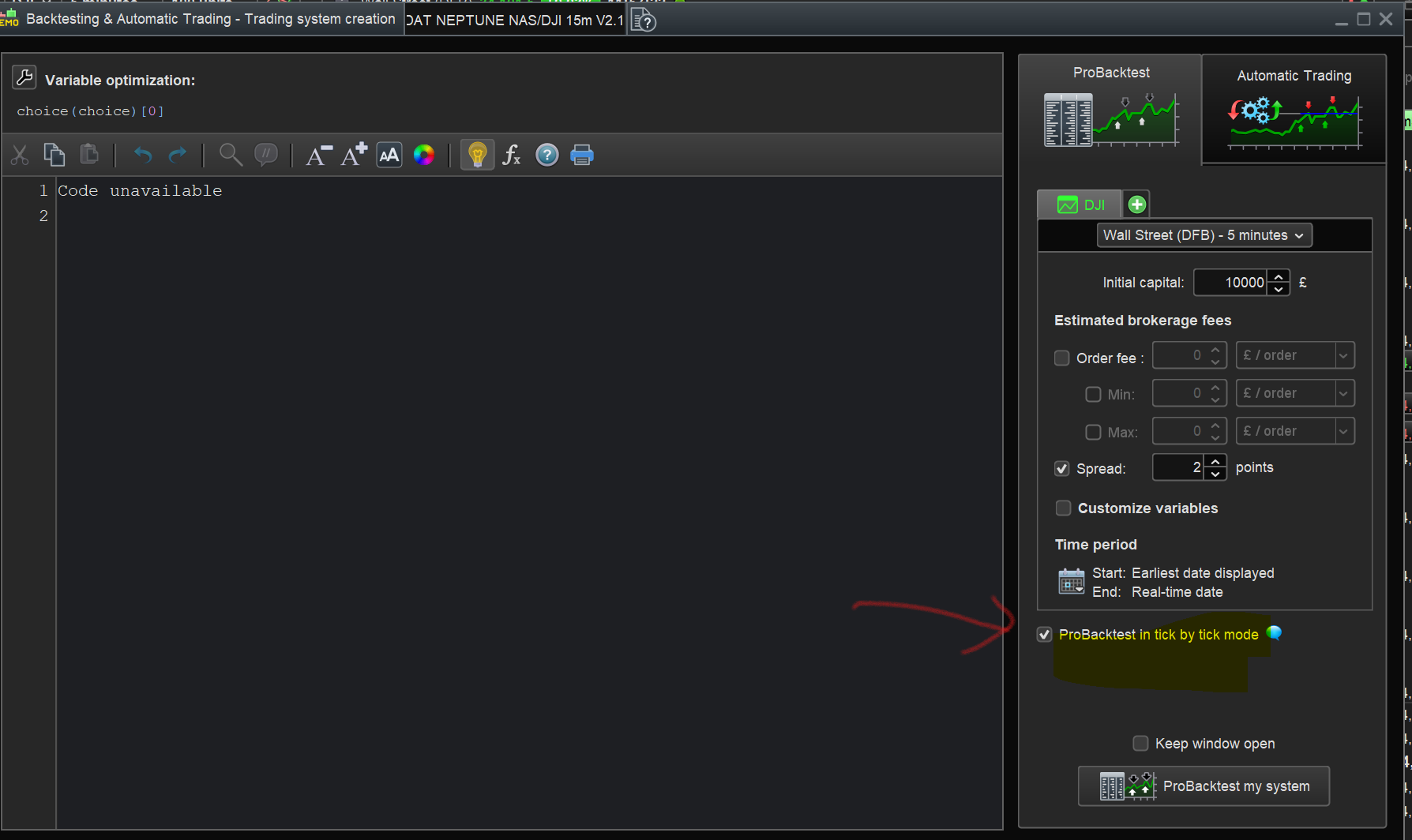
Tick by Tick is in same place in v12 (see attached) and the 0 bars seems like you may not have tick by tick enabled??
Hi ,
Thanks for feedback , actually can`t find Tick Mode
How very strange!
Attached is my same window as you show and you will clearly see the Tick by Tick Mode.
Is the PRT version you are using direct with PRT (i.e. not via IG)?
My version V12 ( with Interactive)
Ah right maybe @peterst could advise and check his system for the Tick by Tick box as Peter is with Interactive Brokers. I am with G.
JSParticipant
Senior
Here’s a screenshot of “backtesting” with PRT Premium & IB…
(Maybe the “end of day” version doesn’t have a “tick by tick” mode…???)