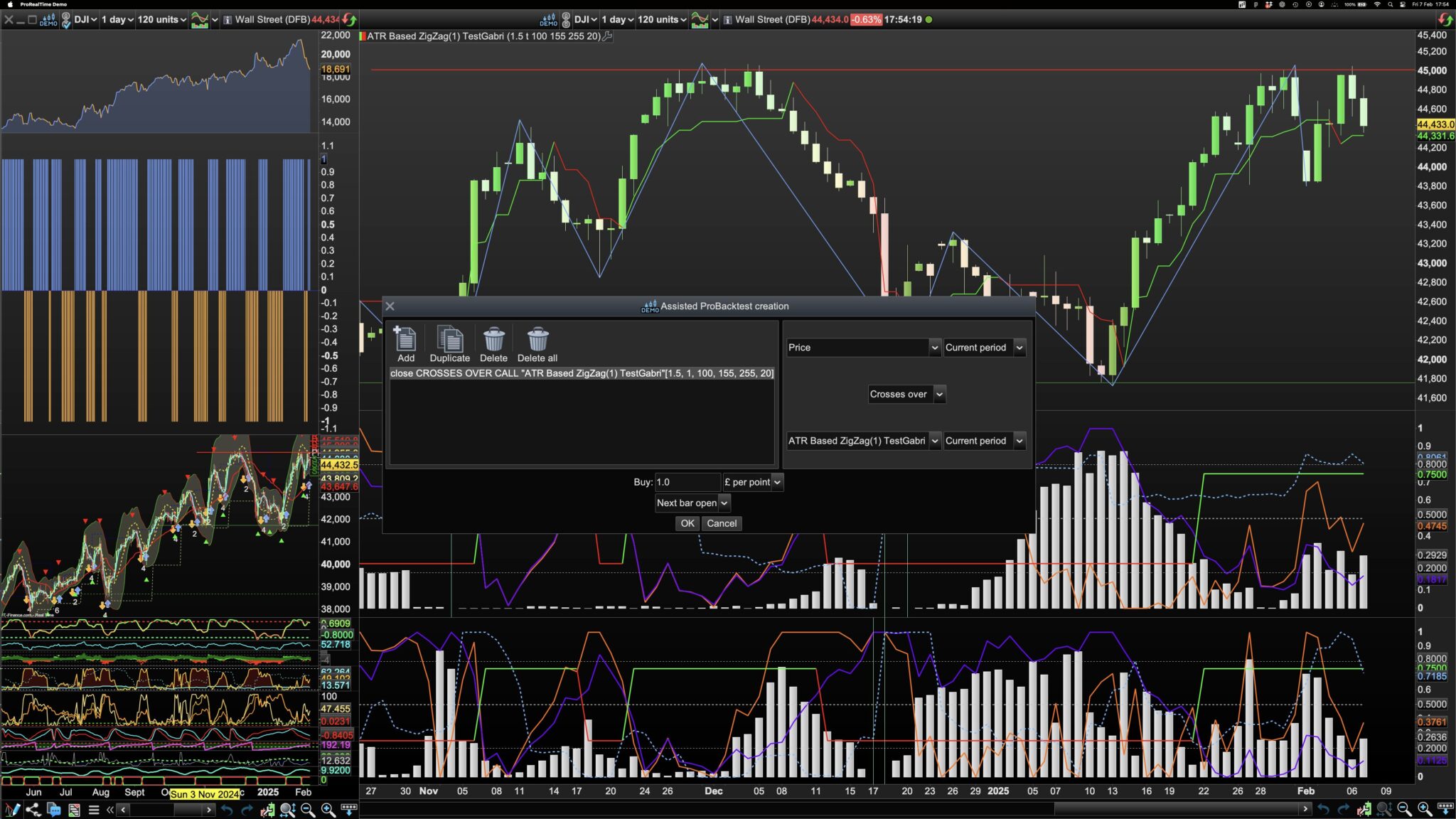
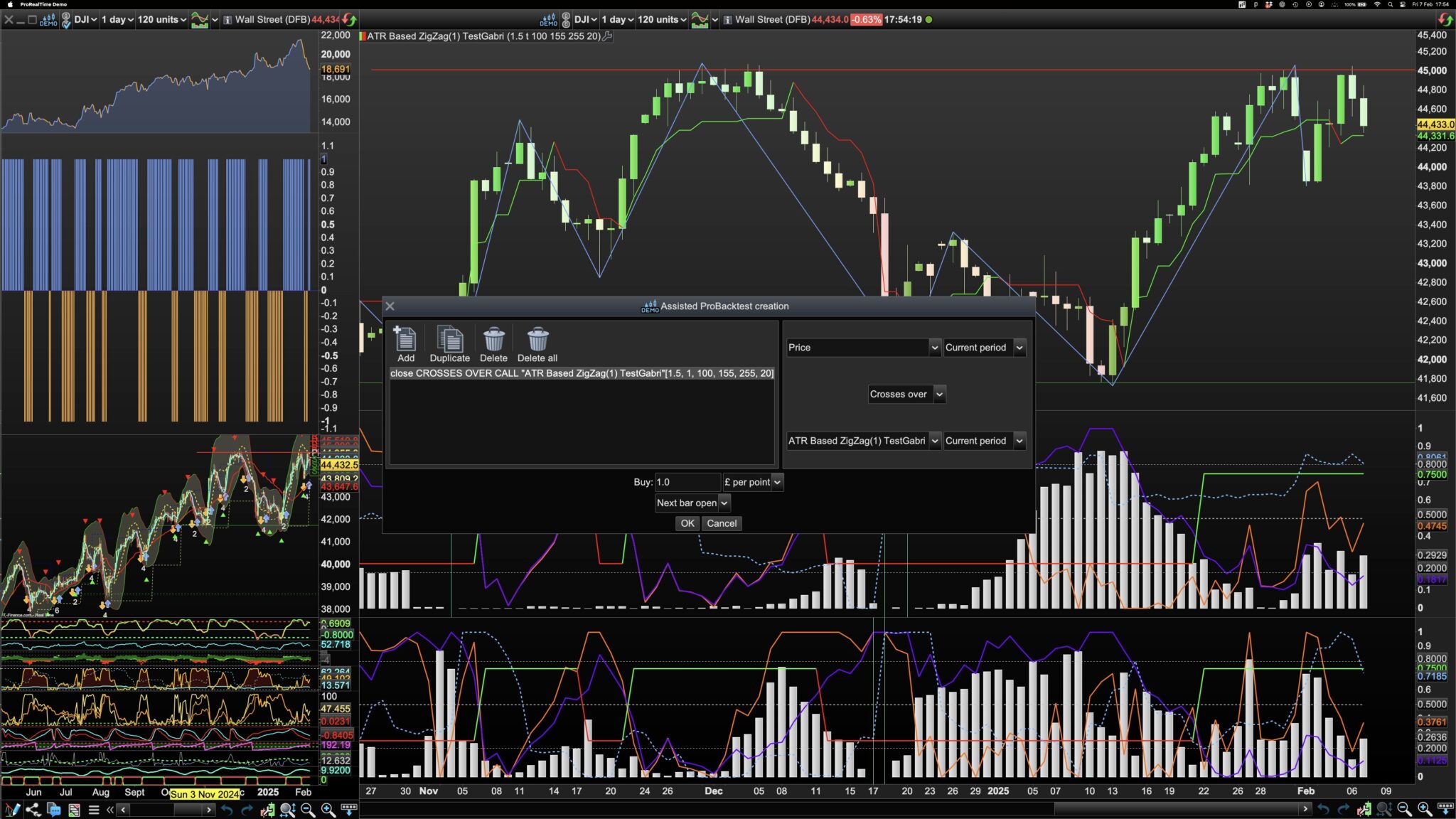
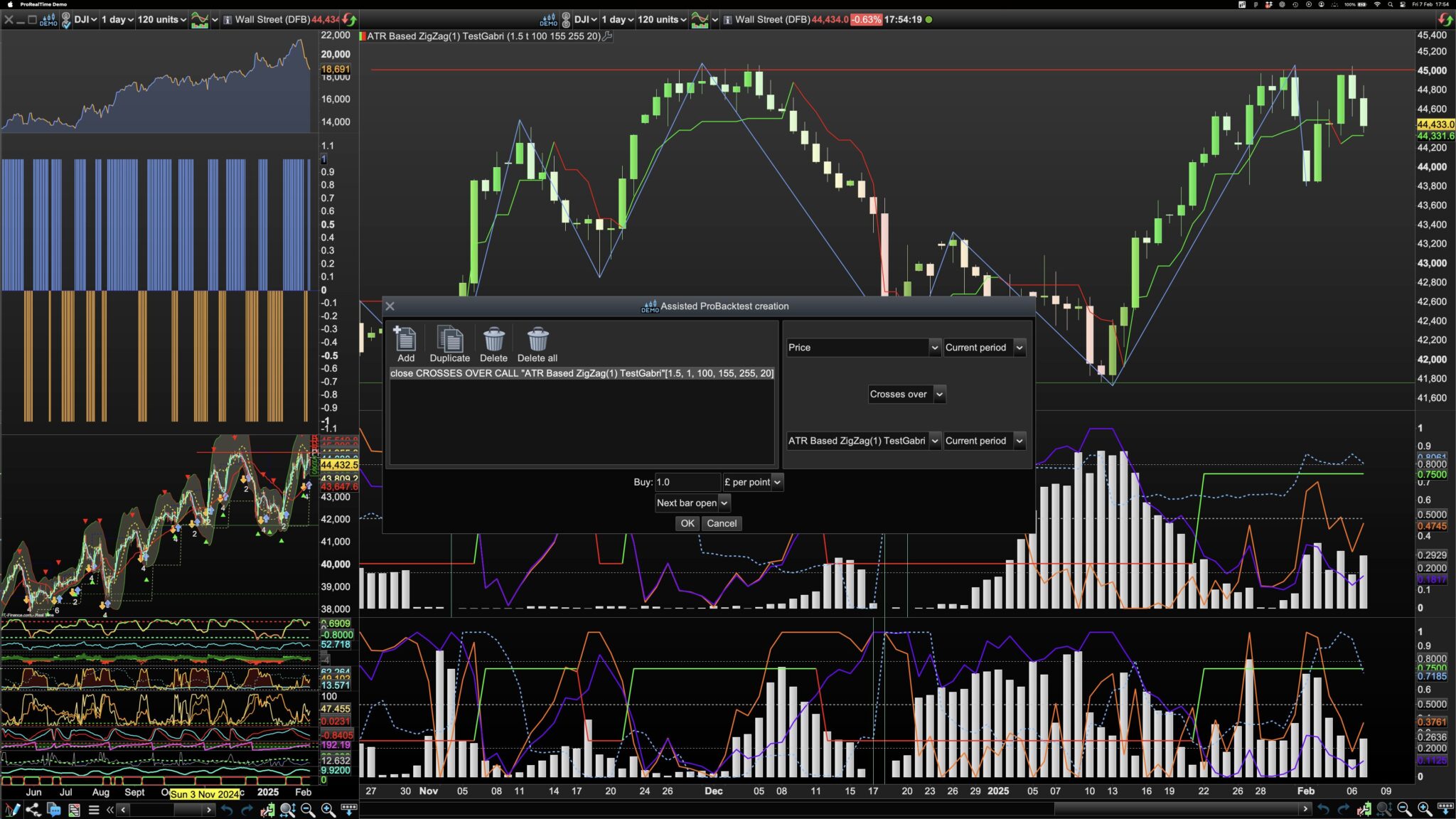
It maybe a case of, which chart was the ‘ACTIVE’ one, when you started.
For example, if you had a new chart and chose to initiate an Indicator or back-test for that chart, then that one would be the Active one.
However, if you open the indicator configure window, back-test or brought up the modify code window, etc, and then duplicated the chart, then both configure and code windows would still be open and linked to the original chart.
If you delete, the indicator/back-test from the original chart, the open code window would be still linked to the original chart.
Re-running the back-test from the code window screen, puts the back-test back in the original chart,
To update the duplicate chart, you need to open the code window from the duplicate chart, if already open, the code window stops the same, but is now linked with the duplicate.
The same thing can happen with the configure window for an indicator, it depends from which chart you chose to initiate the window.
Even though the window is on screen, the question would be, from which chart was it initiated from.
This isn’t going to be much of a problem when you don’t have the same things in different charts, but can catch you out, when you do.
There could be other scenarios at play, but I think they may be related to ‘How Initiated’ .
Hope this is helpful!