Awesome Indicator
- This topic has 5 replies, 3 voices, and was last updated 8 years ago by .
Viewing 6 posts - 1 through 6 (of 6 total)

Similar topics:
Forums › ProRealTime English forum › ProBuilder support › Awesome Indicator
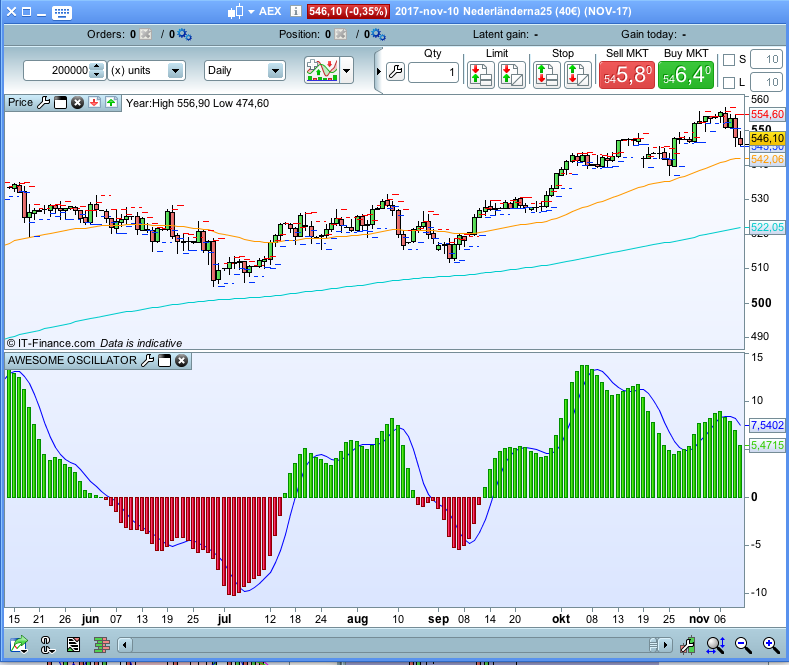
The normal Awesome Indicator shows a Red and Green Histogram, with both red and green bars above and below the zero line.
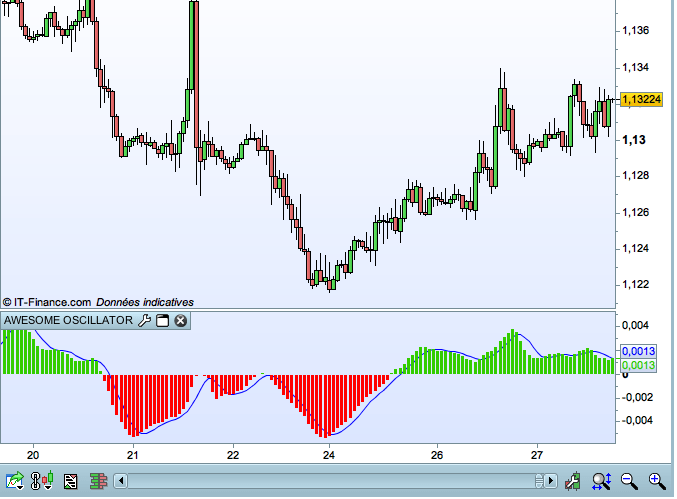
I am looking for a version that only displays green bars above the zero line and only red bars below the zero line.
The one listed awesome – oscillator .itf shows the screenshot of exactly what I am looking for, but when I applied it to my charts, it showed the red and green bars above and below the zero line.
I would really appreciate your help on this one.
All the best.
Filename : awesome-oscillator.itf
Hi, Thanks.
I have just had another look at the indicator on my chart, and while I can change the colour of the histogram it only gives me the option to change it to all red (all negative) or all green (all positive).
I can’t find any way of making the changes I want.
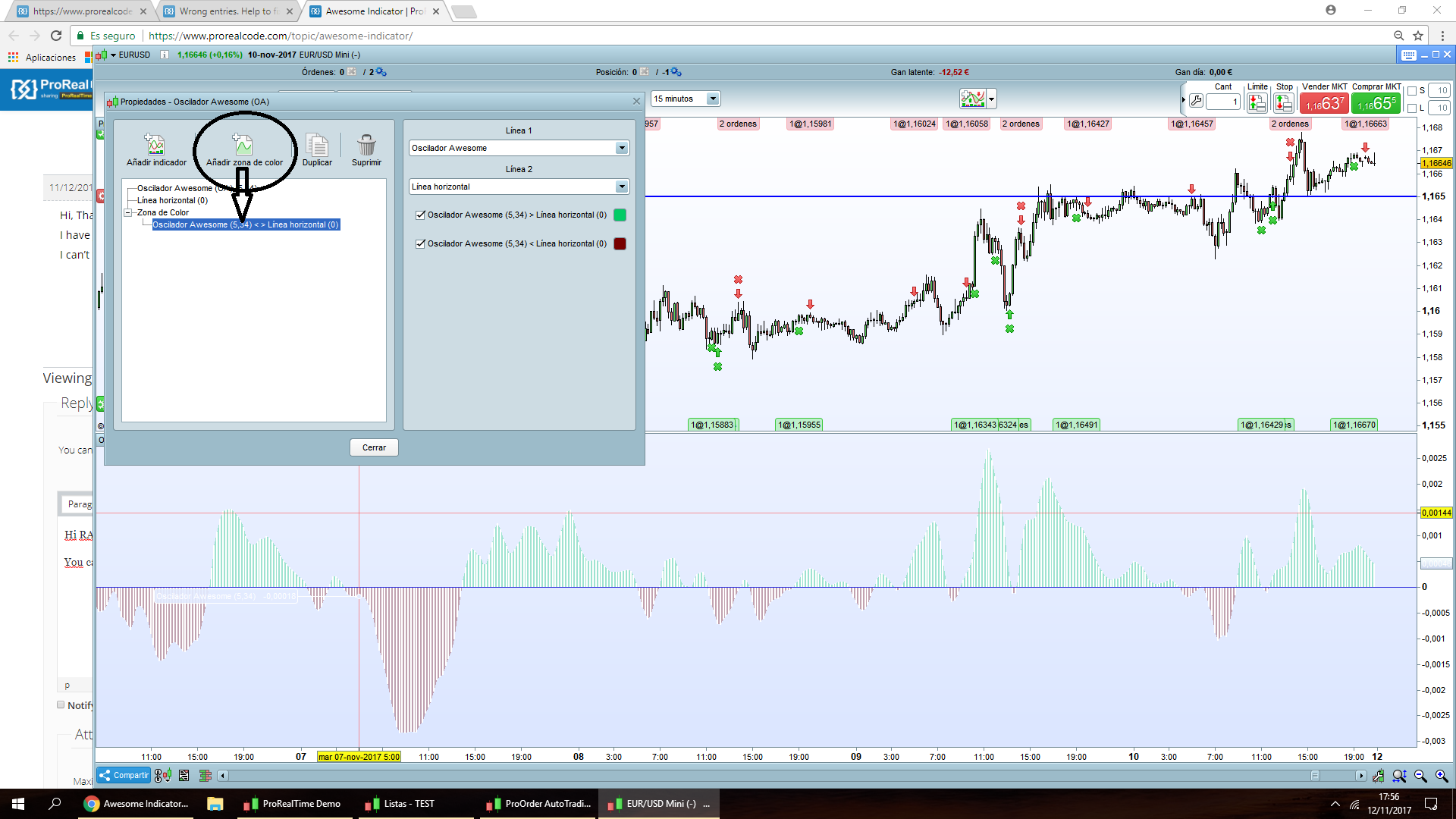
The attached screenshot is taken with the indicator you uploaded (no changes).
Click on the wrench icon, choose ChaosAO, choose style histogram AND NOW click on the chain icon that you find under the topic color and “unchain” the positive and negative prices. Afterwards you can choose colors for positive and negative values separately.
You can:
(I use spanish version so I am guessing english version words)
This way you get kind of soft colours, I hope it helps
Find exclusive trading pro-tools on