Is there a facility to apply a set of indicators (template) to a chart? This will save time/effort in adding a set of indicators on by one manually.
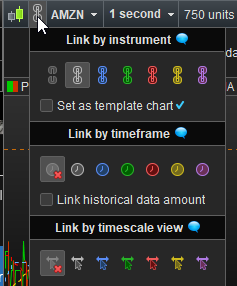
Have you tried adding all the Indicators you want to a Chart and then save that Chart as a Template (named Ind1 for example) ? Then open ‘Ind1’ and change Instrument to whatever Instrument you want Ind1 to work with?
If you did above … what didn’t work?
If you haven’t done above … try it and let us know how you get on?
I am aware of the save as template facility. Save as template will save all the windows including its layout. Not just for the the current chart.
Changing the security means the original chart info such as drawn object will be lost; the process is cumbersome.
In most other charting software, there is s facility to save the indicators configuration of a chart so you can apply to other chart; it is a chart template.
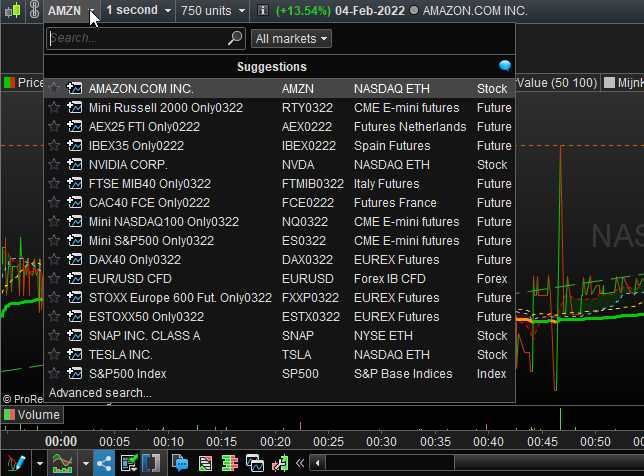
The nearest I see in PR is ‘duplicate chart’ and change the instrument; not very intuitive and quite cumbersome; there s no option to select security from your list; can only select market.
Hi,
If you click on the indicators button, it leads you to the window where you pick either the “indicators” tab, or the “probacktests and automatic trading tab”. Unnoticed and yet useful is the tab in the middle: “indicators group”.
From there, you can save by custom name one chart configuration (the one with the set of indicators you’re interested in), and in another chart you can apply fast this indicators group configuration by clicking the “apply” button (it’s “appliquer” in french, I am assuming it’s apply in english version but maybe it has another name, it is at the bottom of the window). It’s not just for indicators below price window, it also involves indicators inside price window.
The nearest I see in PR is ‘duplicate chart’ and change the instrument; not very intuitive and quite cumbersome; there s no option to select security from your list; can only select market.
I use that all the time ? I don’t see what is missing there ?
What I do see is that PRT is so intuitive that I can’t find back the save in a template of a chart (exactly what you’re asking for). This is probably what GraHal refers to. It exists, somewhere … (or I dream too much).
What you see in the second attachment will do it too. This requires a bit of learning how to apply it, but it is the most powerful for what you want.
“Indicators group” is what you are looking for.
Cool. Indicator Group is what I am looking for !
The documentation could have highlighted this feature.
THKS.