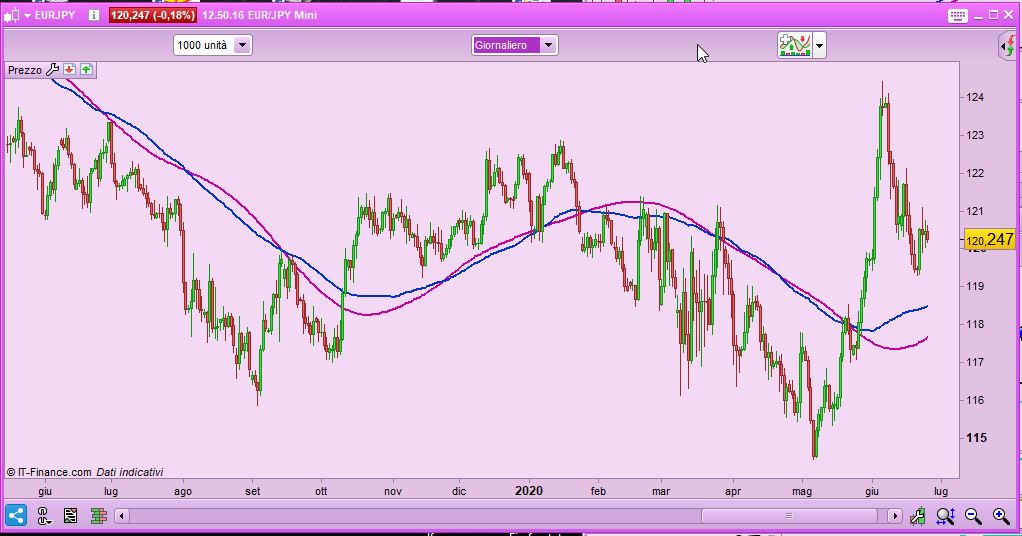
Every indicator i import and add to the chart become a subchart below the price chart.
How can i add an indicator in the mainchart?
Thanks,
Hi Jonker,
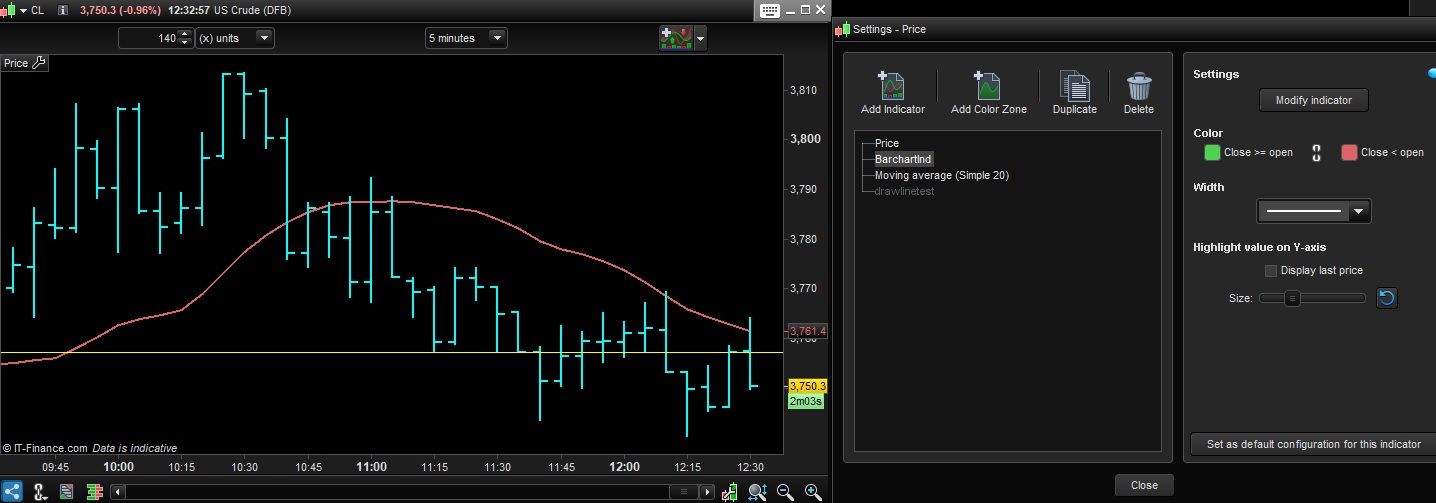
Instead of getting the indicator from the top button above the chart, go to the left top corner of the chart. You will see, together with the Price, buy and sell buttons, a fixed wrench drawing. Press there and a window will show with the possibility to ADD indicator. The indicator will show in the main chart, instead of appear below it.
I hope you can find it. Regards.
Juan is talking about this button:
[attachment file=63347]
Thanks Nicolas,
Napoleon Bonaparte said “A good sketch is better than a long speech” (Un bon croquis vaut mieux qu’un long discours).
Regards.
Hello,
please have also a look at the different video tutorials available within the section “Indicators and price” explaining how to configure indicators, how to add an indicator to another indicator, how to move and resize indicators and price, how to add color zones, how to set your indicators as favorites and many more…
Best,
Ulrike
Hi, How to set to display price chart bar on top all other indicators added? for example if I add a moving average it gets displayed on top of price bars.. I want that line to get displayed back of price bars
You can create this indicator that plots candlesticks on top of other indicators, but when you add another indicator to your chart you will have to enter this one and validate it again to make it plot on top of the new one:
drawcandle(open,high,low,close)
return
Thanks Robert. As you said its working for a moving average line. but its not working for my indicator which draws a horizontal line.
If I draw many horizontal lines it hides the open close values of bar.. so I am trying to make bar on top of all my lines
You can try to lower the alpha (transparency) of the lines with COLOURED.
Thanks Nicolas… will try that..