How can I see the 3month percentage change of my instruments? (and 6 month percentage change)?
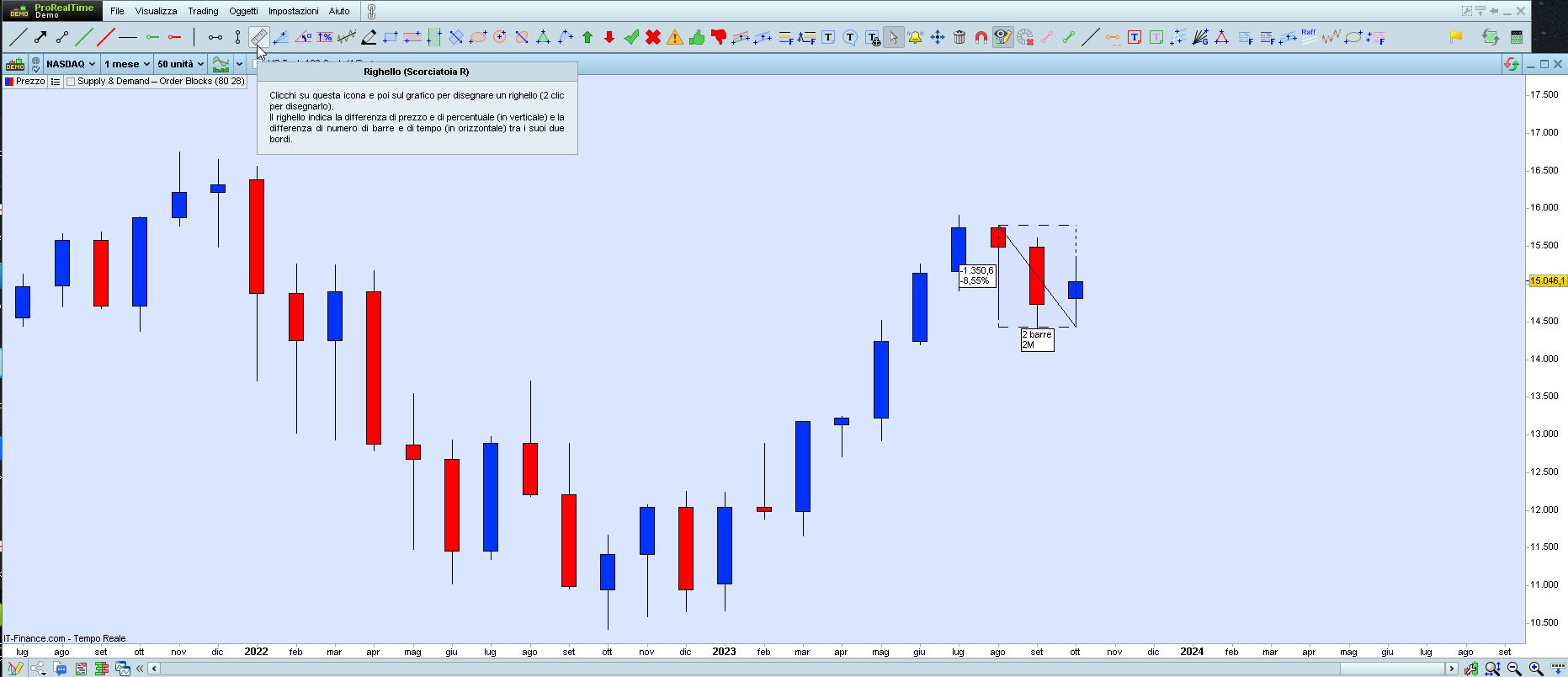
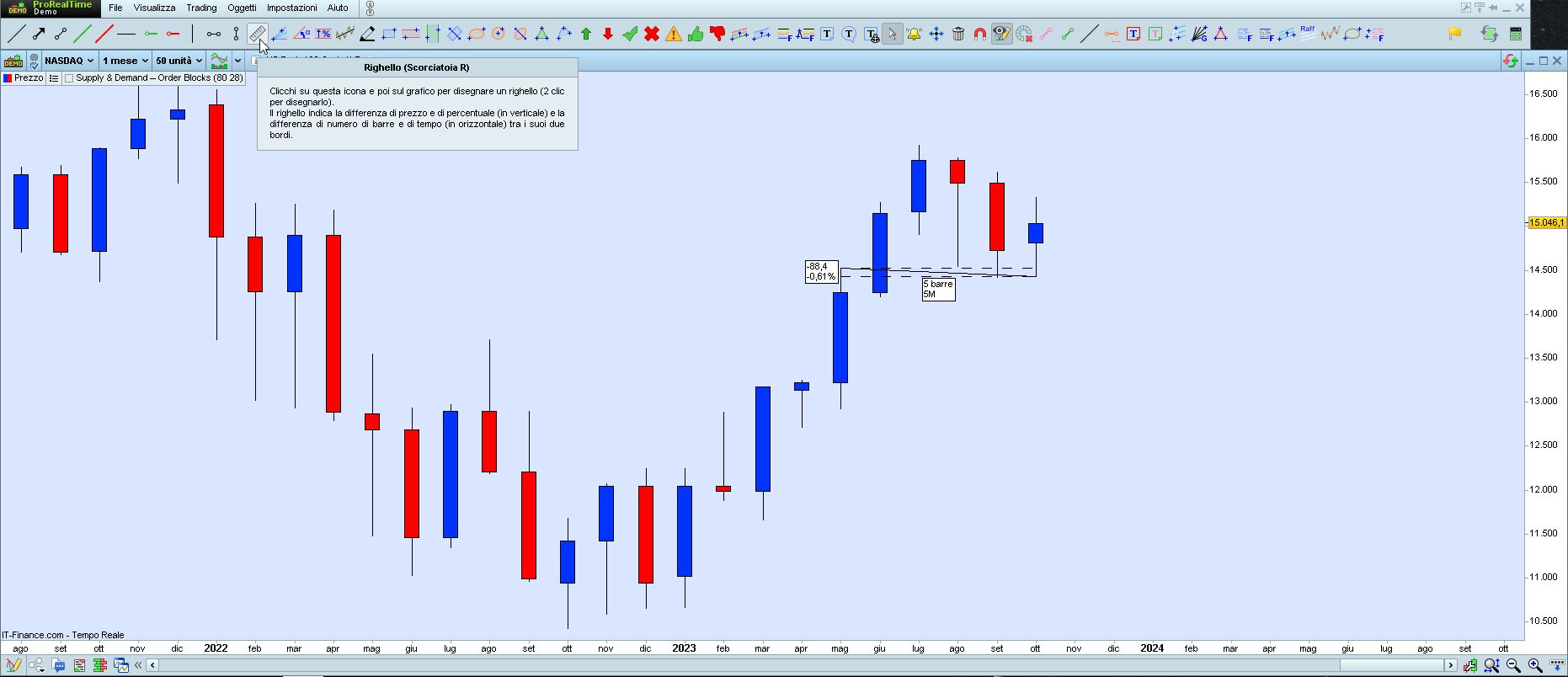
You can use the RULER to draw it between two points to know those data.
My pics show a 3-month and a 6-month difference.
I used the MONTHLY timeframe to shrink it amd make it easier, but you can use it on any timeframe.
I mean to see the 3 month percentage change in a list for all my instruments
Either in my list either as a screener but i find it strange that the software has no way to let you see % change over a certain period for your list of stocks. This seems very basic to me
This is a screener:
N = 3
myVAR = high[2] - low
myVAR = high[max(1,N-1)] - low
PC = myVAR * 100 / high[max(1,N-1)]
SCREENER[PC](PC AS "% Variation")
N is the number of months.
seems not correct
% change 3 months is simply (current close – close 3months ago)/close 3 months ago
That’s not the percentage, that’s just a ratio.
The % must be calculated on the older price. If today a price is 90 and 3 months ago it was 100, there’s been a drop of 10 points, which is 10% calculated on the starting price, while it’s (incorrectly) 11.11% if calculated on todays’s price.
Anyway, if you prefer the calculation on today’s price, there you go:
N = 3
myVAR = high[max(1,N-1)] - low
PC = high[max(1,N-1)] * 100 / myVAR
SCREENER[PC](PC AS "% Variation")
You can safely remove line 2 from my previous code, it’s useless as it is overridden in line 3. I just used it to make some tests.
JSParticipant
Senior
Hi Sarus,
A screener based on your formula looks like this…
You can apply this screener to your lists and when you work in V12 you can add multiple columns with your criteria…
TimeFrame(Monthly)
ProChange3M=((Close-Close[3])/Close[3])*100
ProChange6M=((Close-Close[6])/Close[6])*100
Screener[1](ProChange3M as "%3M", ProChange6M as "%6M")