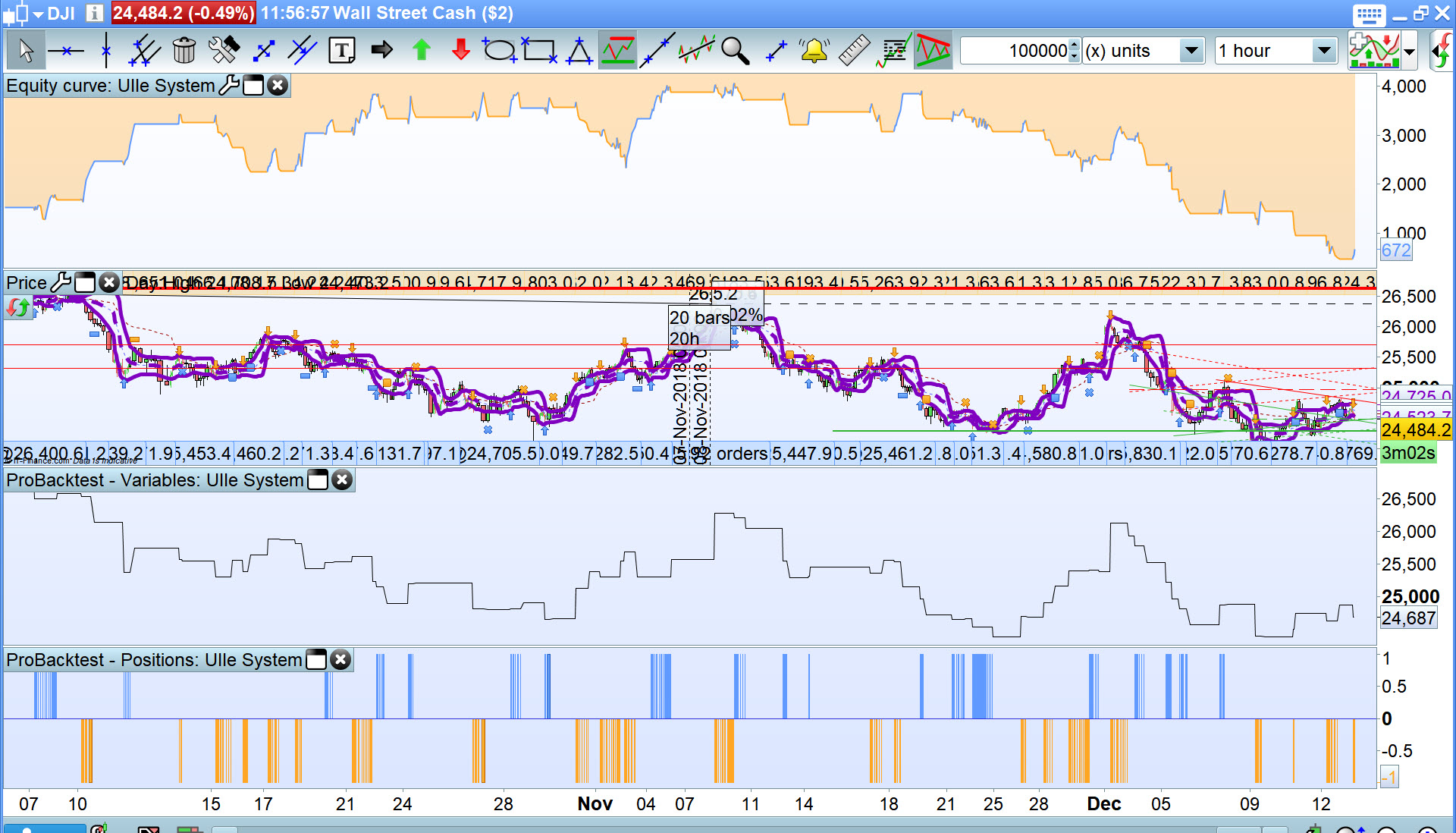
When i switch from workspace to another I lose my setting (that I saved), so if i put a system on a chart, save it and then i swith to another workspace and then i back to the workspace, the chart is empty, so system that i saved is anymore on and working, so i have to put it again. How to adjust and fix this issue? thank you very much
Right clock and open a duplicate chart and then unlink the duplicate from the first chart and hey presto you have an independent workspace / chart which you can change without affecting the original chart.
Unlink is on the bottom toolbar in left hand corner … that chain looking icon.
thank you, but maybe i wasn’t clear on my issue: i want my system be saved on chart/workspace. When i change workspace and get back, the chart does not have any system on, even if i saved it.
I friend of mine does not have this problem , I do: the difference is that he has an imac, i use a windows pc….. That’s possible that it works only on IOS support?
How are you saving your workspace as you call it?
I will do same as you (on my windows 10 Platform) are doing but I don’t know what you are doing as you have not explained any further than saying … I saved it. A few screen shots will help your explanation.
I can assure that Save does work on Windows 10 Platform so you must be doing something wrong.
Alternatively you could read and follow the PRT Manual on saving your workspace … read Page 175 on the link below.
https://www.prorealtime.com/en/pdf/doccomplete_c1442925883c.pdf
thank you, but i do excatly as described by the manual: file-> save
and to be sure also “Ctrl+S”
the chart is empty, so system that i saved is anymore on and working
When I use the term System I mean an auto-coded strategy / bot / algo etc … are you using the term System in the same way?
It is when you expect your System to still be there that I think we need to explore further.
Are you able to put up a screen shot of what you expect to still be there when you … then i back to the workspace?
I just loaded a System then did File, Save as Template 4, then closed Template 4 so I had no Chart at all showing on my platform then I opened Template 4 and the System was till showing.
Is above what you are doing?? Are you sure you are opening the SAME Template that you had saved??
the problem that i use prorealtime demo, and not complete, for this reason i suppose i don’t have the template voice menu…..
the problem that i use prorealtime demo
When I said below … I used Demo also, so your problem (if there is a problem) is nothing to do with Demo.
GraHal wrote:
I just loaded a System then did File, Save as Template 4, then closed Template 4 so I had no Chart at all showing on my platform then I opened Template 4 and the System was till showing.