V13 ?? maybe never

Viewing 7 posts - 1 through 7 (of 7 total)

  • Author
    Posts
  • #262403 quote
    PeterSt
    Participant
    Master


    GraHal wrote: Any news re v13 anybody?

    This may be a harsher posting than necessary, but it is just my conclusion from nothing happening anywhere.


    ProRealTime seems to have landed in some kind of tilt mode, and already 2+ months ago I asked my support in Holland whether he was already looking for a job.

    Two weeks ago I asked the same (he was still there).


    Totally nothing happens on the further development that I can see, and even when I ask I get no explanations.

    This is not much different than GraHal or anyone asking for that matter – there is no response from anyone.


    • There is hardly anything on Twitter/X this time (I think I counted three posts).
    • There is nothing whatsoever on this forum – totally unlike with other upgrades.
    • When I looked last week, the last upgrade to the beta environment for users, was two months old. Two months ? Note : I think or hope that because I filed my complaints about *that* now there’s finally a new version (beginning of July).
    • Thus, a version for beta testing which really nobody expresses a thing about (me included) and which thus also won’t undo itself from bugs.


    Bugs are numerous, starting with an idiot large main menu causing all what you had, not to fit on the screen any more.

    I mentioned this ~ 3 months ago, my support agreed with it, but *also** told nothing will be done about it (hands in the air).

    Huh ?


    In one of my accounts I use V13, and the general feel is that I love it more than any previous upgrade. All looks more modern.

    The promised editor is a total failure again and the fact that I was asked what to make of that (a new editor) has been a waste of time. I don’t understand this. Note : things have been changed all right, but why not via e.g. Visual Studio Code is beyond me. It is something I would do myself (and did), or Notepad++ for that matter (which I eventually use for real).

    IMHO major improvements were applied to ProScreener and that is what I use V13 for. At the same time it is the only reason.


    Apart from the Main Menu (too large) thing, I refrained from filing tickets, because they are not dealt with anyway. So Yes, a V13 user, who No, does not report bugs.

    What about you out there ?


    PRT times seem over.

    This forum (ProRealCode) seems to show the same. But this is harder to judge because the cosmetic changes to the forum (and beyond) seem to influence massively. Being logged out each hour does not really help, and complaining about it sorts no results.

    I guess that this is what you get then. Silence.

    Silence from all angles. OK, apart from the lunatic AI-complaining about the data not being correct (al false). But the sheer fact that that post has not been removed ? what to think of it. I know, formally not related (PRT vs PRC) but it does not help against the idea that PRT times seem over.


    I should add explicitly that it is not so that I blindly start to post this. Instead I called several times, asked what could be the matter, stipulated that all what I did (not) see happening was not good and there is no active response to that whatsoever. PRT apparently does not see the danger I see, or they already know I am right.

    Or I see ghosts.


    Finalizing this post – and a kind of on-topic : V13 is there to like, IMO.


    Peter


    GraHal and elite shoes thanked this post
    #262409 quote
    GraHal
    Participant
    Master


    PeterSt wrote: Being logged out each hour does not really help

    I might be wrong, but above might be driven by users leaving ‘ProRealQuant’ running for hours on end?

    Although, when you last asked, Nicolas said it was a security thing?

    I have got into the habit now of a quick IN and OUT of PRC to dodge the 1 hour curfew.


    PeterSt wrote: lunatic AI-complaining about the data not being correct (al false). But the sheer fact that that post has not been removed ? what to think of it. I know,

    I might be wrong, but not removing the post might discourage others from doing similar and being called a waste of time, lunatic AI etc.


    PeterSt wrote: there is no response from anyone

    I agree, I have submitted several ‘Suggestions for Improvement’ this year, but even acknowledgements stopped several months ago.


    Improvements:

    I am just about to submit a video to PRT of that ‘scrollbar bug’ in the Definitions of Variables’ window, The frustration builds the more variables one is using.

    I’ll report back if PRT responds etc.


    #262414 quote
    turame
    Participant
    Master

    Hi,

    Personally, I reported a bug two or three months ago. I called and spoke to someone. It took them a few weeks to resolve the issue.

    I haven’t noticed anything unusual in France.

    GraHal thanked this post
    #262434 quote
    GraHal
    Participant
    Master


    GraHal wrote: I’ll report back if PRT responds etc.

    PRT did respond next day, things are improving!

    I just checked and v13 does not have the ‘scrollbar problem’ so I’m going to bed a Happy Bunny! 😀

    #262442 quote
    GraHal
    Participant
    Master

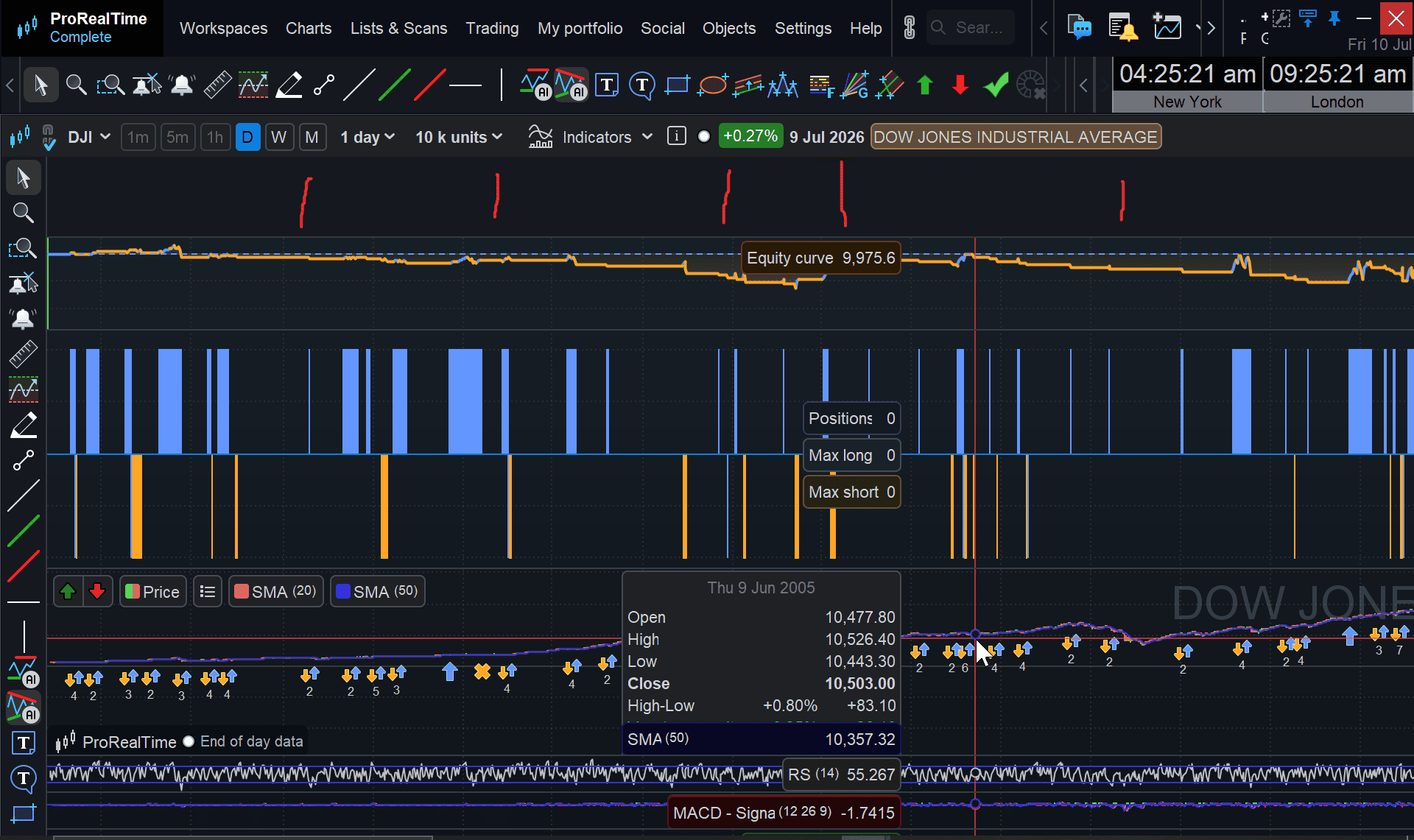
    V13 – anybody know how to reduce that annoying blank space at the top of the equity curve (see red vertical lines on attached)?

    I have tried dragging, repositioning etc.

    I hate blank spaces serving no useful purpose!

    PS:

    In case you think … Eww why is GraHal bothering with that curve anyway! 🙂 … the Algo is built for 1 min TF, but I only have the EOD data on v13 direct with PRT.

    2026-07-10_09-25-48.png 2026-07-10_09-25-48.png
    #262444 quote
    GraHal
    Participant
    Master

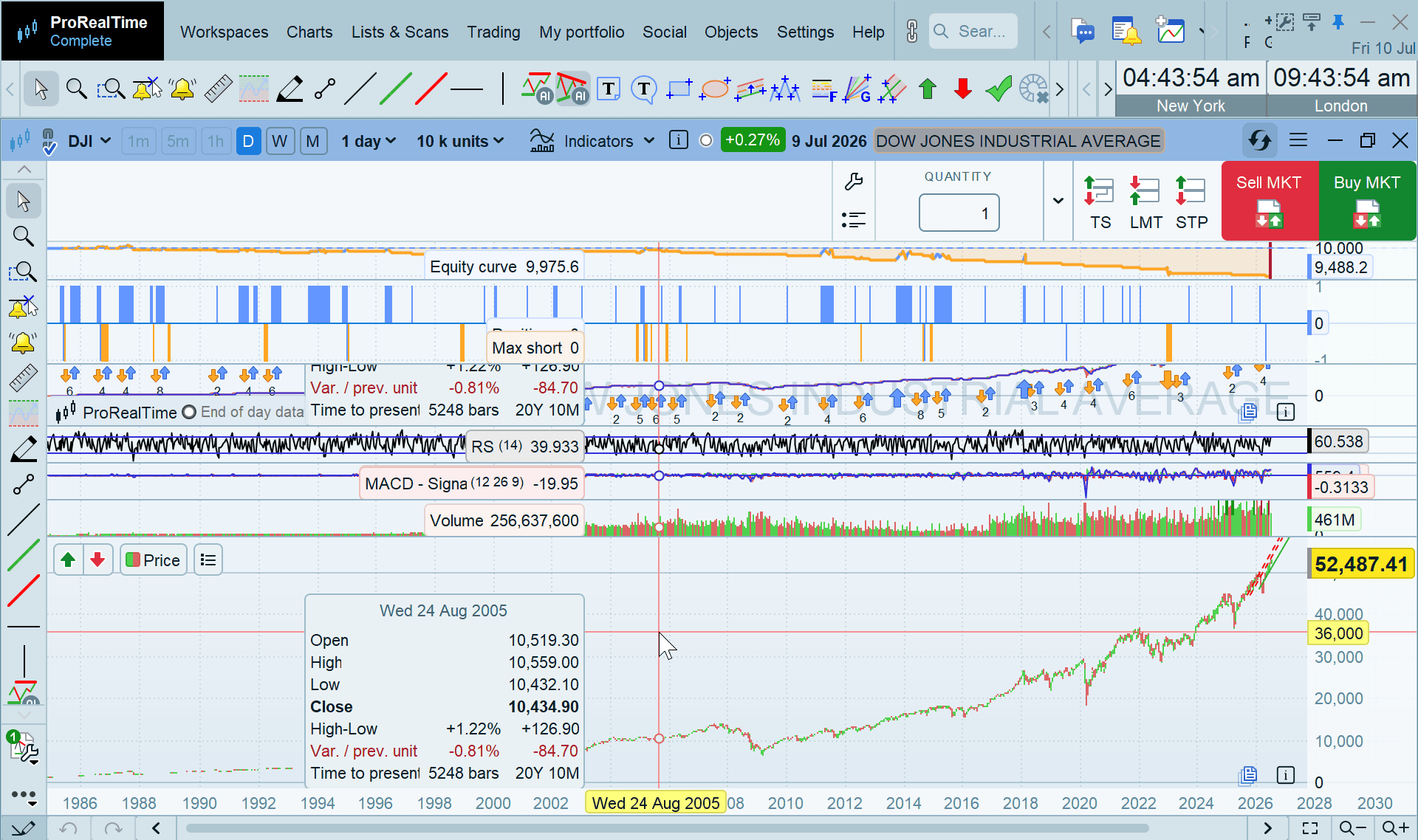
    Aha, got the answer to the blank space … after I max’d the window, the space is caused the Buy / Sell buttons on the right hand side.

    Soo next question is … how do I get rid of the top toolbar with all the icons on? As you can see from attached I have all the same tool-icons down the left hand side (like in v12 and which I prefer down the side anyway.


    2026-07-10_09-44-03.png 2026-07-10_09-44-03.png
    #262447 quote
    GraHal
    Participant
    Master

    Getting somewhere now!

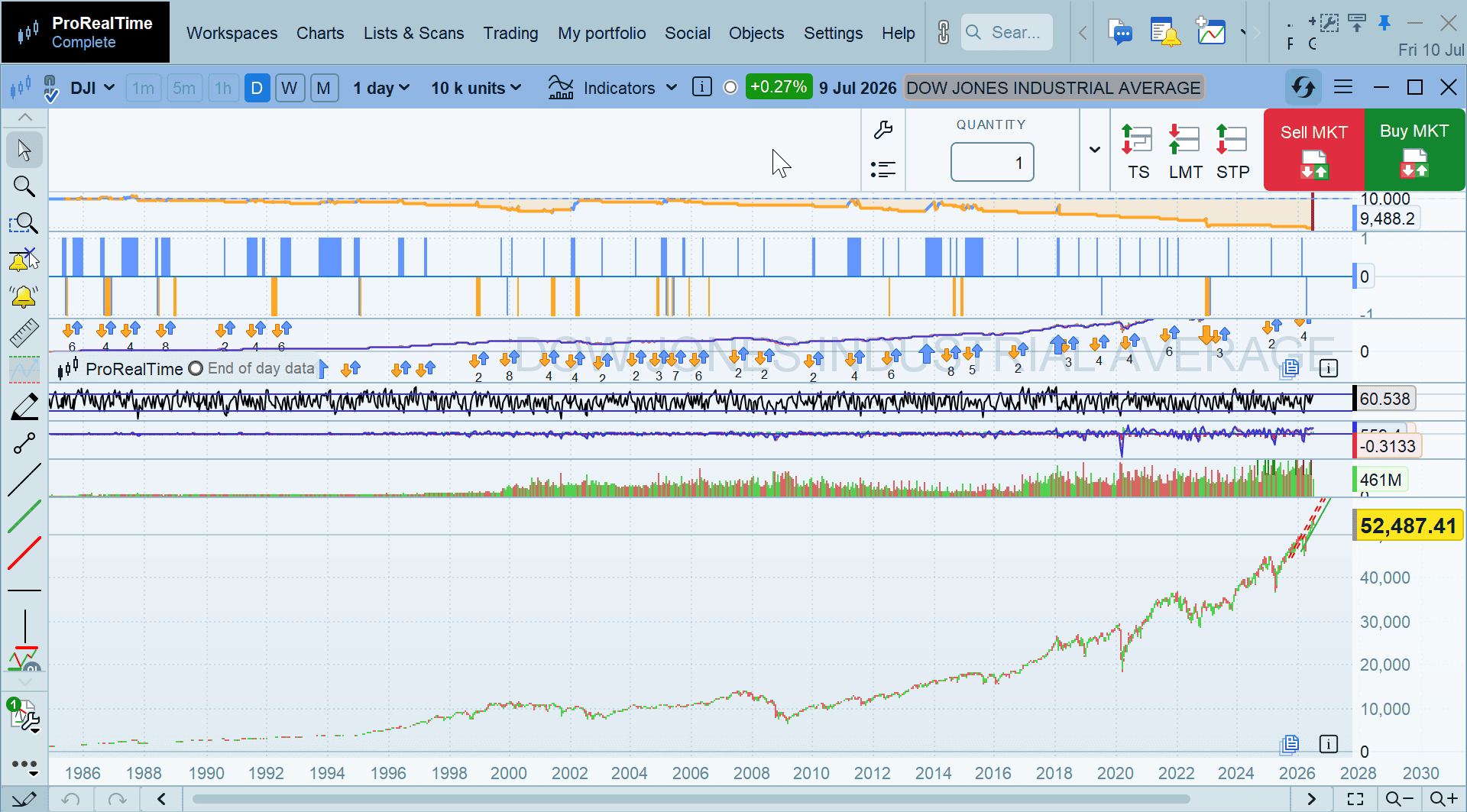
    How do I get the Buy / Sell buttons off the chart and onto the blue area just above where the Buy / Sell buttons are now (see attached)?

    2026-07-10_09-51-53.png 2026-07-10_09-51-53.png
Viewing 7 posts - 1 through 7 (of 7 total)

  • You must be logged in to reply to this topic.

V13 ?? maybe never


Platform Support: Charts, Data & Broker Setup

New Reply
Author
author-avatar
PeterSt @peterst Participant
Summary

This topic contains 6 replies,
has 3 voices, and was last updated by GraHal

1 day, 2 hours ago.

Topic Details
Forum: Platform Support: Charts, Data & Broker Setup
Language: English
Started: 07/08/2026
Status: Active
Attachments: 3 files
Logo Logo
Loading...