Amazing !!!! @Paul, I don’t no how it can be possible to be so fast …It takes 3m35 minutes with you and more than 1 hour with me with the same code…
@Grahal, use the MTF to try as the No-MTF is faster
Thanks Guys
2nd .itf Zilliq posted (2RL TMF) over 100k bars at 1 min TF on DJI
Started 194640
Complete 194830
Duration 1 min 50 secs
1mn50 @grahal ??? How can it be possible to be 60 faster with the MTF version than me
Are you on PC or mac, Java 32 or 64 bits ?
PC Windows 10 64 bit 8GB RAM
I did what I suggested you do … I closed and logged back in and then did the optimise as a first task.
Also might I ask … how many Systems do you have listed in the backtest window and for that matter in the AutoTrading Window??
 Paul
PaulParticipant
Master
big difference between demo & non demo! Didn’t realise that it mattered that much.
with me mac 16gb, 100 mbit/s up/down with utp cat6 & fiber connected.
Haha … yeah my test was on my Real Live System.
I thought it was quick! 🙂
I’ll try later on my Demo System.
Not much slower on Demo … 2RLTMF.itf over 100k bars at 1 min TF on DJI
Started 204921
Complete 205155
Duration 2 min 34 secs
PC Windows 10 64 bit 8GB RAM
I did what I suggested you do … I closed and logged back in and then did the optimise as a first task.
Also might I ask … how many Systems do you have listed in the backtest window and for that matter in the AutoTrading Window??
What do you mean in the backtest window ? In autotrading I have quite 20-25 systems “my incubation systems”
Wich connexion do you have ?
What do you mean in the backtest window
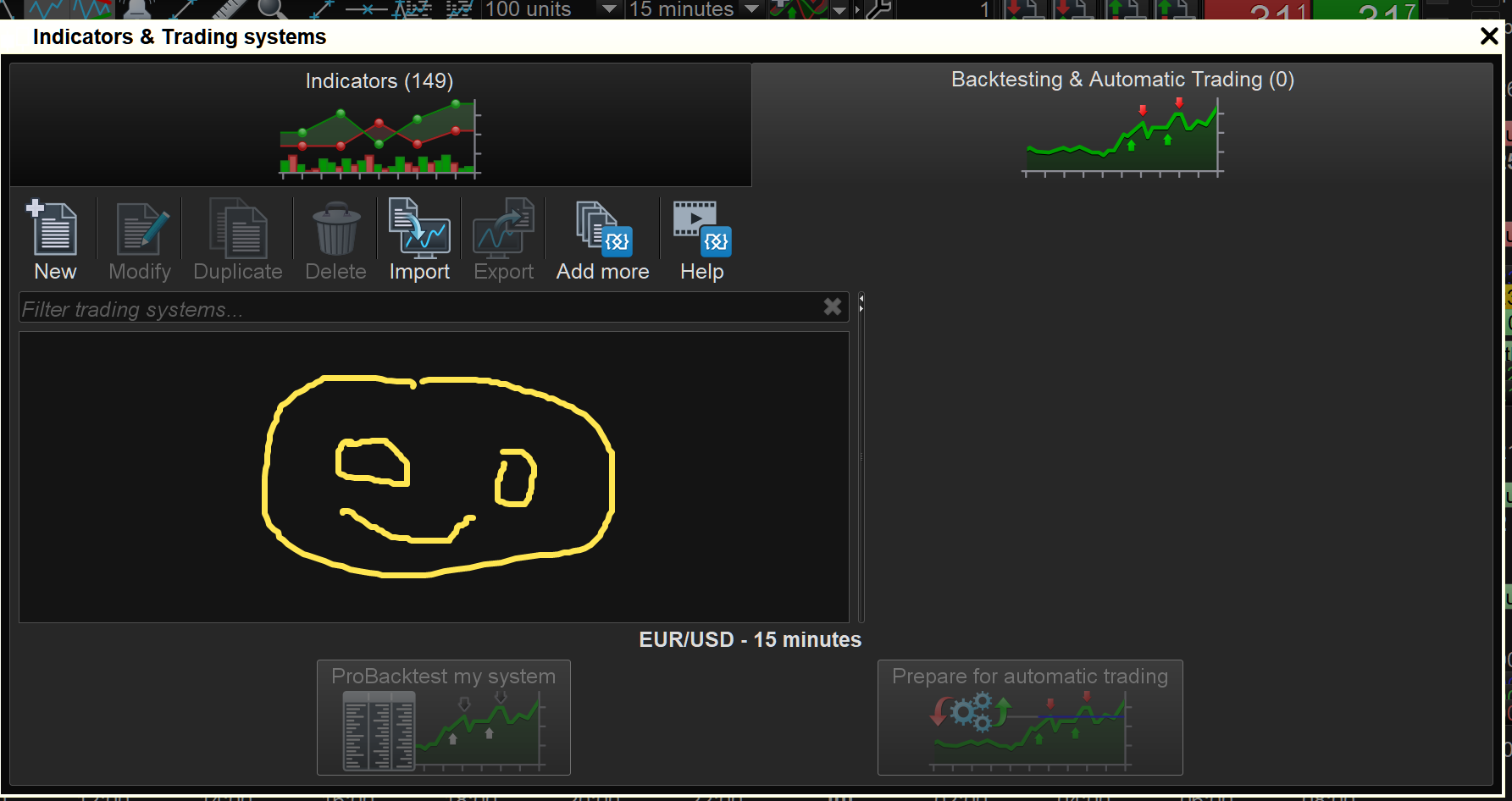
Are you blank or what? 🙂 … see attached.
Also how many non running Systems do you have in the Auto-Trading window?
I’m not on fibre if that is what you mean?
I am on BT broadband copper from the cabinet in the road as we call it! 🙂
LOL @Grahal
In the backtest window, I don’t know probbaly hundreds systems, and 20-25 non running systems in the auto-trading window
But not sure it influence the time of optimization ?
Today, it’s strange, I use the MTF code on 2 computers, with 2 different connexion ( 5Mb/s and 100 Mb/s).
And I have the same results 50 % in 7 minutes …
Would it mean it doesn’t depend on the speed of the connexion ?
Very very strange…
But not sure it influence the time of optimization ?
My experience gives me the impression it does.
If you were to look back on the Forums then you will see I have had more than my fair share of weird Issues and freezing and well everything you can think of … I’ve had it!
I got my Systems listed on the backtest window down to zero / < 6 or so and also zero non running Systems in the Auto-trade window and PRT Issues are now next to nothing!
You will not believe it until you try it!!! You have nothing to lose and speed to gain!! 🙂
Would it mean it doesn’t depend on the speed of the connexion ?
Seems logical as all the processing is happening on the PRT Servers.
The connection only has to pass the results to our PC’s.
New test : I delete ALL Non running auto-trading systems: Cnclusion : No change 7 minutes to to 50 % of optimisation with the TMF version
I continue my investigations
Nex and good test : I use the same MTF code but test on an new ig live account (there nothing inside, no backtest, no indicators nothing) on 10.3
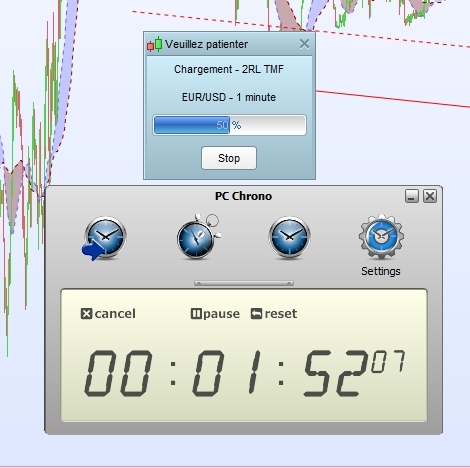
And it take only 1 minutes 50 to do 50 % ! Cf picture
So it’s really a “problem” with the PRT plateform. Probably more auto-trading systems and others we have (and mine are heavy) more slow it is…
Logical we can say…
I delete ALL Non running auto-trading systems:
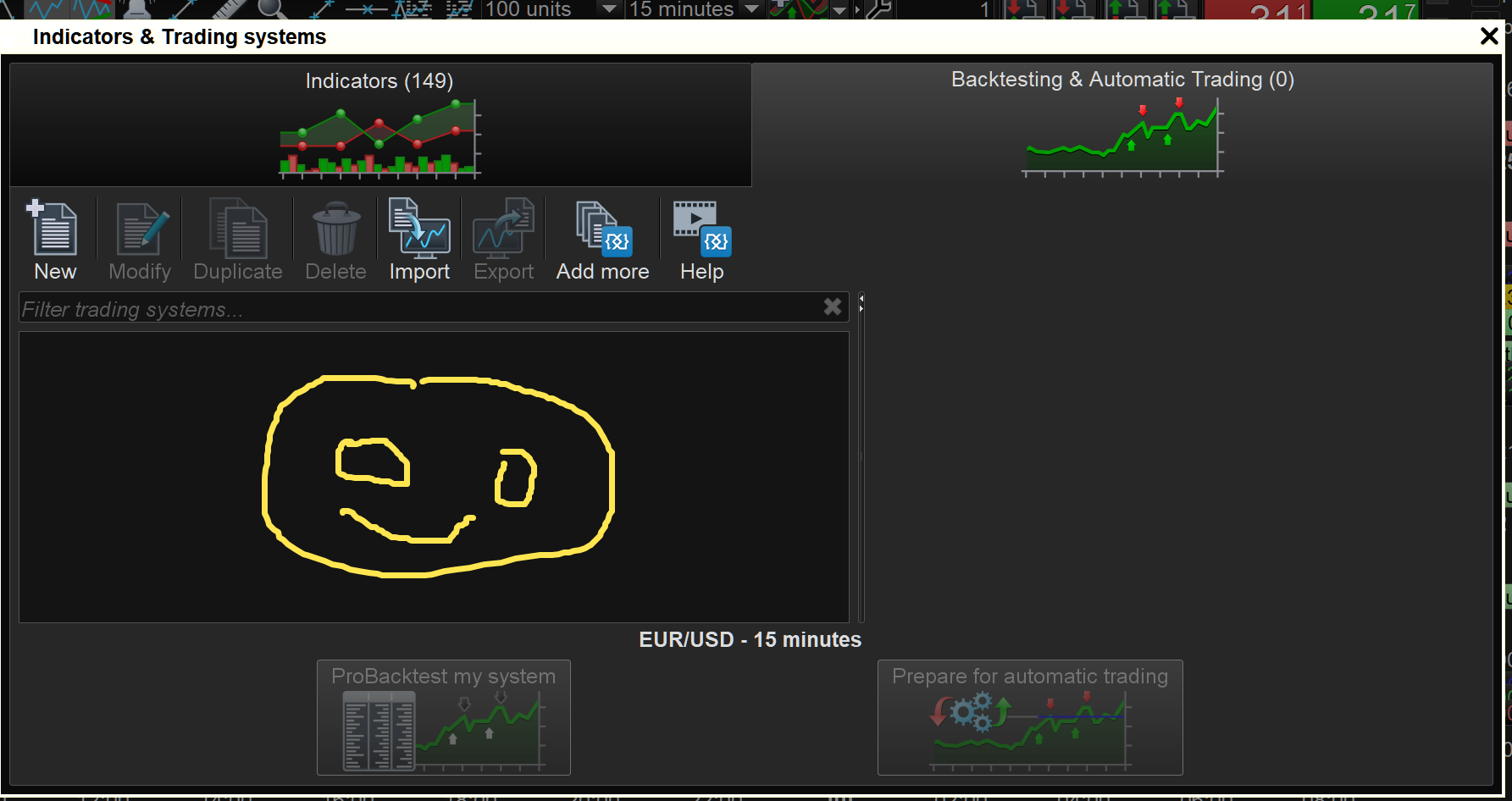
Did you also delete all Systems showing in the backtesting window as attached?