erratic issues with the “save” option on my platform
I get the same. Yesterday I lost a full day’s work – optimisations that were written into the code simply disappeared the following day, in spite of being saved several times.
 Bard
BardParticipant
Master
optimisations that were written into the code simply disappeared the following day, in spite of being saved several times.
Sorry to hear that, I know too well how frustrating that is! Do you use Mac or PC?
What I do now is copy and save everything that’s important from a system into a Text Edit, that includes the settings. I even tried saving the startvalue and max etc to the systems notes recently only to find the next day it hadn’t saved them and still had the copy of the code in the notes section that I’d already deleted so I could put the setting in there… smh…
From October last year when the problems started I don’t trust anything PRT saves, it’s just it seemed to be behaving itself of late and I got out of the habit of using Text Edit so much.
I get the same. Yesterday I lost a full day’s work
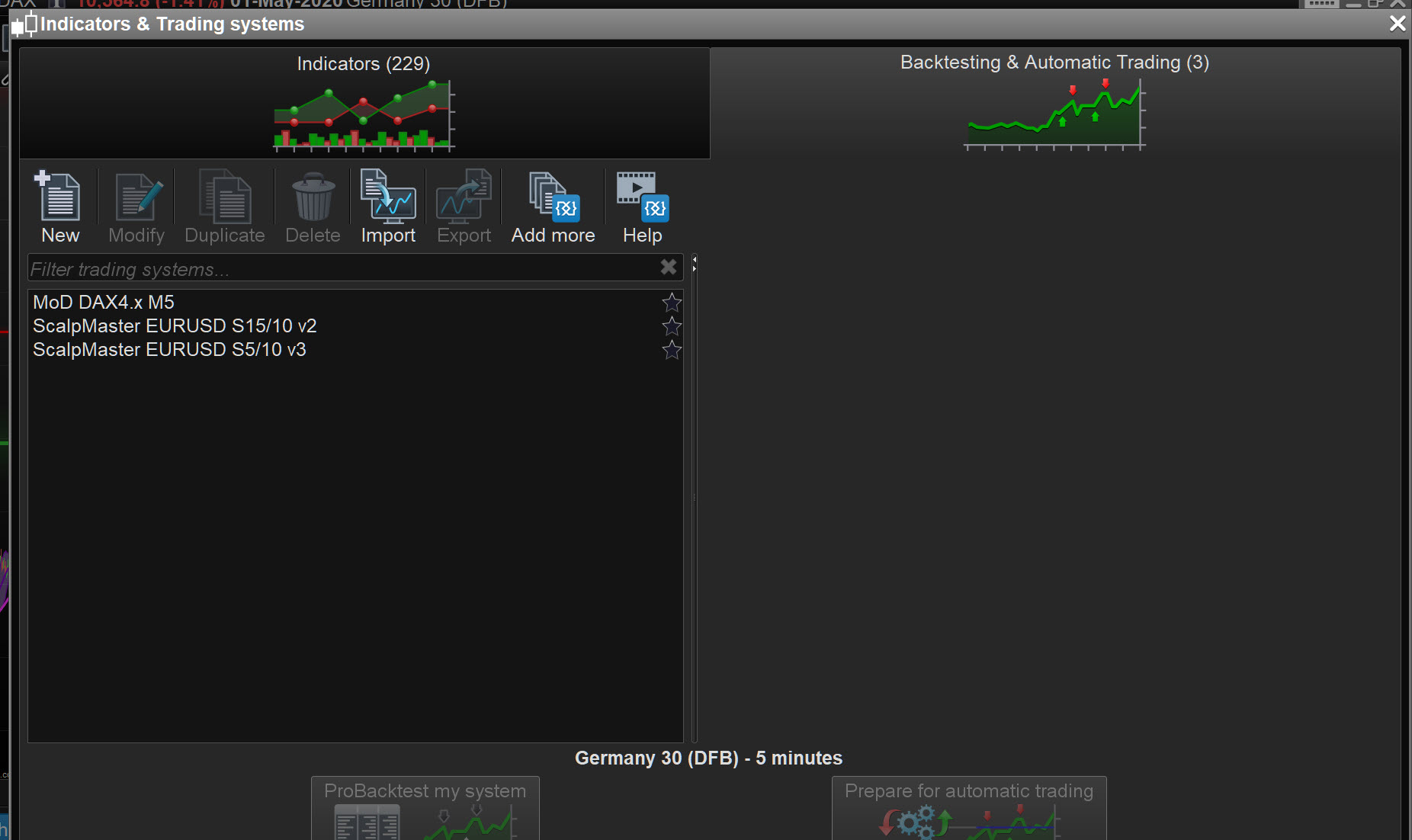
Out of interest … how many Systems do you have listed / showing on the screen attached?
And are you on a Mac or a Windows PC?
I’m on PC. Total systems is + 300. Does that matter?
Does that matter?
300 Systems stored in the backtest window?
Going back 3 to 4 years … I used to have loads of weird happenings on PRT, but after I exported / cleared out my stored Systems (I had 100’s also and and Bard has 360) on the backtest screen then the occasions when weird stuff happened reduced to almost none / zero.
It is well worth trying anyway … better than losing a days work again!? That used to make me insane … just like Bard has been this week!
Hey thanks Grahal – I’ll do a clear out and see if it helps. A lot are redundant, for sure.
Hey @nonetheless, joining the advice that gave you GraHal, i don’t reccomend you to store all your algos just in the platform.
1: it is very confusing to search and find what you need
2: there is a strong risk of losing data, quite a few times I have came across the platform freezes
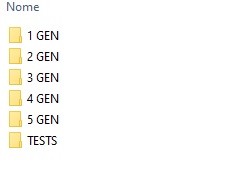
Having a folder in your storage is surely more confortable and secure, maybe splitting systems and joining them with robustness tests could help to have everything more accurate
I also tested hundreds of algos, and 3/4 of them were just trash: deleted or declassed in lower generations, everything more clear for me now 🙂
A lot are redundant, for sure.
I don’t delete anything … export bad ones / test beds / redundant to an Archives file … you never know when a spark of an idea may have you thinking … that’s why that didn’t work etc.
Something else I do is if I have Demo Forward Tested, rather than waste the performance stats altogether, I add to the .itf file name as for example … 25Trd-1569 (25 trades loss 1569). I can then scan down filenames on my PC and see which Systems may be worth reviving and which are probably no-hopers?
Just a few thoughts.
declassed in lower generations,
Yeah I use something similar … Good, Mid, Bad, 4Test, WIP.
I agree … I feel loads happier and more organised when the .itf’s are in folders.
Ok, it’s official, I’m a numpty. For months I’ve been cursing the inability to sort systems into folders within PRT. Just export it, dimbo. Thanks for that, I’ll just go sit quietly in the corner.
Maybe it’s not you being numpty, maybe it’s just us being too affected by obsessive compulsive disorder 🙂
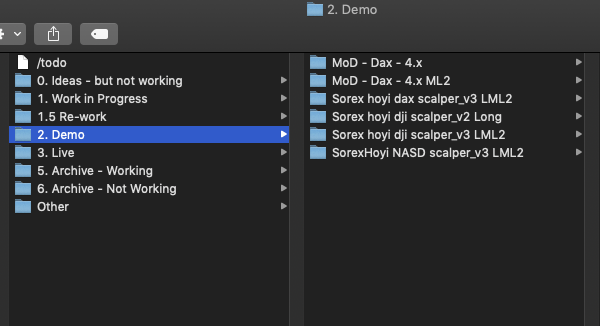
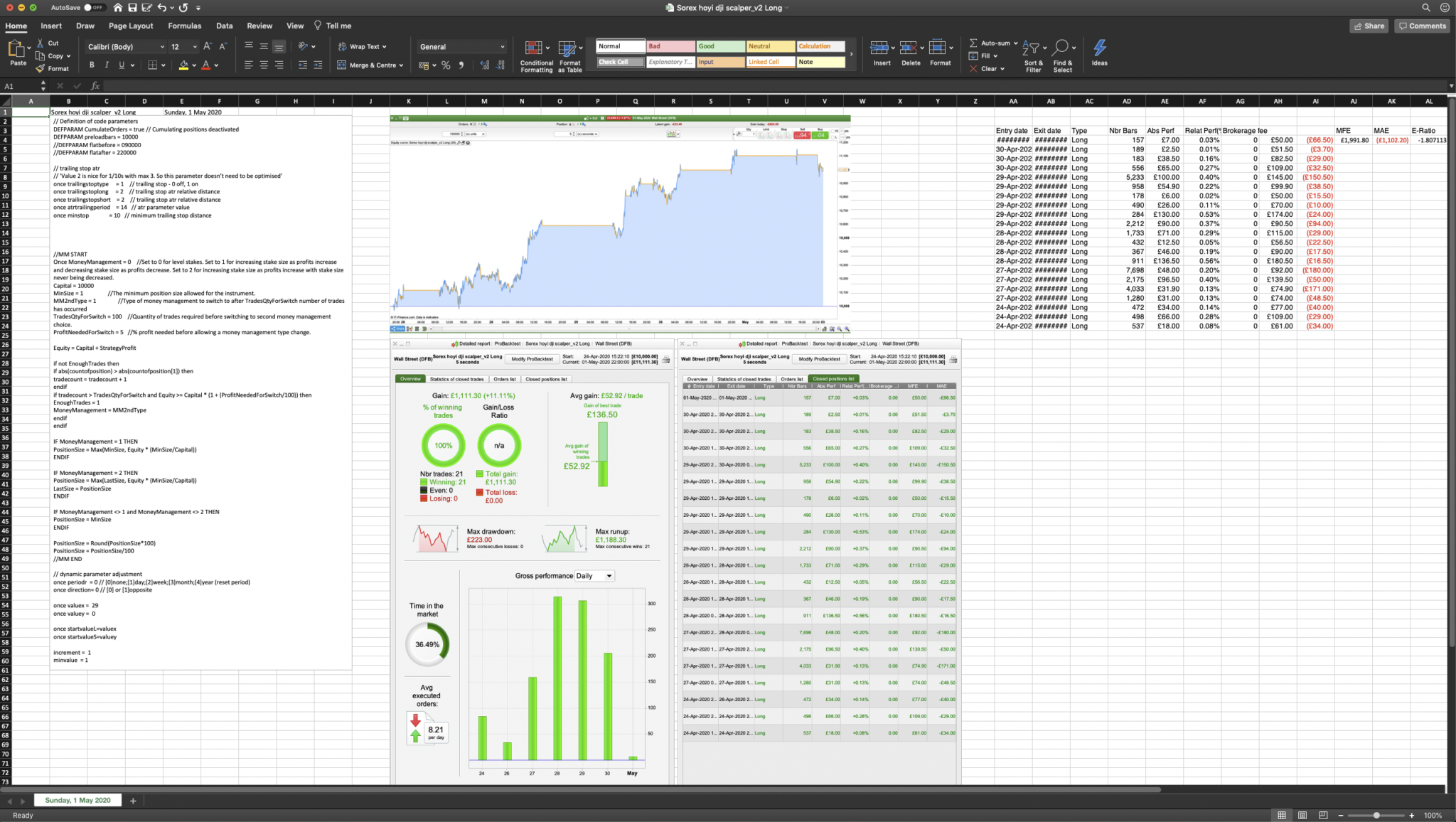
Maybe this is worth another forum topic: best work practices, tricks and tips? I’m very new to all this, but have also had problems with losing code in PRT so I keep an offline copy as soon as I launch the script in demo. I put everything in excel, including code and screenshots of backtest – including notes on why I think it may or may not work. It helps a lot when I review the strategies after they’ve been running live, also helps me to revisit the ones I thought were dead – i.e. testing on very short TF where there is limited data available, and then re-testing them again with same variables a few weeks after and comparing results. I know some of you hate Excel but… 😉 Then I move the folders back and forward in the fodlers so I can keep track of where each one is in terms of testing / live etc.
 Moda
ModaParticipant
Senior
to avoid losses of code i work with notepad++ or IDE this save me from PRT bugs…
my 2 cents
Great idea Francesco!!
Mods @Vonasi
Please can you start a new Topic in the Platform Support Forum with posts …
FROM
Machine Learning in ProOrder ProRealTime
TO
Machine Learning in ProOrder ProRealTime
Please title the new Topic …
Good Work Practices, Tricks & Tips
Thanks
@Moda, Notepad++ is v. useful. What language setting do you use?
Topic split from the ‘Machine Learning in ProOrder ProRealTime’ topic at GraHal’s request (it was a bit off topic!)